EMtamp
Members
-
Joined
-
Last visited
Everything posted by EMtamp
-
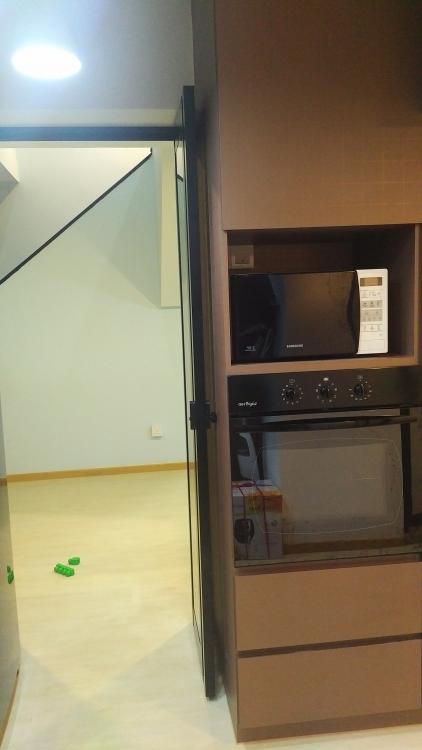
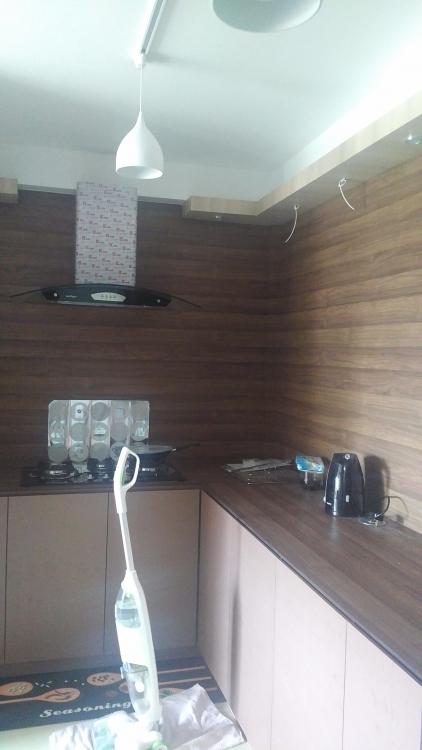
EMtamp replied to purplegirafffe's topic in Reno t-Blog Chat - HDB Resale Renovation & Interior DesignFrom the kitchen view.
-
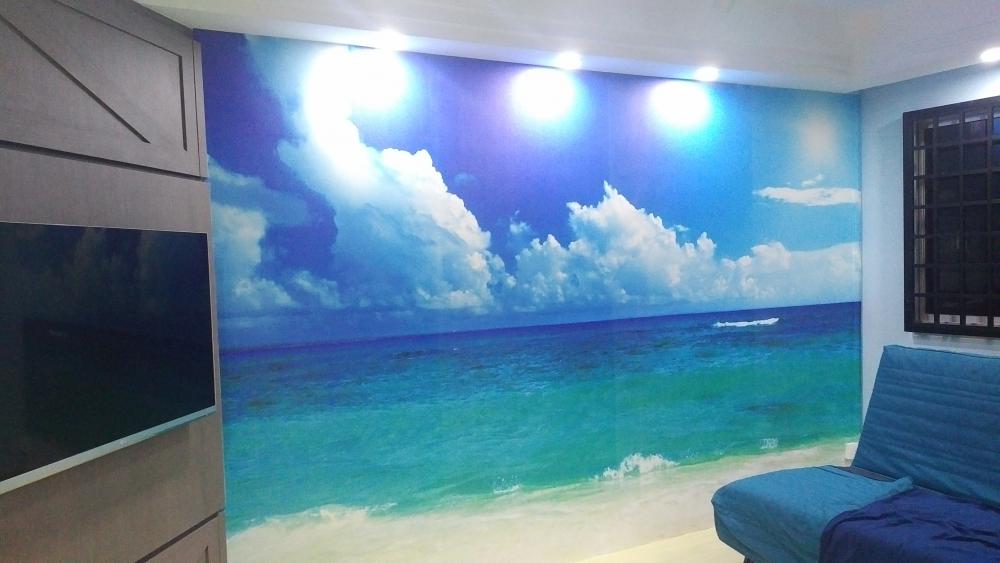
EMtamp replied to purplegirafffe's topic in Reno t-Blog Chat - HDB Resale Renovation & Interior DesignThe living room vinyl.
-
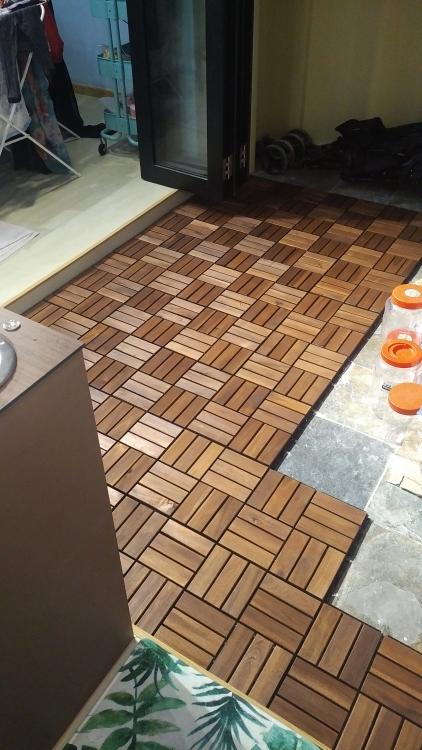
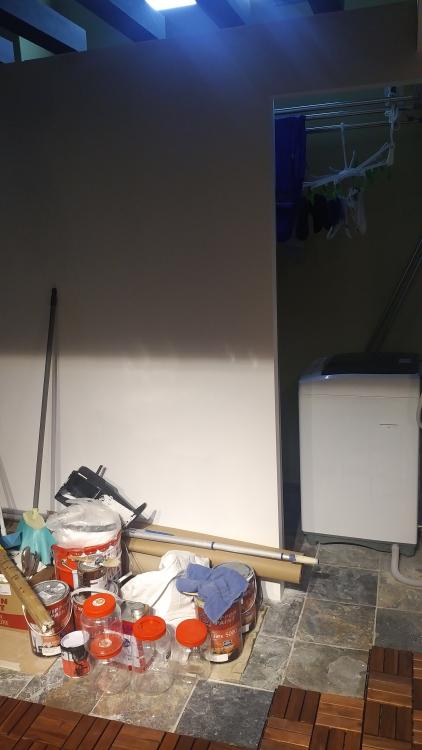
EMtamp replied to purplegirafffe's topic in Reno t-Blog Chat - HDB Resale Renovation & Interior DesignI fixed these ikea outdoor decking for the balcony. Still a bit more to cover until my laundry partition.
-
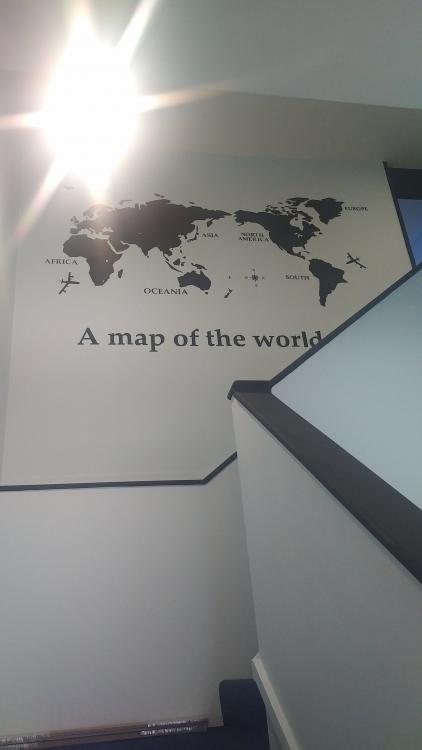
EMtamp replied to purplegirafffe's topic in Reno t-Blog Chat - HDB Resale Renovation & Interior DesignEMtamp replied to purplegirafffe's topic in Reno t-Blog Chat - HDB Resale Renovation & Interior DesignThe stairs was decorated with a world map black acrylic pieces.
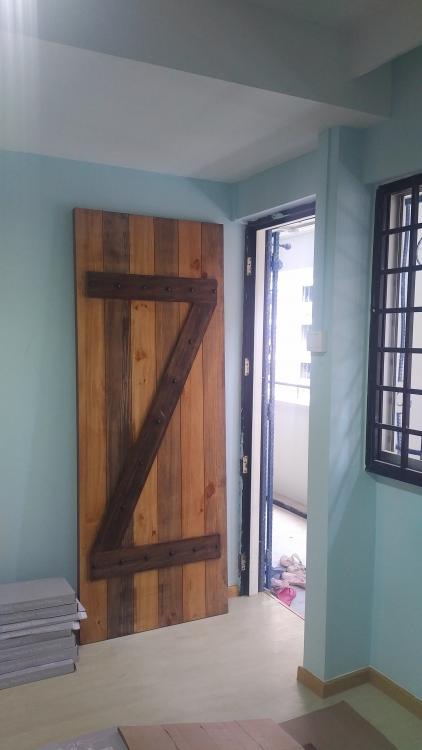
 EMtamp replied to purplegirafffe's topic in Reno t-Blog Chat - HDB Resale Renovation & Interior DesignHi, it's from Lazada. I post more pics once I snapped it using my camera.EMtamp replied to purplegirafffe's topic in Reno t-Blog Chat - HDB Resale Renovation & Interior DesignEMtamp replied to purplegirafffe's topic in Reno t-Blog Chat - HDB Resale Renovation & Interior Designhi, i got the same layout as yours. My house is just done recently with some minor bits of work still. only stayed 2 weeks into the month. my kitchen sink is facing the balcony. accessible via the balcony or the kitchen as i have hacked the half height wall. i will share with you once i snap photos of it. my customised barn main door.