Raymond73
Members
-
Joined
-
Last visited
Everything posted by Raymond73
-
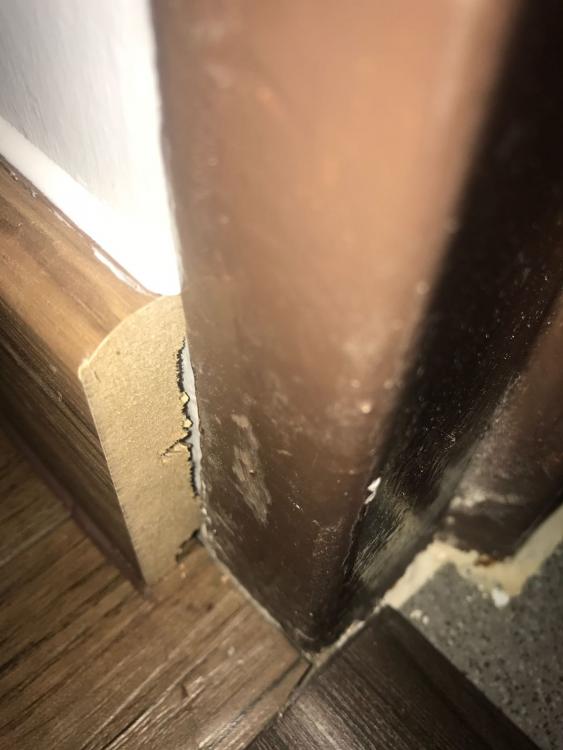
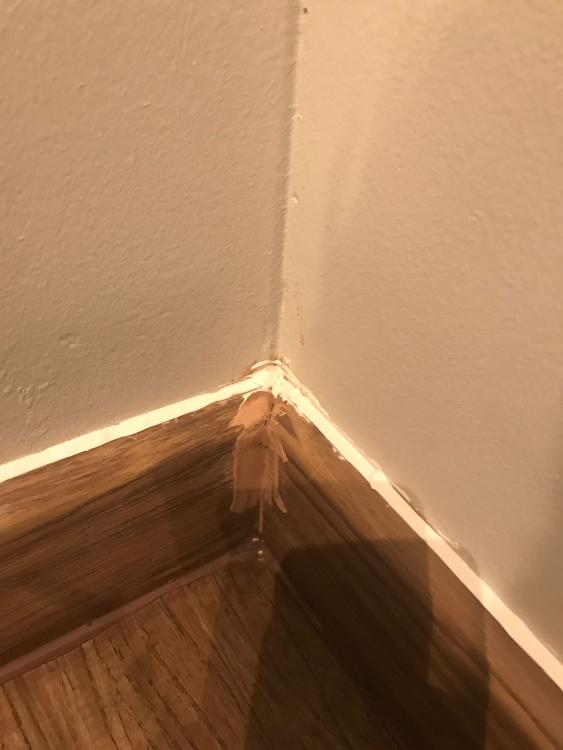
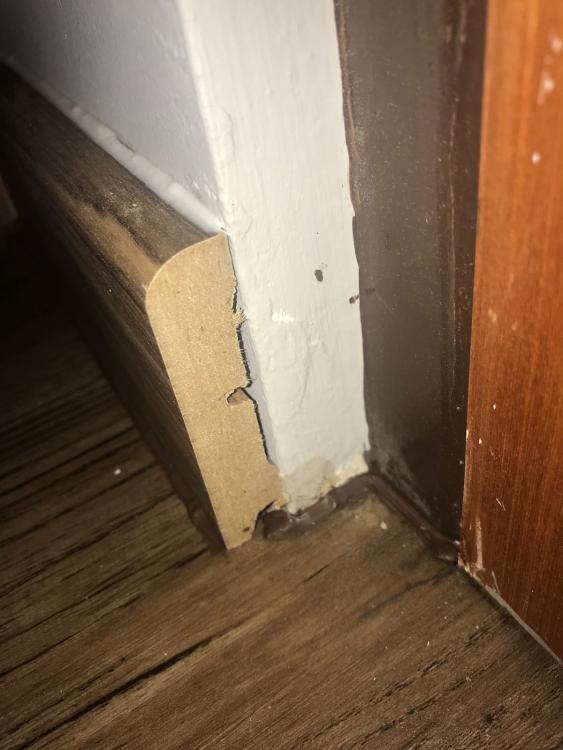
Raymond73 replied to savlim's topic in Renovation Contractors, Interior Designers & Suppliers ReviewsWell , Normally I have my own In house workers who will does the paint job, Due to this holiday Season CNY, we were pack with so many jobs. That's why I intend to out source the paint job out. And a very bad experience for me, see those photos below by S L Design ( Mr Lim so called ), How to pay you ???The L box ceiling paint job was done terribly, I still need to get my workers to paint another 2 coats .YOU ARE SUPPOSE TO USE NIPPON PAINT!! not matex Also, 1st day of work, 4 foreign workers came up on site , You claimed that this job can be done in 1 single day!! 4.30pm I came to inspect the job and it was terribly done!! I pointed out to the workers and he claimed that those can be done in another 30 mins.Still, Terribly done. Well, I found out that those workers were not your company workers, I do not how you get them to work for you, its against the law using other company/free lance foreign workers. Lastly , Get your facts right.. I only have 1 phone and most of customer knows I only have 1 phone number. If you are not happy that I am not paying you, you can go ahead with small claims, you will see how I slap your claim left right center. I am not going to pay you, Not a single cent for your lousy works. S L Design Right??? I remember Thanks Raymond Ong