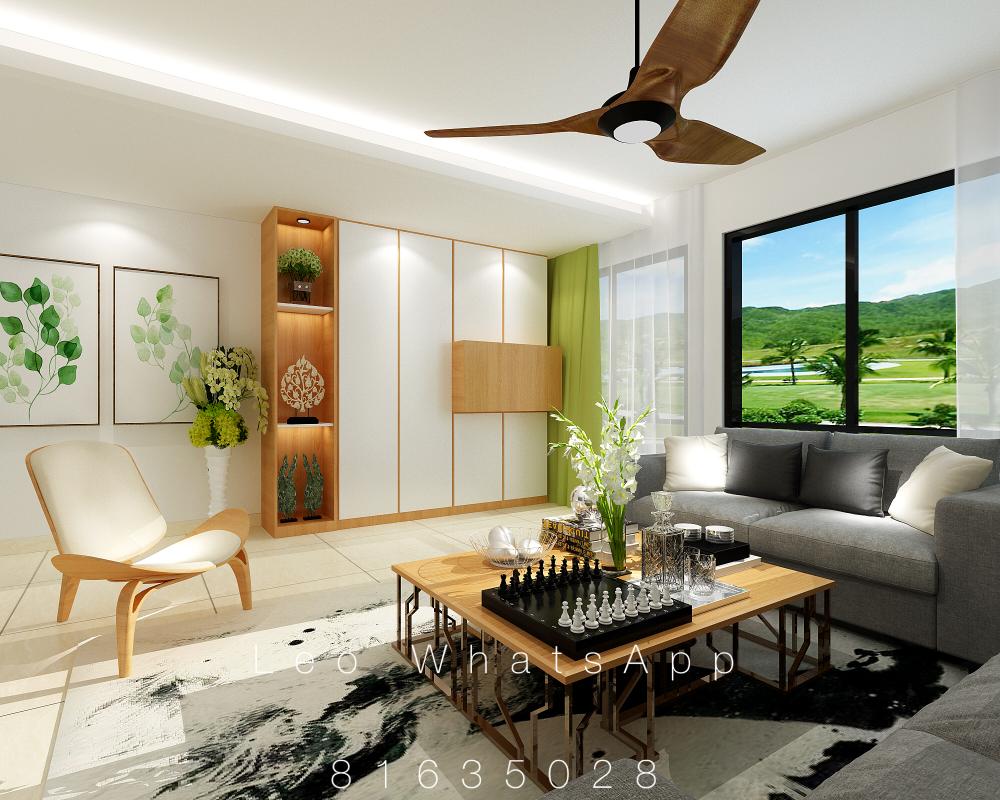
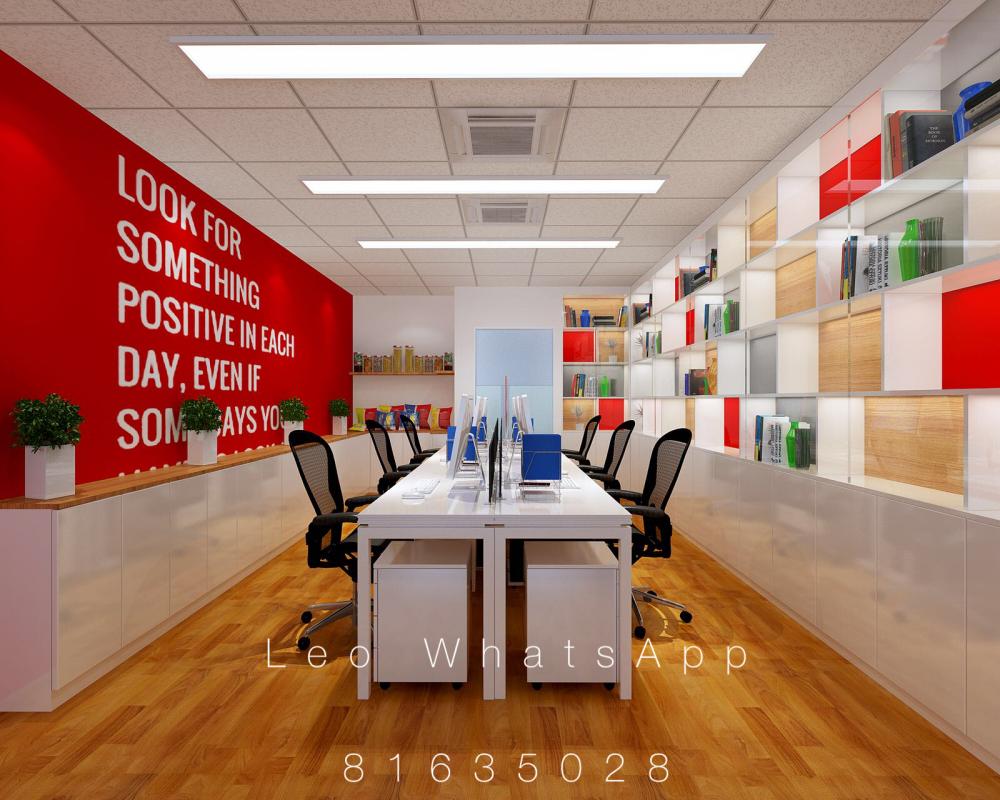
Leo 3D Dwg
Members
-
Joined
-
Last visited
-
Leo 3D Dwg replied to Leo 3D Dwg's topic in Reno t-Blog Chat - HDB BTO Interior Design and RenovationNo owner interested? Is there ID viewing this blog?
-
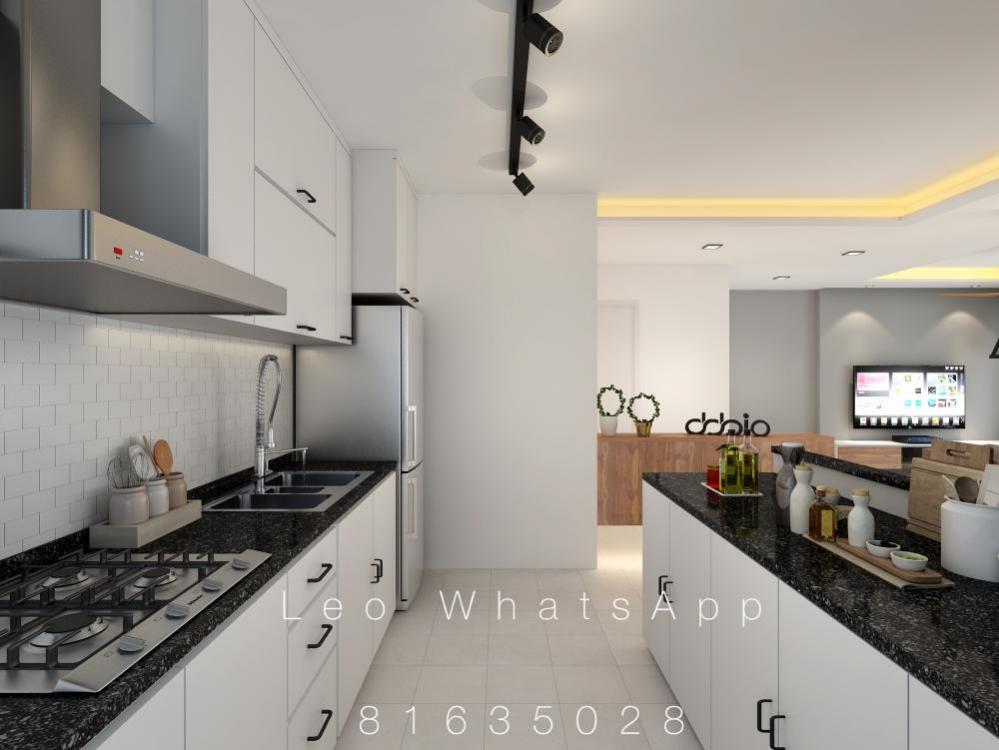
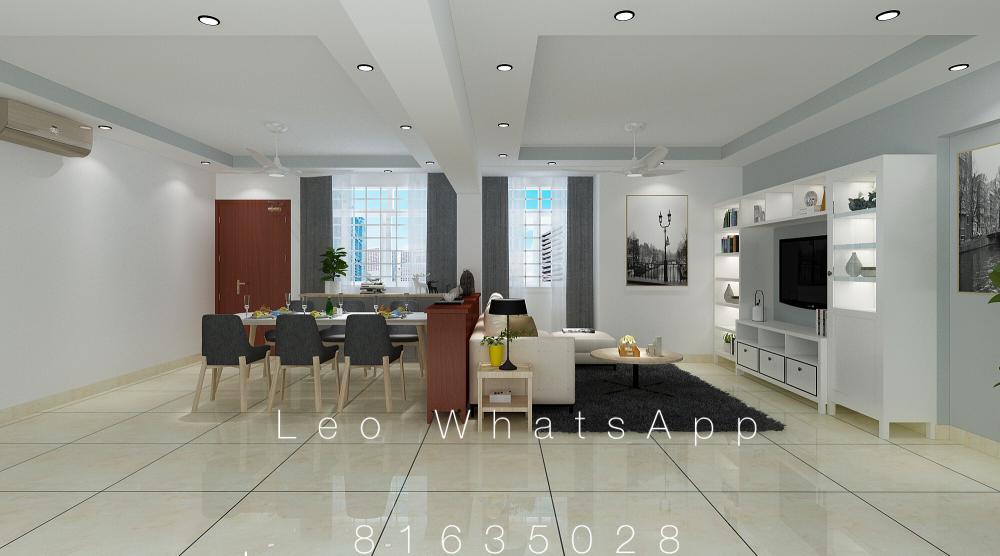
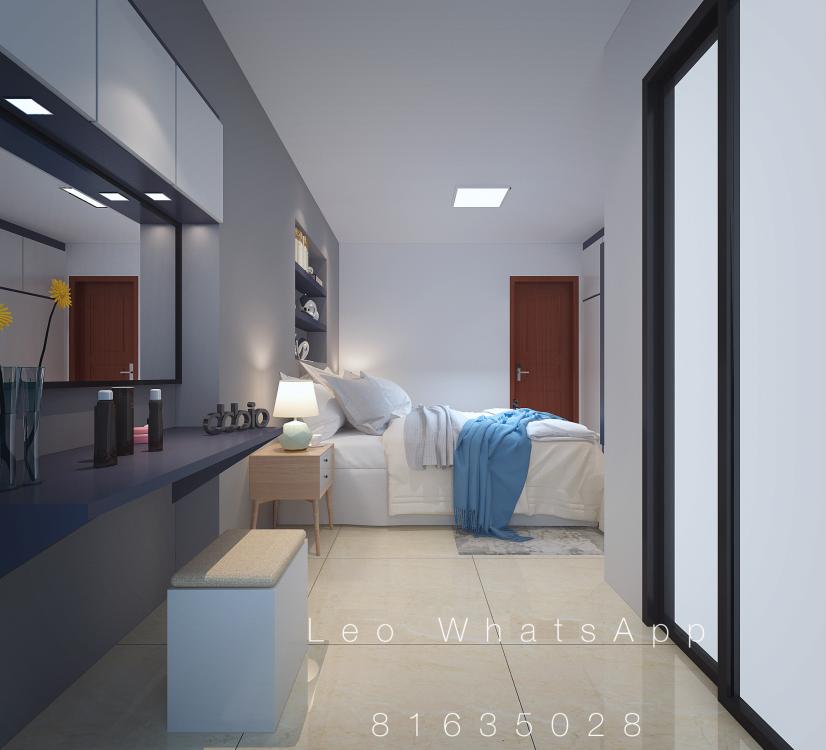
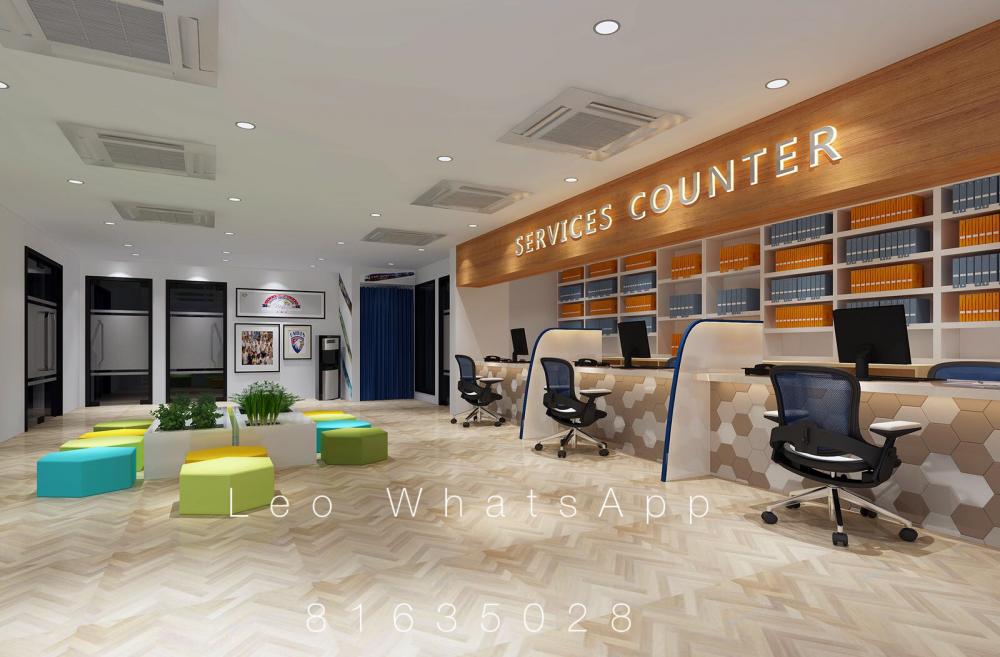
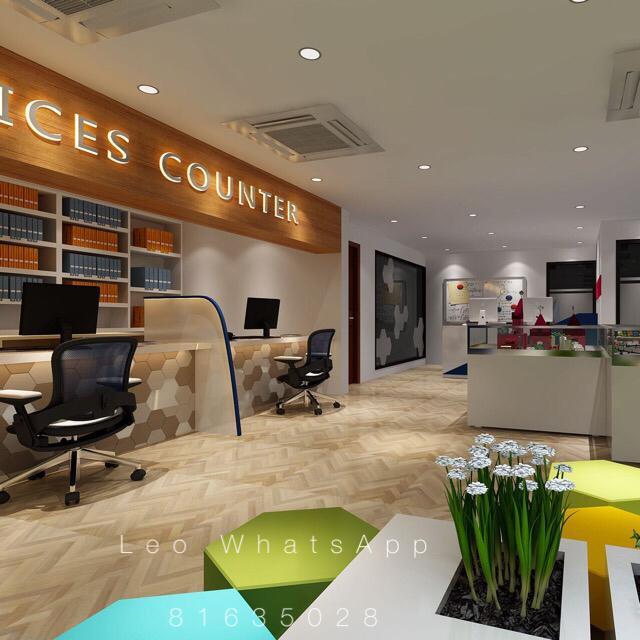
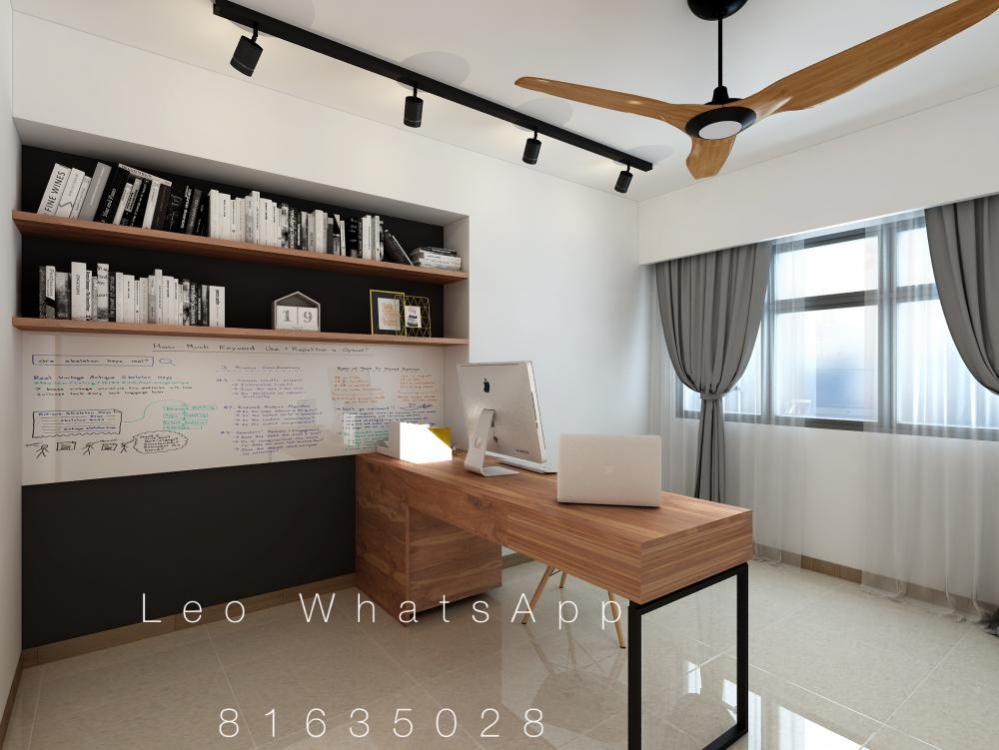
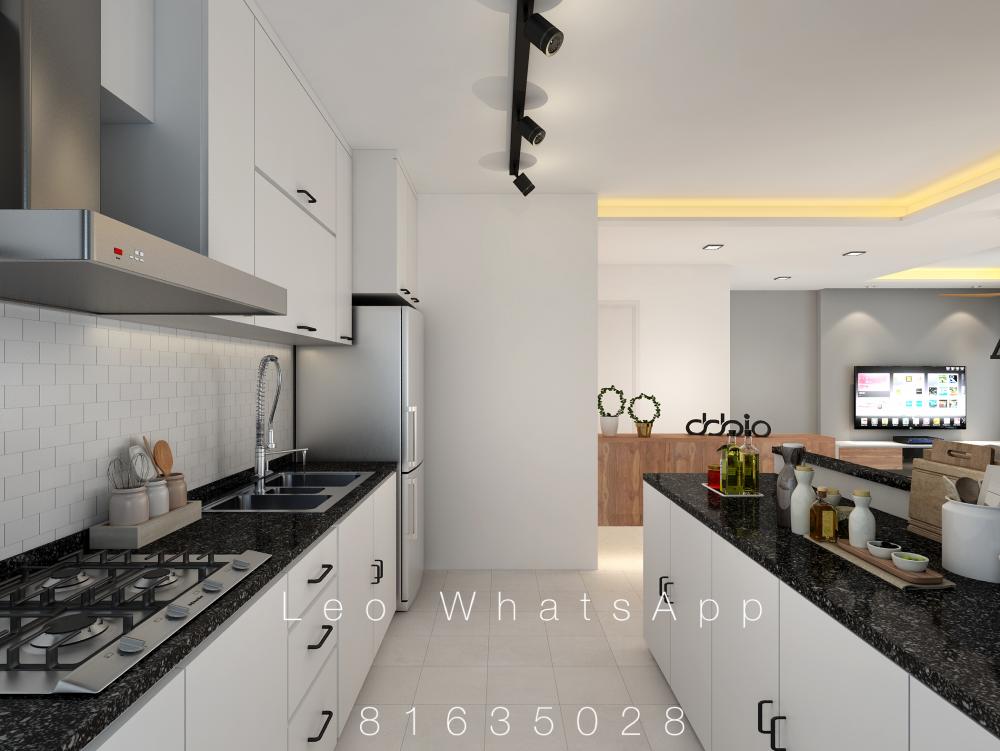
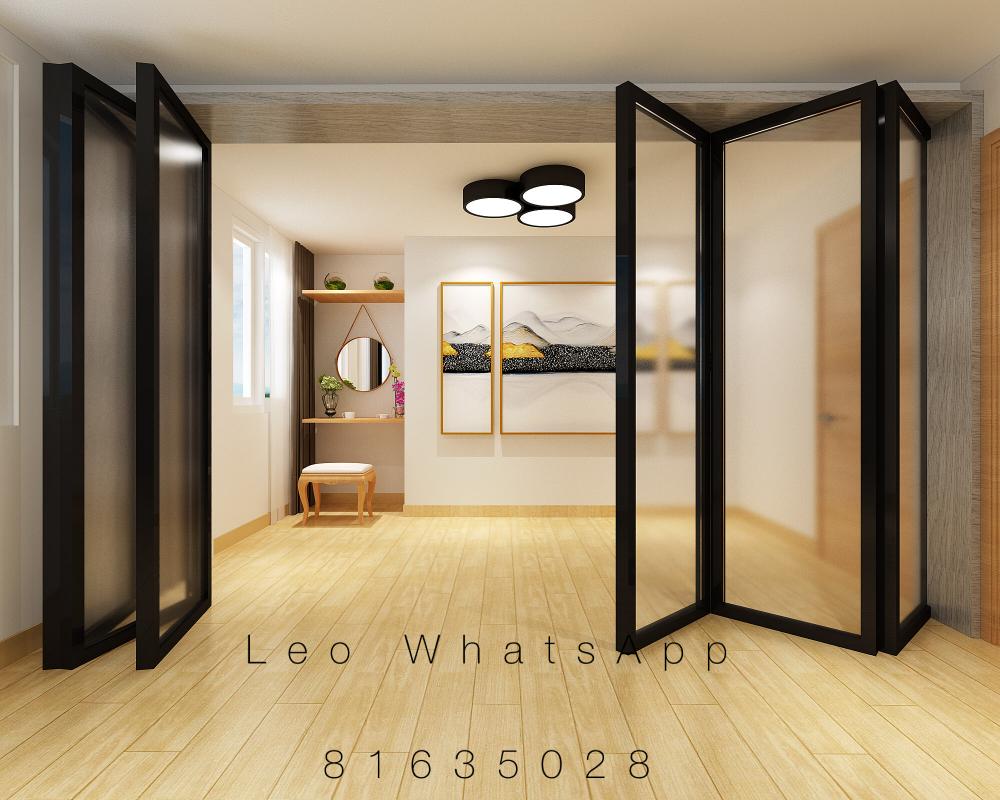
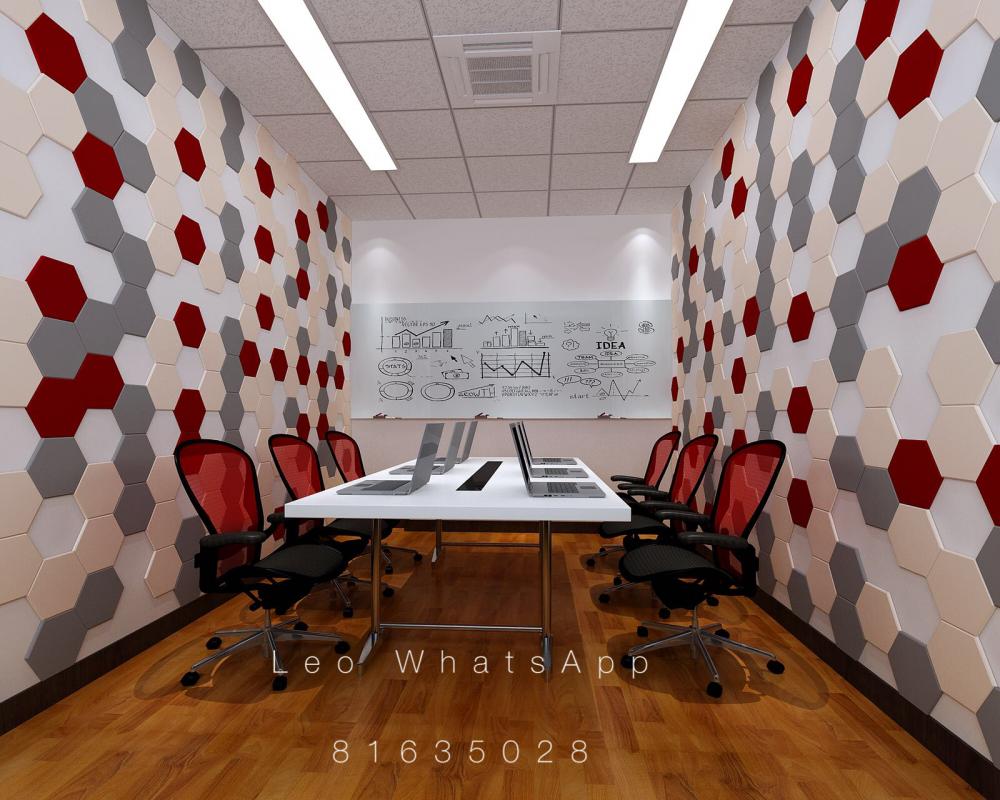
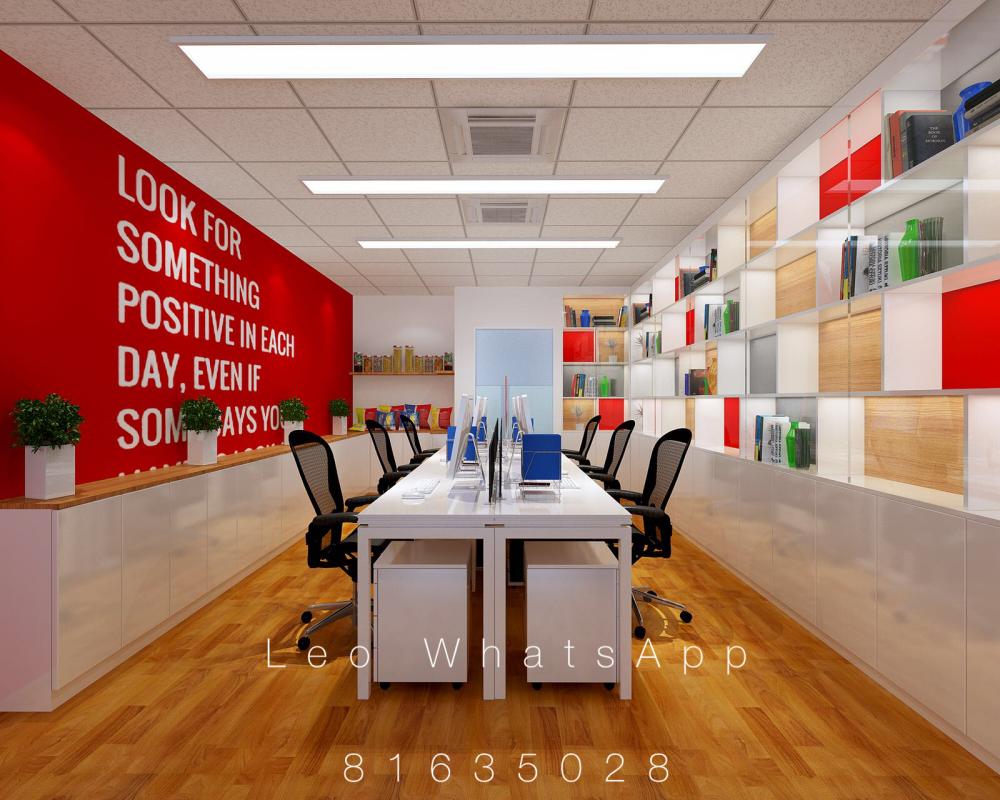
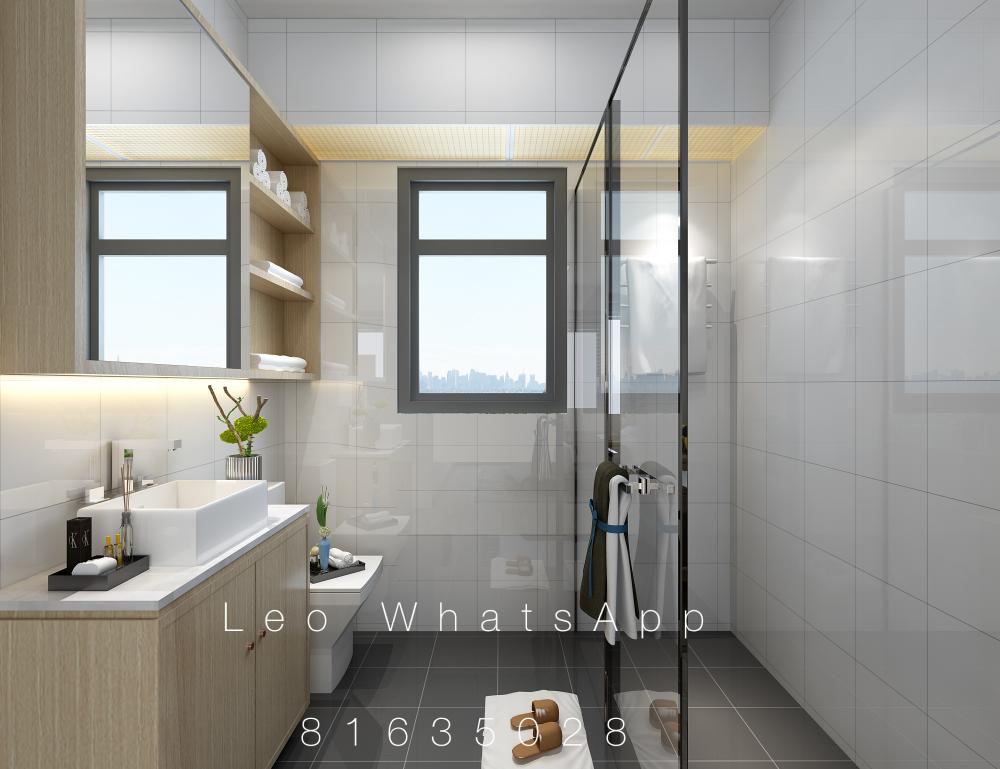
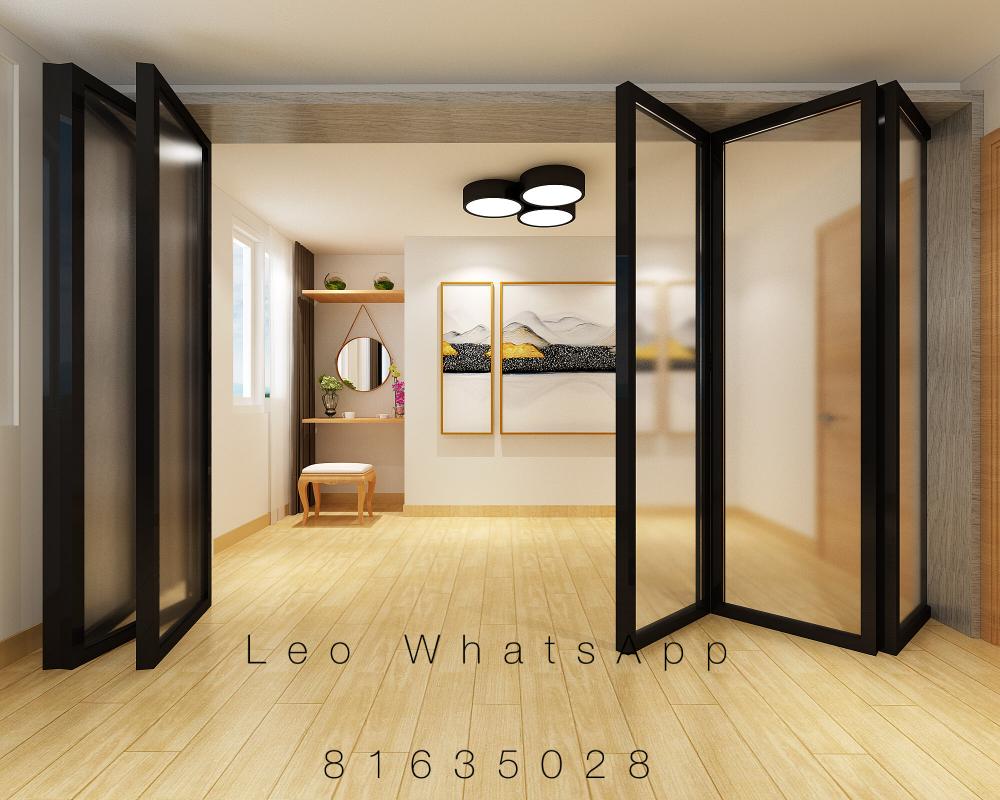
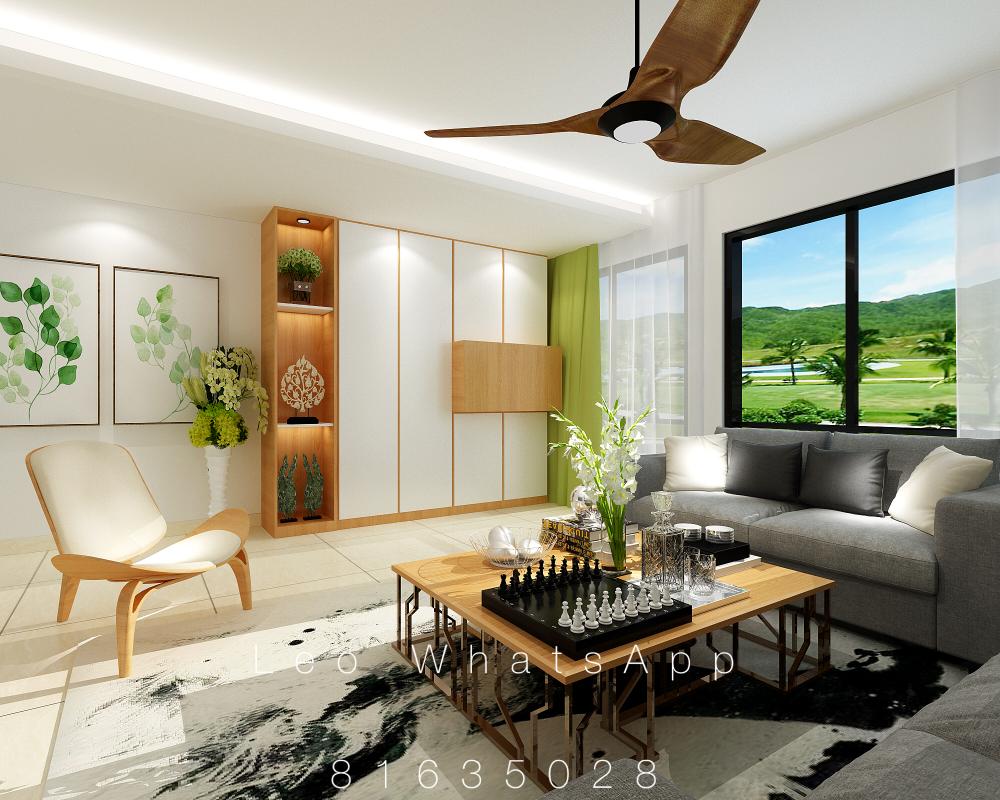
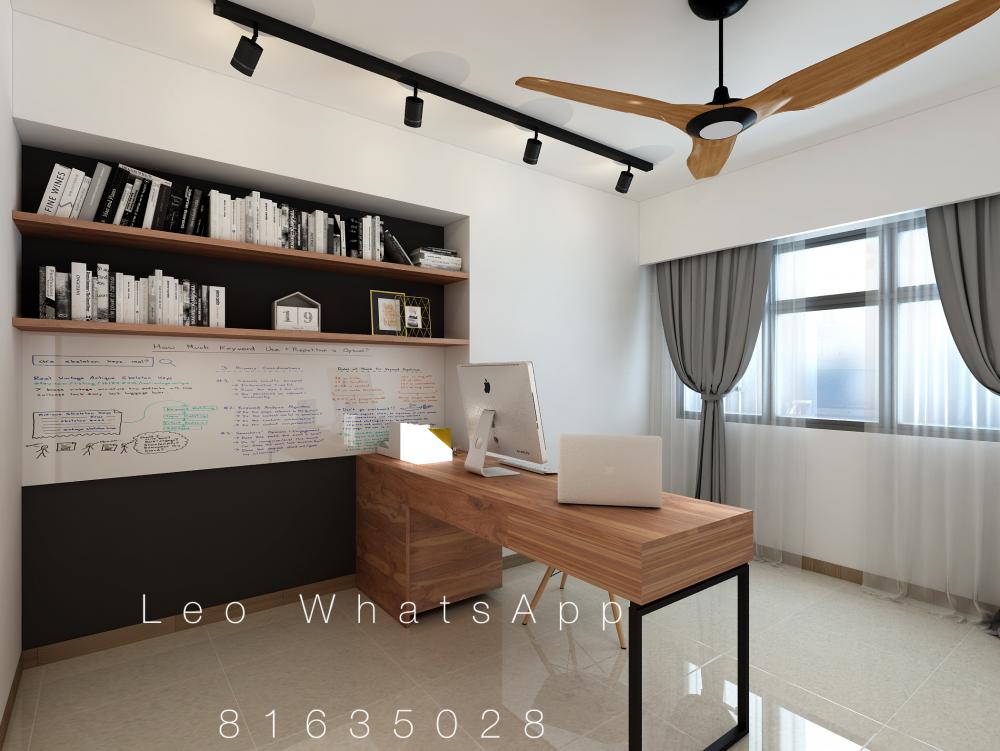
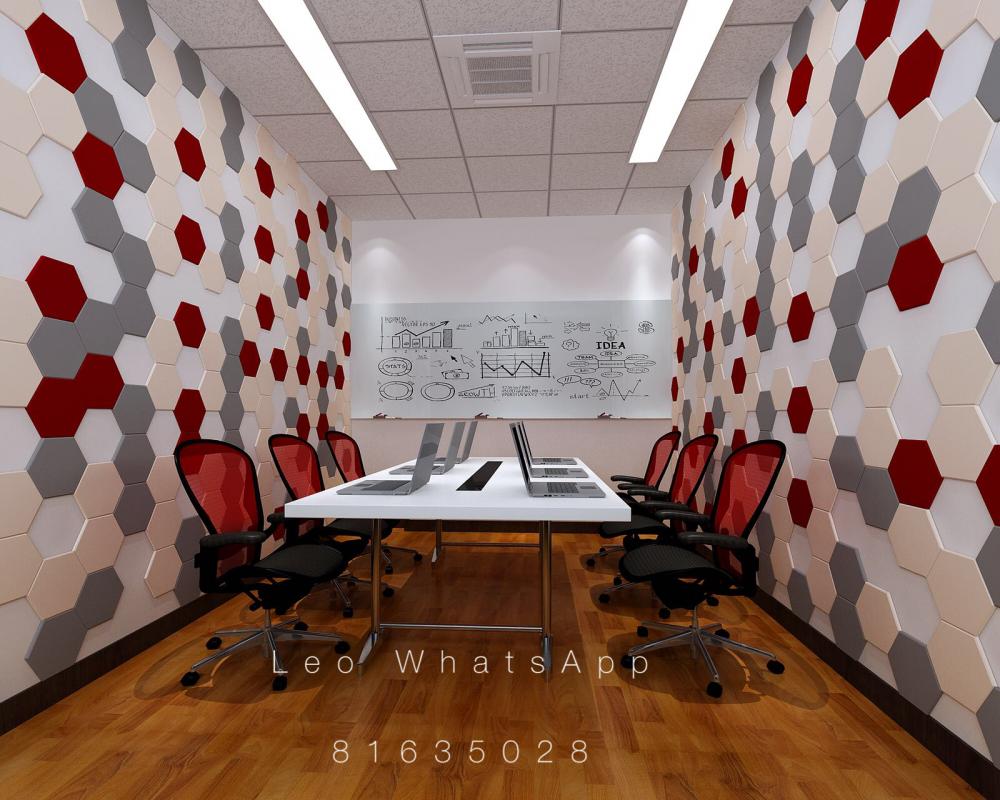
Peovide 2D AutoCAD/3D perspective drawings and 360deg VR Drawings Design & Drafting Services. Past VR drawings: 1. http://vr.justeasy.cn/view/717989.html 2. https://720yun.com/t/f2ejvptvsO3 3. https://720yun.com/t/735jvs4yuv3 Pls feel free to WhatsApp me @ 81635028 Or email me at leohuxy@gmail.com

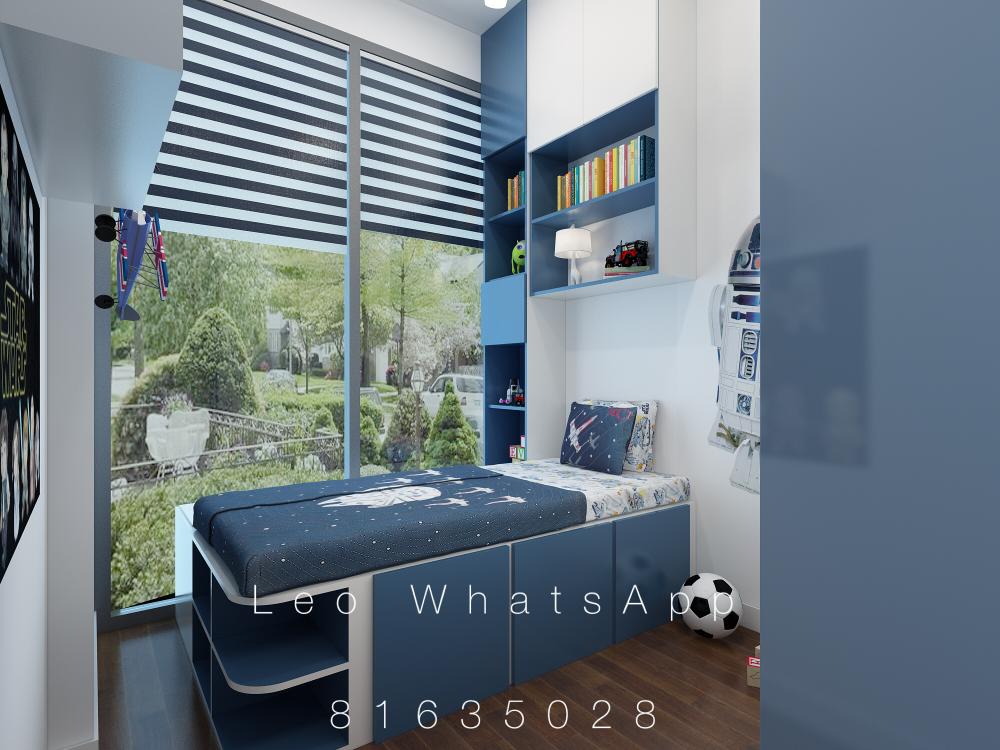

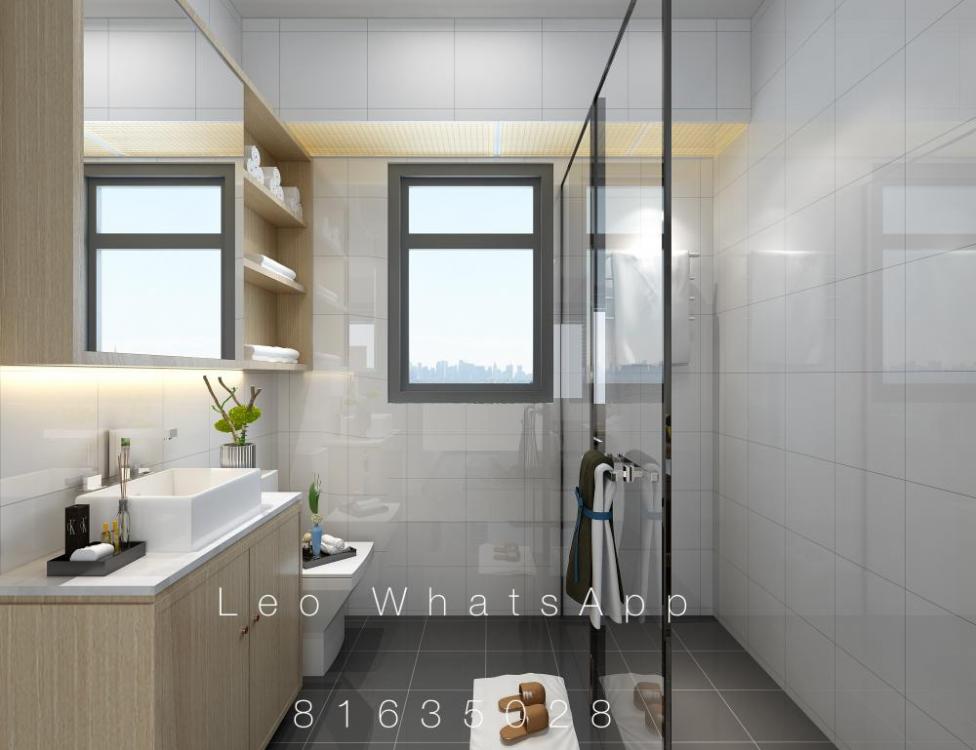


-
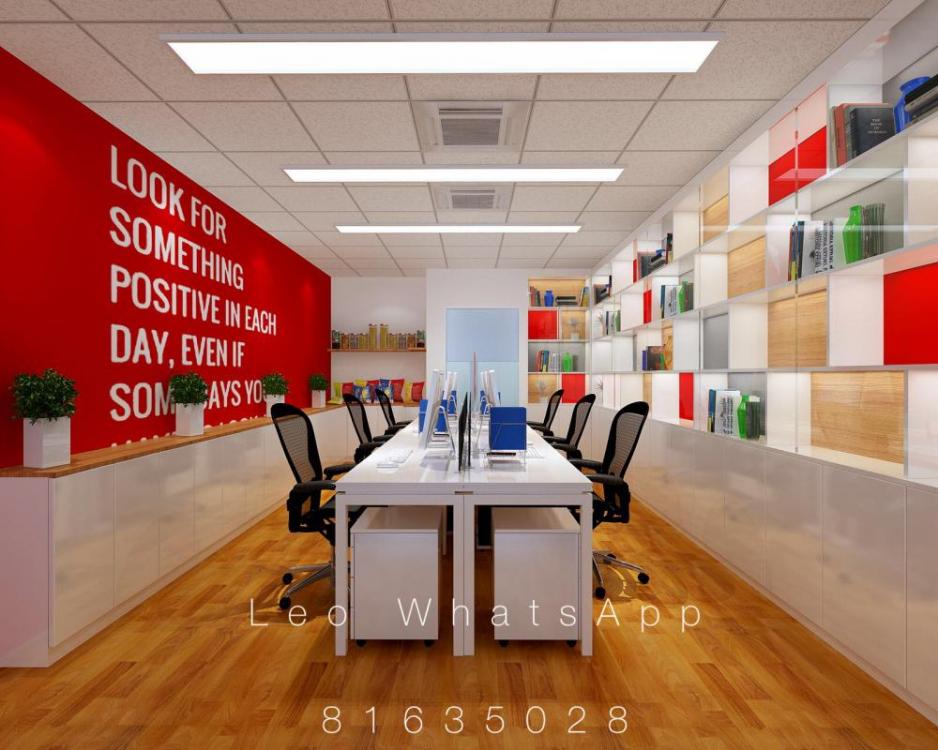
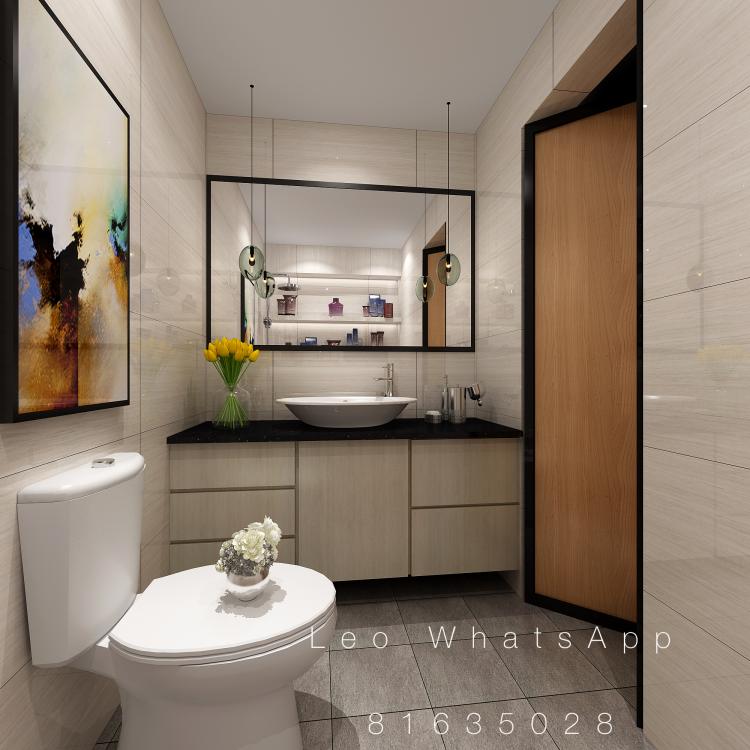
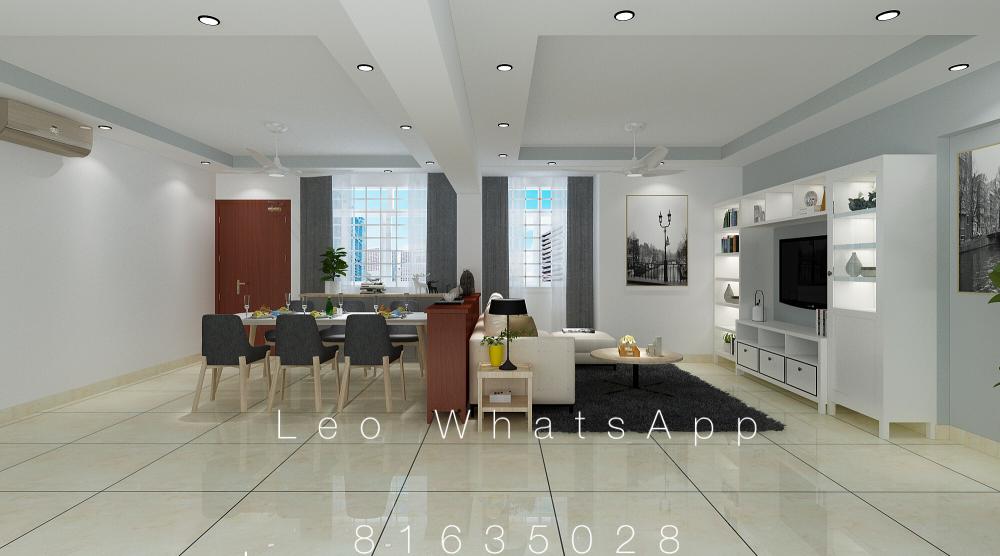
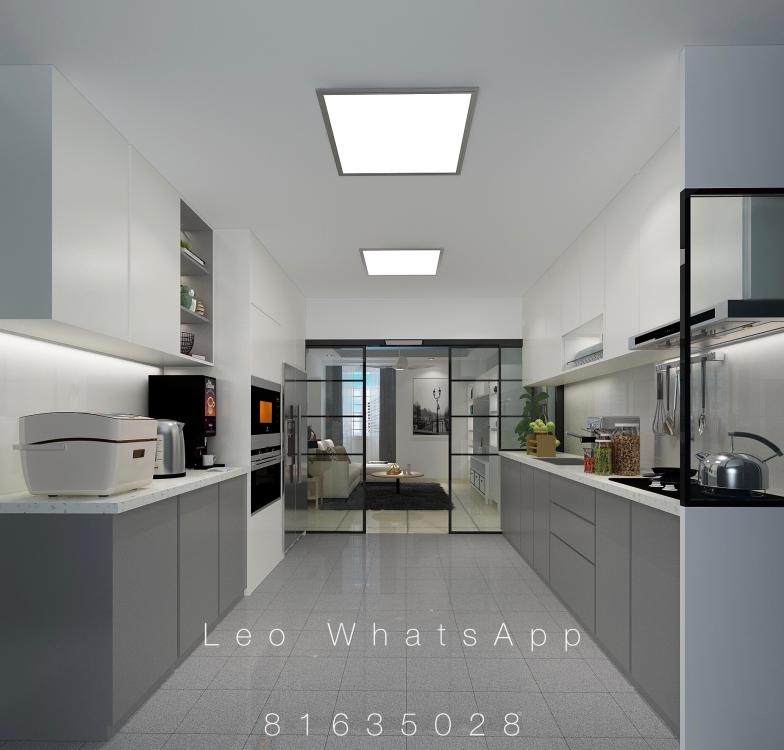
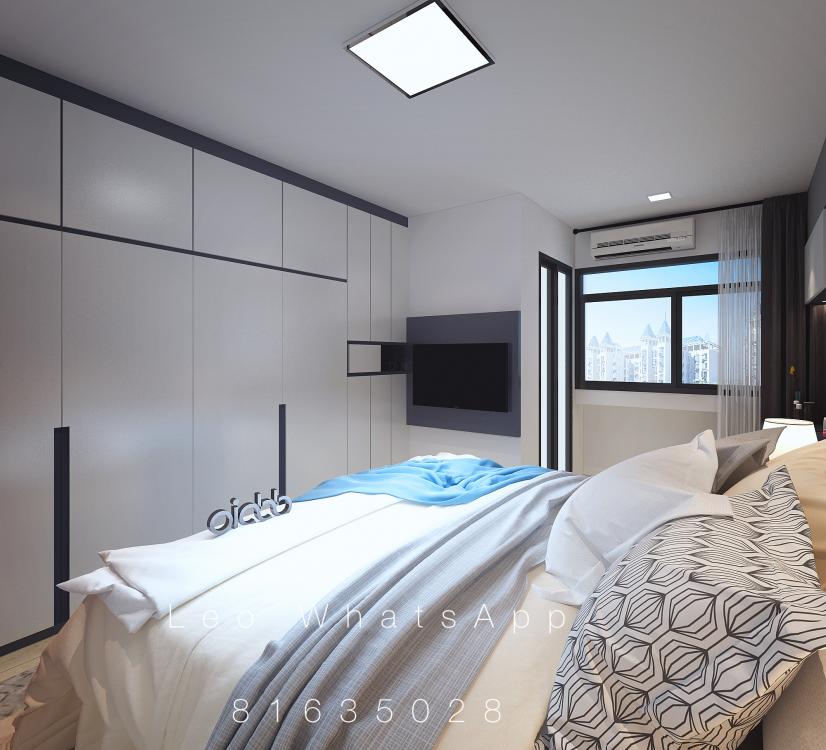
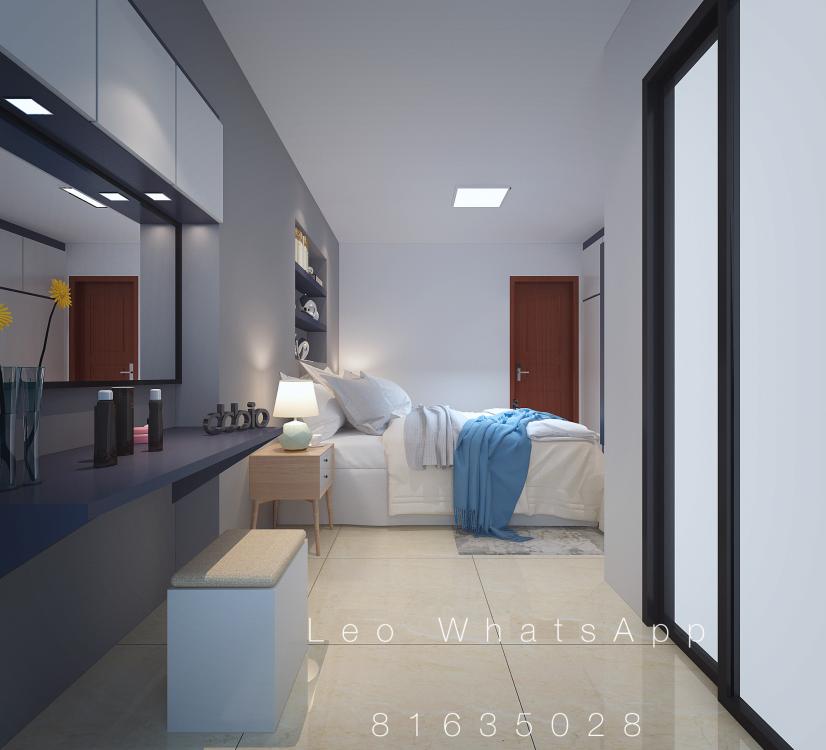
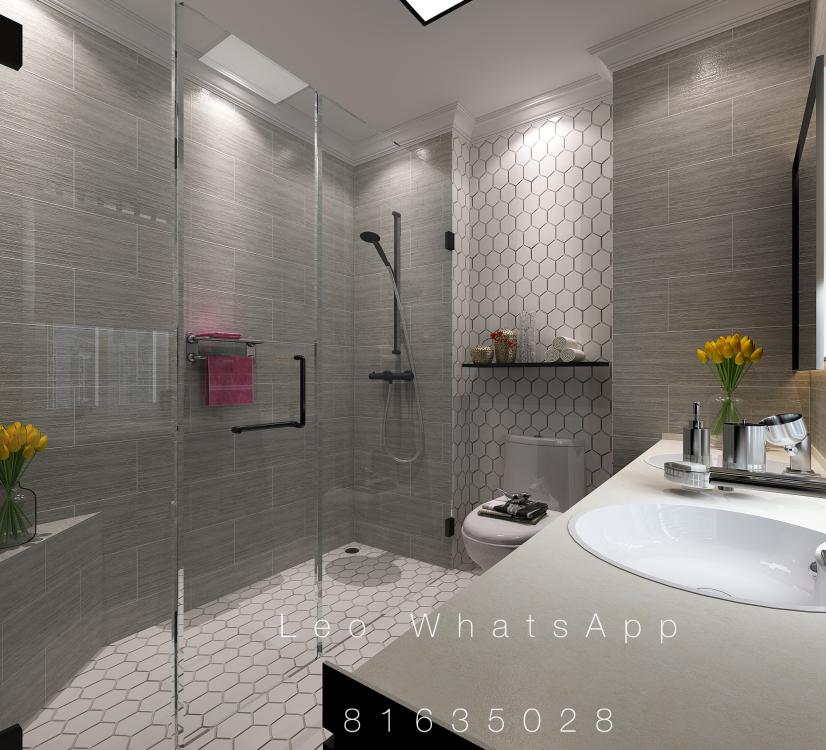
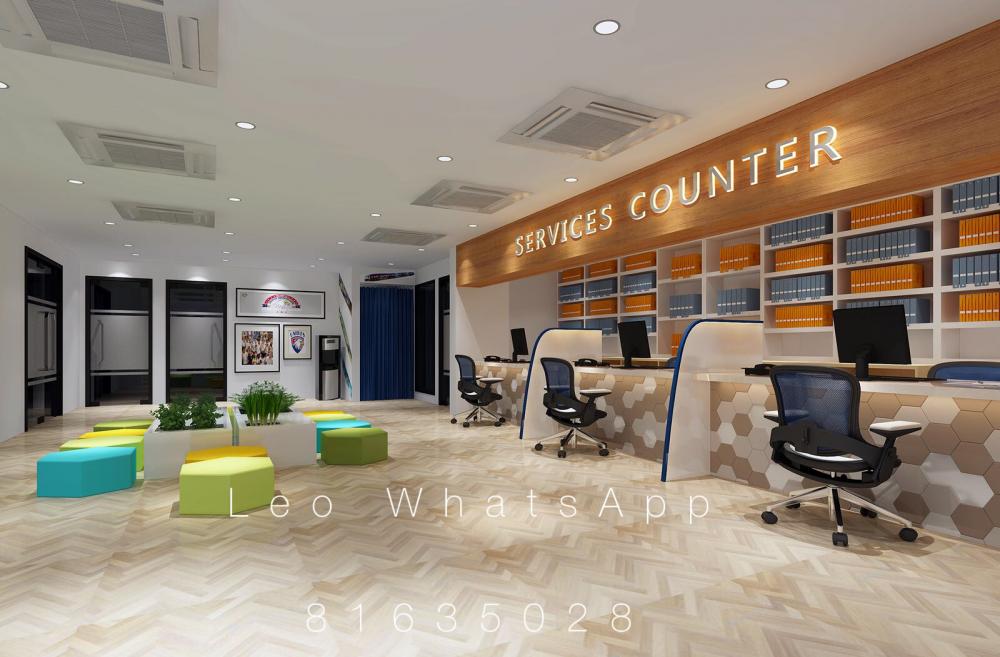
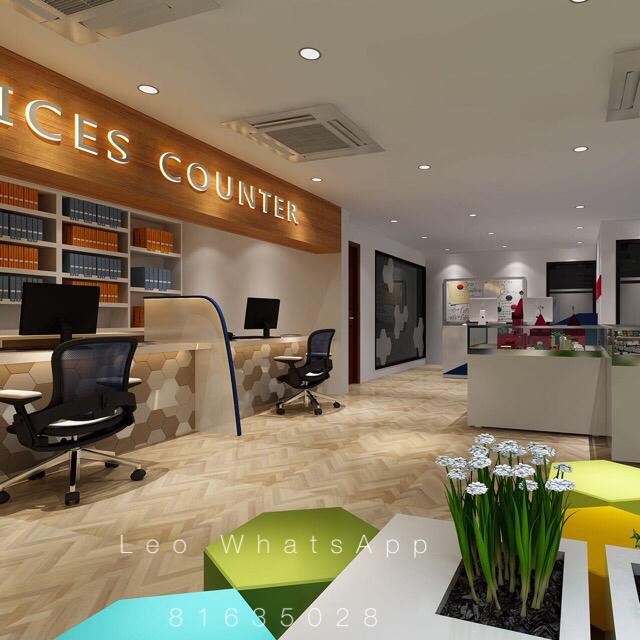
Provide 2D AutoCAD/3D perspective drawings and 360deg VR Drawings Design & Drafting Services. Past VR drawings: 1. http://vr.justeasy.cn/view/717989.html 2. https://720yun.com/t/f2ejvptvsO3 3. https://720yun.com/t/735jvs4yuv3 Pls feel free to WhatsApp me @ 81635028 Or email me at leohuxy@gmail.com




-
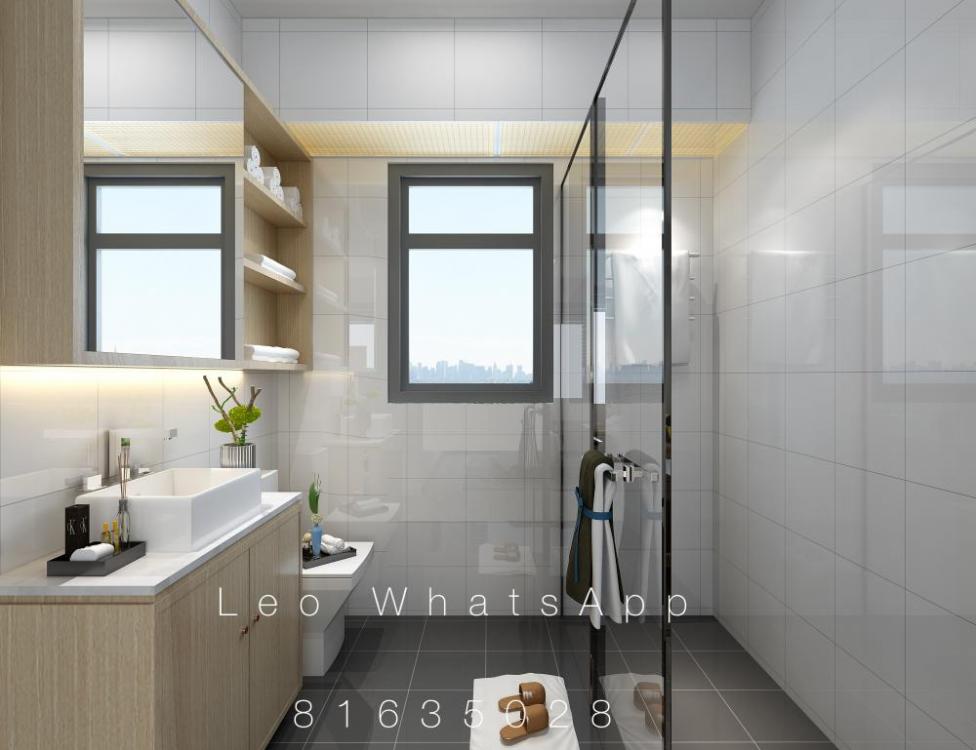
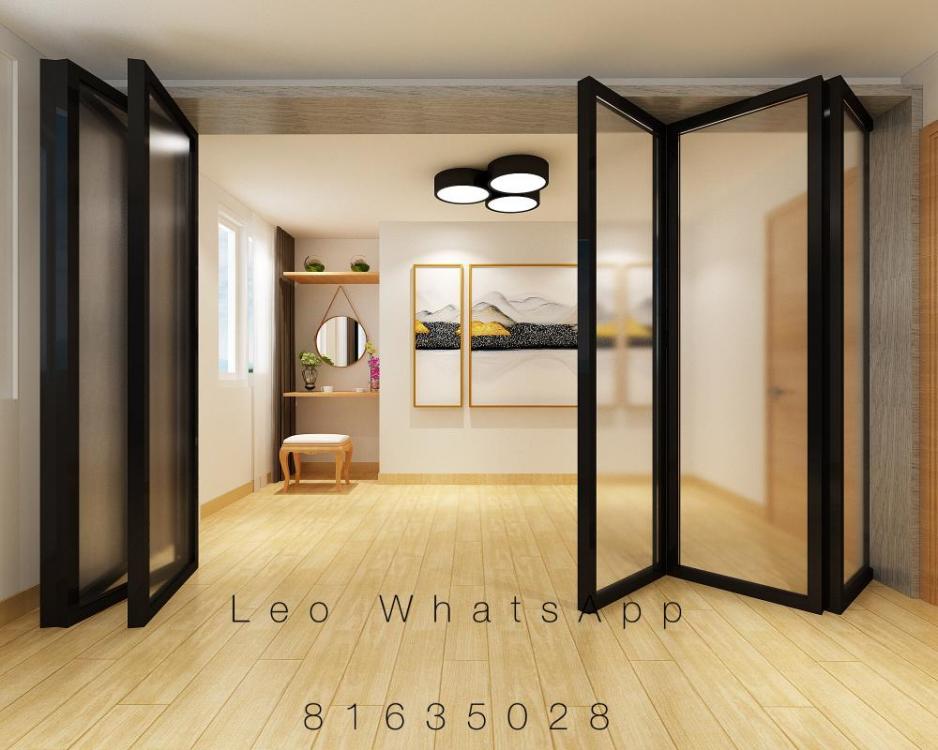
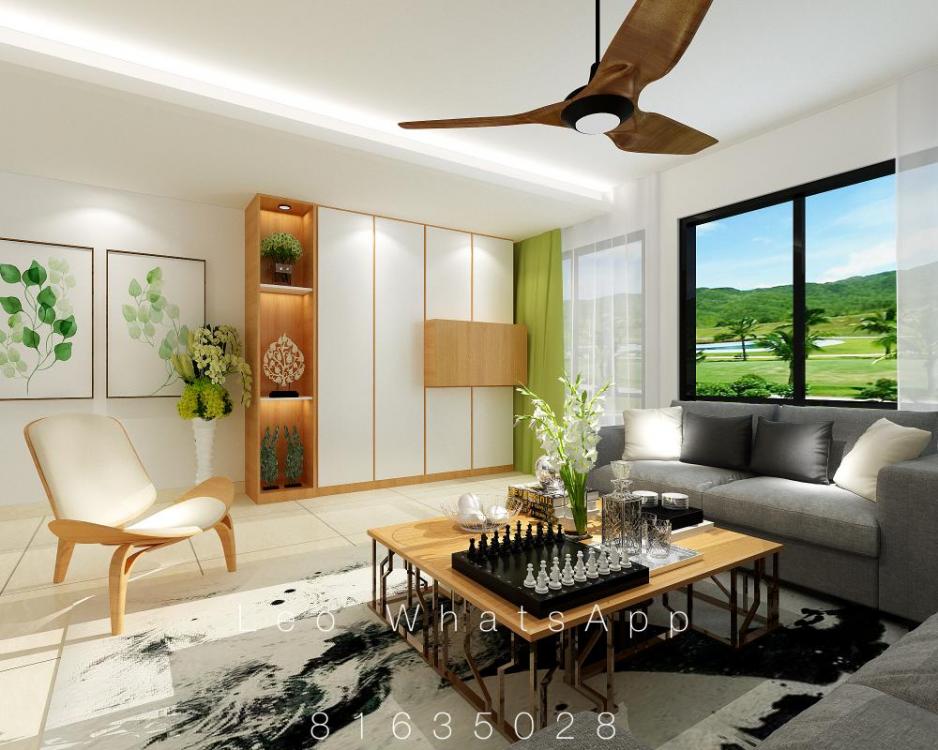
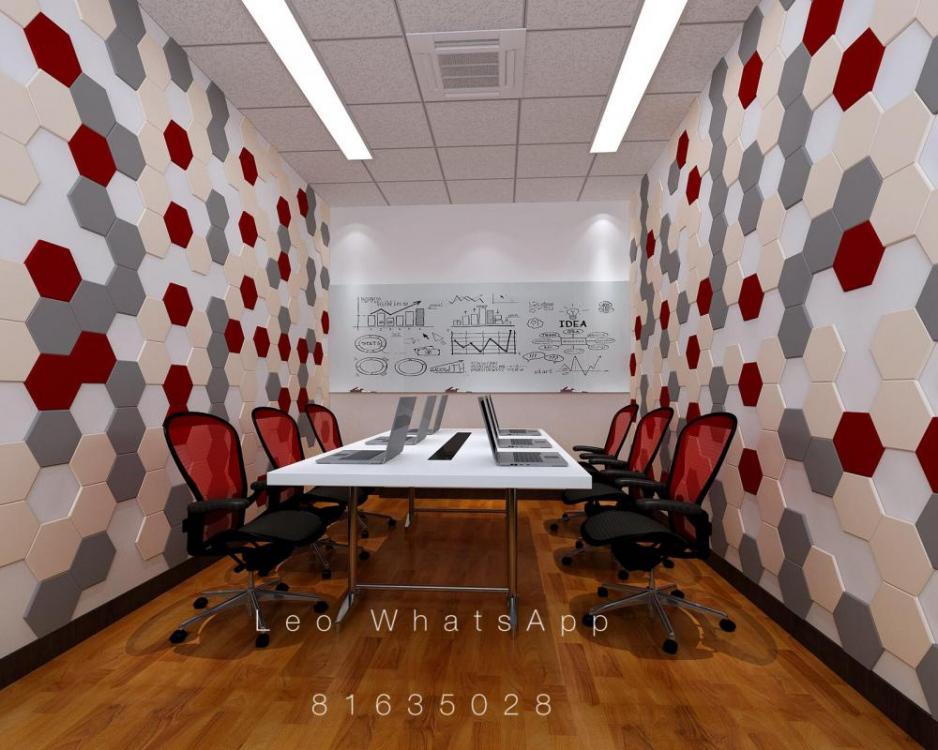
Provide 2D AutoCAD/3D perspective drawings and 360deg VR Drawings Design & Drafting Services. Past VR drawings: 1. http://vr.justeasy.cn/view/717989.html 2. https://720yun.com/t/f2ejvptvsO3 3. https://720yun.com/t/735jvs4yuv3 Pls feel free to WhatsApp me @ 81635028 Or email me at leohuxy@gmail.com




-
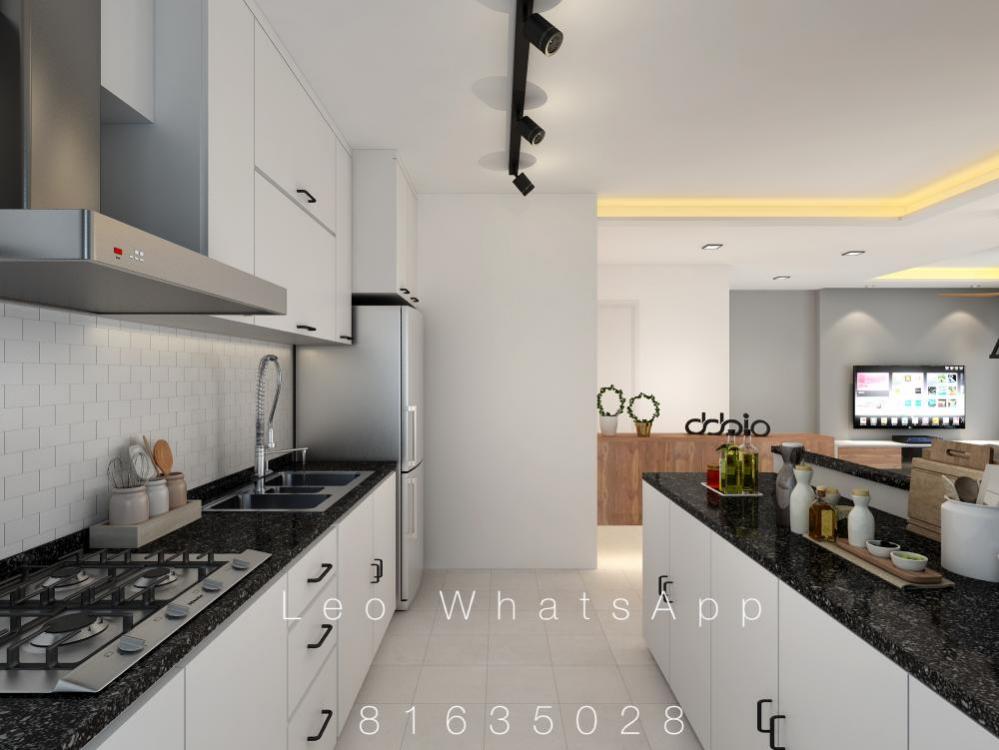
Provide 2D AutoCAD/3D perspective drawings and 360deg VR Drawings Design and Drafting Services. Past VR drawings: 1. http://vr.justeasy.cn/view/717989.html 2. https://720yun.com/t/f2ejvptvsO3 3. https://720yun.com/t/735jvs4yuv3 Pls feel free to WhatsApp me @ 81635028 or email me at leohuxy@gmail.com