



Skip to content
View in the app

A better way to browse. Learn more.

RenoTalk.com ™

A full-screen app on your home screen with push notifications, badges and more.

To install this app on iOS and iPadOS
  1. Tap the Share icon in Safari
  2. Scroll the menu and tap Add to Home Screen.
  3. Tap Add in the top-right corner.
To install this app on Android
  1. Tap the 3-dot menu (⋮) in the top-right corner of the browser.
  2. Tap Add to Home screen or Install app.
  3. Confirm by tapping Install.

anstan26

Members
  • Joined

  • Last visited

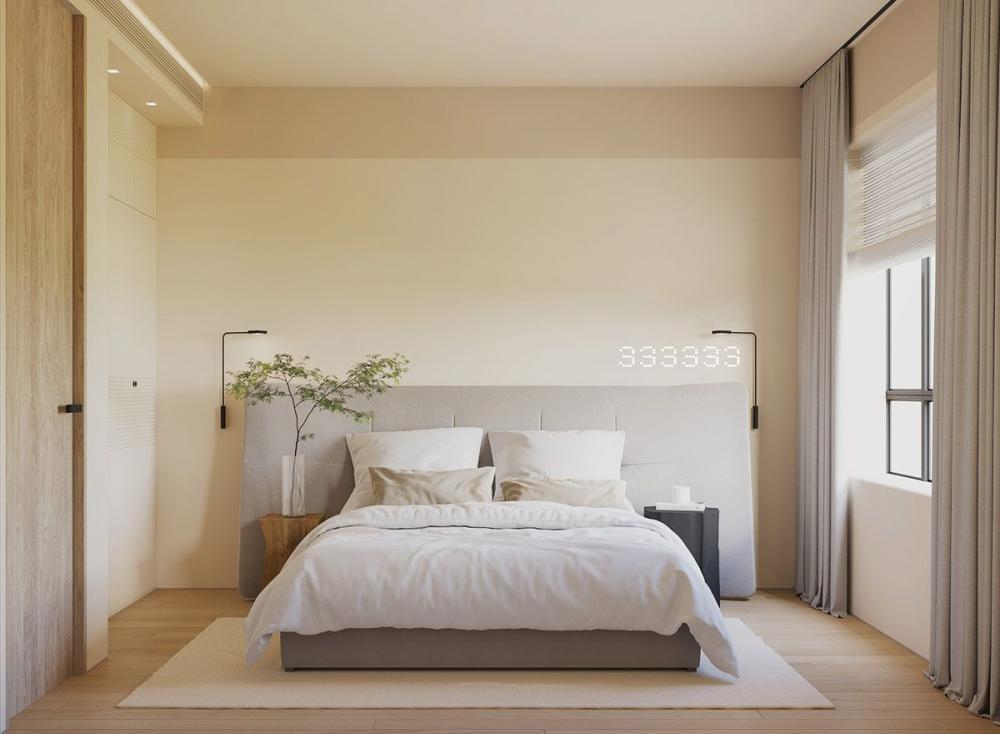
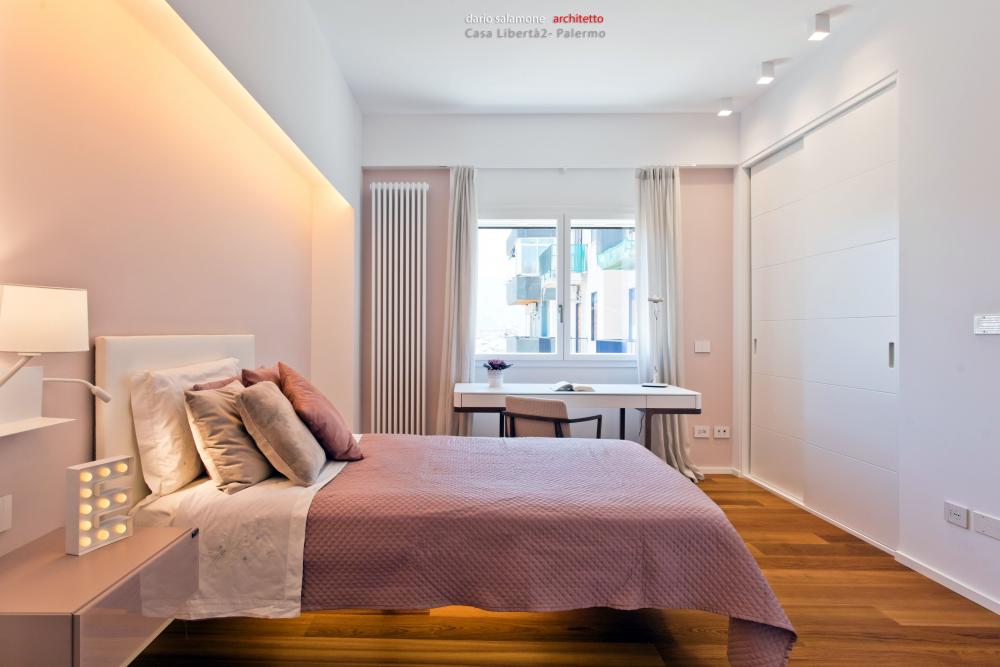
  1. Do you want to make the best room designs? Here are the best and simple cool ideas for all... Do check the 1st Image of Bedroom Designs. It's quite simple, but finishing touch looks amazing. The glow of it looks stunning. The blank places above the bed wall can be filled with your own creative ideas as Painting, putting up Wall photo frames, Show piece stands and many more... The 2nd picture you can customize your bed room design according to your room design ideas. This way you can out Television set or can put a theater projector to watch or stream your favorite movies. You can personalize the wood floor according to the color of the room. If it's dark paint then floor to be light color and if it's light wall color then dark floor color.
Account

Navigation

Search

Search

Configure browser push notifications

Chrome (Android)
  1. Tap the lock icon next to the address bar.
  2. Tap Permissions → Notifications.
  3. Adjust your preference.
Chrome (Desktop)
  1. Click the padlock icon in the address bar.
  2. Select Site settings.
  3. Find Notifications and adjust your preference.