Katako
Members
-
Joined
-
Last visited
-
Hi Snoozee, Thank you for the advice and suggestion. Will try to get the reno contractor to do the necessary. Best regards.
-
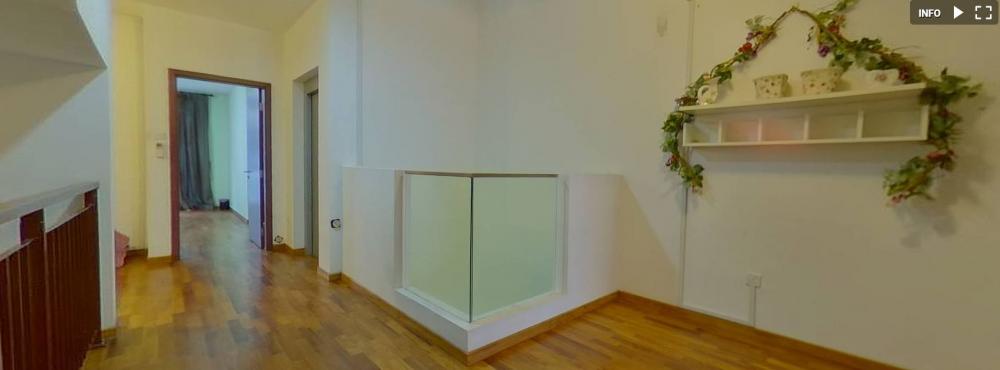
Dear all, Need some advice. The current airwell serves not much purpose in my opinion and are located outside the bedrooms for each leveI. I would like to cover it up on my 2nd, 3rd and 4th level and convert it as expansion to the family space (sample image shown). Do I need to inform and get BCA's approval, structural engineer to sign off, etc. to do those works??? Or can I just get the reno contractor to do the works without BCA's approval? Any contractors to recommend to do these kinda work (including some other reno & simple ID works ie. wardrobe, kitchen top, cabinet doors, painting, awnings, balcony railings, vinyl flooring, etc.)? - knock down low wall (including the glass) of the air well - cover up air well, levelled flooring (parquet finishing) Any advice & suggestions are greatly apppreciated. Best regards.