


Leaderboard
-
JavieCoentr
Members1Points32Posts -
JOYWALKER
Members1Points64Posts -
BambooBee
Members1Points1Posts



Popular Content
Showing content with the highest reputation on 10/22/20 in Posts
-
1 pointHey All, Just a quick question, if I was to place a bet on say paddypower online for a football match whilst in Thailand, is that illegal? What is the deal regarding online betting here? I know no one will know anyway but just something I was wondering, obviously hull city vs liverpool today and I was thinking of putting a few quid down. Cheers1 point
-
Hi congratulations! We just bought a maisonette too at Serangoon and it’s almost identical layout as yours. Did u find ID or contractors to do your renovation?1 point
-
1 pointYay!! My sofa has arrived!! And many thanks to @BunniBoi, I've gotten the same beautiful coat rack for my home too!
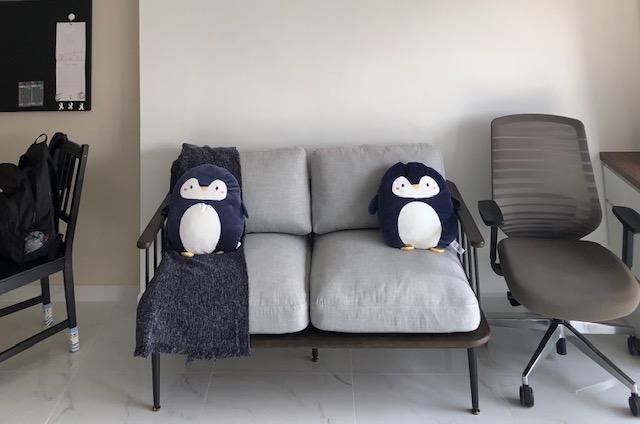
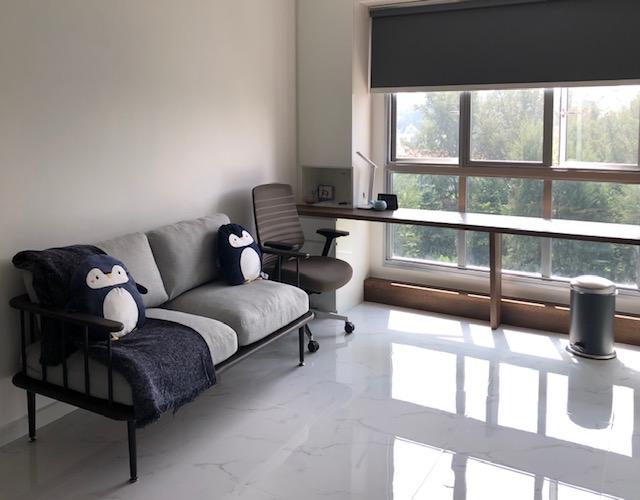
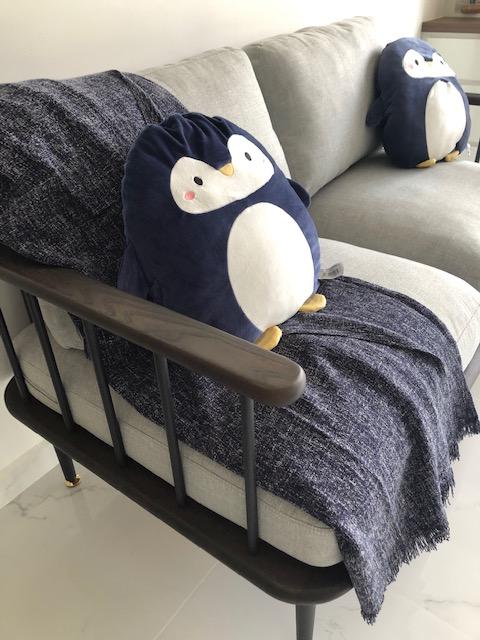
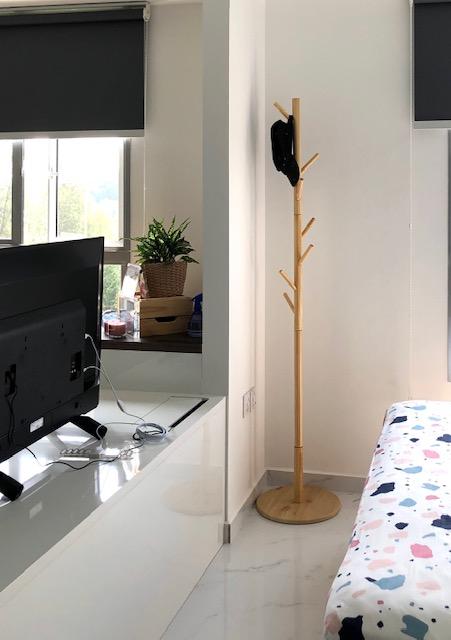 1 point
This leaderboard is set to Singapore/GMT+08:00