


Skip to content
View in the app

A better way to browse. Learn more.

RenoTalk.com ™

A full-screen app on your home screen with push notifications, badges and more.

To install this app on iOS and iPadOS
  1. Tap the Share icon in Safari
  2. Scroll the menu and tap Add to Home Screen.
  3. Tap Add in the top-right corner.
To install this app on Android
  1. Tap the 3-dot menu (⋮) in the top-right corner of the browser.
  2. Tap Add to Home screen or Install app.
  3. Confirm by tapping Install.

Tiler Seng

Verified Merchant
  • Joined

  • Last visited

About Me

Came in to RT, started up Hottest Topic " Tiler Seng" Thread and had great respond after showing sincere attitude & amazing work with Home owners, Forumers started to realise who is behind whom manipulating Tiler Seng from Zero-awareness-setting up office-setting up showroom in the hottest place to look for designer within a 3 years time.
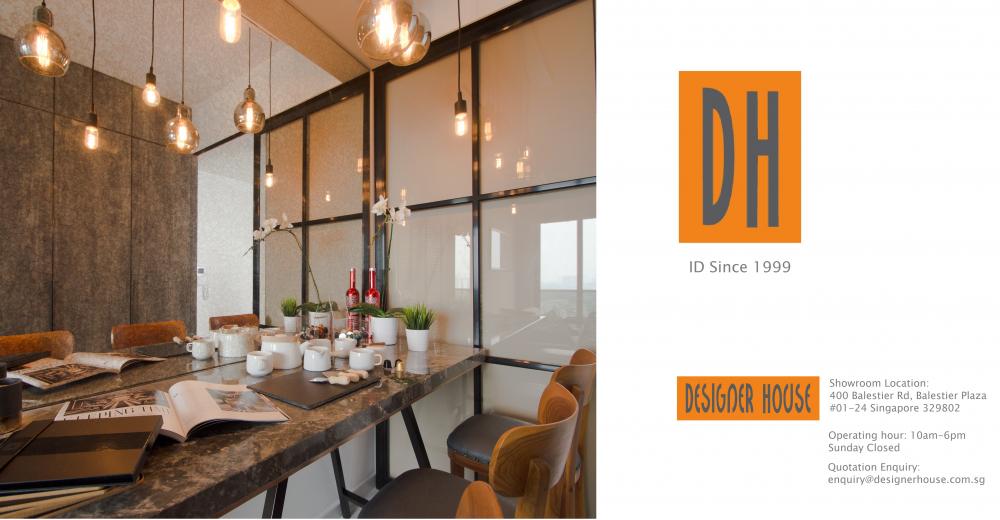
FB Header.jpg

Account

Navigation

Search

Search

Configure browser push notifications

Chrome (Android)
  1. Tap the lock icon next to the address bar.
  2. Tap Permissions → Notifications.
  3. Adjust your preference.
Chrome (Desktop)
  1. Click the padlock icon in the address bar.
  2. Select Site settings.
  3. Find Notifications and adjust your preference.