my3rmflat
Members
-
Joined
-
Last visited
-
my3rmflat replied to my3rmflat's topic in Reno t-Blog Chat - HDB Resale Renovation & Interior DesignHonestly is not really worth the trip there for the lightings. You can buy from Chuan Huat, they have Phillips LED with 2 years warranty and is not that expensive. If you wants to go JB, You can go to Austin Hill area, they have about 5 shops there. Is behind Aeon Mall. Just before Plentong.
-
my3rmflat replied to my3rmflat's topic in Reno t-Blog Chat - HDB Resale Renovation & Interior DesignHaha, I'm putting up for sale, as the chiller is creating heat to the living room. Expensive is relative. For my type of set up, all in will be around $5K. Now with the internet, you can learn from You tube easily. Averaging 2-3 hours per week of maintenance work.
-
my3rmflat replied to my3rmflat's topic in Reno t-Blog Chat - HDB Resale Renovation & Interior DesignI grew up in Tiong Bahru and I'm amazed by the HDB progress. I congratulate HDB for coming up with such a fantastic housing for the masses. The standard, I must say is world class. The quality and details of planning is not very far off from the condos relatively to the costing. I'm grateful and thankful to you people there!
-
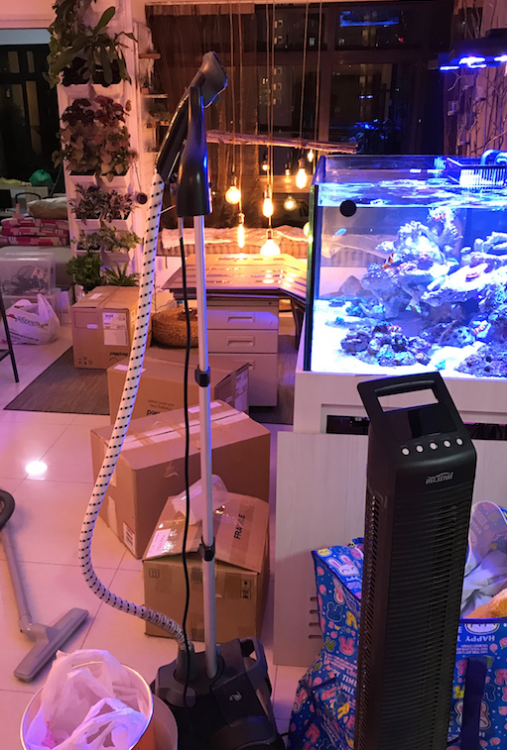
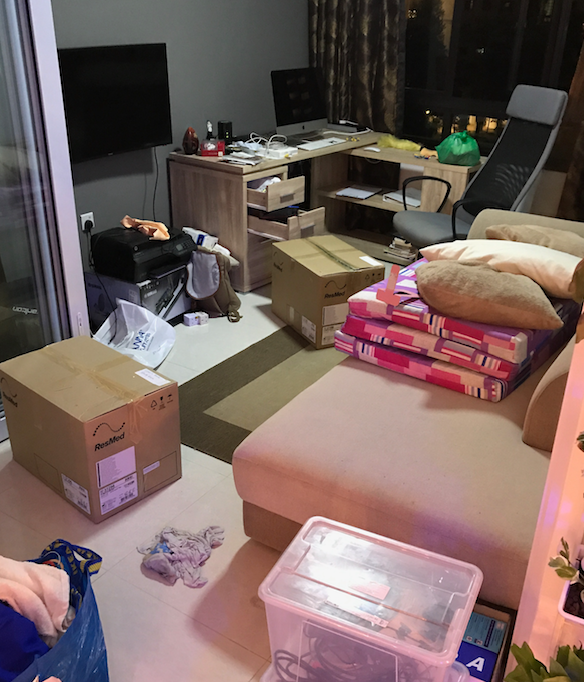
my3rmflat replied to my3rmflat's topic in Reno t-Blog Chat - HDB Resale Renovation & Interior DesignFinally shifted in with loads of unpacking to do.
-
-
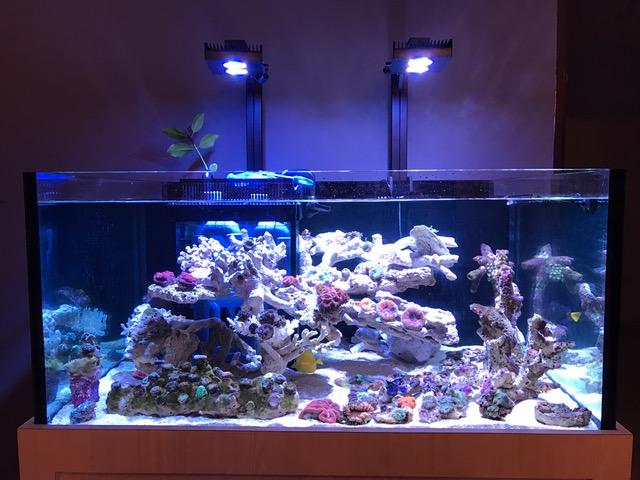
my3rmflat replied to my3rmflat's topic in Reno t-Blog Chat - HDB Resale Renovation & Interior DesignThanks, Is very therapeutic, you can look at it and destress. They tank is not actually properly set up yet. When all the corals are in, it will be more beautiful.
-
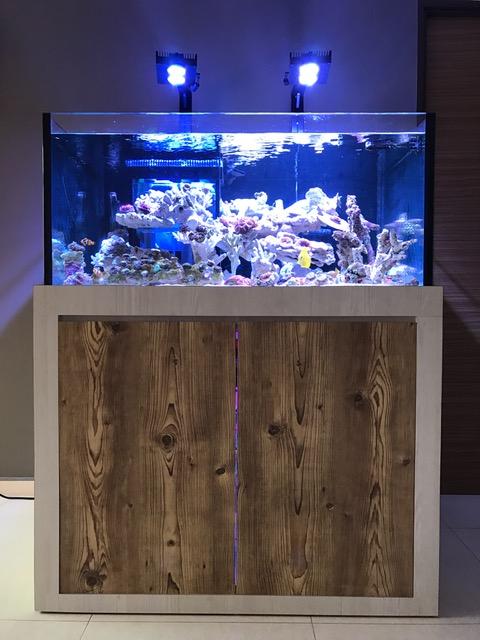
my3rmflat replied to my3rmflat's topic in Reno t-Blog Chat - HDB Resale Renovation & Interior DesignFull view of my reef tank
-
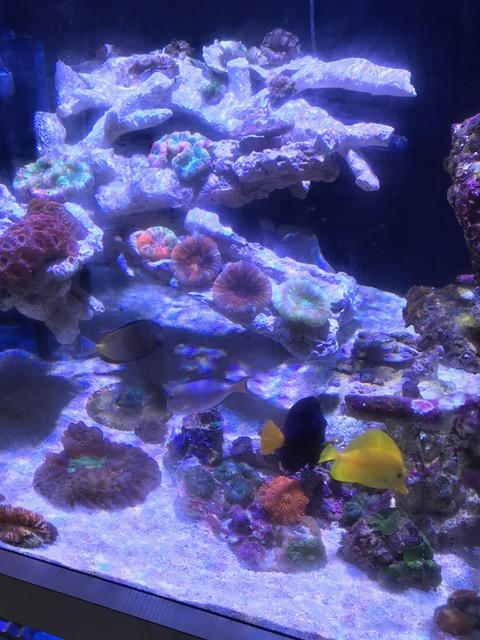
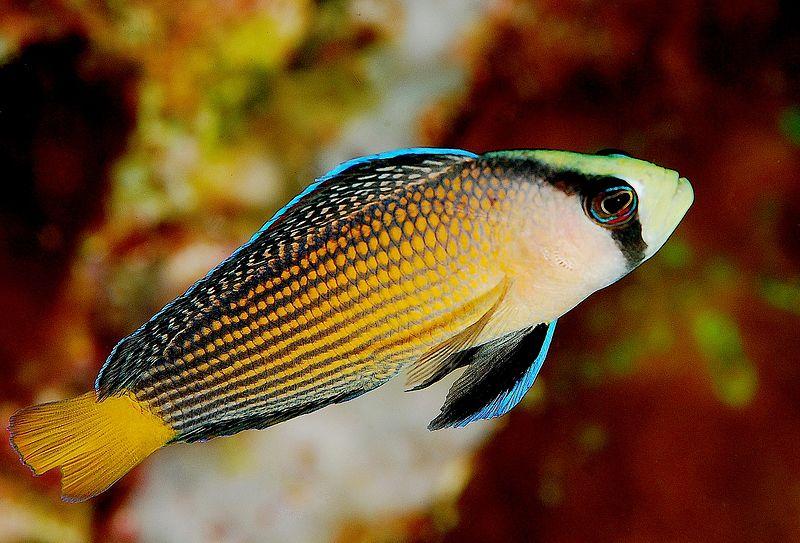
my3rmflat replied to my3rmflat's topic in Reno t-Blog Chat - HDB Resale Renovation & Interior DesignBought this colourful fish.
-
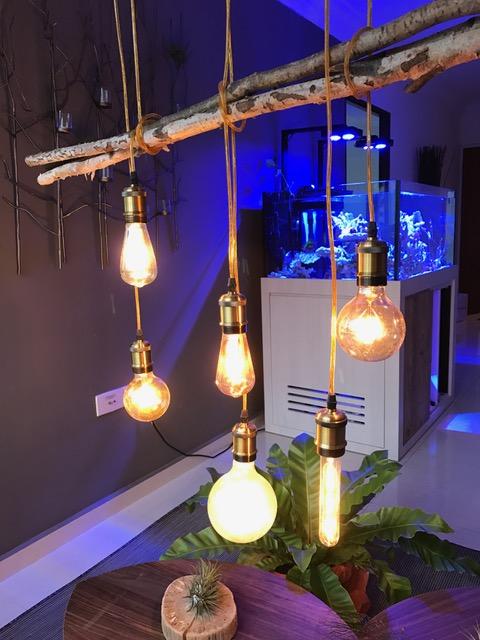
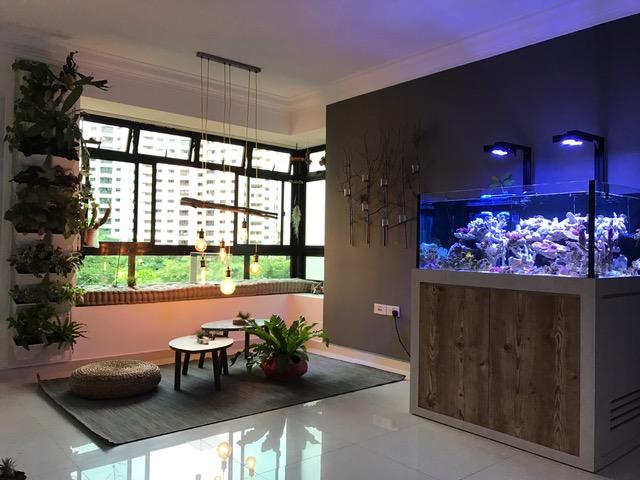
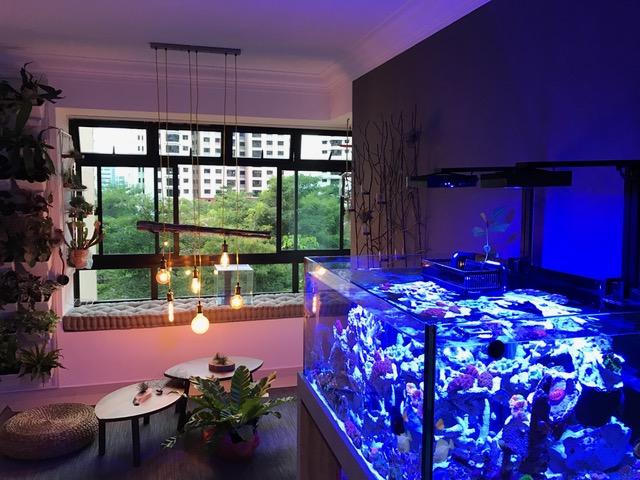
my3rmflat replied to my3rmflat's topic in Reno t-Blog Chat - HDB Resale Renovation & Interior DesignView from the seating area.
-
my3rmflat replied to my3rmflat's topic in Reno t-Blog Chat - HDB Resale Renovation & Interior DesignOne half of the living room. A close up view.
-
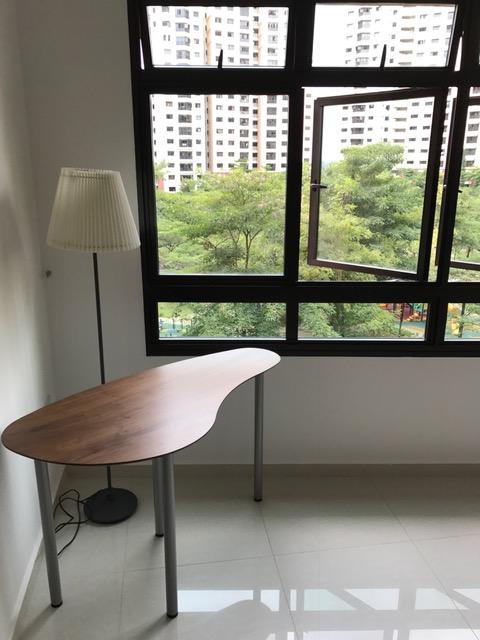
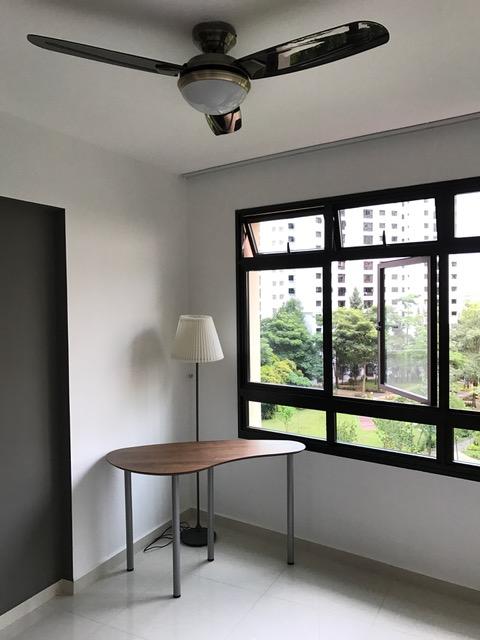
my3rmflat replied to my3rmflat's topic in Reno t-Blog Chat - HDB Resale Renovation & Interior DesignConverted this coffee table to writing desk for my wife. The odd shape coffee table fit nicely to the odd corner of the room.
-
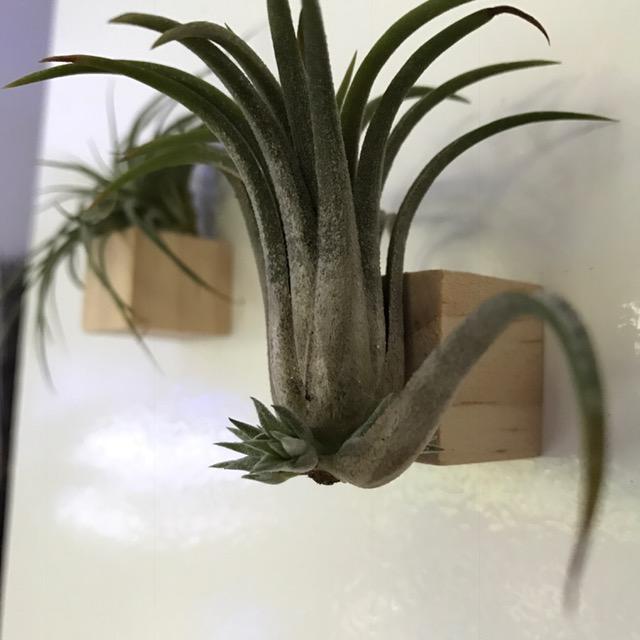
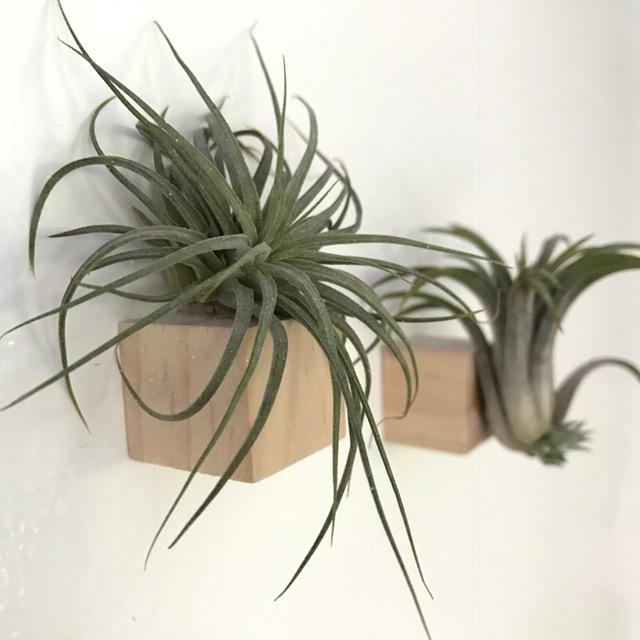
my3rmflat replied to my3rmflat's topic in Reno t-Blog Chat - HDB Resale Renovation & Interior DesignMy DIY fridge magnet, with live plant!
-
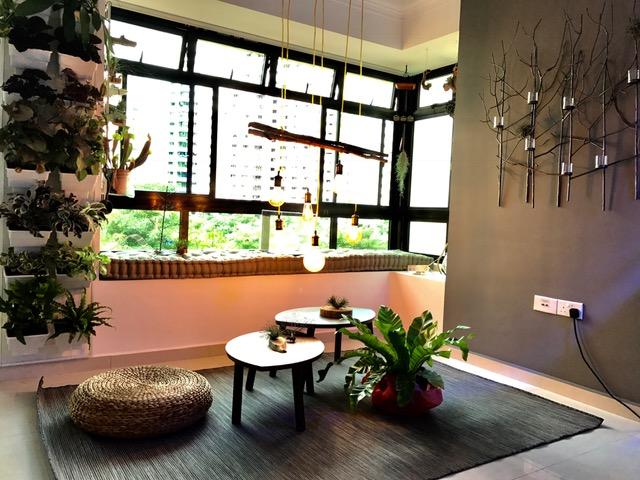
my3rmflat replied to my3rmflat's topic in Reno t-Blog Chat - HDB Resale Renovation & Interior DesignMy almost done living room, short off a bean bag.
-
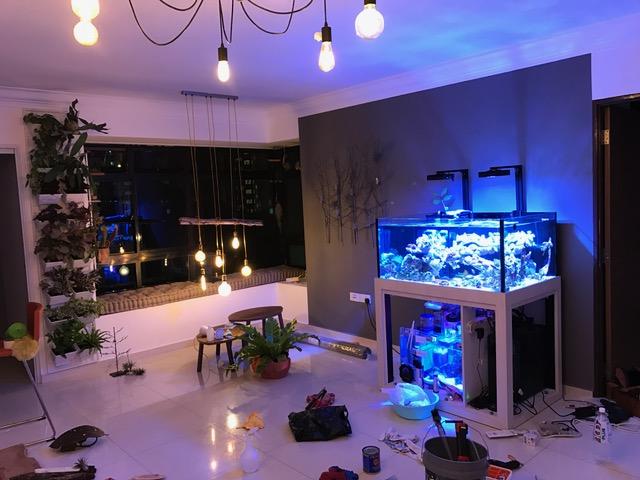
my3rmflat replied to my3rmflat's topic in Reno t-Blog Chat - HDB Resale Renovation & Interior DesignA wide shot with the Tank at the new position.
-
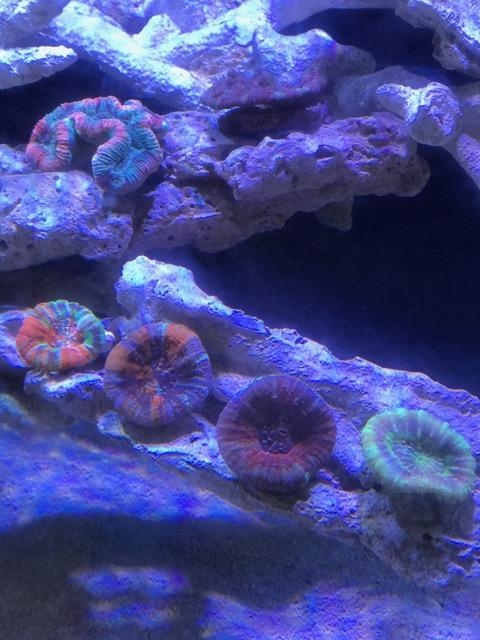
my3rmflat replied to my3rmflat's topic in Reno t-Blog Chat - HDB Resale Renovation & Interior DesignJust transferred all my fishes and corals to the new tank. Will still need to do some tidying up. A close up shot on the corals and fishes.