Skip to content
View in the app

A better way to browse. Learn more.

RenoTalk.com ™

A full-screen app on your home screen with push notifications, badges and more.

To install this app on iOS and iPadOS
  1. Tap the Share icon in Safari
  2. Scroll the menu and tap Add to Home Screen.
  3. Tap Add in the top-right corner.
To install this app on Android
  1. Tap the 3-dot menu (⋮) in the top-right corner of the browser.
  2. Tap Add to Home screen or Install app.
  3. Confirm by tapping Install.

daztan89

Members
  • Joined

  • Last visited

Everything posted by daztan89

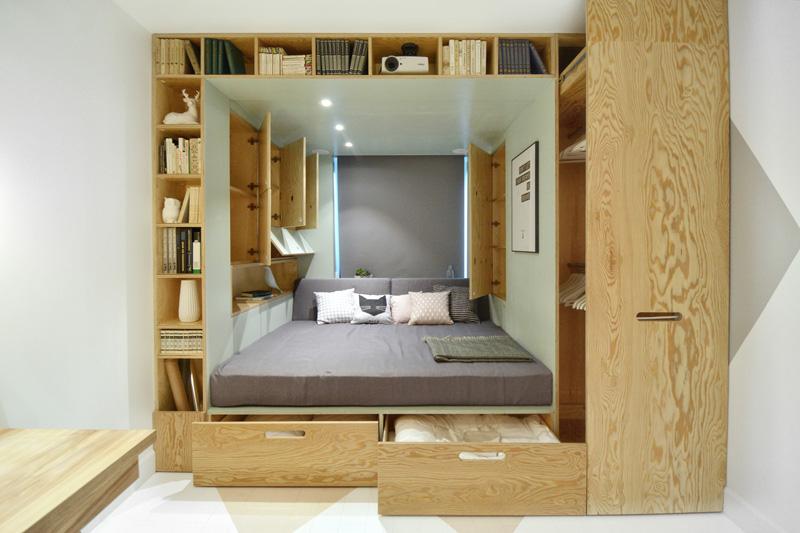
  1. I was thinking the same thing too.. but this design attracts me alot so... Haha.. I'm currently using a loft bed, so think this might feel the same bah..
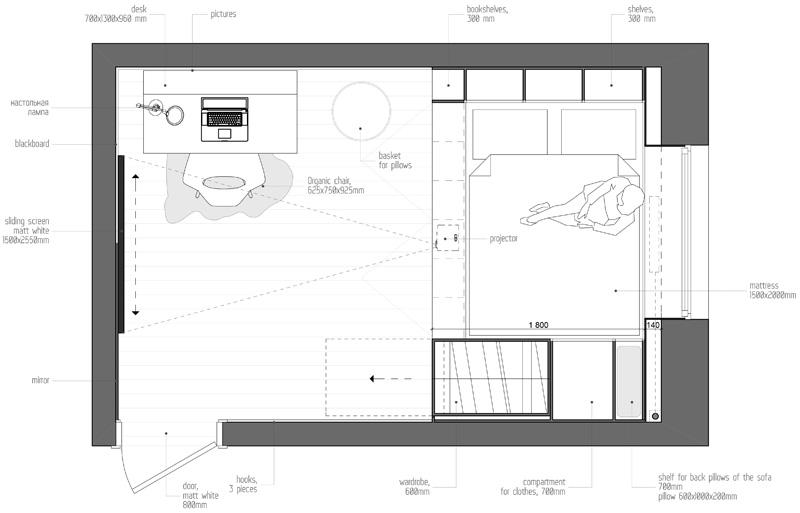
  2. I'm doing a partition wall at the living room because I'm staying with my dad, so that's why I'm interested in building that combi bed wardrobe.. Can't tear down the dividing wall. So 2roomer, you going to get your key soon?
  3. Hi guys, think I'm the latest member of this forum. Gotten my number (45) for selection this friday (16/09/16) for EastCreek @ Canberra for 2 room (47sqm).. Just a question for the "qian bei"s here. Is it ideal to do up carpentry for this?
Account

Navigation

Search

Search

Configure browser push notifications

Chrome (Android)
  1. Tap the lock icon next to the address bar.
  2. Tap Permissions → Notifications.
  3. Adjust your preference.
Chrome (Desktop)
  1. Click the padlock icon in the address bar.
  2. Select Site settings.
  3. Find Notifications and adjust your preference.