Leong Yik Contractor
Verified Merchant
-
Joined
-
Last visited
-
Dear all customers, we are expanding our electrical team to provide electrical work solution to your home and premises. You can contact us anytime you require our assistant to resolve your electrical work matters.
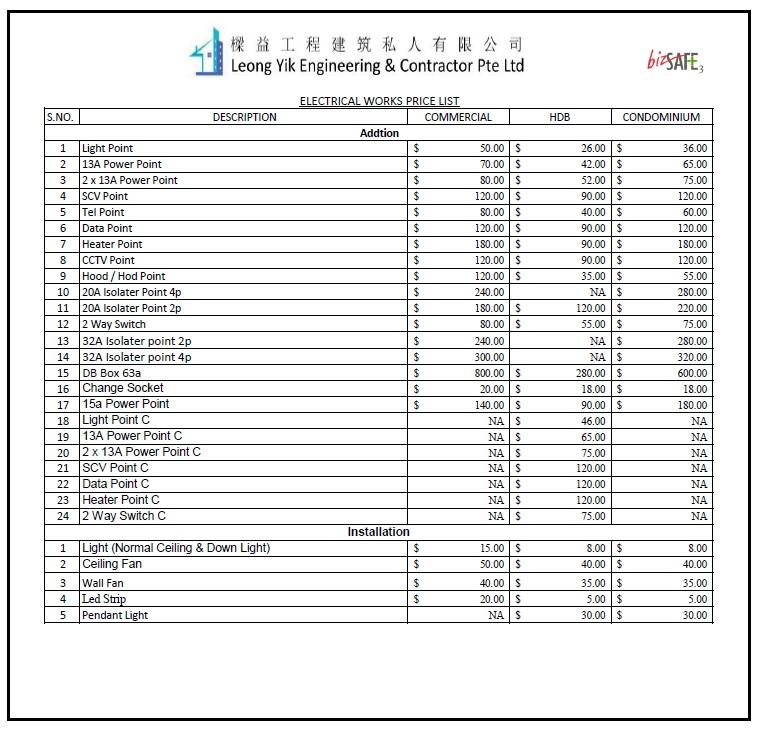
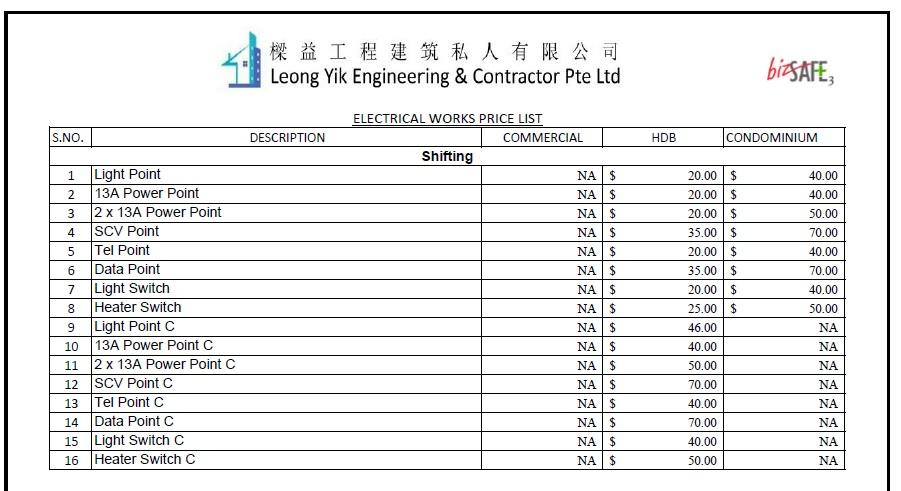
- 38 replies
-
- carpentry
- contractor
- doors
- electrician
-
Tagged with:
-
-
-
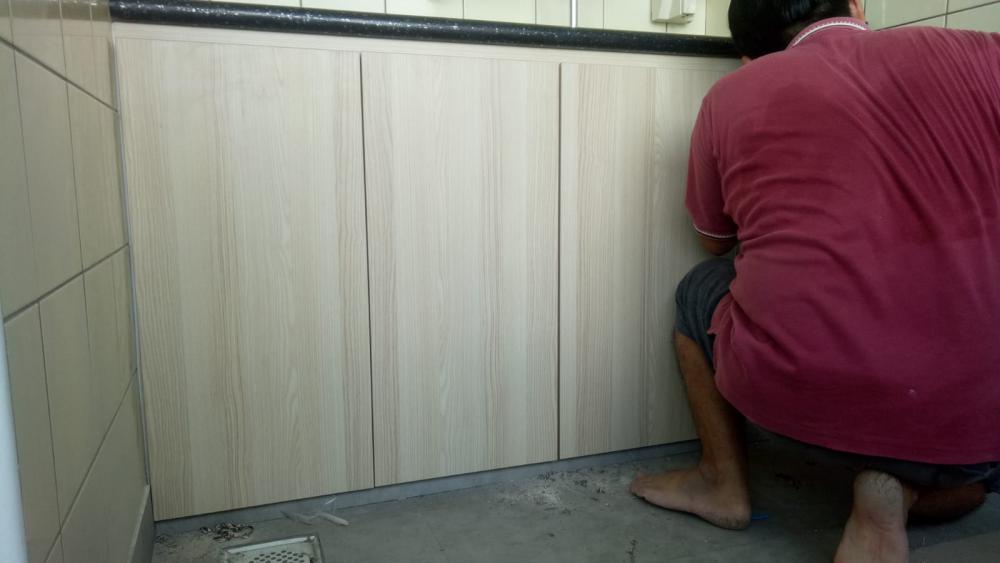
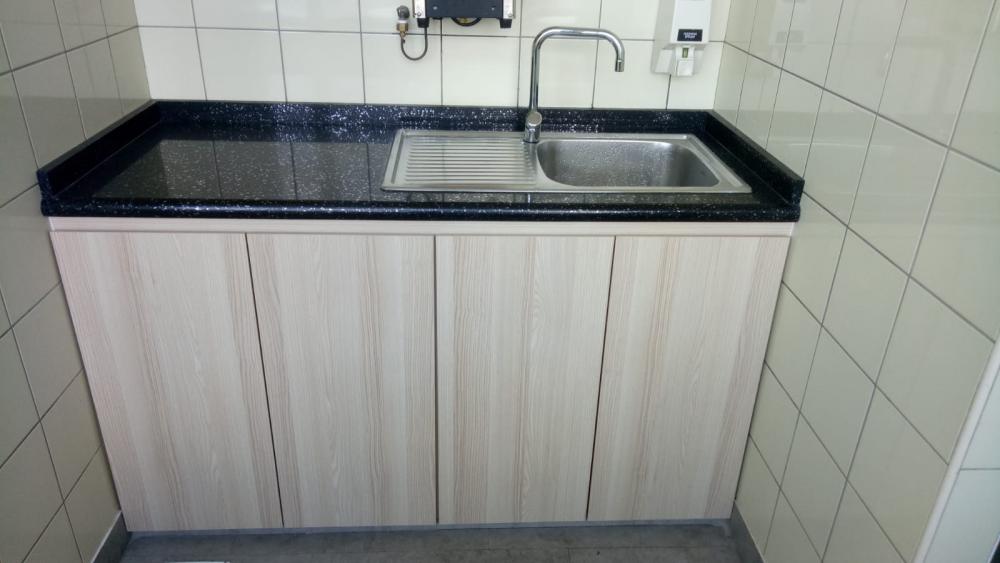
New kitchen pantry granite top and new cabinet
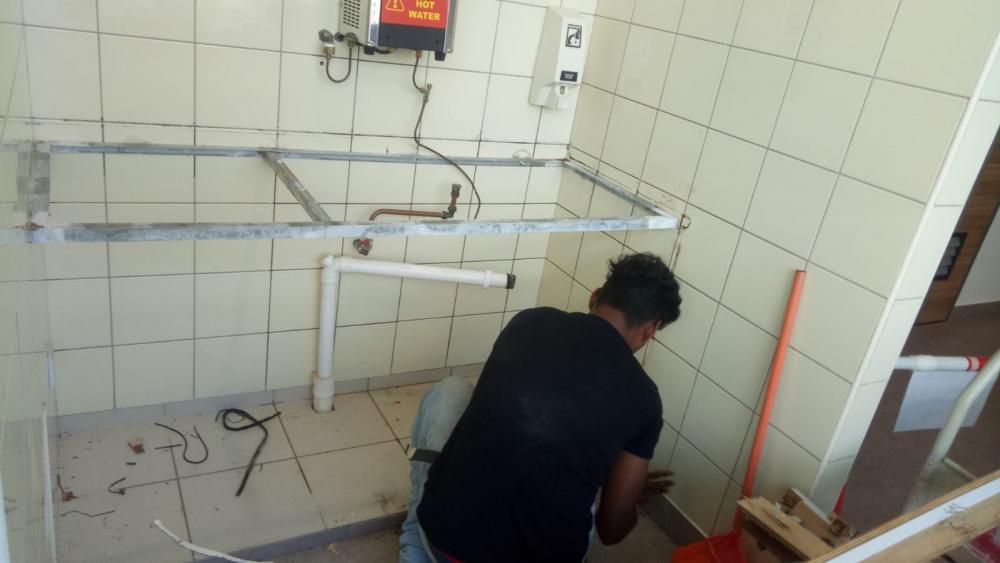

- 38 replies
-
- carpentry
- contractor
- doors
- electrician
-
Tagged with:
-
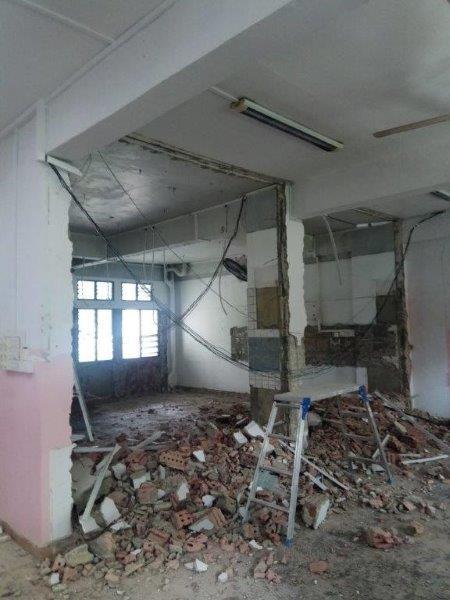
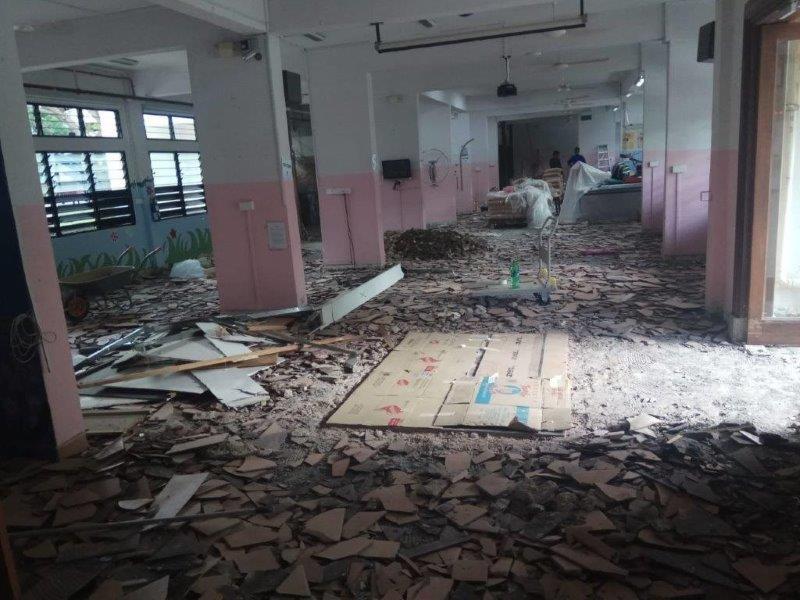
Hacking work in progress at Senior Citizen Centre
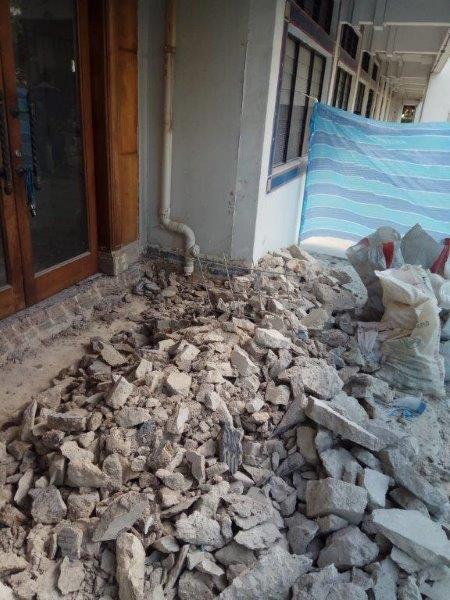
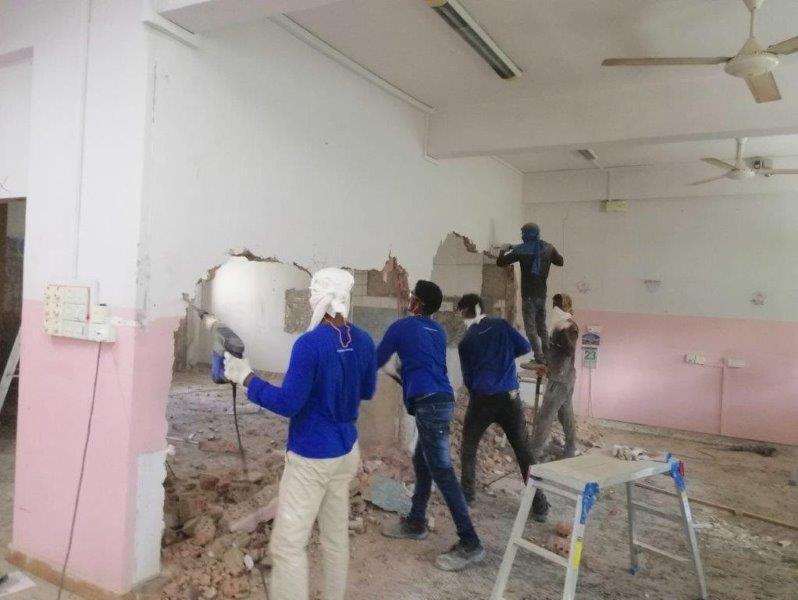
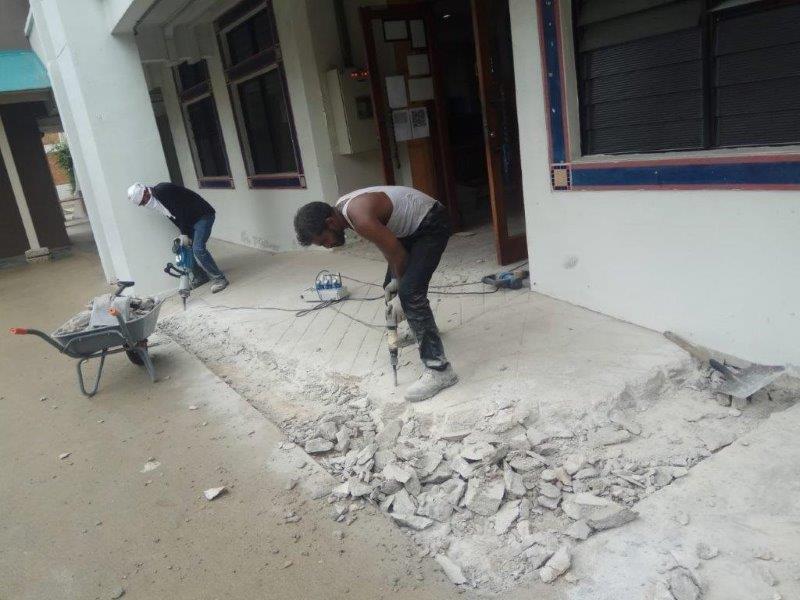
- 38 replies
-
- carpentry
- contractor
- doors
- electrician
-
Tagged with:
-
New Linkway Construction in progress @ Dublin Road

- 38 replies
-
- carpentry
- contractor
- doors
- electrician
-
Tagged with:
-
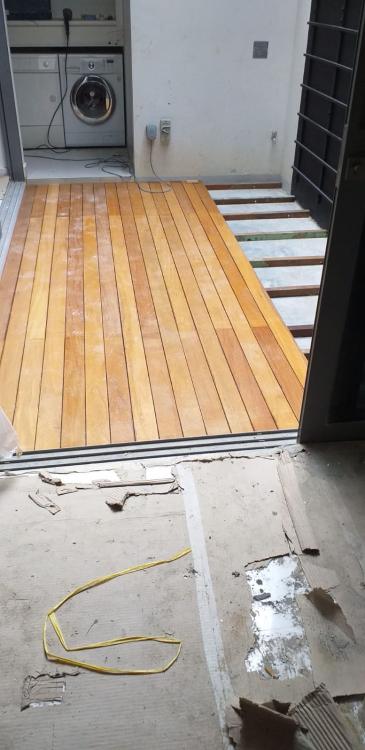
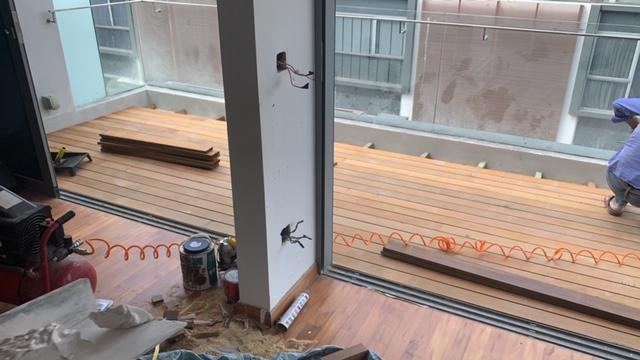
New Timber Decking in progress @ Hilcrest Road, Hillcrest Villa
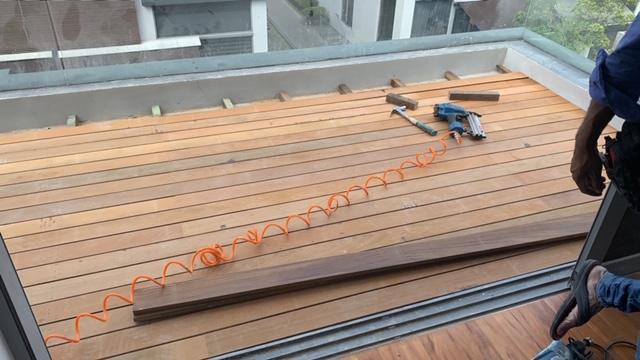
- 38 replies
-
- carpentry
- contractor
- doors
- electrician
-
Tagged with:
-
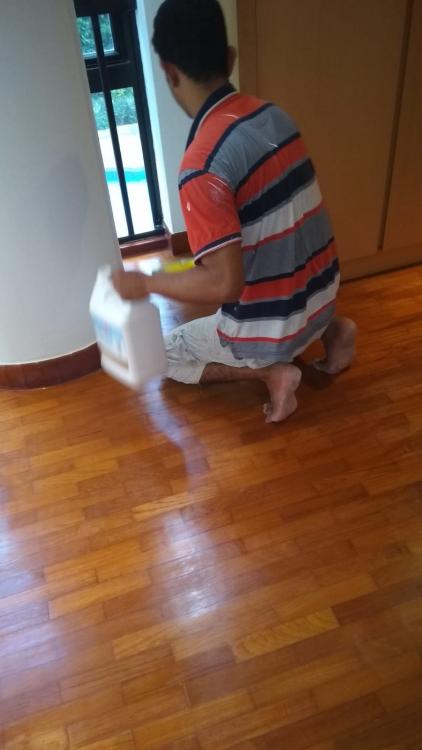
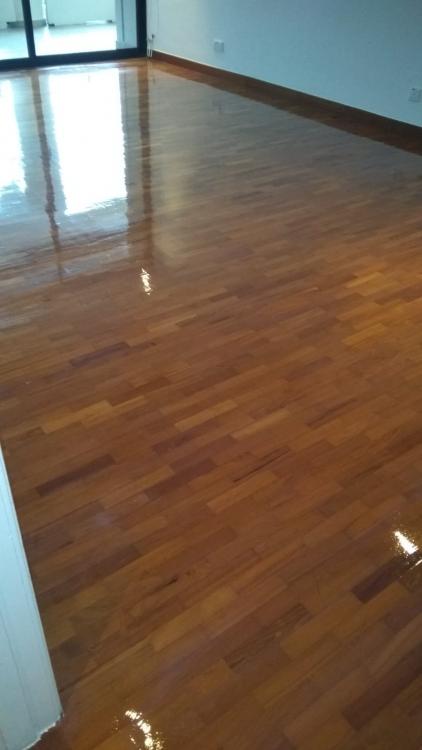
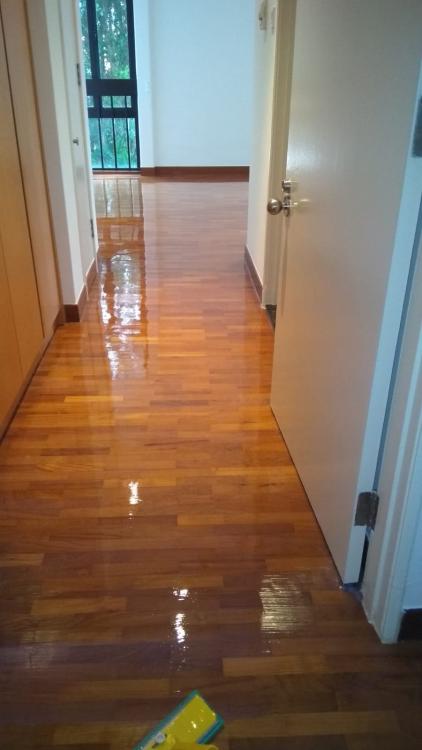
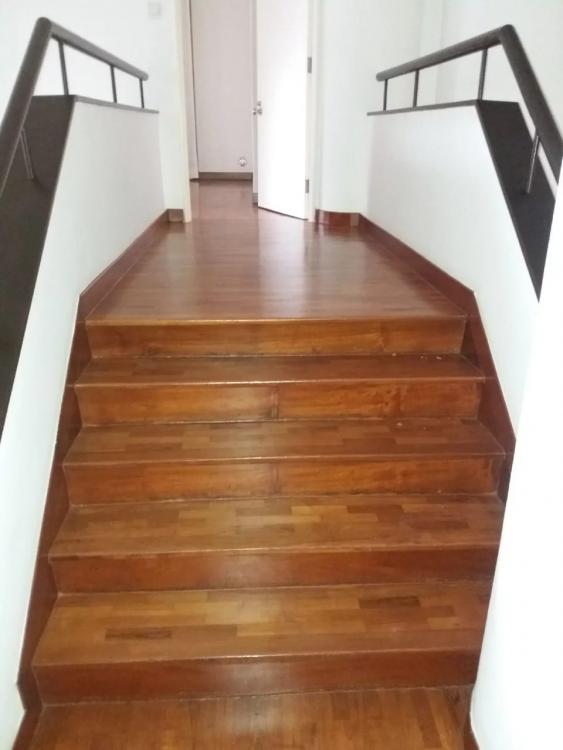
Completed a timber flooring sanding and varnishing work @ Grange Road
- 38 replies
-
- carpentry
- contractor
- doors
- electrician
-
Tagged with:
-
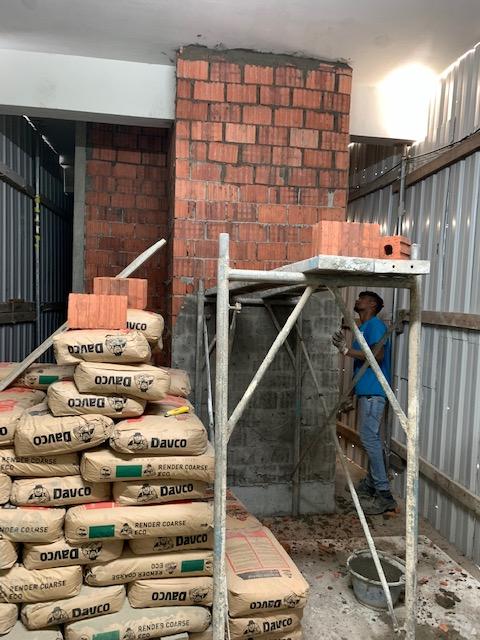
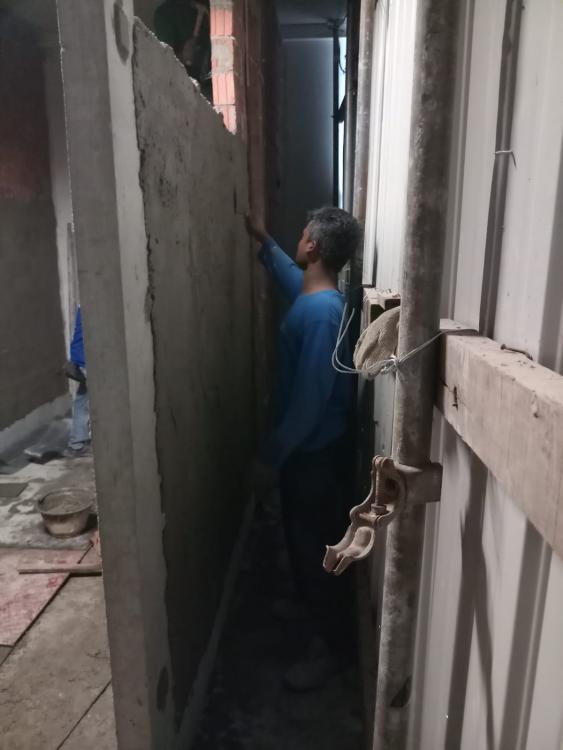
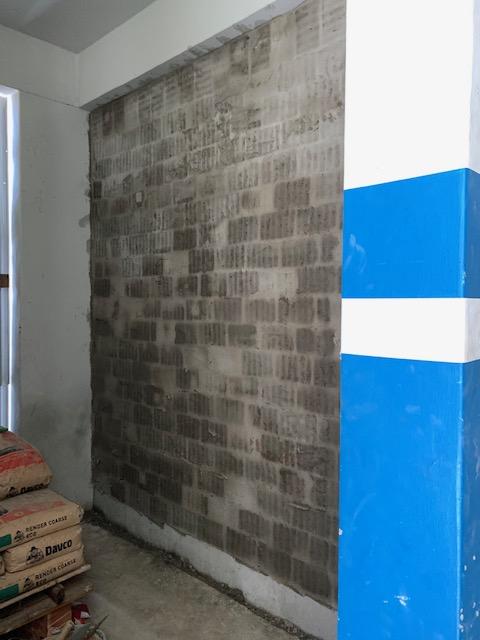
Brickwall and plastering work in progress @Bedok North
- 38 replies
-
- carpentry
- contractor
- doors
- electrician
-
Tagged with:
-
-
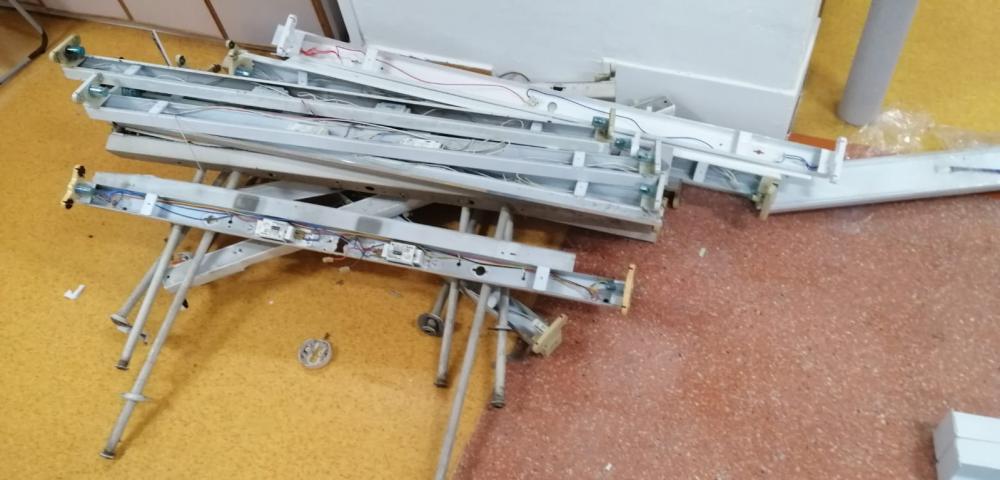
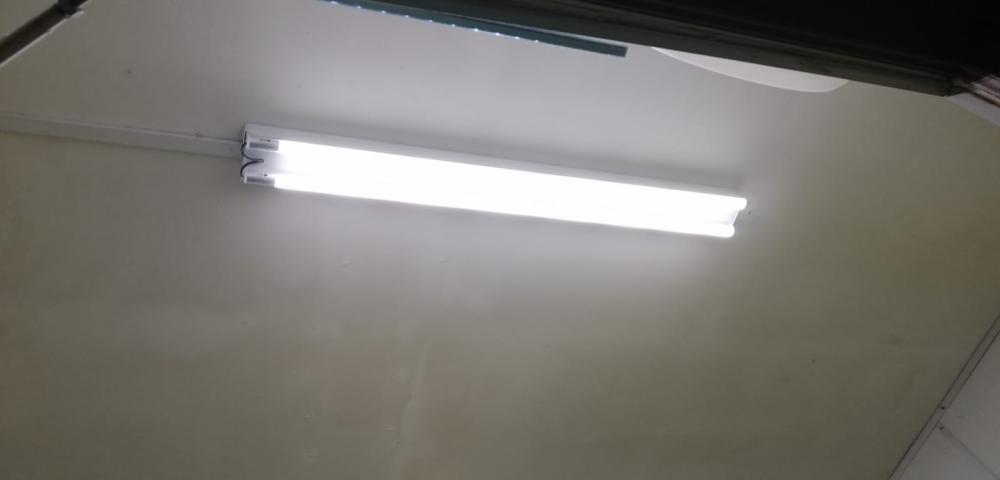
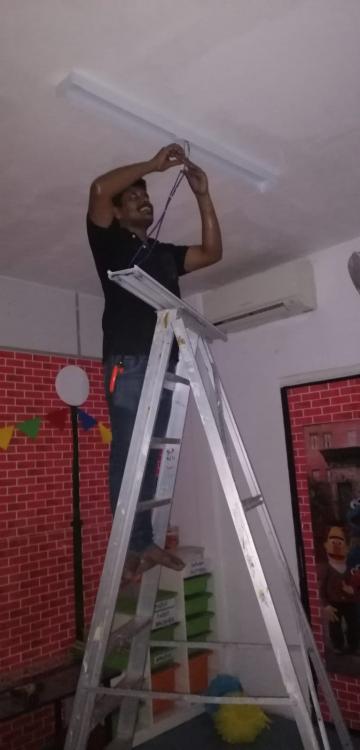
On-going overall internal school change of tradition old fluorescent tube to LED light fittings. Over 200 pcs
- 38 replies
-
- carpentry
- contractor
- doors
- electrician
-
Tagged with:
-
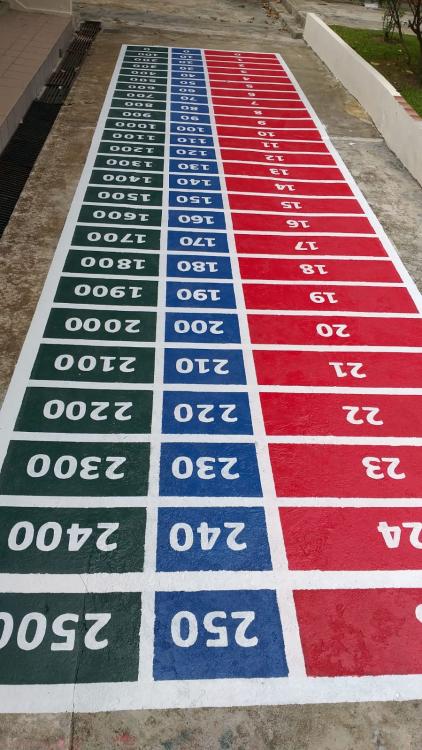
Recently completed a floor painting work for kindergarden school children to remember numbering
- 38 replies
-
- carpentry
- contractor
- doors
- electrician
-
Tagged with:
-
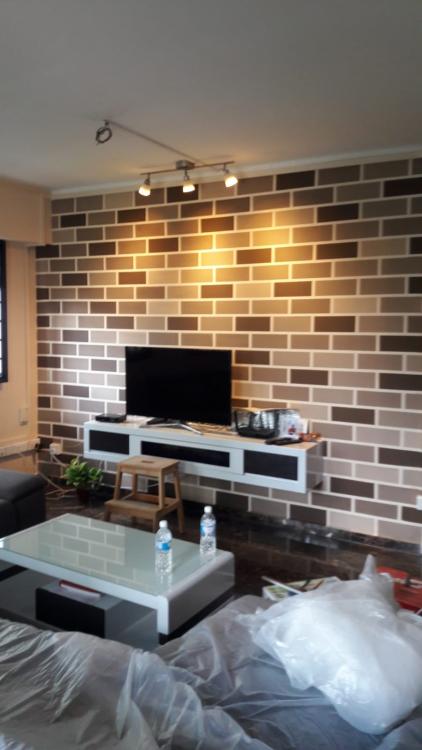
Recently completed a special feature wall painting work to the TV console wall. Painted like a brick wall style theme
- 38 replies
-
- carpentry
- contractor
- doors
- electrician
-
Tagged with:
-
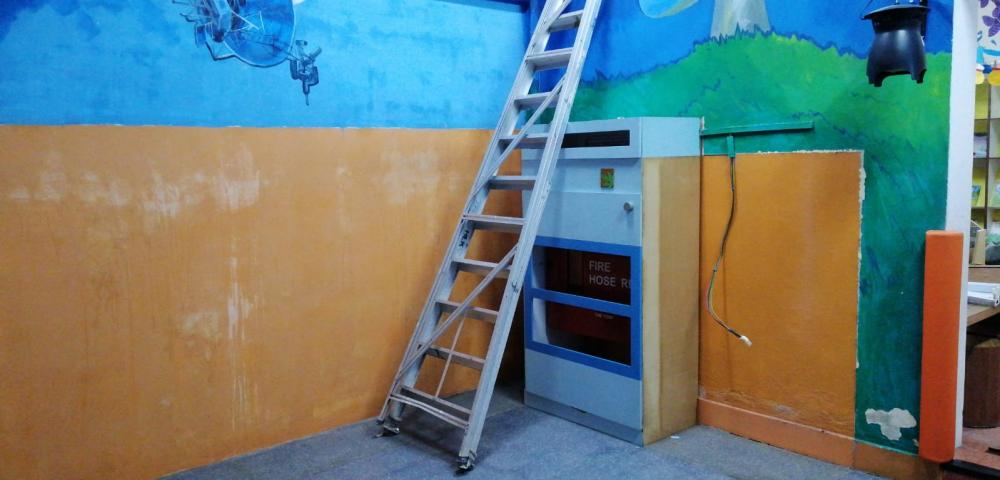
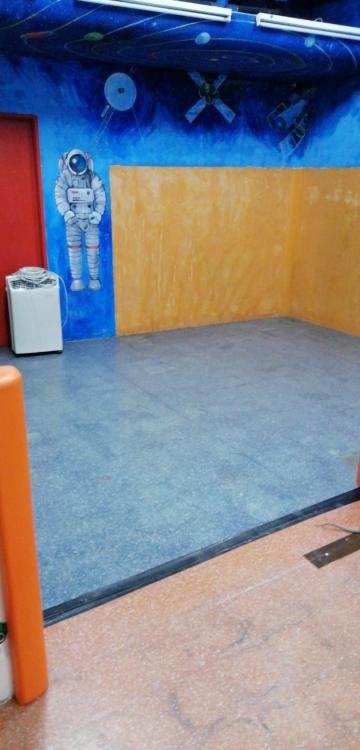
Before re-painting of space theme room During repainting work After completed
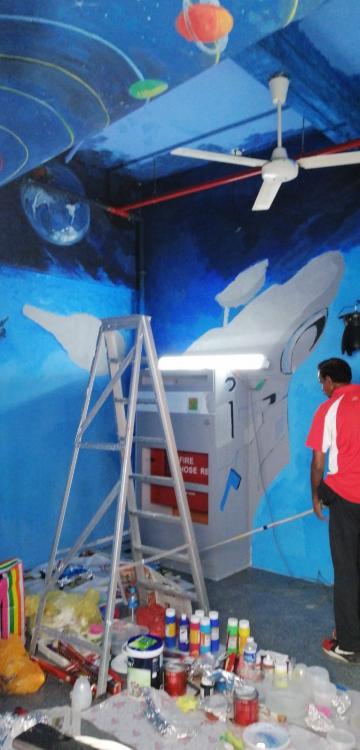
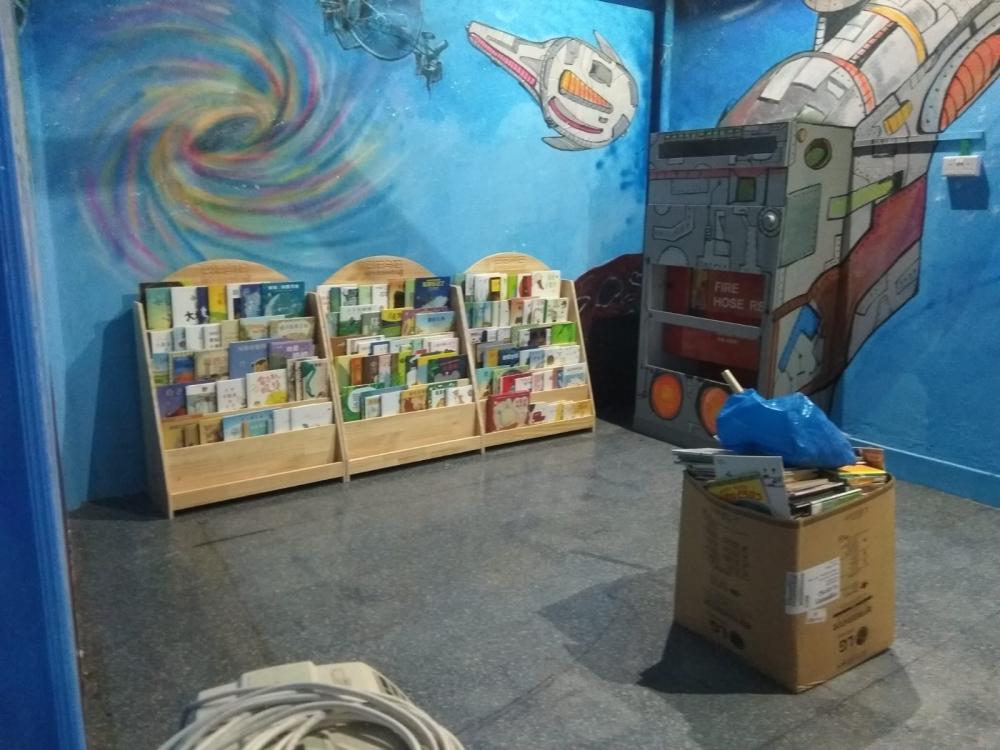
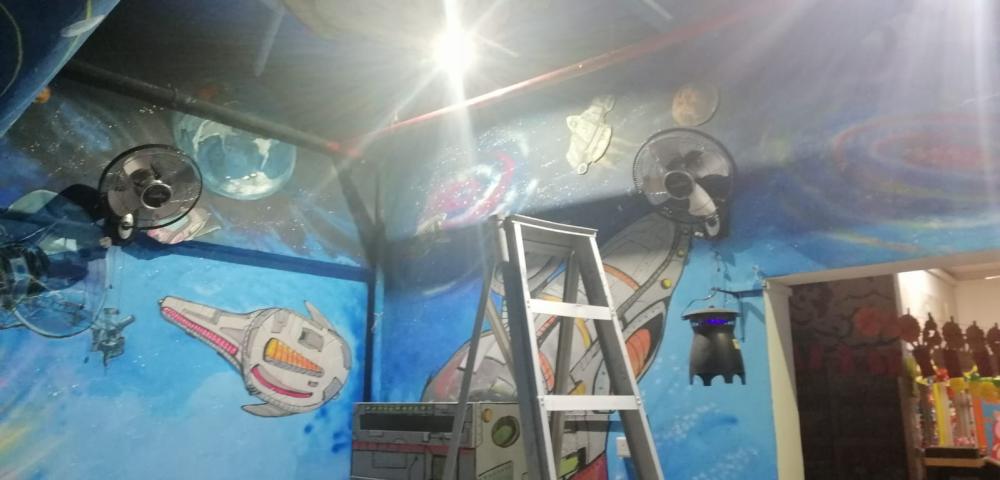
- 38 replies
-
- carpentry
- contractor
- doors
- electrician
-
Tagged with:
-