nanadydy
Members
-
Joined
-
Last visited
Everything posted by nanadydy
-
I need PE Contact please!
-
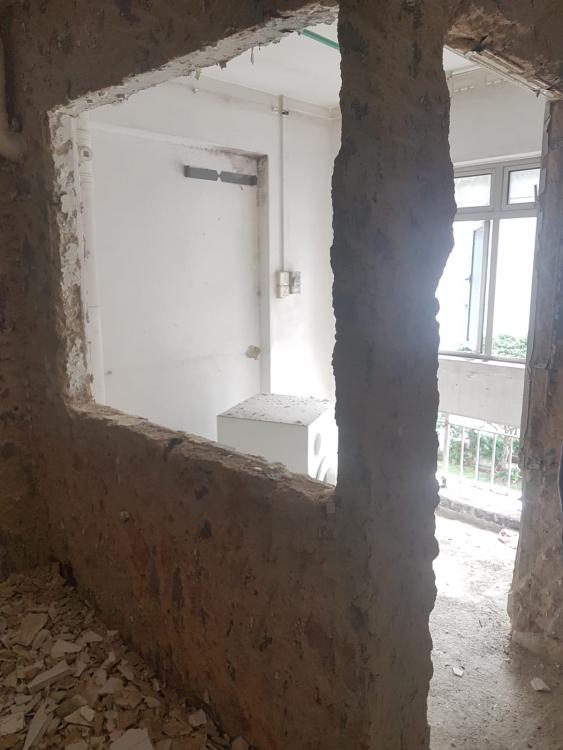
My ID just started hacking as they got the permit with HDB approved and issued already. We planned everything and which walls to hack and everything was good. However now HDB got back to them saying that the wall separating the kitchen and service balcony needs a Professional Engineer (PE) approval. They quoted us that the permit will cost 1.2k to hack that wall. Kindly take note that the wall I want to hack is not a structural wall. The initial hacking cost for that wall is $300. So are they charging me 1.2k just to engage a PE or is it an additional permit they have to get with HDB that costs that much? Can anyone please advise? Need help! Thanks in advance!