



Skip to content
View in the app

A better way to browse. Learn more.

RenoTalk.com ™

A full-screen app on your home screen with push notifications, badges and more.

To install this app on iOS and iPadOS
  1. Tap the Share icon in Safari
  2. Scroll the menu and tap Add to Home Screen.
  3. Tap Add in the top-right corner.
To install this app on Android
  1. Tap the 3-dot menu (⋮) in the top-right corner of the browser.
  2. Tap Add to Home screen or Install app.
  3. Confirm by tapping Install.

Helpbaby

Members
  • Joined

  • Last visited

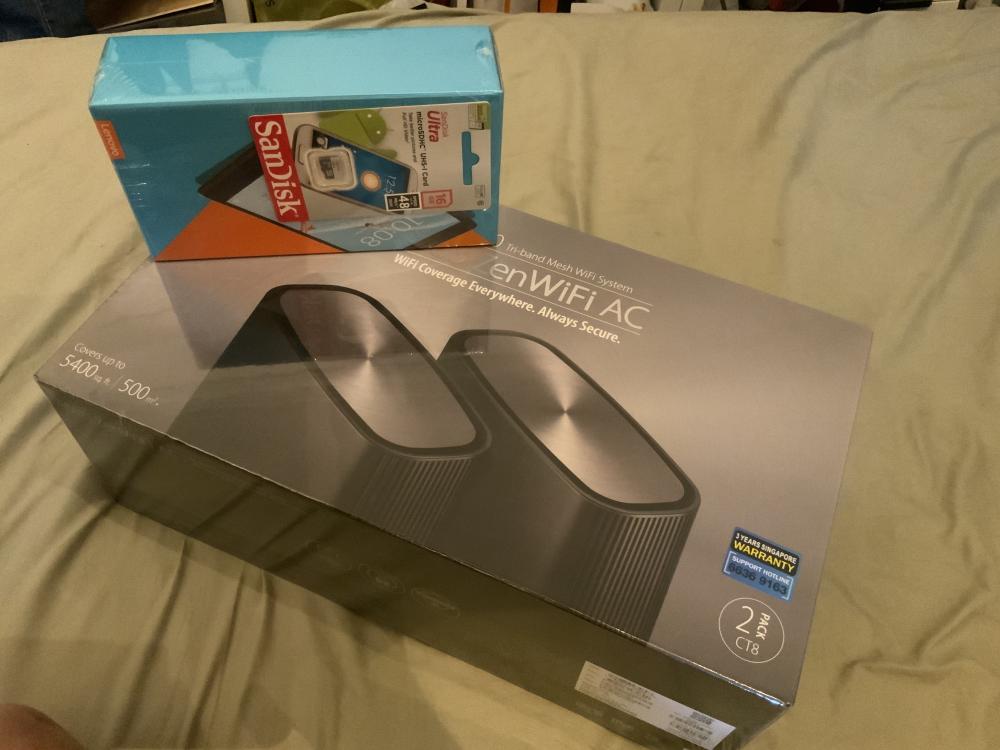
  1. Hi Just sharing... ? i still got stuck with M1 for another 2 yrs. Now have to Pay even more now because of 12/12 promotion ? Only wanted to save the hassle of changing internet and a tiny bit interested in the small free TAB. Then got convinced/ interested with the mesh wifi because I need that to get free TAB ( 10dollar more per month) but partially is due to waiting for nearly 1hr at the shop, decided to get it all. ? Haha... ?
Account

Navigation

Search

Search

Configure browser push notifications

Chrome (Android)
  1. Tap the lock icon next to the address bar.
  2. Tap Permissions → Notifications.
  3. Adjust your preference.
Chrome (Desktop)
  1. Click the padlock icon in the address bar.
  2. Select Site settings.
  3. Find Notifications and adjust your preference.