


Skip to content
View in the app

A better way to browse. Learn more.

RenoTalk.com ™

A full-screen app on your home screen with push notifications, badges and more.

To install this app on iOS and iPadOS
  1. Tap the Share icon in Safari
  2. Scroll the menu and tap Add to Home Screen.
  3. Tap Add in the top-right corner.
To install this app on Android
  1. Tap the 3-dot menu (⋮) in the top-right corner of the browser.
  2. Tap Add to Home screen or Install app.
  3. Confirm by tapping Install.

Leaderboard

Popular Content

Showing content with the highest reputation on 11/11/16 in all areas

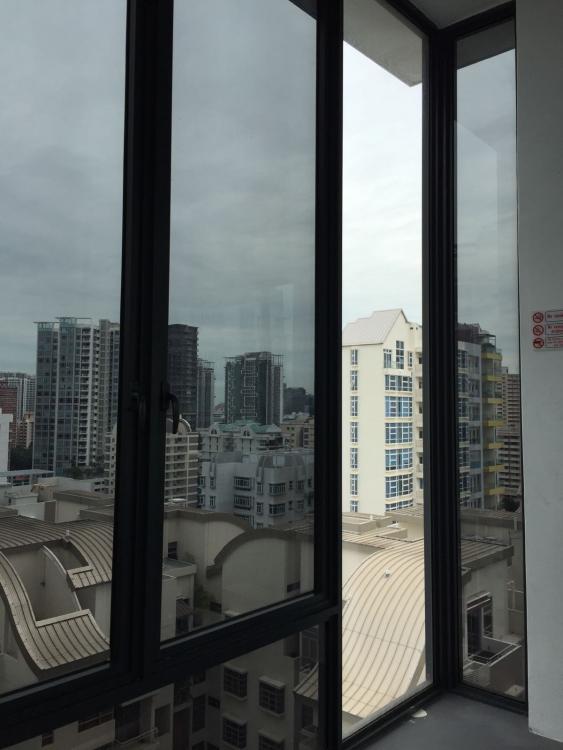
  1. recently i just call up a few window films company and asked for quote. some were over price like the big companies and some is very rude... Concluded that this person is the most affordable price and very good services they helped me paste my whole house and very patience to listen to my request. they even provide more than 30+ types of samples to let me choose and explain each one of them. what best is they provide 99% UV and 85% Heat reduction which is what i really need! you guys can take a look and give it a shot... www.prestigej.com or you could contact 87782899
This leaderboard is set to Singapore/GMT+08:00

Account

Navigation

Search

Search

Configure browser push notifications

Chrome (Android)
  1. Tap the lock icon next to the address bar.
  2. Tap Permissions → Notifications.
  3. Adjust your preference.
Chrome (Desktop)
  1. Click the padlock icon in the address bar.
  2. Select Site settings.
  3. Find Notifications and adjust your preference.
