


Leaderboard
-
ahtat
Members1Points33Posts

Popular Content
Showing content with the highest reputation on 12/10/17 in all areas
-
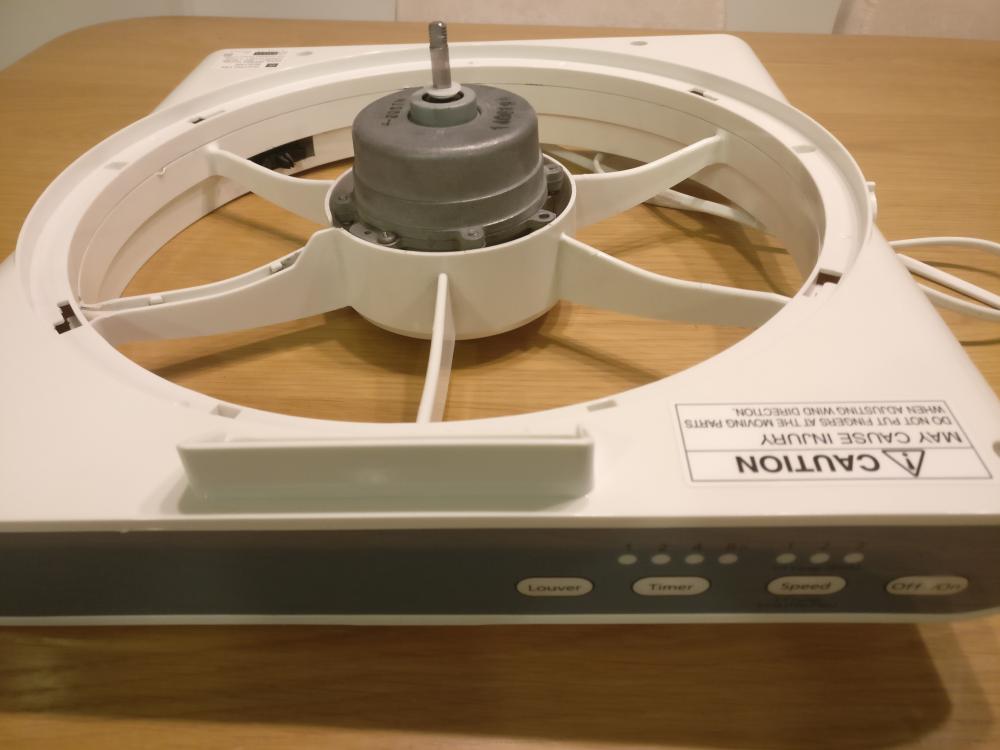
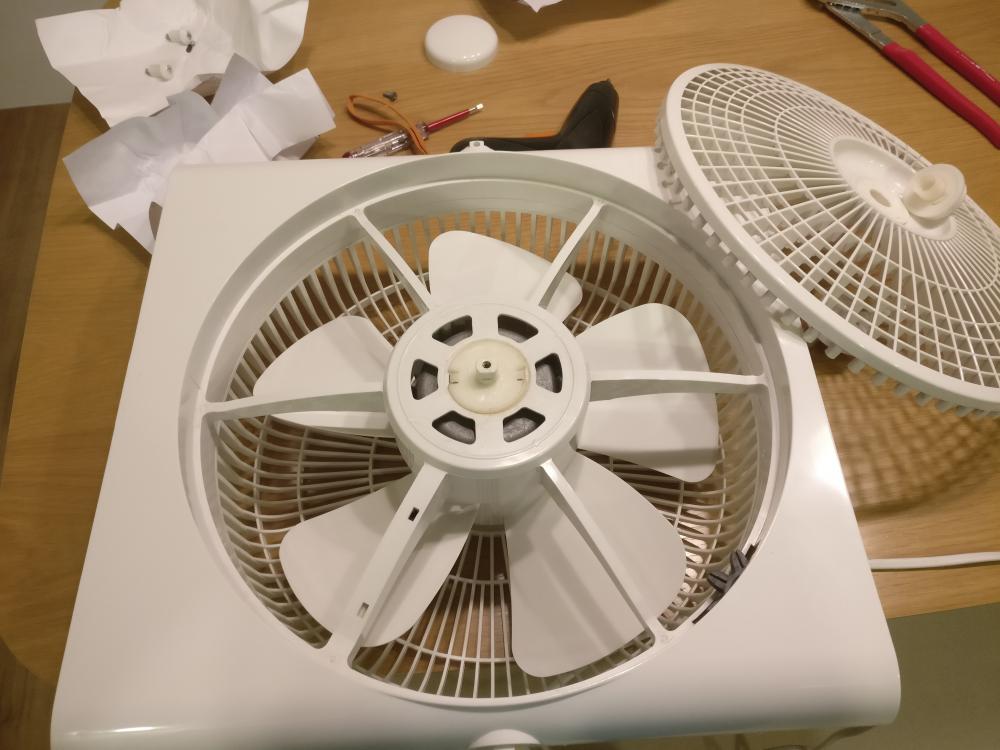
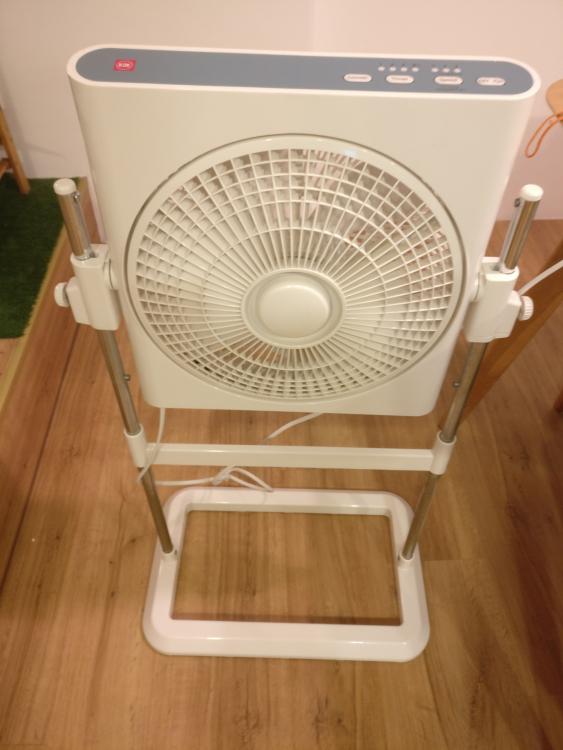
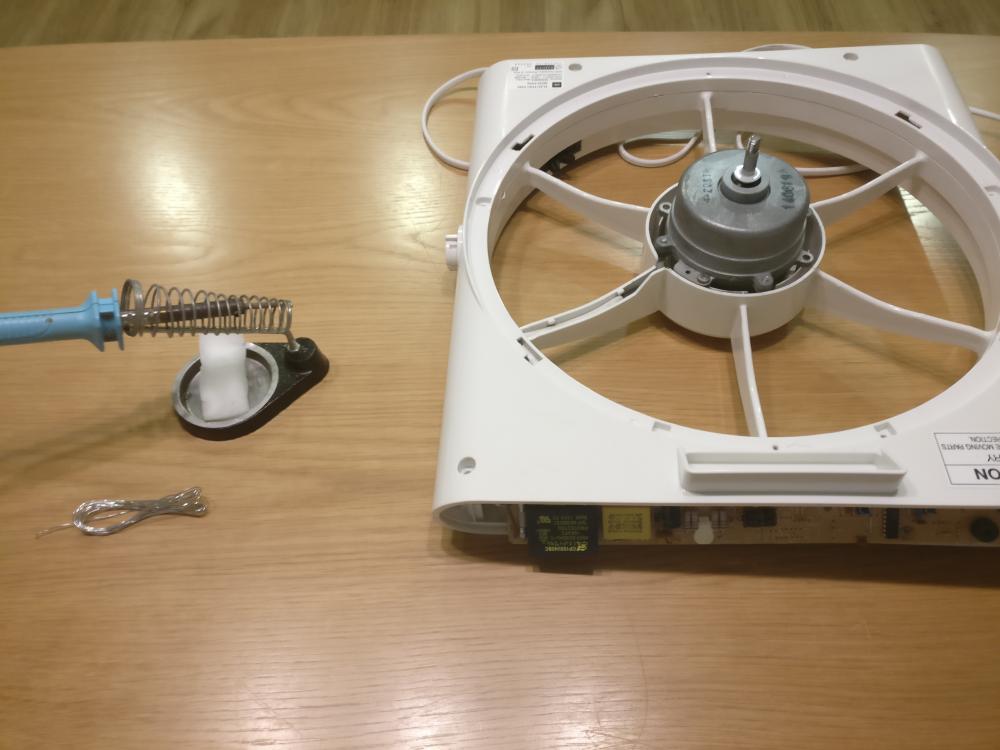
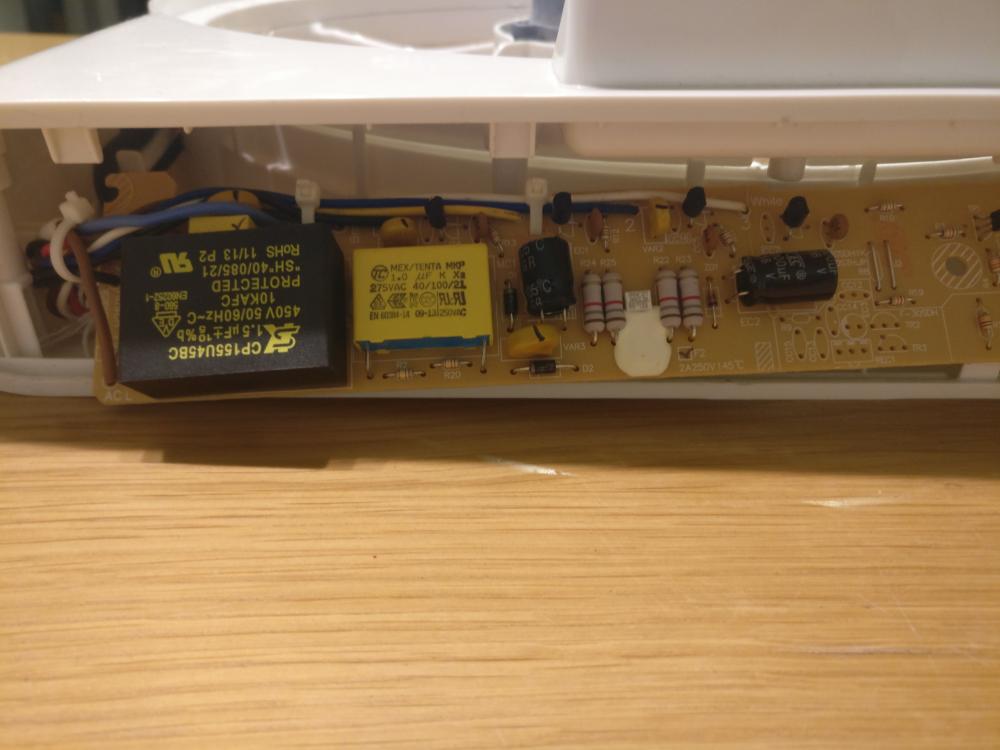
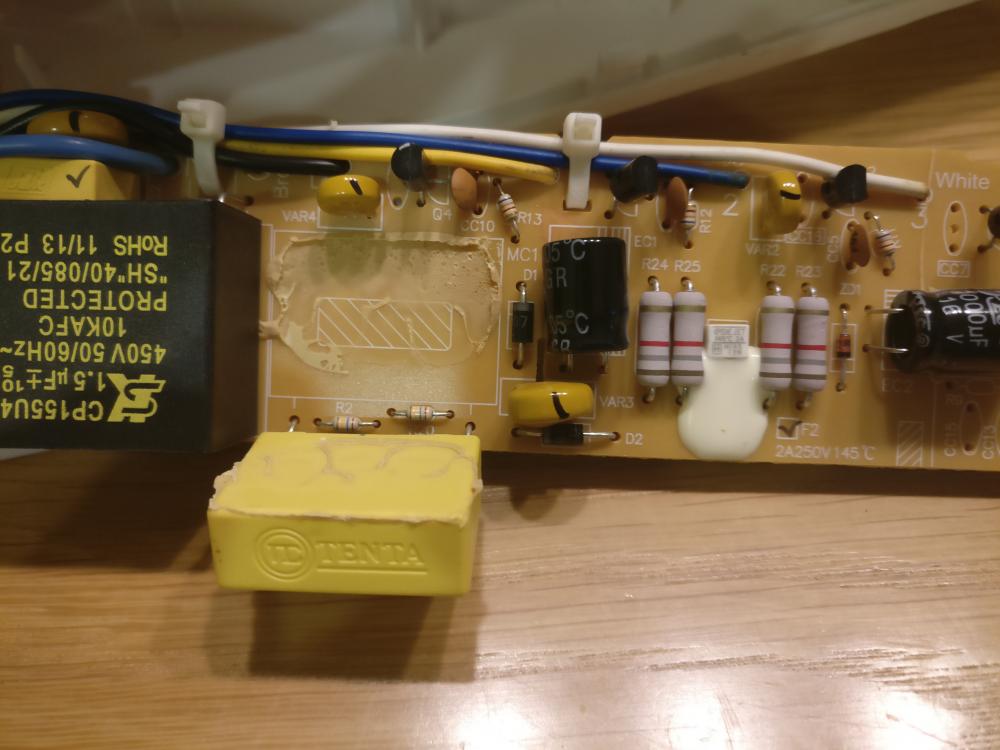
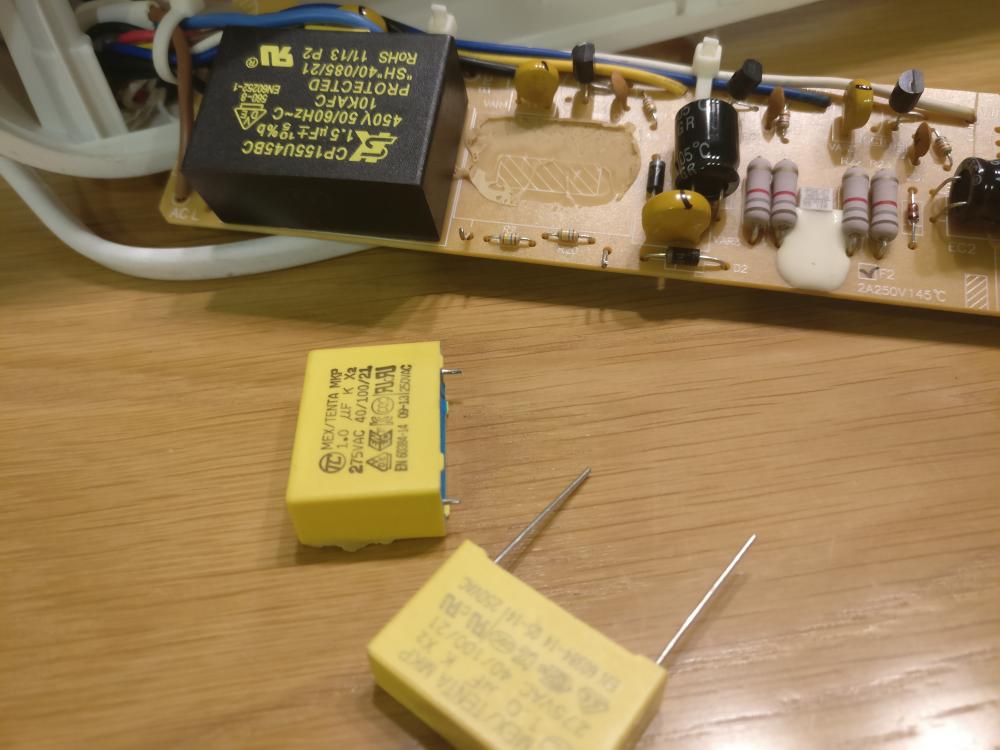
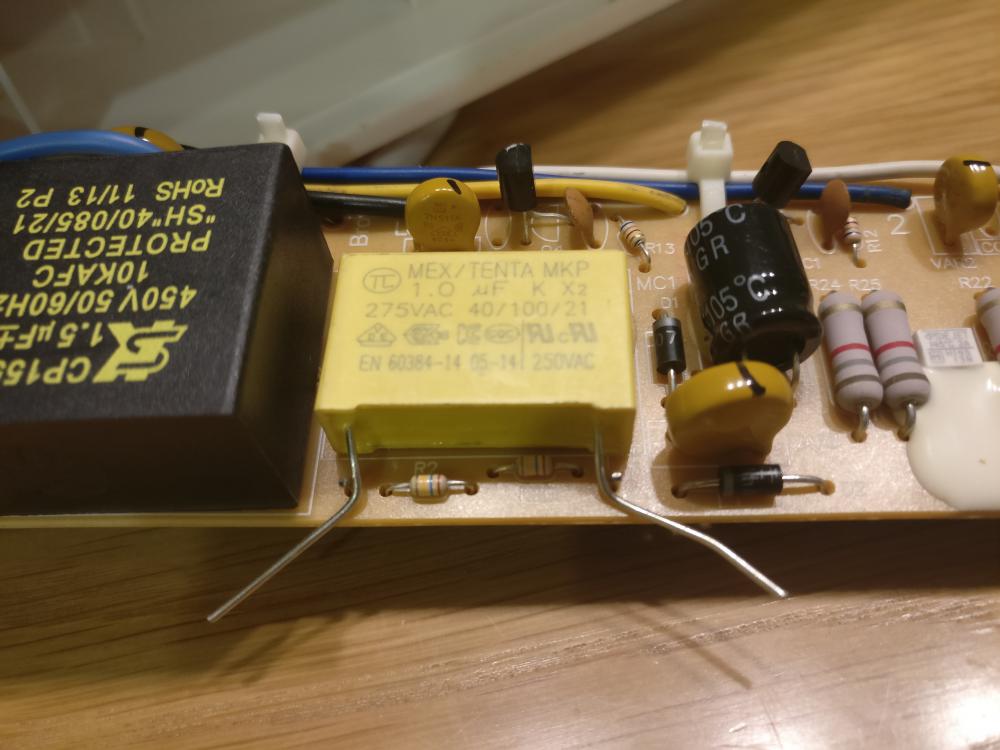
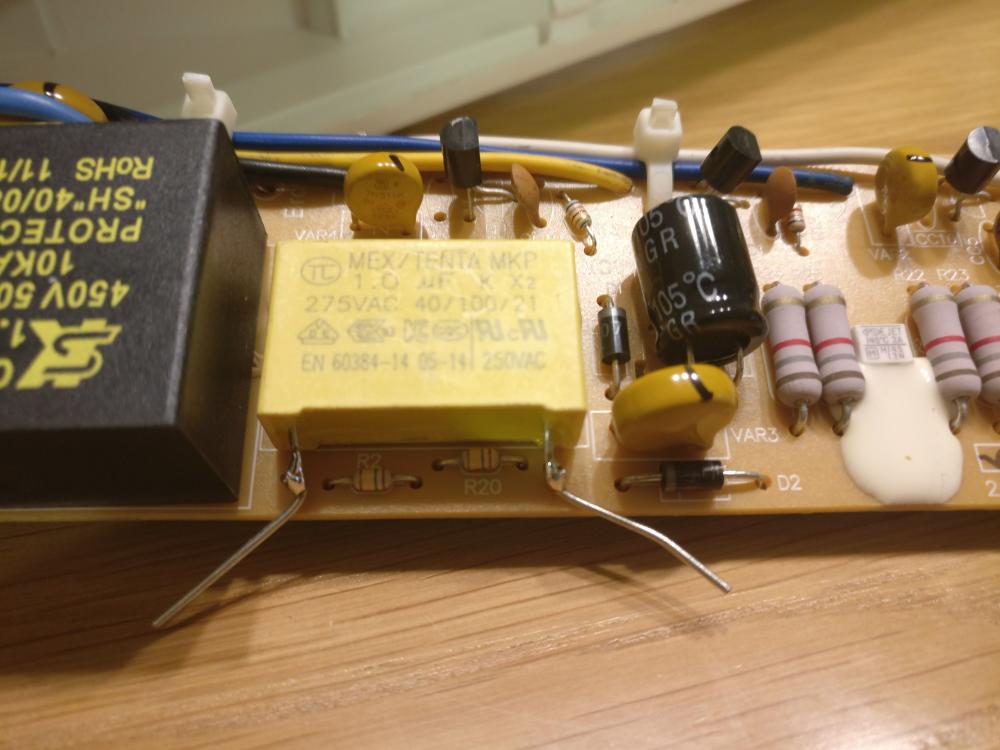
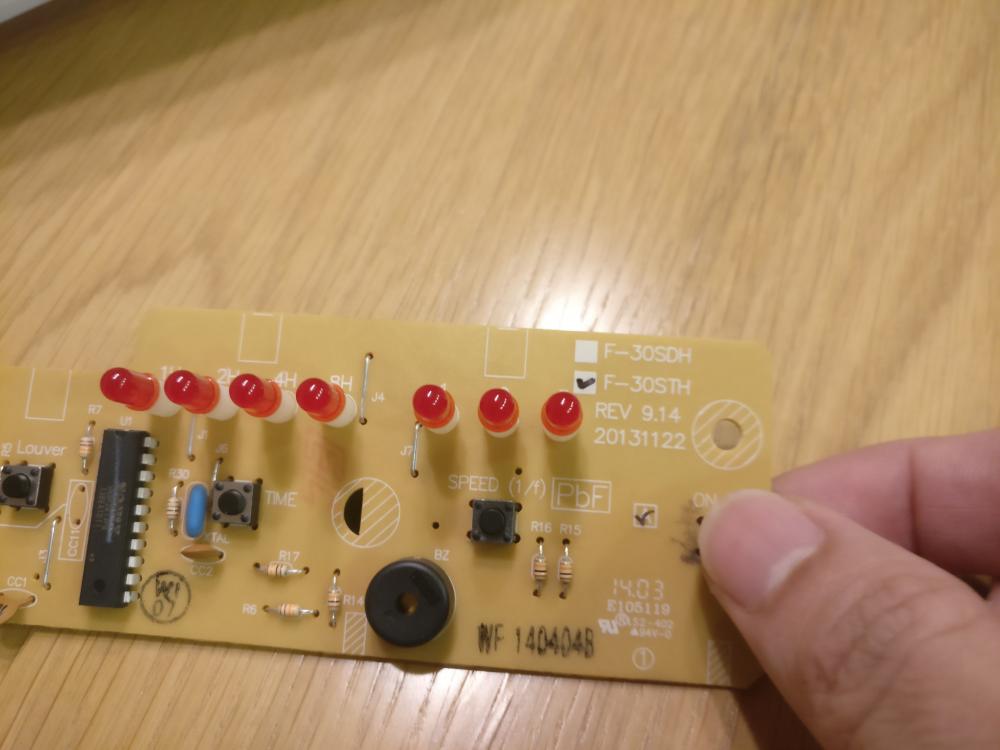
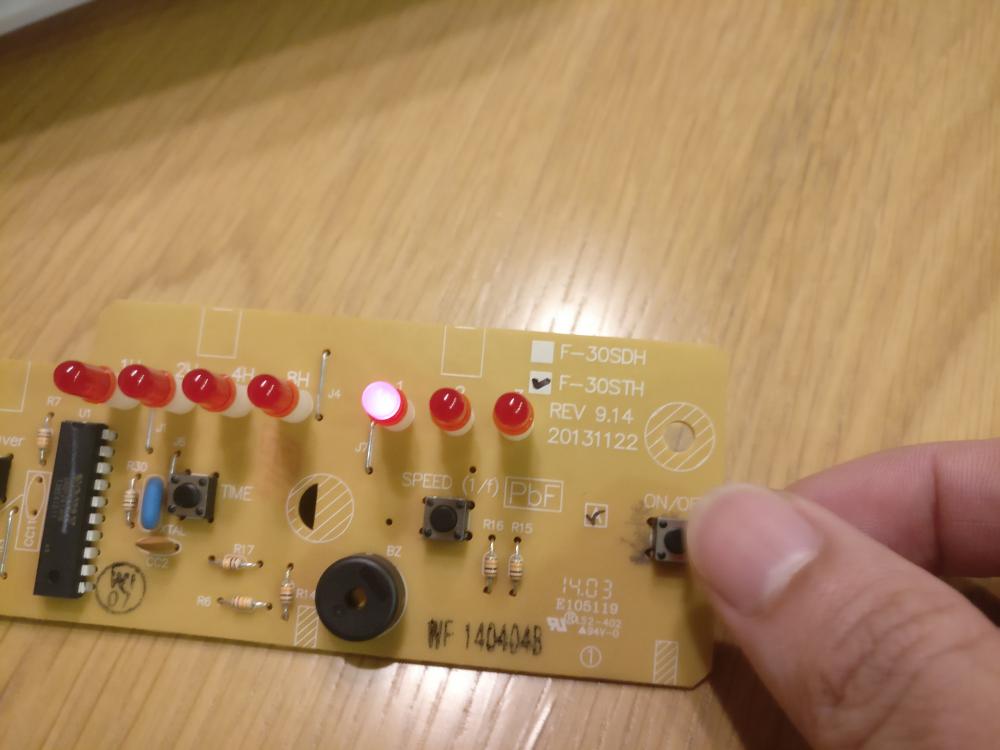
Repair KDK SS30H fan The standing fan has not been working properly recently. Few months back, when i press the "Louvre" button, the fan will automatically switched off. I can live without that function, so i just let it be. Recently, when i adjust the speed or switch on the fan, the power cut off after 1 sec of operation. So it's officially dead and i tried my luck and did a google search to see whether there is any way to revive it before throwing it away. I realised that this is a cmmon issues faced by people that got KDK fans in recent years, and the main faulty component is a capacitor inside the circuit board. So i decided to DIY and repair the fan myself. Time to dismantle the fan, unscrew every possible screws attached! After remove the top cover, the circuit board is exposed. The culprit is the yellow capacitor. Bought the replacement capacitor online, you can also get it from Sim Lim Tower. Each capacitor cost around $3. Make sure the specification is correct! 1.0uF / 275 VAC. I bought some extra and if anyone wanted to buy from me just PM me. Use a test pen to pry the capacitorto remove it from the glue, and snip off the two metal legs. Placed the new capacitor carefully, ensuring the existing leg touches the new leg properly, before solder them together and snip off the excess protruding part. Before soldering After soldering Time to do testing by pressing the On/Off, Timer and Louvre button. Yay it works! Hope this post will be able to help anyone that encounters similar issue and would like to try repairing the fan yourself.
 1 point
This leaderboard is set to Singapore/GMT+08:00