


Leaderboard
-
greenbunny
Members2Points30Posts -
Very Angry
Members0Points2Posts

Popular Content
Showing content with the highest reputation on 06/04/18 in all areas
-
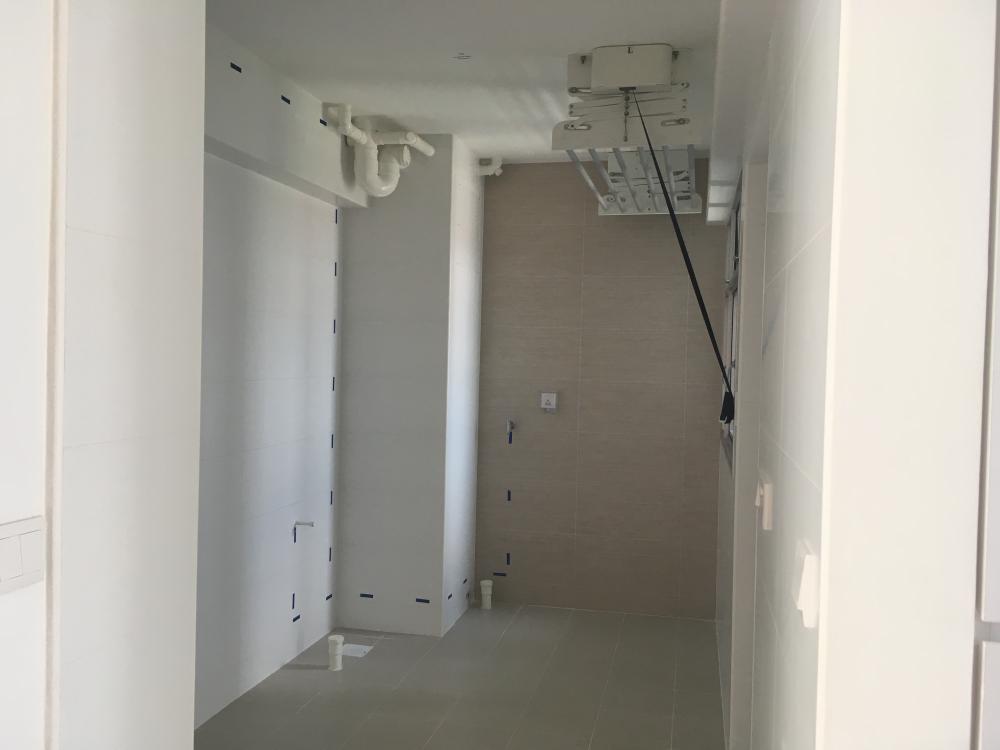
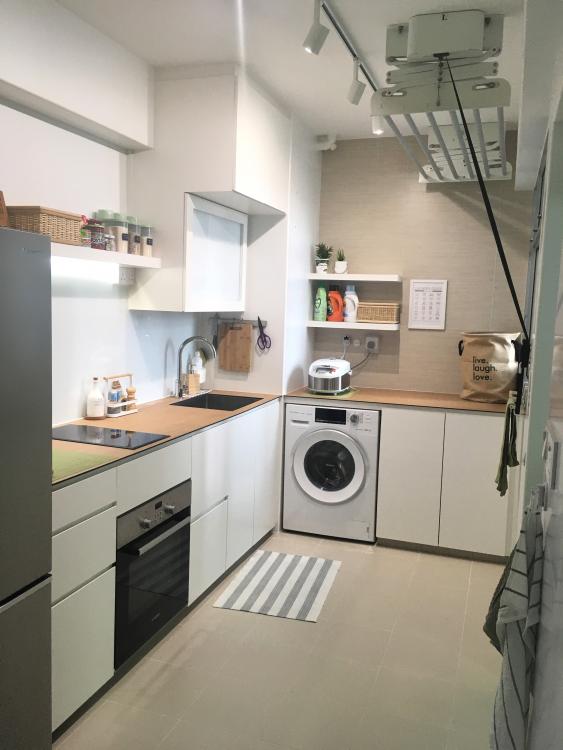
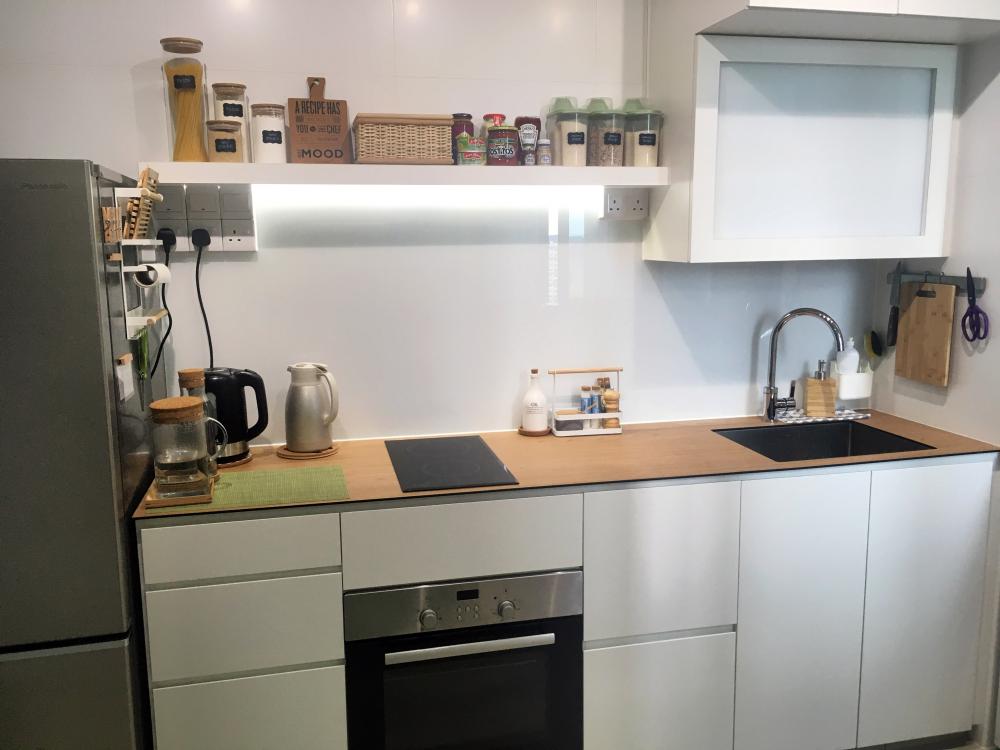
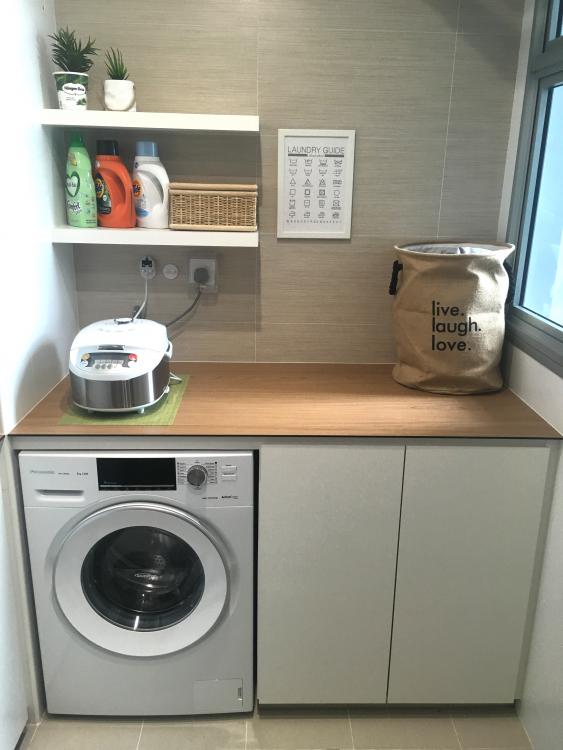
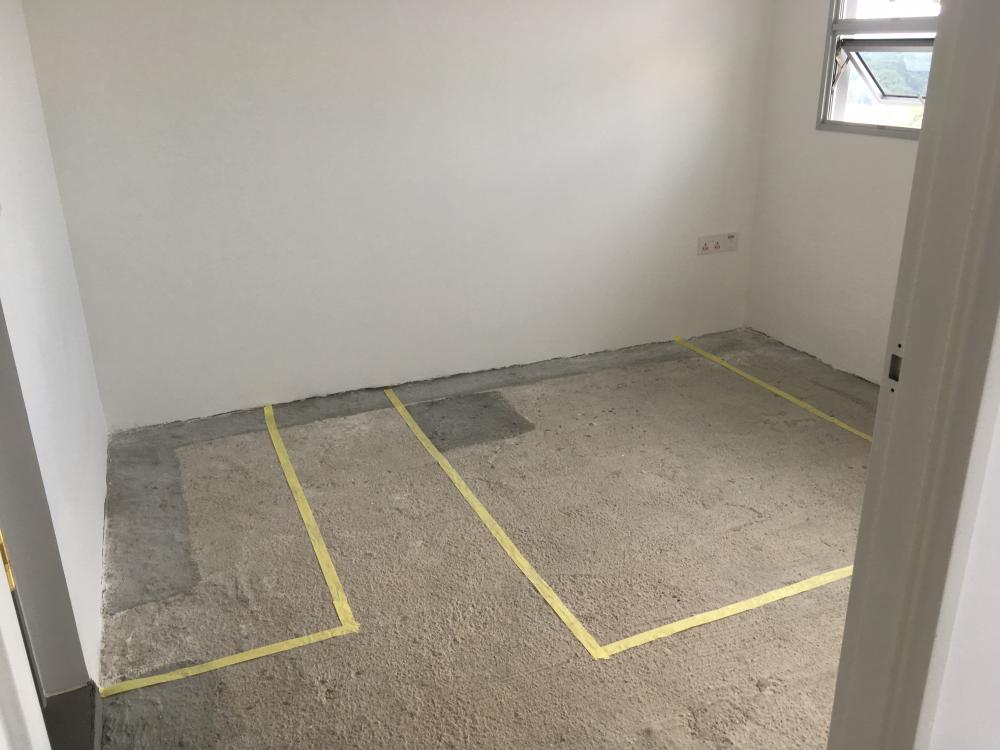
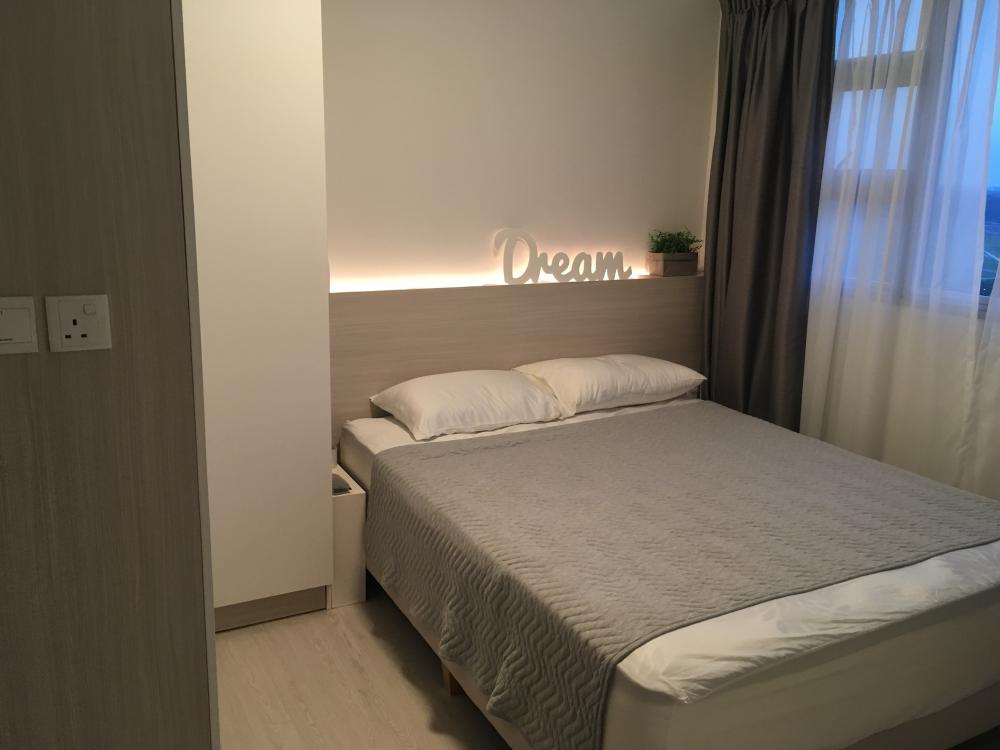
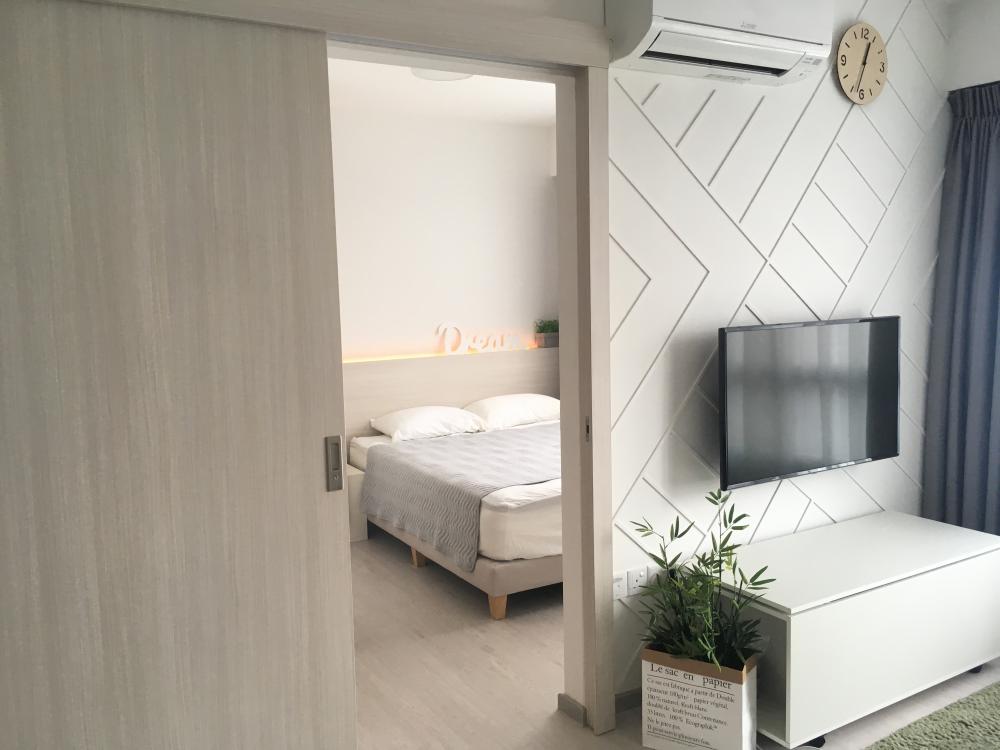
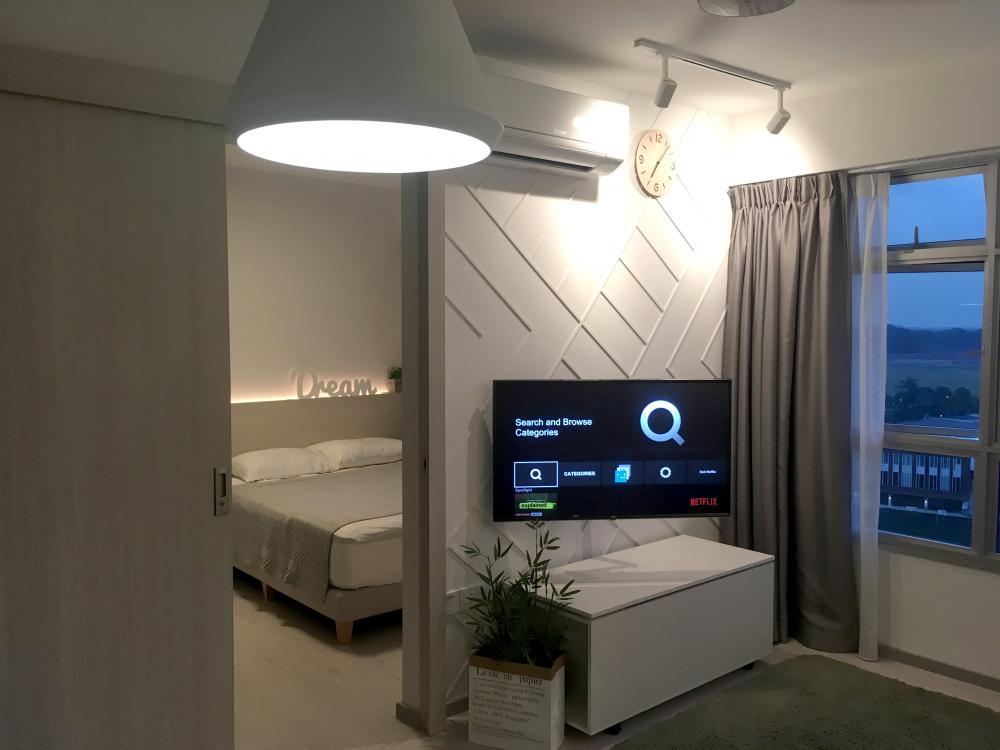
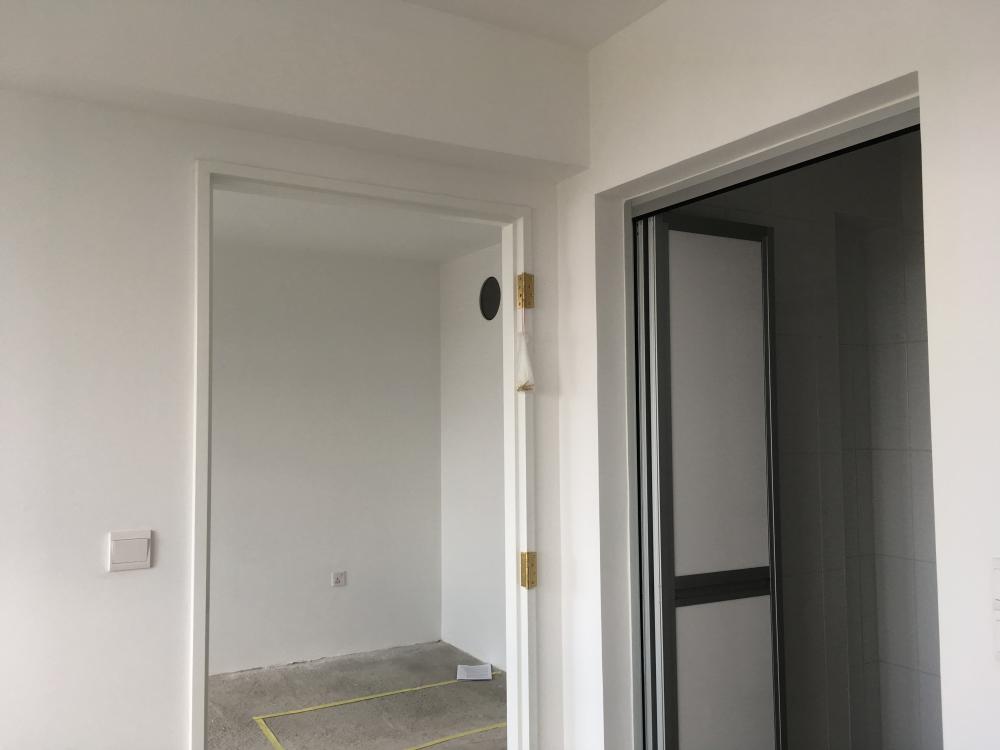
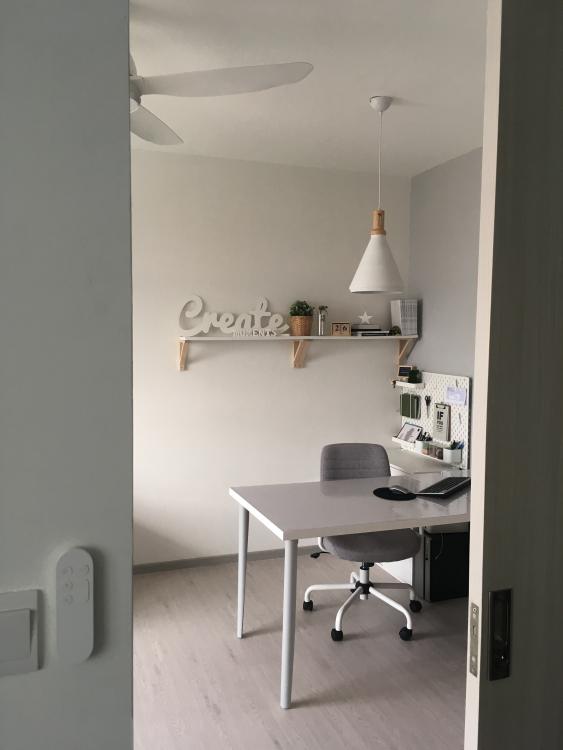
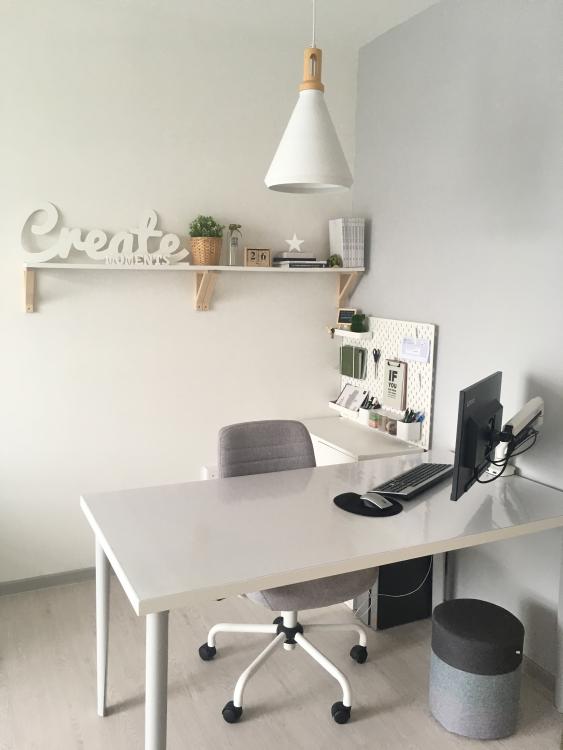
1 pointAlright folks.. Here are my pictures of my simple house. The theme is more like Nordic Minimalist. Feel free to correct me if u think it is another theme instead =) Kitchen: Before Kitchen: After Mini Laundry Area Bedroom: Before Bedroom: After Living Room: Before Living Room: After Work-Dining Area: Before Work-Dining Area: After Foyer: Before Foyer: After
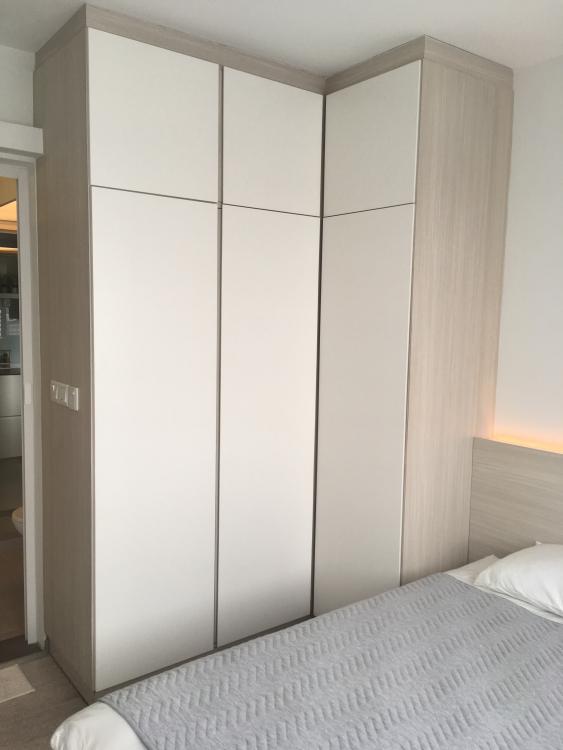
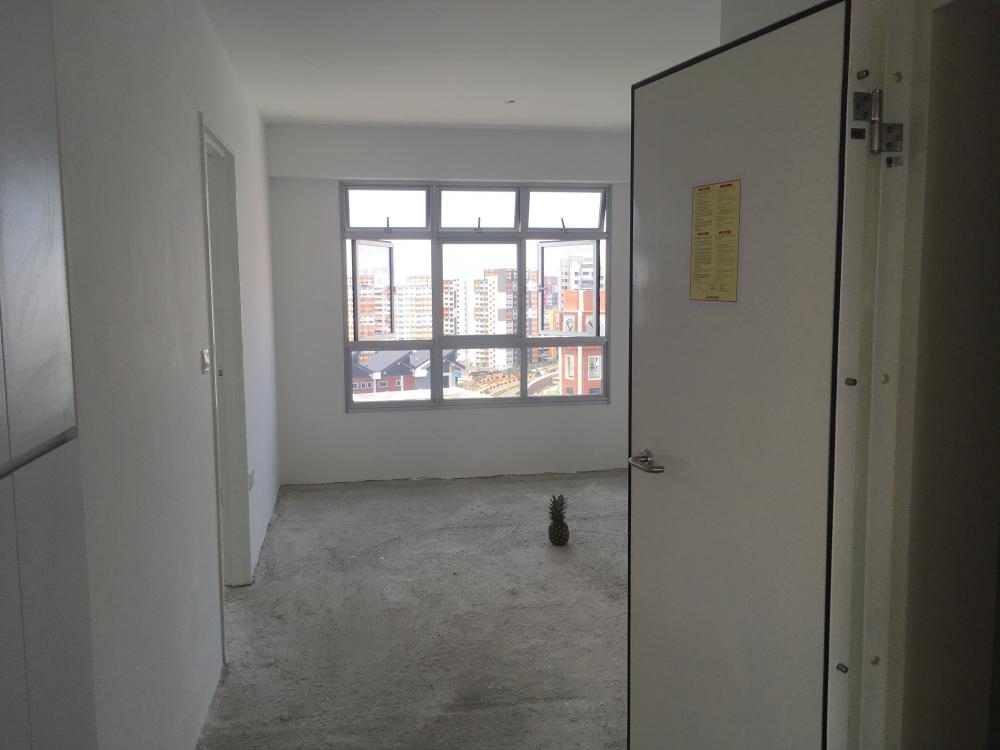
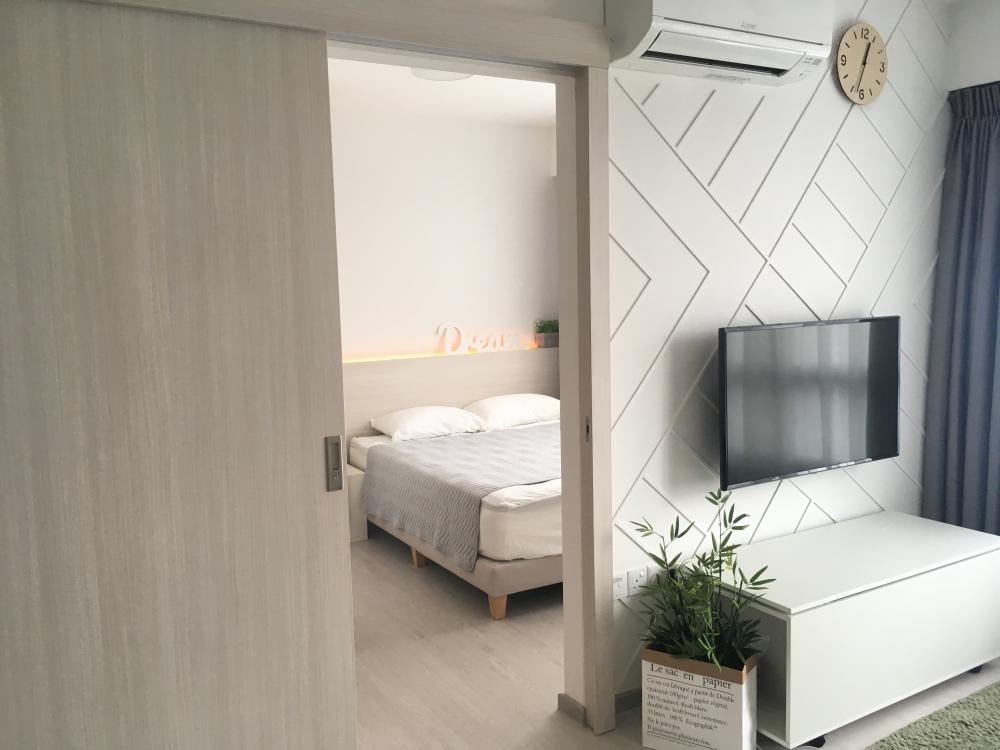
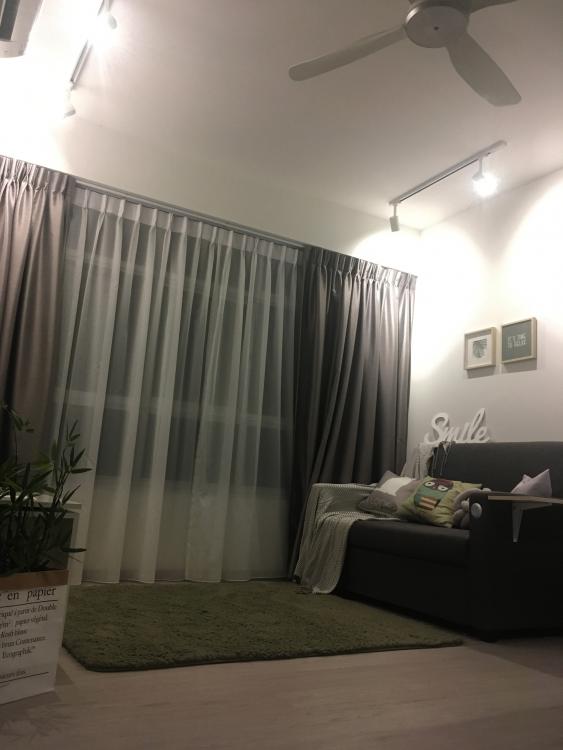
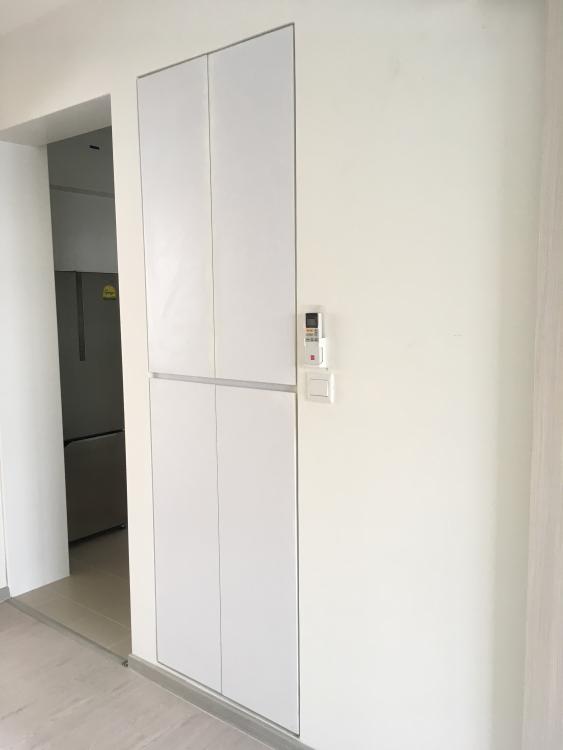
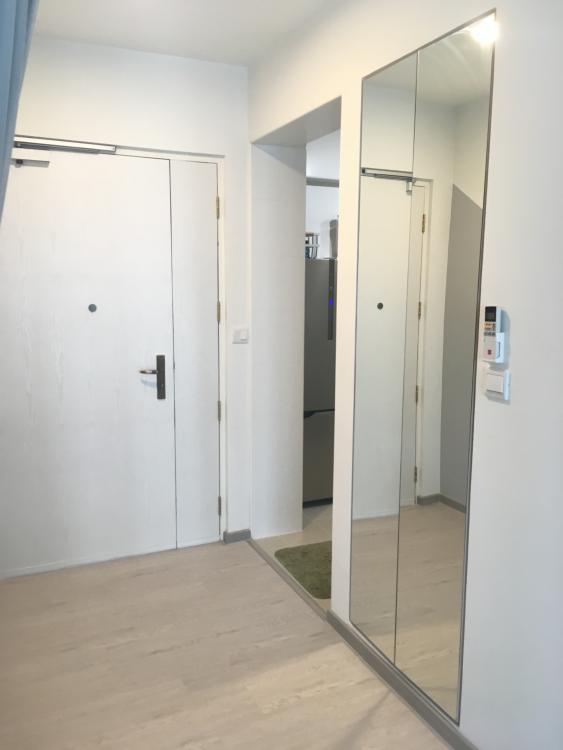
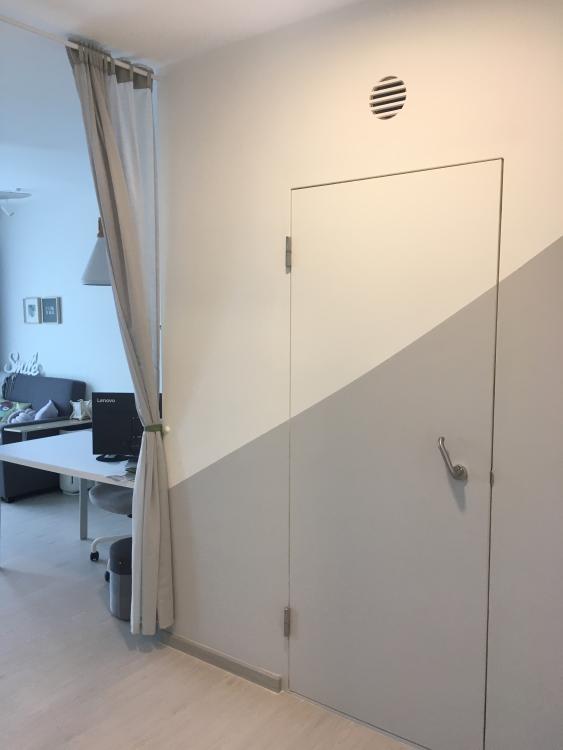
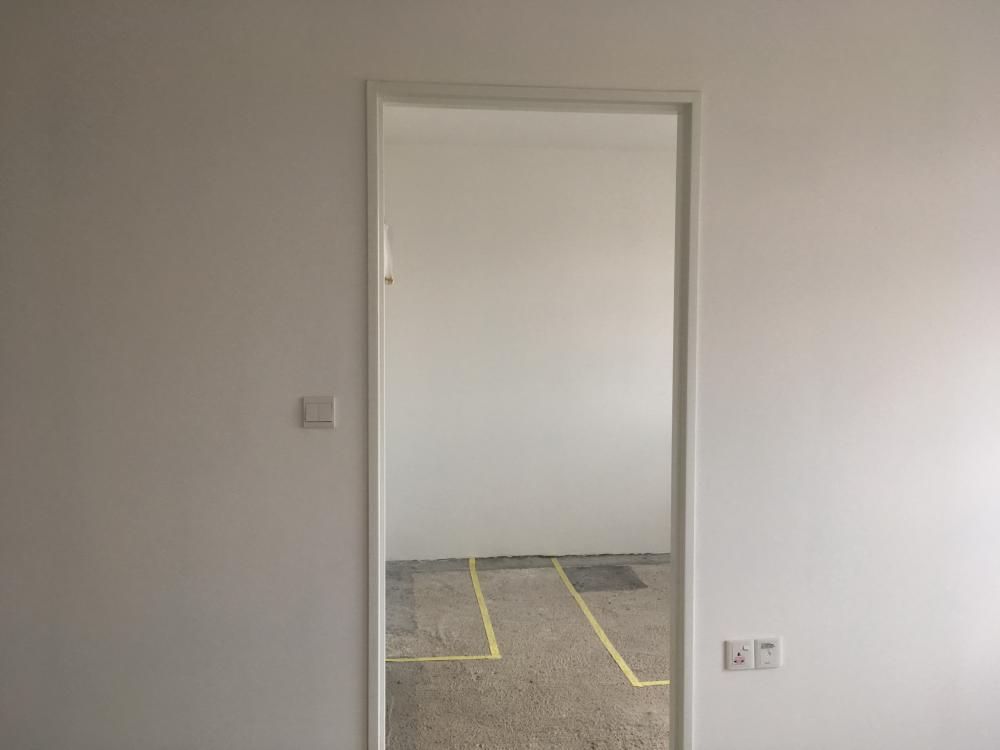 1 point
-
1 point@CaseBlue Here are the pictures of my completed bathroom. Hope it will help. Note: My bedroom-side toilet door (slide and swing) has customized dual locks. This way, I can lock from bedroom for privacy whenever i have overnight guests =)


 1 point
-
I installed U gate grille for my window. It is so lousy I am thinking of removing it n reinstalling with another company.0 points
This leaderboard is set to Singapore/GMT+08:00