


Leaderboard
-
greenbunny
Members2Points30Posts

Popular Content
Showing content with the highest reputation on 06/16/18 in all areas
-
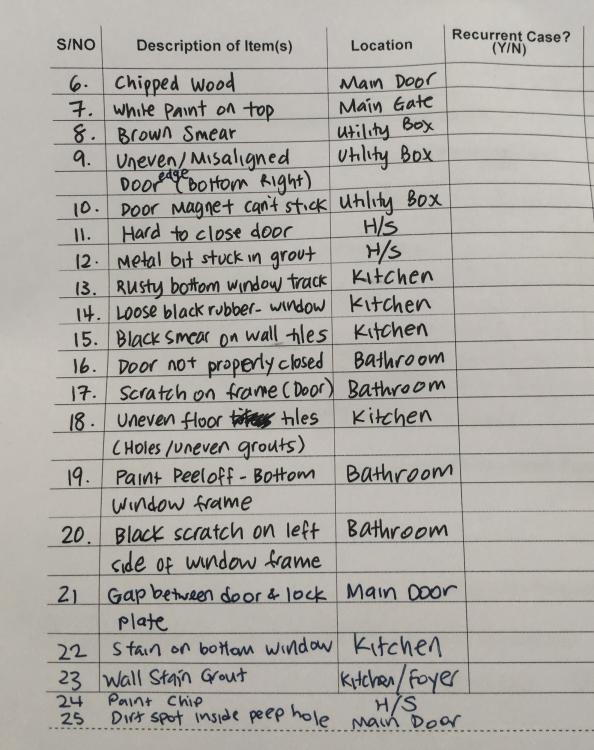
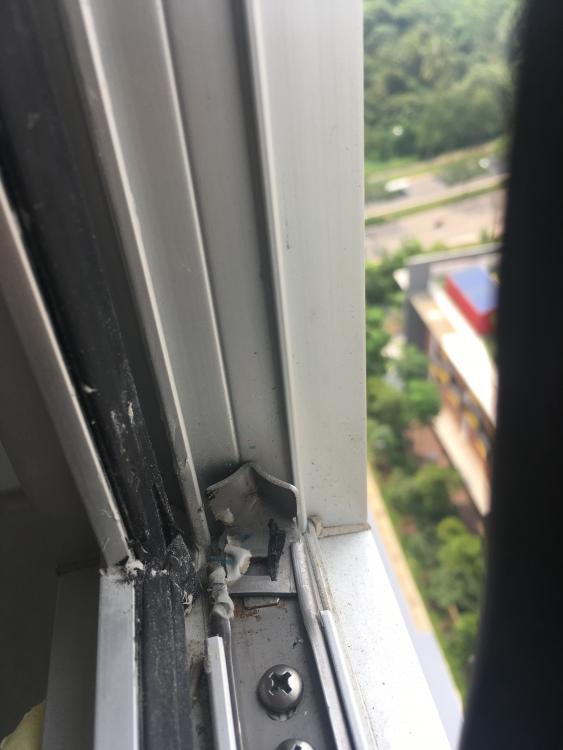
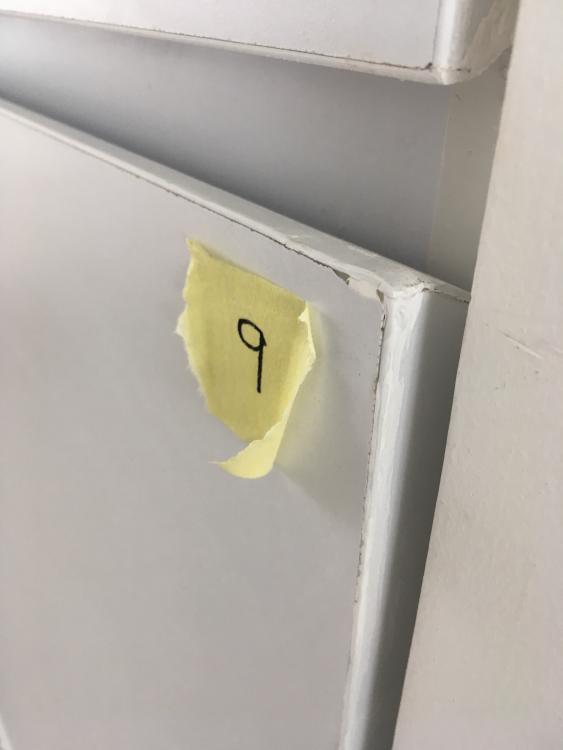
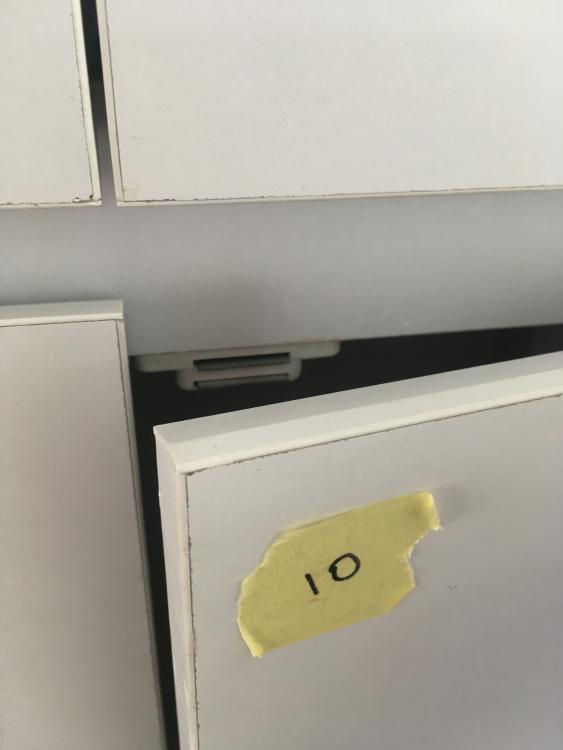
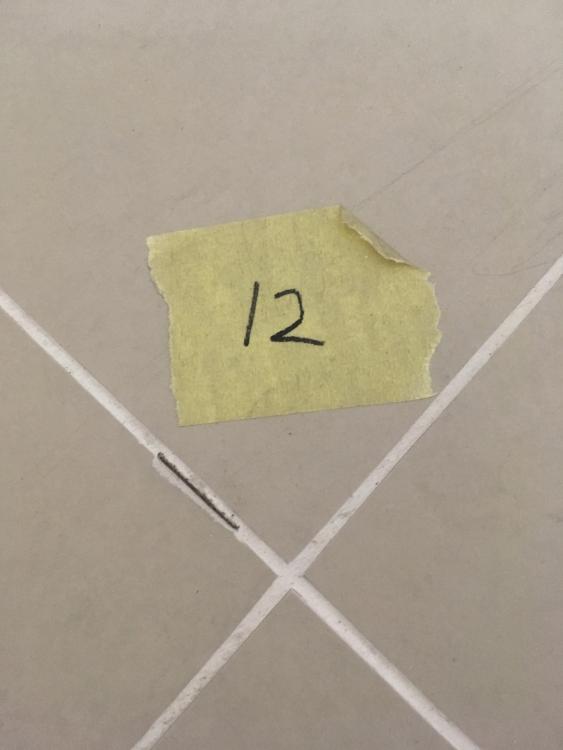
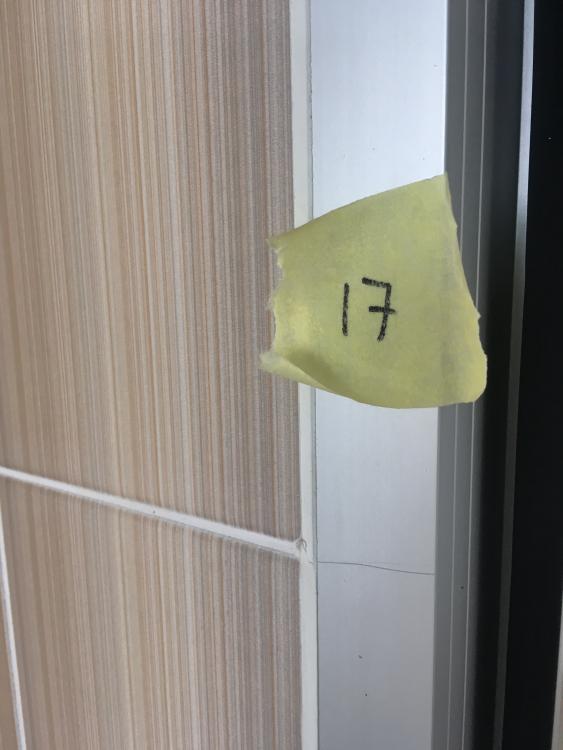
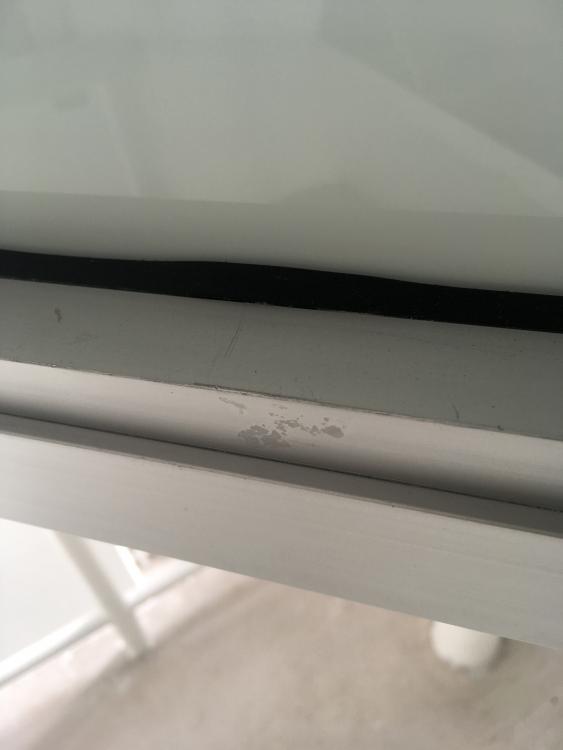
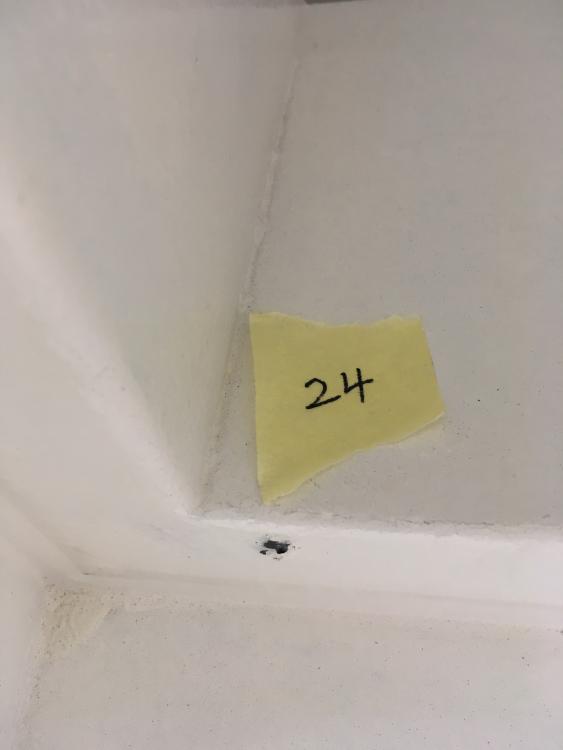
2 pointsYes yes quite a lot.. don't faint at my feedback list lol.. Pardon me for unclear description of some items. During fabrication/measurement, I "sweet-talked" the carpenter to give me free shelves for DB box and he gave me "OK" sign immediately haha.. Actually, mirror door was added in at the last minute when renovation was about to end I reckon that if i were to ask for mirror door in the beginning, shelves would be automatically included. You and @mmoh are well-informed about JRL.. Of course, I was pleased to know there would be MRT station (Tengah Park) nearby but N.I.N.E years to be ready?? oh well..

 2 points
This leaderboard is set to Singapore/GMT+08:00