Gianlightman
Members
-
Joined
-
Last visited
Everything posted by Gianlightman
-
How many rooms?
-
for the great work in coordinating the project. She is also very prompt in response. Giving ideas and solution when we have doubts. At the beginning, we have no clue in any part until we met her. She gave us home owner a certain expectation rather than just renovate.




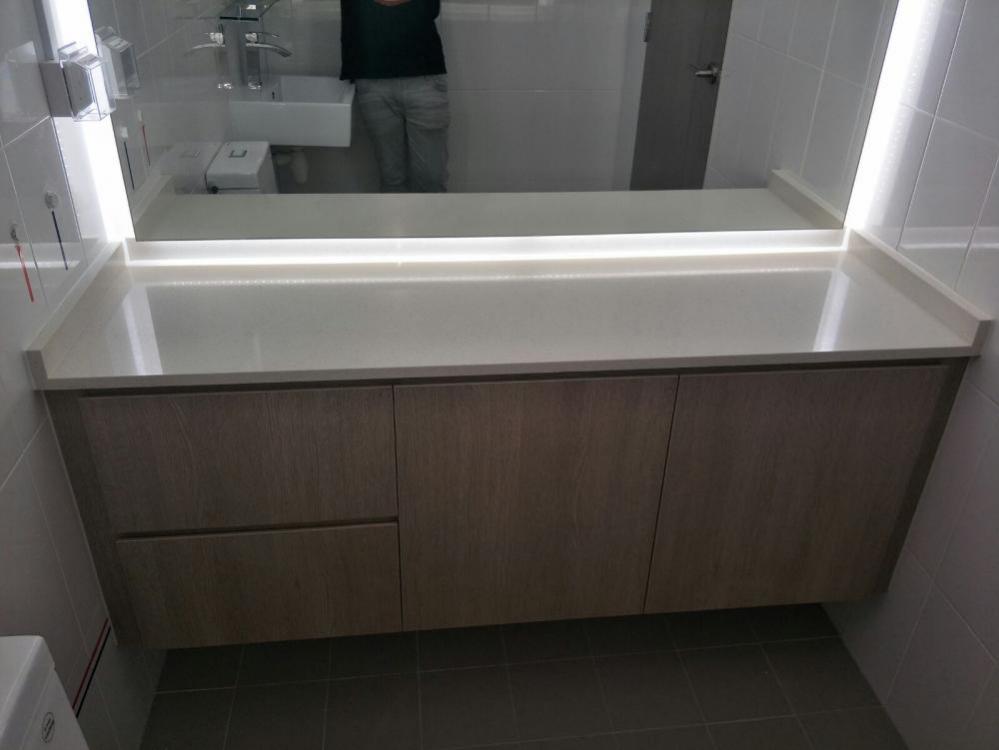

-
for the great work in coordinating the project. She is also very prompt in response. Giving ideas and solution when we have doubts. At the beginning, we have no clue in any part until we met her. She gave us home owner a certain expectation rather than just renovate.
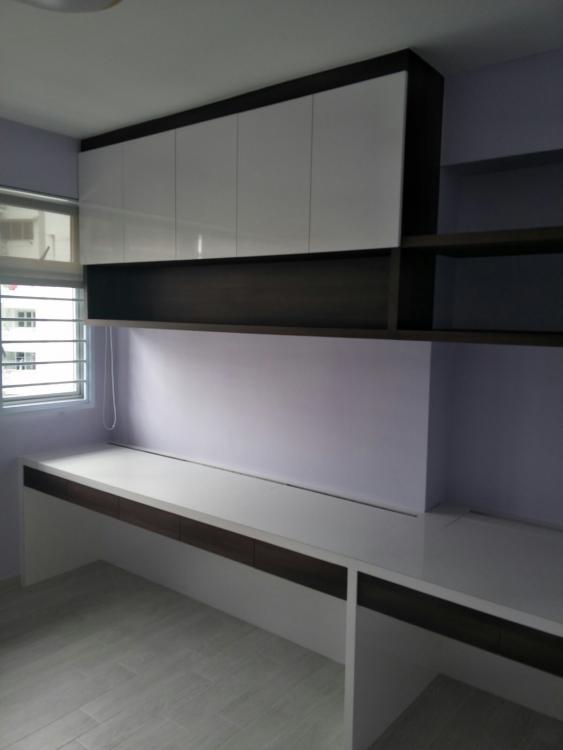


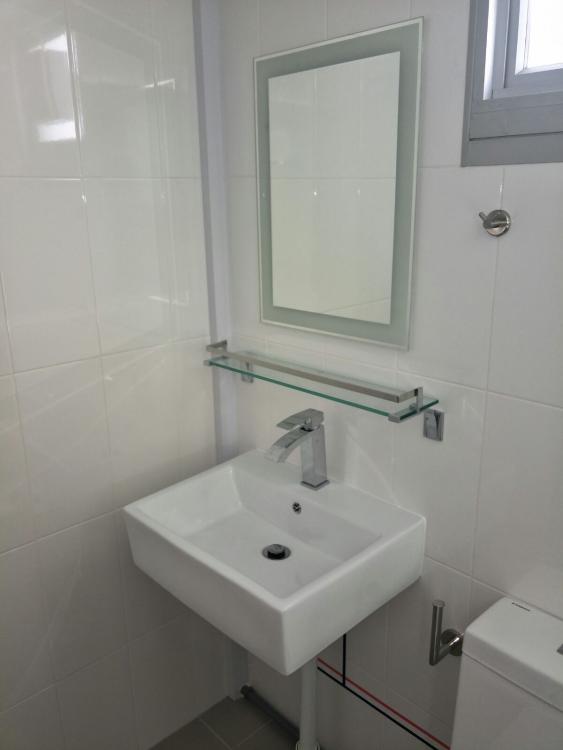
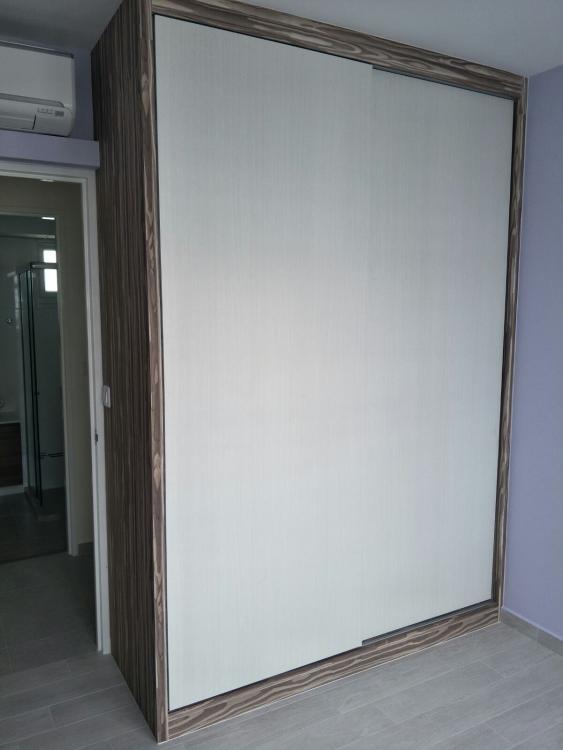



-
congratez!!
-
Gianlightman replied to Violetdale's topic in RENOVATION IDEAS: Interior Design Themes, Space PlanningChubbyfat2 Can you post your window damage pic over here?
-
or even go to 61 ubi road 1 #01-10
-
i dont think it is advisable to dismantle anything by yourself. I am certain that they have wall plug with it.