senjahome
Members
-
Joined
-
Last visited
-
Pm-Ed you..
-
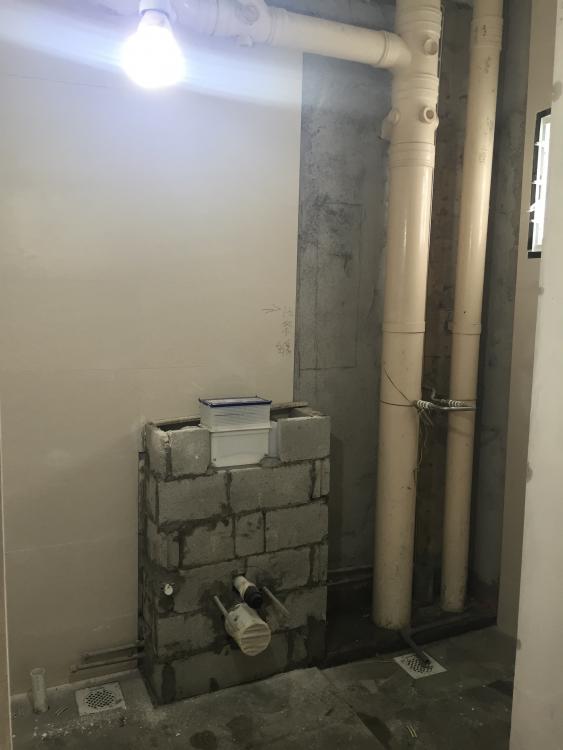
some picture of how the tiler did the laying of tiles onto the box up.

-
Forgot to mention.. Have to use calcium silicate board..
-
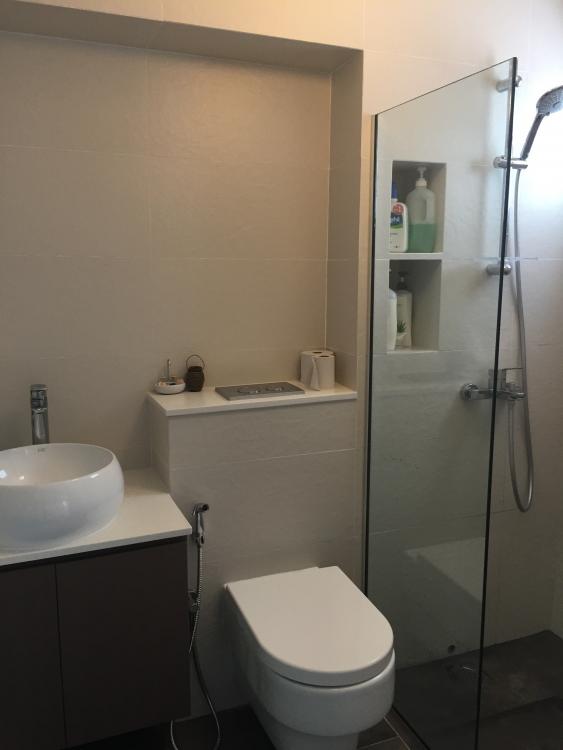
Quite expensive to box up and lay with tiles. I don't like to see the big piping so have to spend this money lo. the box up cost me $850. Cover up all the horizontal and vertical pipings.
-
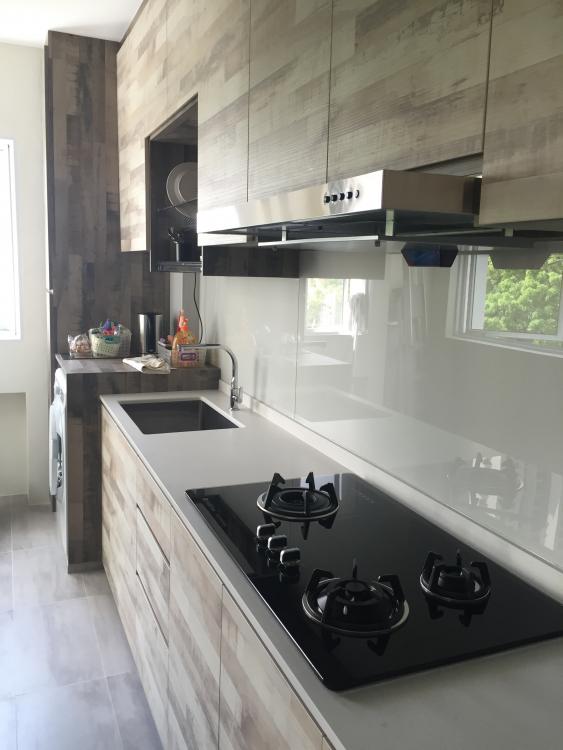
Admire my common bathroom box up with niche. Well done with awesome workmanship. Kitchen glass backing was done too recently.
-
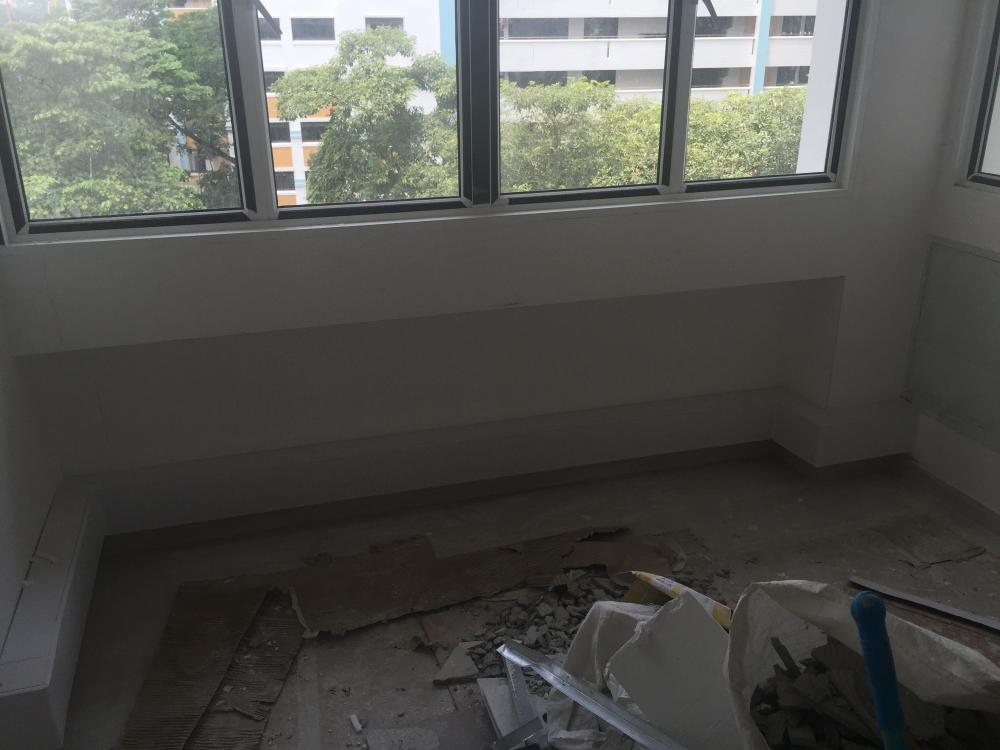
Long time no updates.. master bathroom flooring was damage. Quickly make a phone call to my ID. ID mention due to chemical washing, that's why lo. Fast fast arrange today to hack and change new floor tiles. All these done at no charge. Glad that my ID is responsible and don't push things around. These are the photo of the affected flooring..


-
Last stage of cleaning on going.. Latest pics from ID.


-
Thanks for the compliments.. It's not my workers.. Haha..
-
Thanks for your compliments.
-
Pm-Ed you already.
-
really need to thank my ID for his awesome taste. Thumbs up for him.
-
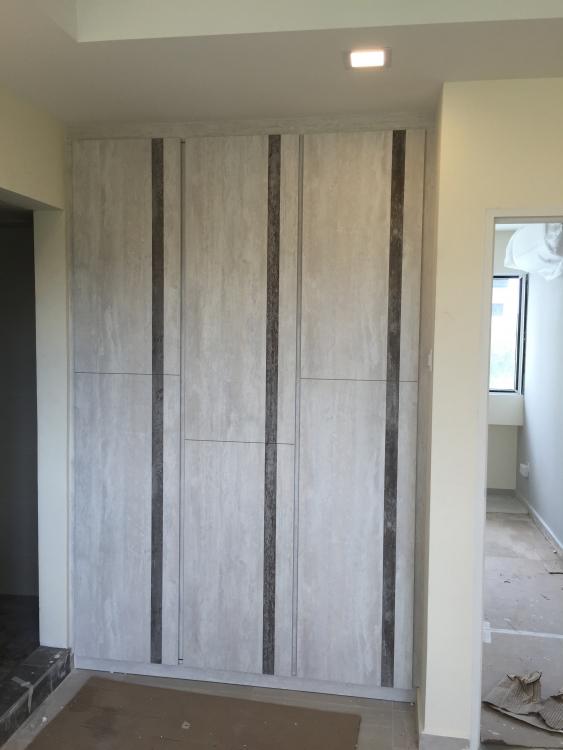
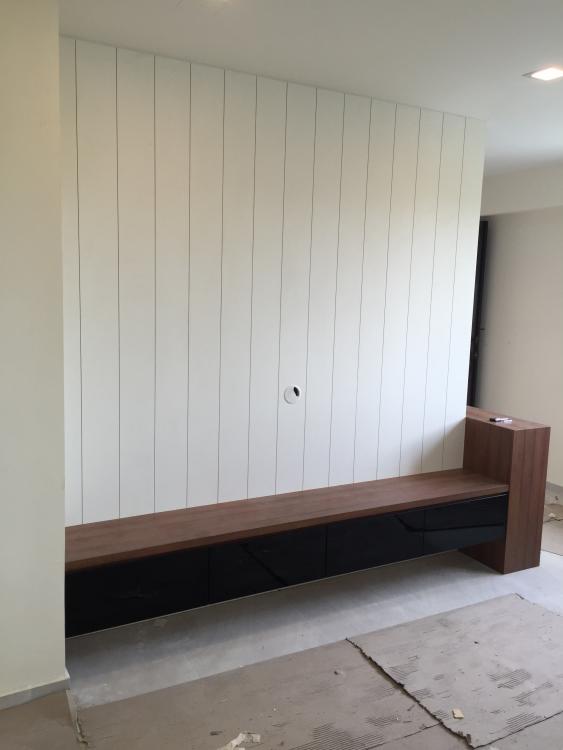
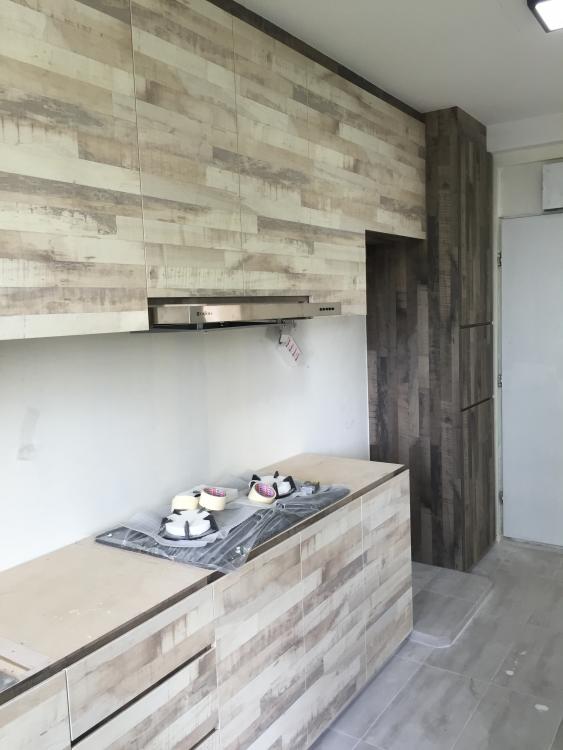
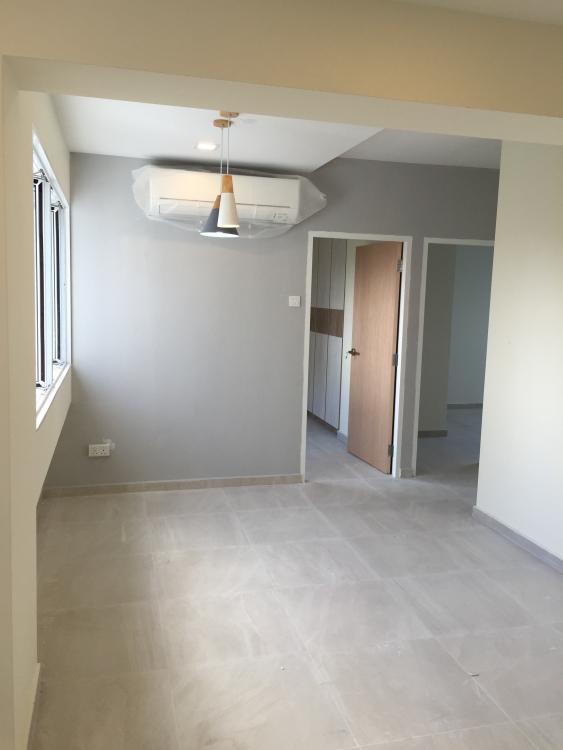
So exciting.. All works almost completed. Can't wait to move in. Kitchen and vanity top installation also done today.


-
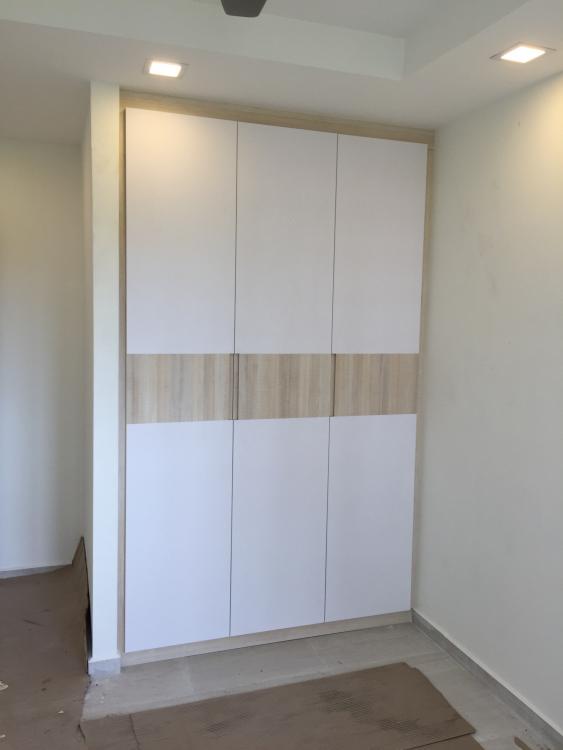
Some updates.. I love it so much.






-
Carpentry are here today.. (pics from ID) Can't Wait to see everything goes up.


-
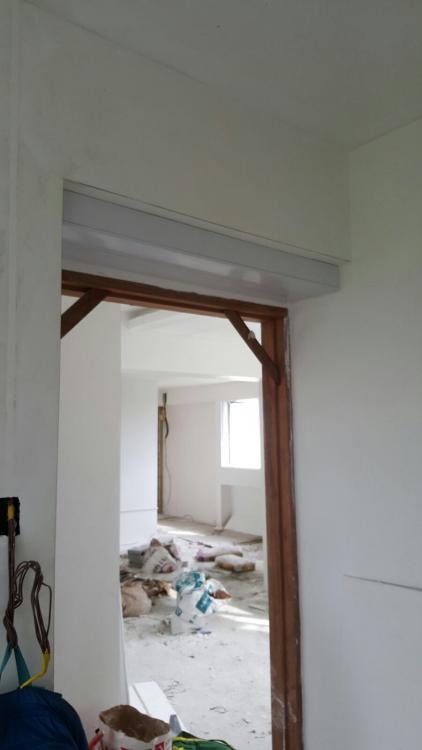
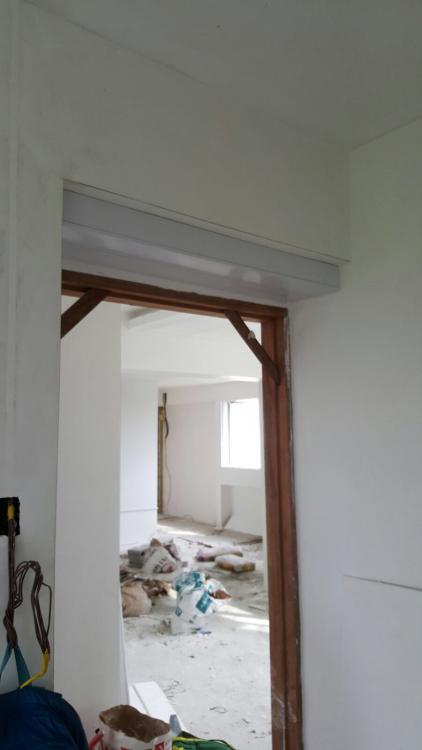
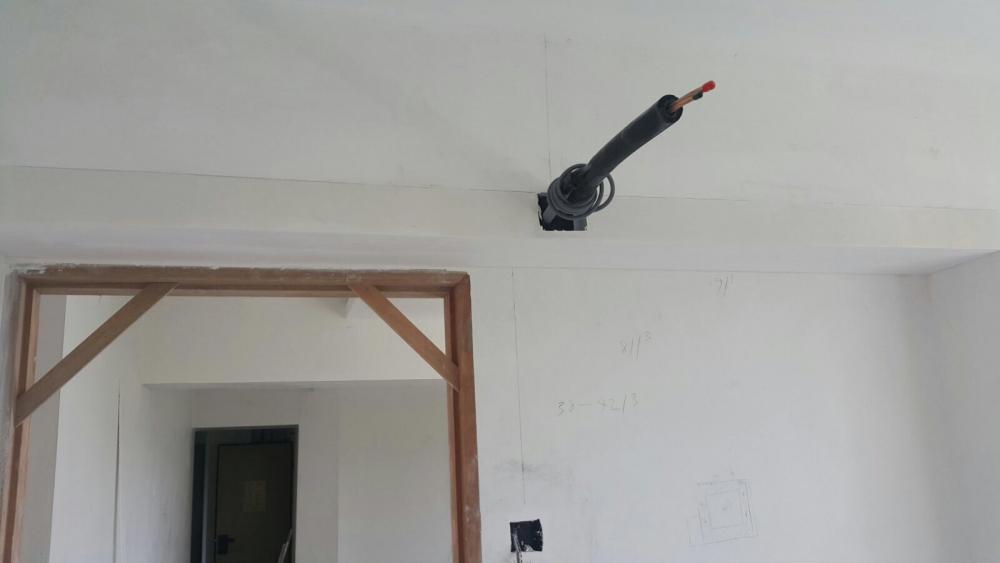
I think most owner will be bother about Aircon trunking on How to run the pipes. I came to know this Aircon guy thru recommendations. A Nice young chap. Box up was nicely done by ID. It will look like part of the wall/beam now. Before pics After pics