Skip to content
View in the app

A better way to browse. Learn more.

RenoTalk.com ™

A full-screen app on your home screen with push notifications, badges and more.

To install this app on iOS and iPadOS
  1. Tap the Share icon in Safari
  2. Scroll the menu and tap Add to Home Screen.
  3. Tap Add in the top-right corner.
To install this app on Android
  1. Tap the 3-dot menu (⋮) in the top-right corner of the browser.
  2. Tap Add to Home screen or Install app.
  3. Confirm by tapping Install.

Leaderboard

Popular Content

Showing content with the highest reputation on 06/28/17 in all areas

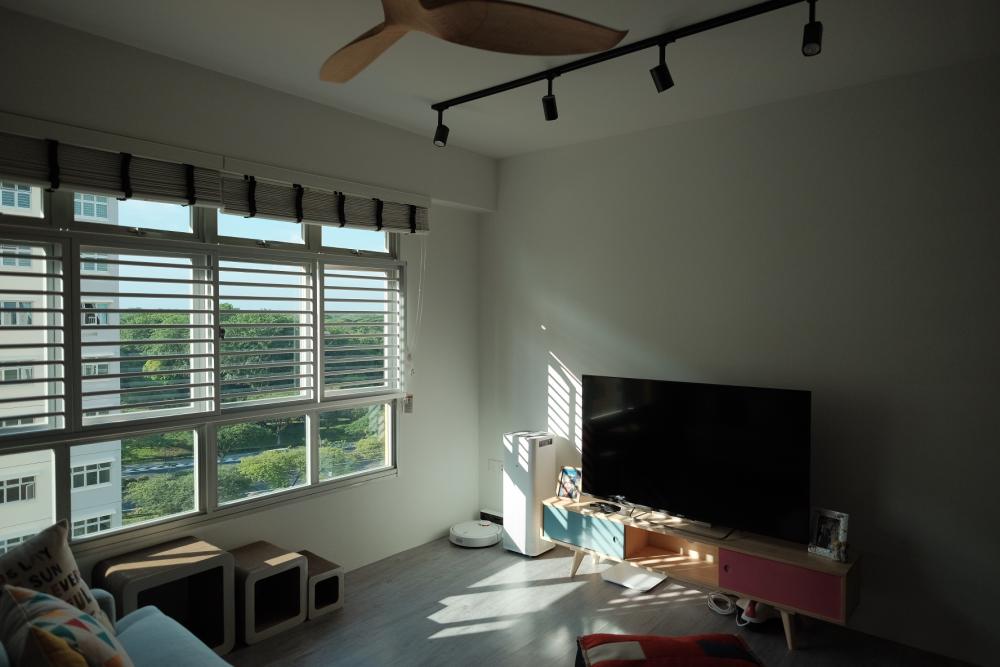
  1. Here's some sneak peek of our completed home!
  2. I got mine from Taobao, there's a similar one in ikea but the individual metal rod is thinner and looks a bit more flimsy. It costs less than 20 bucks and I have been using it since I moved in. Fortunately, till date there are no rust spot or deterioration, definitely one of the better buys in TB. Keyword to search for: 可卷不锈钢水槽沥水帘
  3. Hi Ecnalx, Can share your contractor details pls? Thanks
  4. Nice informative t blog nice reno bro well done !
This leaderboard is set to Singapore/GMT+08:00

Account

Navigation

Search

Search

Configure browser push notifications

Chrome (Android)
  1. Tap the lock icon next to the address bar.
  2. Tap Permissions → Notifications.
  3. Adjust your preference.
Chrome (Desktop)
  1. Click the padlock icon in the address bar.
  2. Select Site settings.
  3. Find Notifications and adjust your preference.