


Leaderboard
-
Songz
Members1Points1305Posts -
Butterflious
Members1Points29Posts


Popular Content
Showing content with the highest reputation on 09/20/17 in all areas
-
Conceal is against the regulations for HDB Flats. You can only do it for private if I am not wrong. (Hope this helps)1 point
-
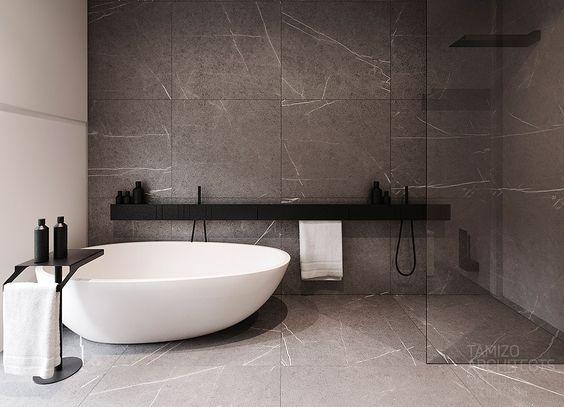
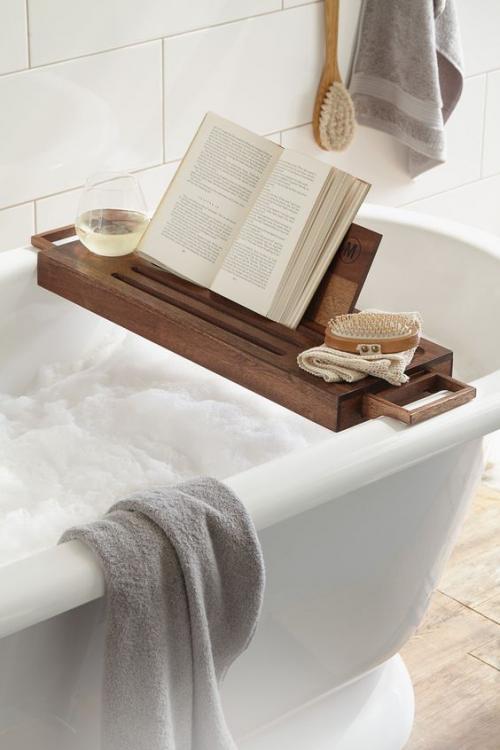
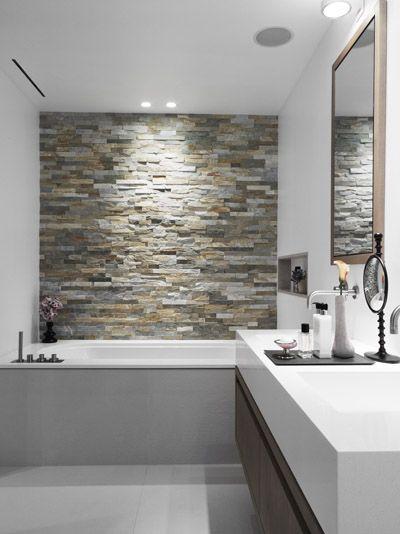
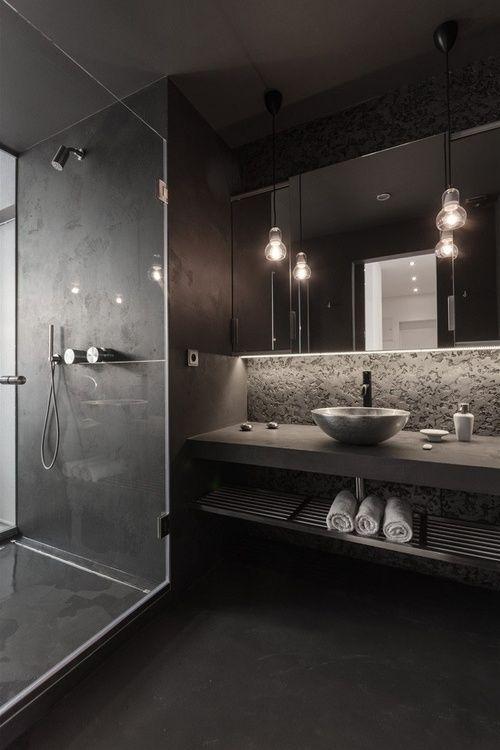
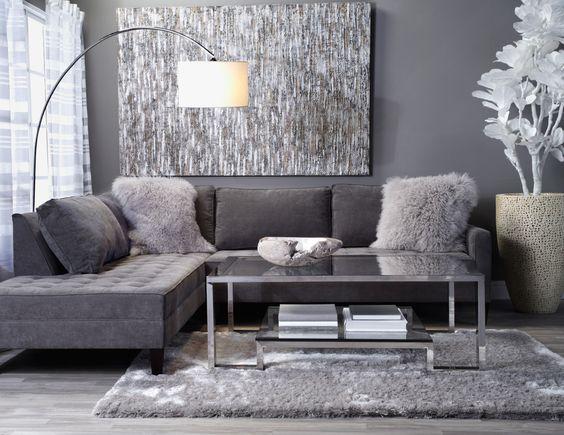
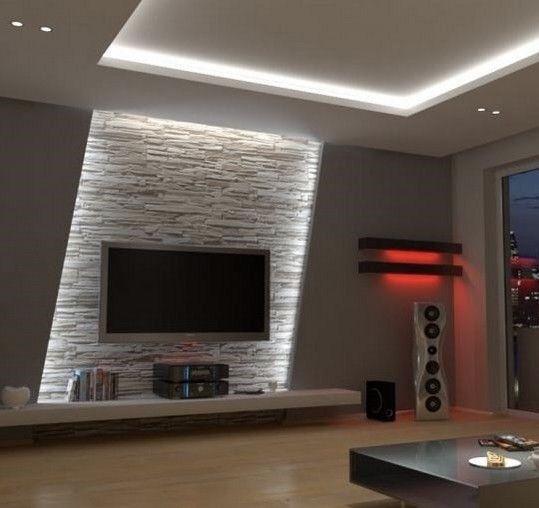
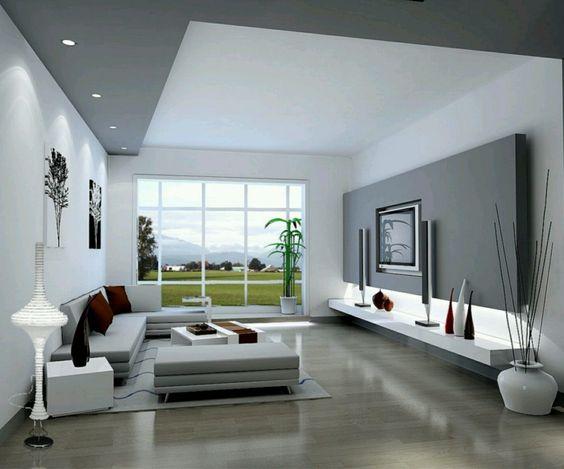
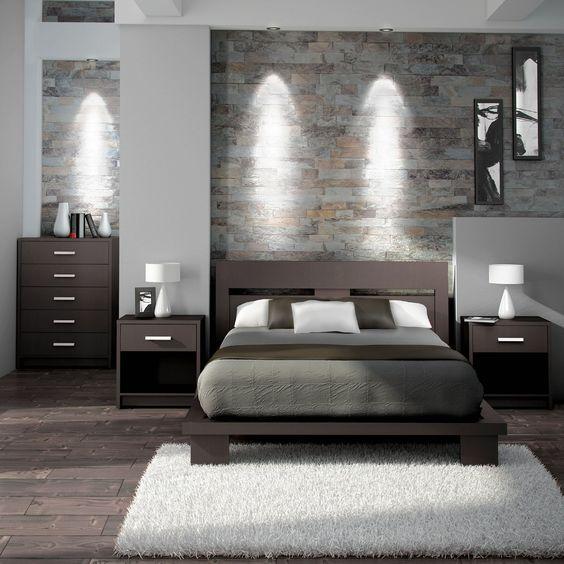
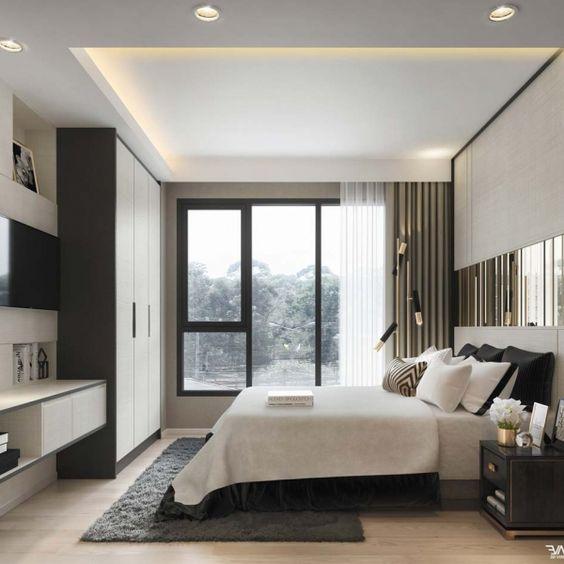
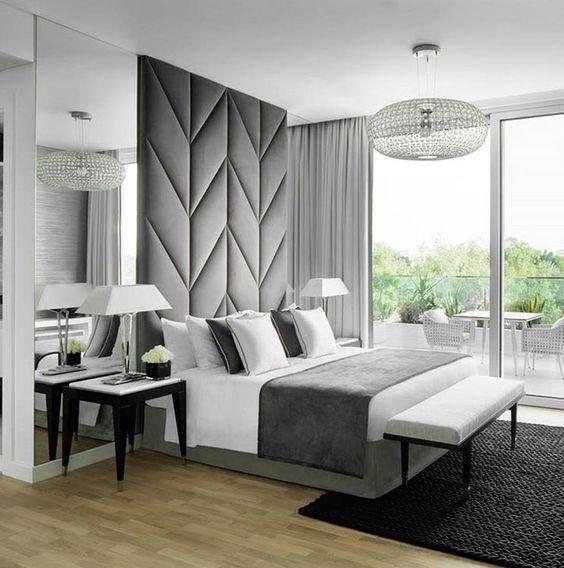
1 pointMood boards 1) Master Bath We want a bathtub so bad cause we love soaking in hot water after a long day! With scented candles burning and a glass of wine, listening to relaxing music, ah~~ 2) Master Bedroom It's not difficult to tell by now, my preference for colors are grey, white, black, very unusual for a woman. Thus, our 'dark side'. lol. We prefer to have basic colors for our home and furnish with some touch of colors to brighten up the space. We are also not a fan of wood. We prefer modern, luxurious, stone feel. I really wanted this plush feature wall for our MBR but we bought our bed too early and we can not change the designer-bedframe =( 3) Living Room
 1 point
This leaderboard is set to Singapore/GMT+08:00