


Leaderboard
-
infatuation1527
Members1Points113Posts

Popular Content
Showing content with the highest reputation on 09/29/17 in all areas
-
1 pointUpdate 22 Sep: Texted Mr K at 6.30am to tell him my discomfort regarding the glass door "ball" for bedroom 3 which makes the whole glass vibrate whenever someone closes it because the "ball" is quite hard so you got to like force-bang to close the door Although hubby has been telling me it's ok (everything is always ok for him), I couldn't stop thinking about it. I suggested a couple of ways (including those old school toilet latch) but Mr K said that wasn't doable. However, he was kind enough to say that he will think about it again to see how that can be changed to something else. Hubby and I were admiring our house and he asked for my top 3 favourite things from the reno, and I said it has got to be my wash basins, craftstone feature wall and my Blum kitchen drawers. Also quite glad that my blue wall turned out quite well, not too bright. @Songz Thank you for your encouragement! End product, only left with chemical washing on Saturday! Still not satisfied with the metal frame door, toying with the idea of changing it to a sliding door to minimize the violent vibrations of the glass when I close the door. But most likely won’t be changing anymore since hubby can’t wait to move in and it will likely mean that I have to dismantle everything to fit a sliding door. Shall let the pictures do the talking! Note: photos are unprofessionally taken by me

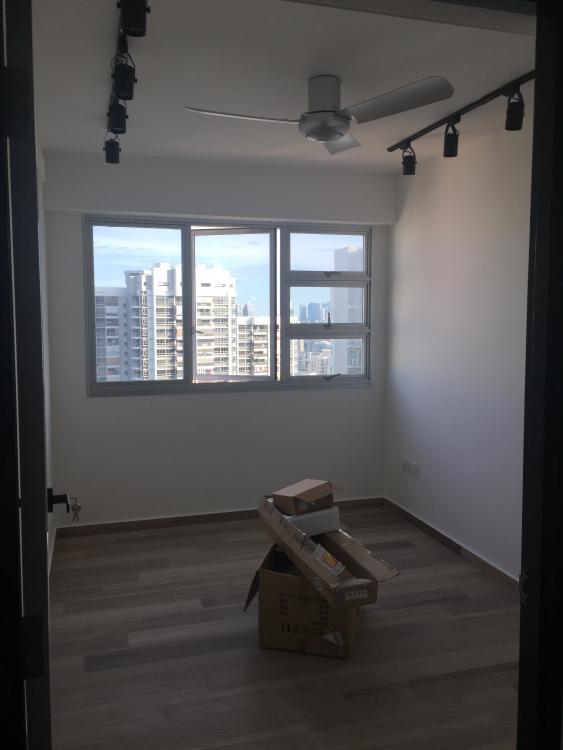


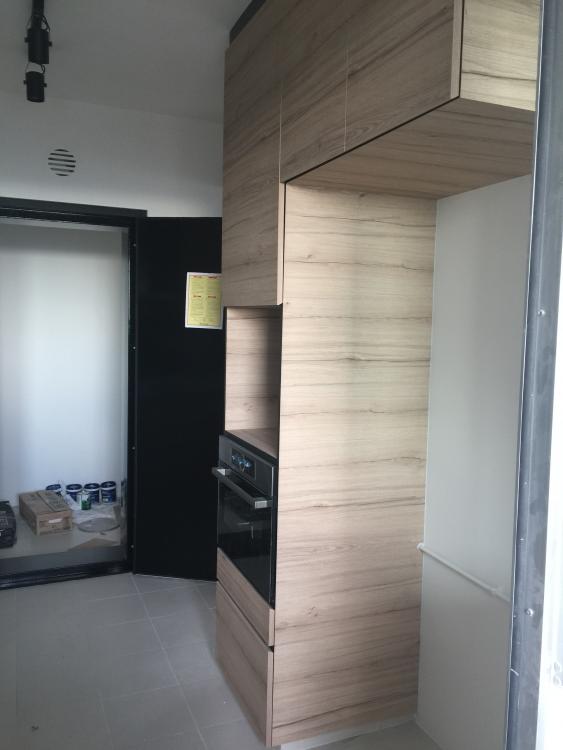
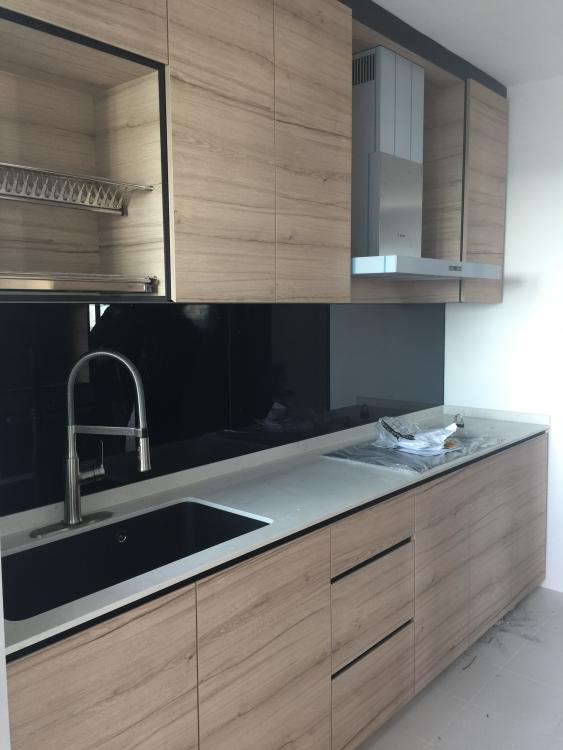


 1 point
This leaderboard is set to Singapore/GMT+08:00