Skip to content
View in the app

A better way to browse. Learn more.

RenoTalk.com ™

A full-screen app on your home screen with push notifications, badges and more.

To install this app on iOS and iPadOS
  1. Tap the Share icon in Safari
  2. Scroll the menu and tap Add to Home Screen.
  3. Tap Add in the top-right corner.
To install this app on Android
  1. Tap the 3-dot menu (⋮) in the top-right corner of the browser.
  2. Tap Add to Home screen or Install app.
  3. Confirm by tapping Install.

Leaderboard

Popular Content

Showing content with the highest reputation on 11/02/17 in all areas

  1. 1 point
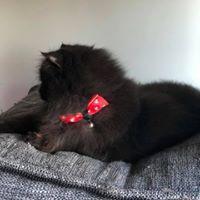
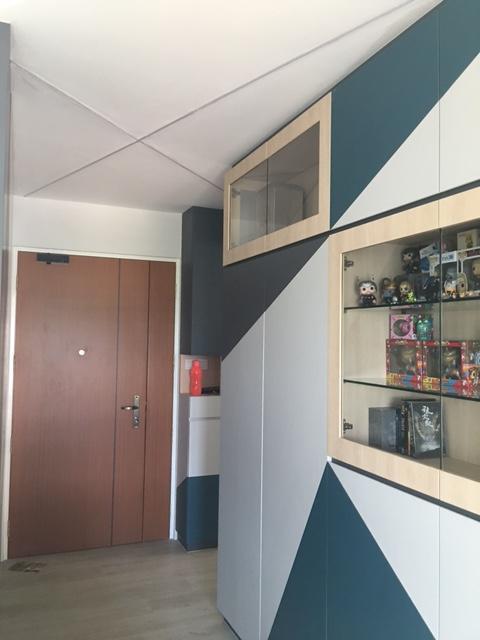
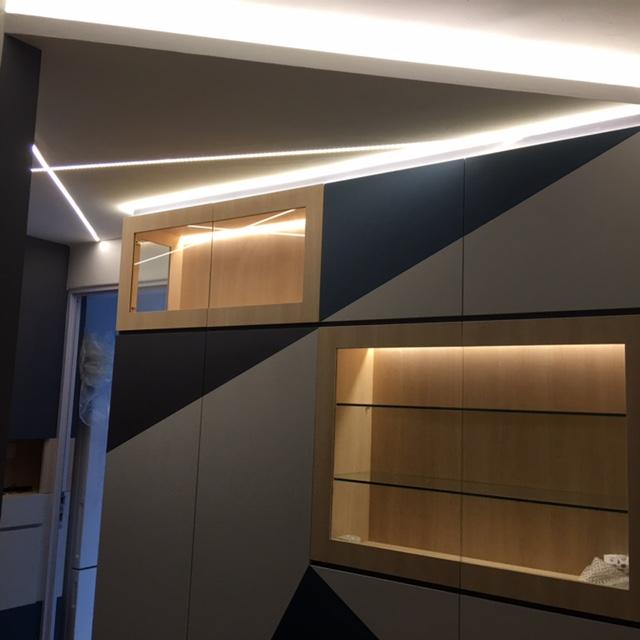
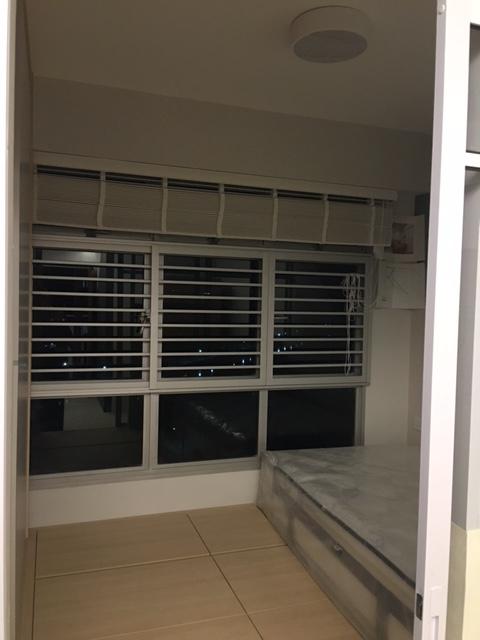
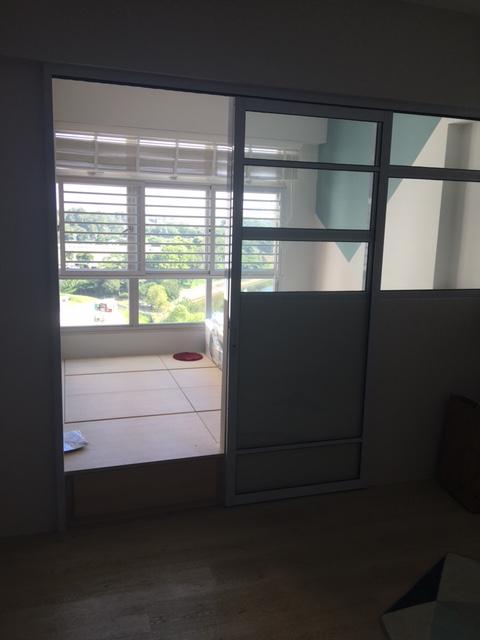
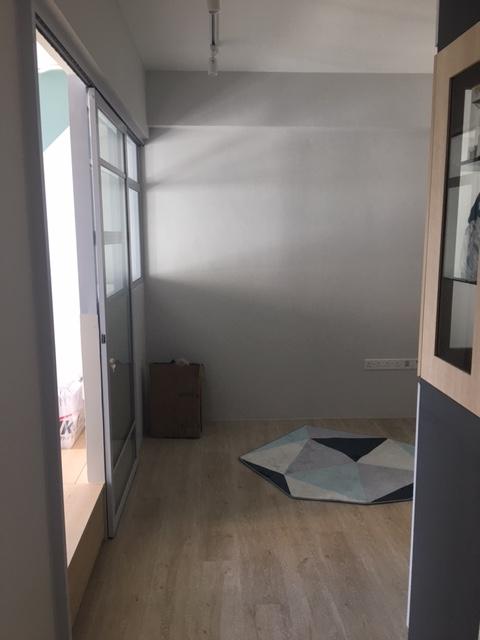
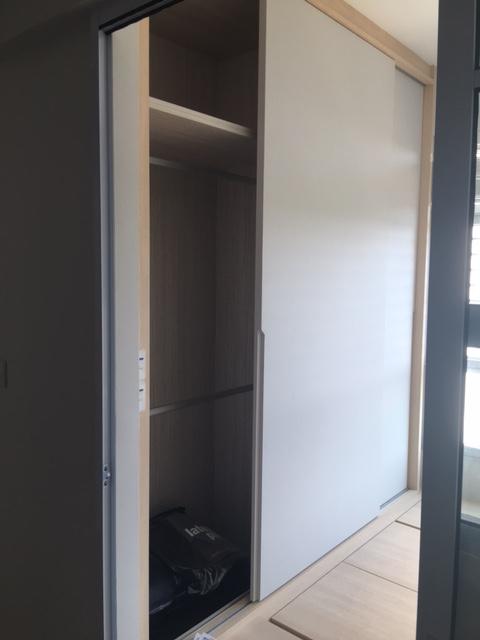
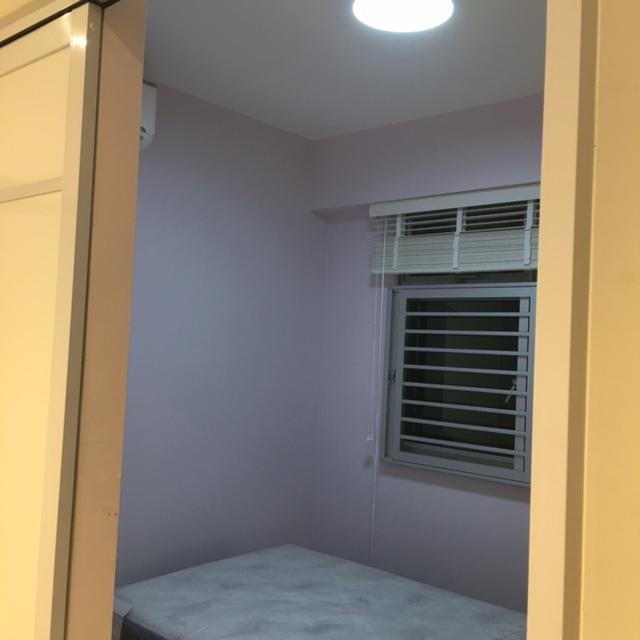
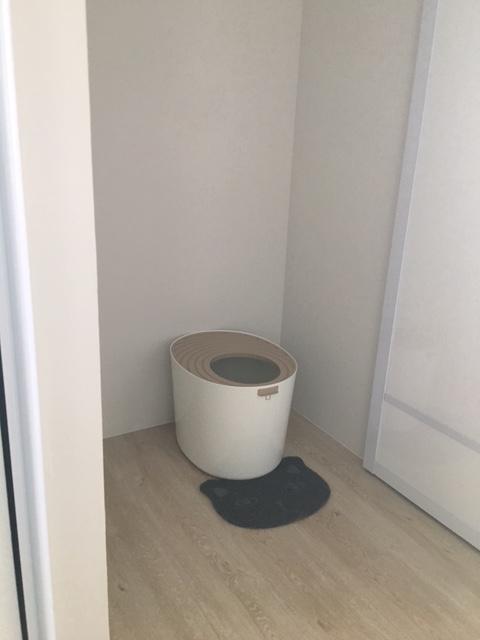
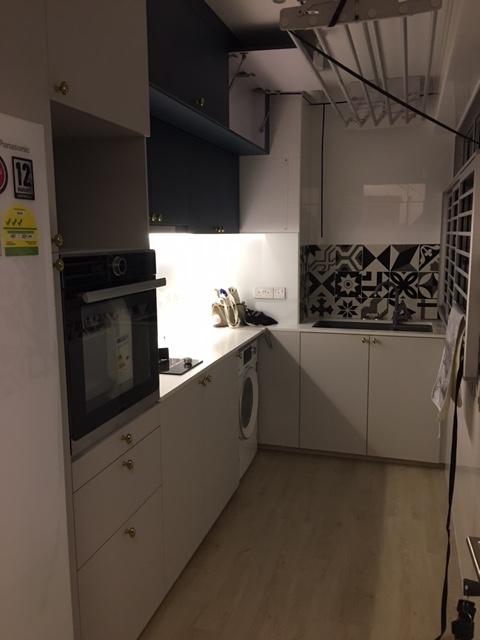
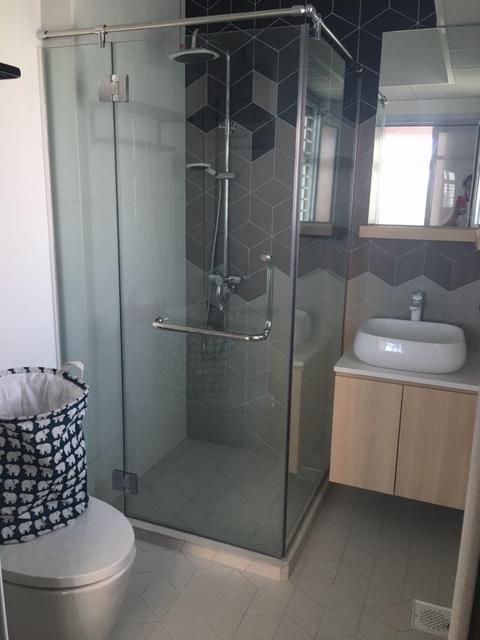
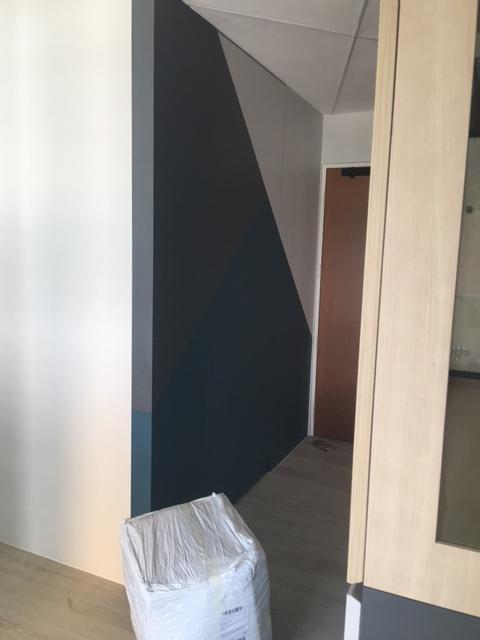
    My flat has already been handed over to me, so I thought I'd share some final pictures. Living room carpentry: My favorite part is the geometric lights. I split my living room into two so that I could get another bedroom, as such I have a platform bed cum bedroom and a very small living room. I also made the actual bedroom smaller so I could have a "corridor" for my cat, and so the toilet would be open to the living room instead of in the bedroom. Finally my completed kitchen and toilet.
This leaderboard is set to Singapore/GMT+08:00

Account

Navigation

Search

Search

Configure browser push notifications

Chrome (Android)
  1. Tap the lock icon next to the address bar.
  2. Tap Permissions → Notifications.
  3. Adjust your preference.
Chrome (Desktop)
  1. Click the padlock icon in the address bar.
  2. Select Site settings.
  3. Find Notifications and adjust your preference.