




Skip to content
View in the app

A better way to browse. Learn more.

RenoTalk.com ™

A full-screen app on your home screen with push notifications, badges and more.

To install this app on iOS and iPadOS
  1. Tap the Share icon in Safari
  2. Scroll the menu and tap Add to Home Screen.
  3. Tap Add in the top-right corner.
To install this app on Android
  1. Tap the 3-dot menu (⋮) in the top-right corner of the browser.
  2. Tap Add to Home screen or Install app.
  3. Confirm by tapping Install.

Leaderboard

Popular Content

Showing content with the highest reputation on 11/21/17 in all areas

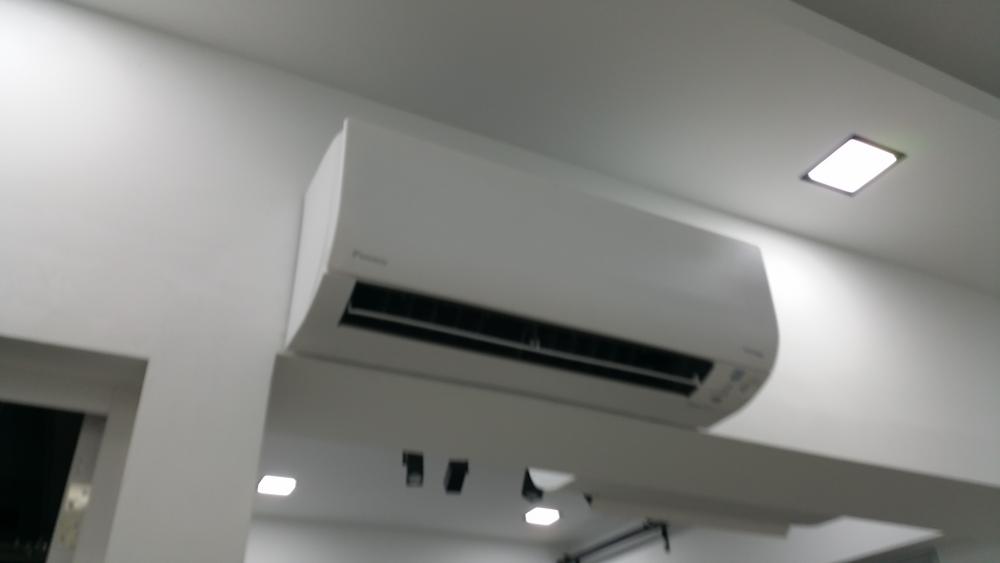
  1. Hahaha aizai dun worry! It's already the end of the renovation why sweat the little things right? Anyway Jason say his guy will come clean clean again after furniture move in which is true also because I wall mount my tv also got drilling later. For now...let me enjoy my cool cool Daikin Smile series aircon full blast!! Especially after a hot shower!! Woooo shiok shiok!!! *shivers* P.S. Nice or not my Aircon?
  2. Eyck, expressing my thanks here to you for responding to my PM and providing your valuable advice! Appreciate that.
This leaderboard is set to Singapore/GMT+08:00

Account

Navigation

Search

Search

Configure browser push notifications

Chrome (Android)
  1. Tap the lock icon next to the address bar.
  2. Tap Permissions → Notifications.
  3. Adjust your preference.
Chrome (Desktop)
  1. Click the padlock icon in the address bar.
  2. Select Site settings.
  3. Find Notifications and adjust your preference.