


Leaderboard
-
Ankle
Members1Points118Posts

Popular Content
Showing content with the highest reputation on 11/14/20 in all areas
-
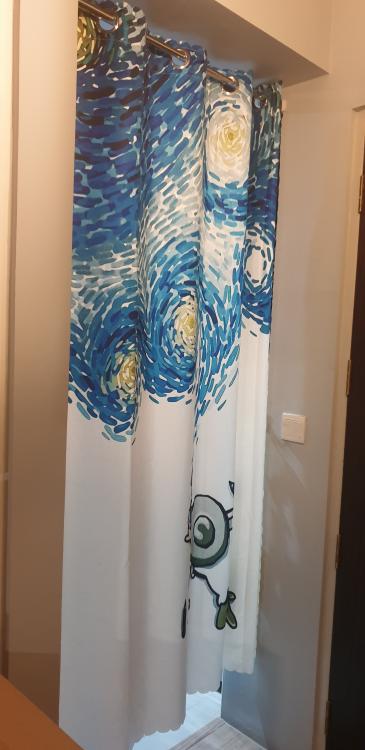
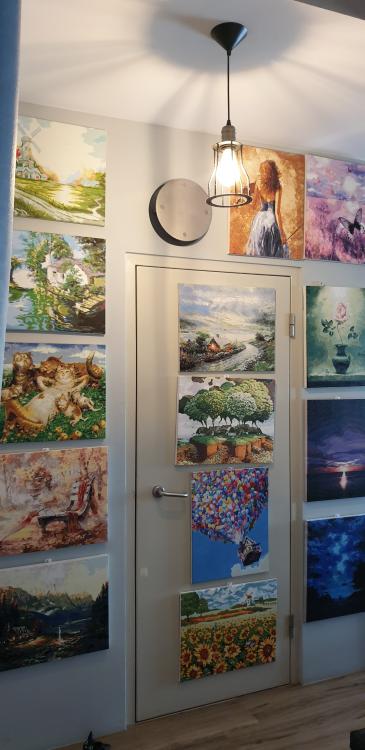
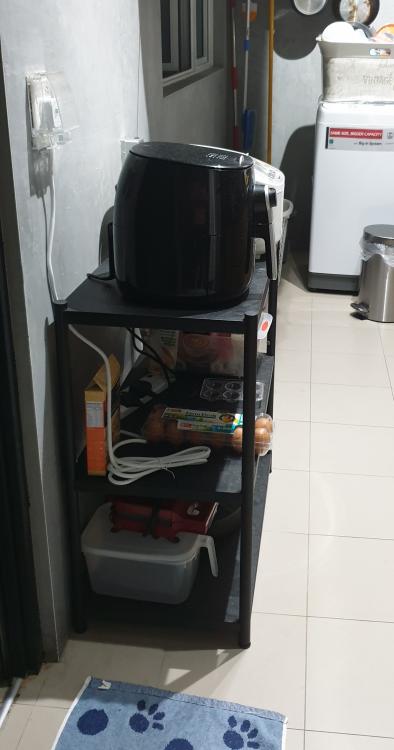
1 pointHi all, It's been 2yrs+ since i've moved. Had added some stuff to my house which i thought would be useful to share. 1. Kitchen entrance door curtain to block aircon and oil & gas. Bought these from taobao and no drilling required for installation. 2. Small metal shelf placed opp kitchen counter. Have moved my rice cooker and airfryer onto the metal shelf to free up kitchen counter space. 3. Small art gallery at entrance way to conceal bomb shelter door. I like to do paint by numbers and thot this to be a good idea to showcase my hobbies. It was only half filled when i moved in and i've finally finished filling up the wall recently since i've done a lot during cb.
 1 point
This leaderboard is set to Singapore/GMT+08:00