


Leaderboard
-
kengwee
Members1Points25Posts

Popular Content
Showing content with the highest reputation on 11/18/21 in all areas
-
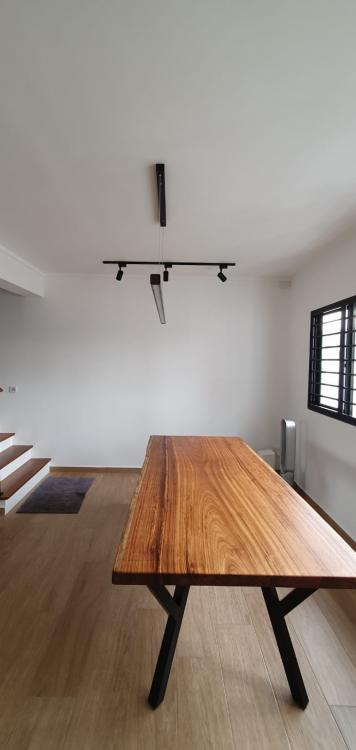
Learning from internet, I managed to install smart switches and smart control for my house. From digital lock (Yale), digital clothes hanger (TB), digital switch (TB), google home (local), smart devices (various).... All these can be integrated with my google home. My taobao skill also improved.. Changed a few third party forwarder.. From this renovation journey, I learnt alot of things after reading from telegram, online forums and word of mouth. So if you have any questions, feel free to drop a message here. Will be glad to answer them and shorten your learning curve. Our house is undergoing various touch up and unpacking. Once everything is done, will post the beautiful picture of it.



 1 point
This leaderboard is set to Singapore/GMT+08:00