


Leaderboard
-
mmoh
Members1Points755Posts -
Andrew LaughAlot
Members1Points4Posts


Popular Content
Showing content with the highest reputation on 08/06/16 in all areas
-
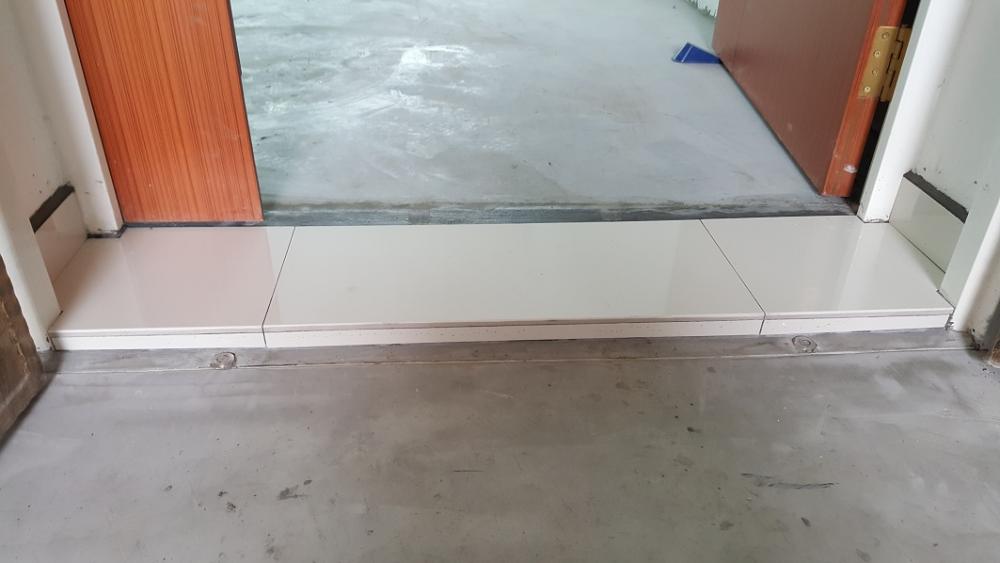
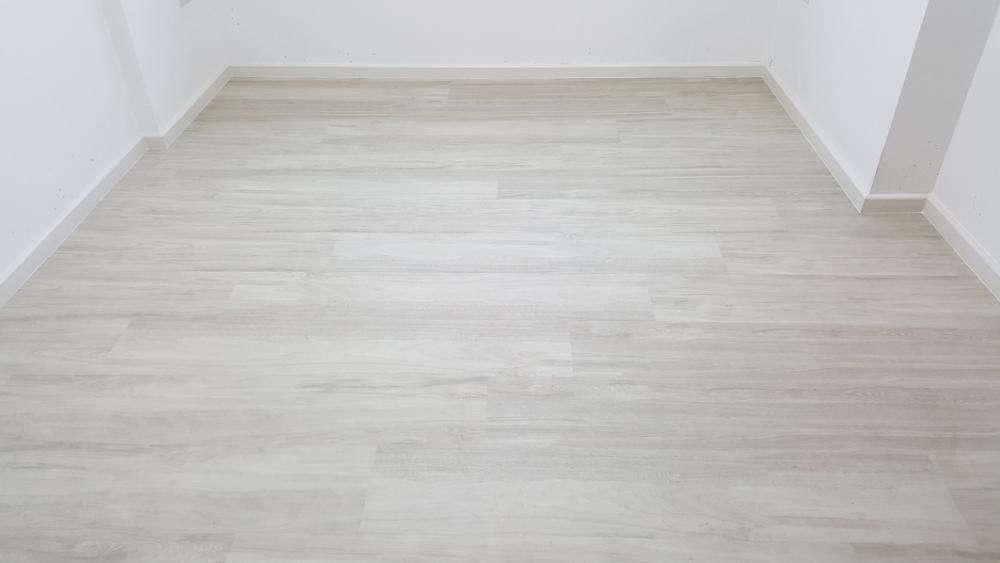
1 pointahhhh... it has been quite some months since I updated my reno status :x reno started in Jun, more than half a year since I collected keys :x 1st thing to do is the floor tiles. I have decided vinyl but do not want vinyl at the main door and gate area as I am concern that water seepage may happen during corridor washing if I lay vinyl at the front gate. So I decide to lay tiles instead. This is how it looks like: Next is to lay vinyl. The vinyl I chosen are the clip on type and hence no glue or adhesive needed. Of course silicon is being used at the sides. As this is done by the tiler, he also took the opportunity to do the kitchen cabinet base and the shower screen base. Not sure why but he left many bags of opened and unopen cement. I have double checked with ID and the answer is to get haulage to clear it away. I gave it to my dad's friend and he got his worker to clear all cement for me. Guess the cement cost was already factored into my package but if I do not need to use so many bag why they bring so many? spare? just in case? One note for choosing vinyl: I realised that mopping on vinyl requires more strength as it is not as smooth as tiles... or is it due to the type I chose? not sure...
 1 point
This leaderboard is set to Singapore/GMT+08:00