


Leaderboard
-
Luckyfamily
Members1Points6Posts -
slashmylove
Members1Points122Posts -
osiris7777
Members1Points96Posts -
OceanEleven
Members1Points1098Posts



Popular Content
Showing content with the highest reputation on 11/28/16 in all areas
-
1 pointThanks for the kind words. Just that went thru reno twice and understood the agony and frustration during the journey hence wanna share a little to save on the efforts and time. Anyway, my comments are a little old school., may be a little pricky at times, kinda been there, done that. For eg non believer of hacking of rooms and WIW. Dont fancy those side by side fridges etc.1 point
-
1 pointwhy the people so "bu zi dong" one...... haha finally got something to look forward to!1 point
-
1 point@ Raylowwl & Kingandbin This is how the internal DB box/area look like.
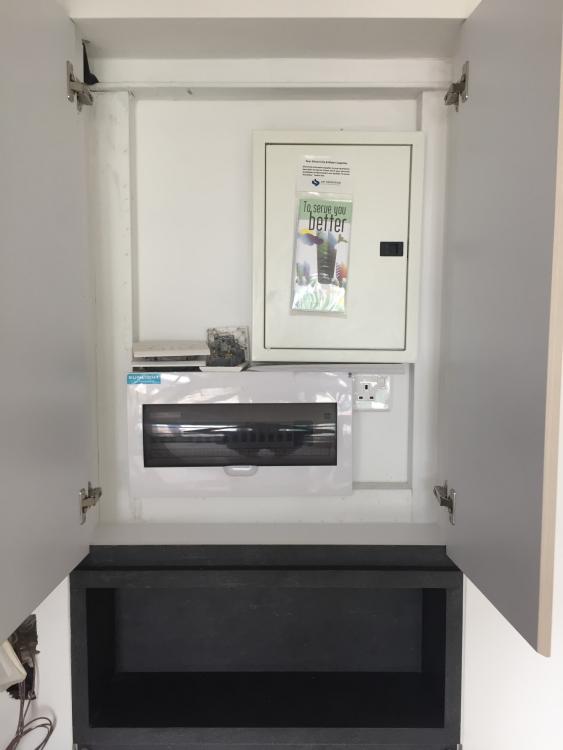
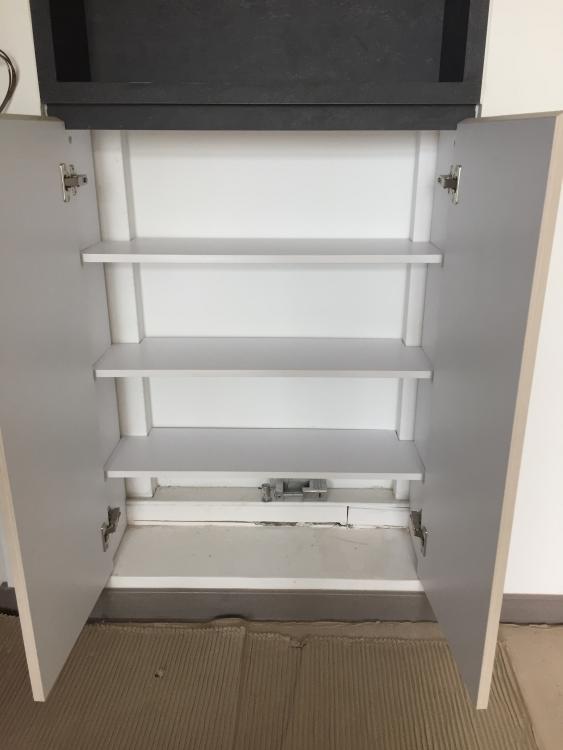
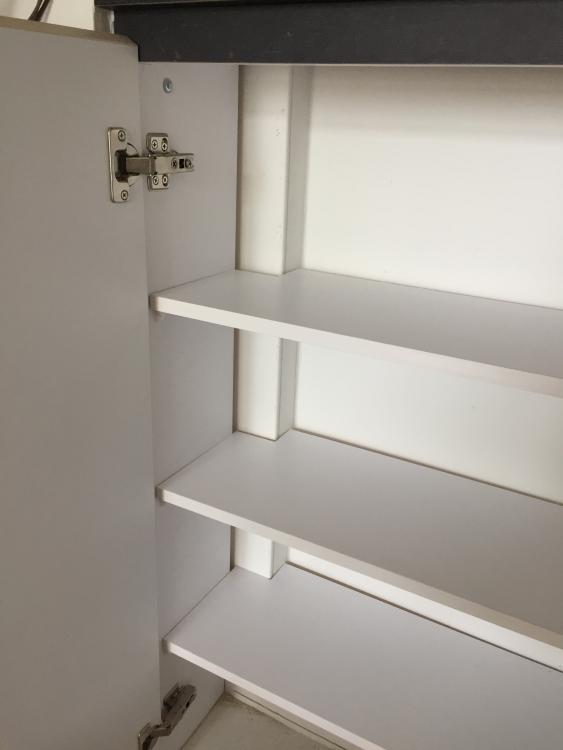
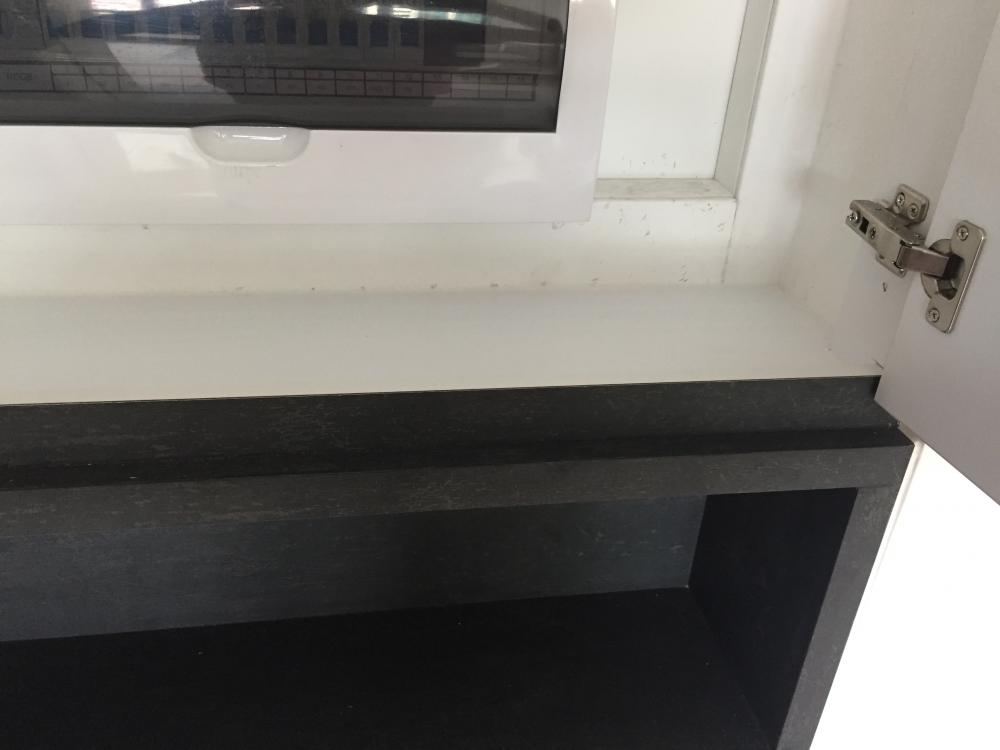 1 point
-
1 pointWe have gather some electrical contact from same forum and decided to request quote for our new bto flat. right after we met up with few of the electrical company, we immediately decide with the one for our wiring work. We would like to give credit and recommend the company and team based on our experienced. 1. First met up, We received their quote within a day or 2. Unlike some taking forever to reply. 2. Before the start of work, arrange them with my ID to finalize, to my expectation they work very closely with my ID. 3. On the day of work, we received regular updates and pictures for work progress from the project manager (Tony), Even to the extend they update us the time they left our place. Last but not list, did I mention that their price is supreme competitive compared with the quote We have received from our ID and others contacts collected. Strong recommended and we are very welcomed to share their contact if any of you require. Cheers!1 point
This leaderboard is set to Singapore/GMT+08:00