


Leaderboard
-
my3rmflat
Members1Points349Posts -
Benchong05
Members1Points29Posts -
KFC1189
Members1Points209Posts

Popular Content
Showing content with the highest reputation on 01/22/17 in all areas
-
1 pointI am a beginner to high rise gardening. For hydroponics based planting, you will probably need electricity for the water pump. Do make sure you have a provision for an extra power point in the yard.1 point
-
1 pointI didn't buy much as I'm hand carry over. Bought 2 sets of lights and some other stuffs below.
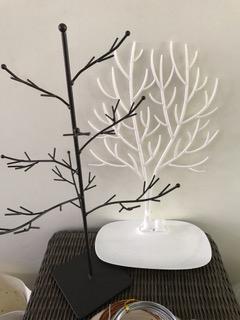

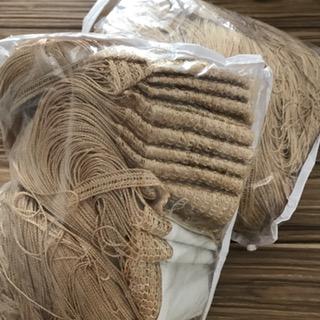
 1 point
-
After finding out the features of this Smart Lock, decided to give it a try since the features are so attractive at such attractive price.1 point
This leaderboard is set to Singapore/GMT+08:00