


Leaderboard
-
fifteenmay
Members1Points1260Posts -
SuryaniRalli8371
Members1Points1Posts -
muffin123
Members1Points8Posts

Popular Content
Showing content with the highest reputation on 03/04/17 in all areas
-
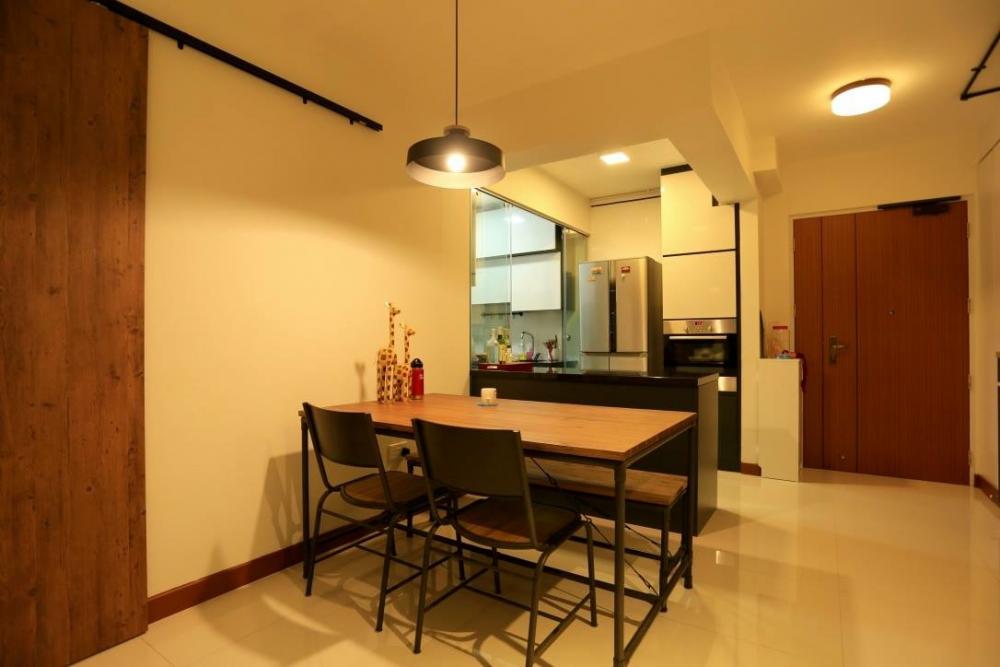
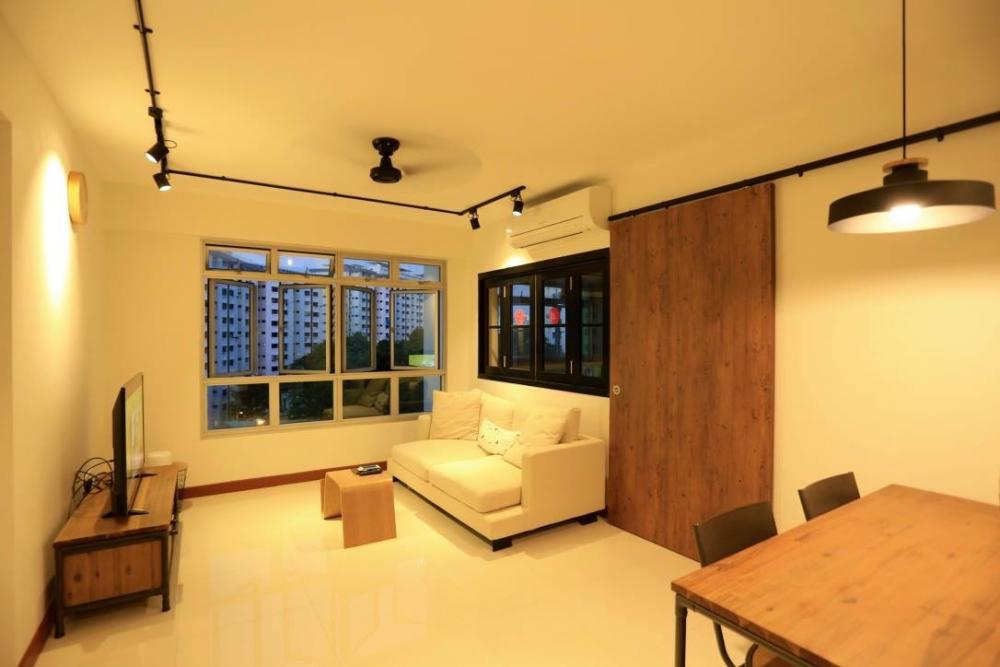
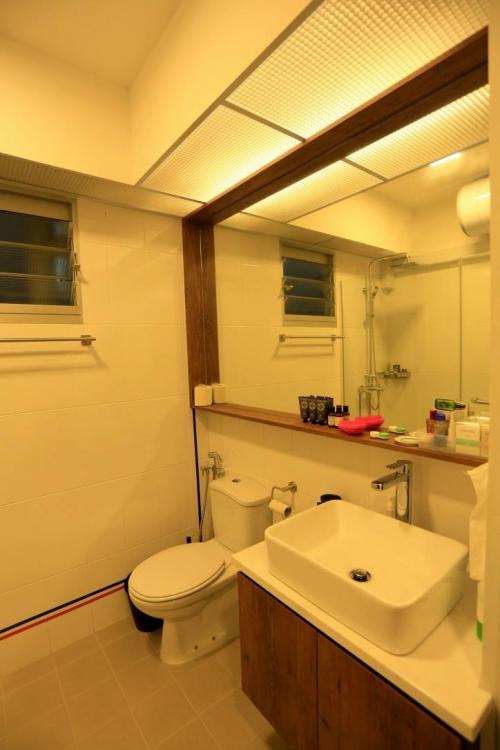
1 pointHi everyone! Just wanted to recommend Teng Hong Renovate. I renovated my BTO 4-room flat last year with them. It is a small family run business and the owner is very down to earth and easygoing. Pricing wise is very competitive too. I did not engage an ID, so I told Mr Low (the contractor) what I want to do with my place and he advised us accordingly whether it is doable or not. Here's some photos of my humble abode. I demolished the wall between the kitchen and dining area, and the wall between my living room and bedroom 3 for a bigger space. I really love the outcome of the renovation! Highly recommend Mr Low! You can contact them via their facebook page and they will give you a quotation. Hope this helps!


 1 point
-
1 pointme too. i am drained by reno matters... lets take the weekend to recover! jia you!1 point
This leaderboard is set to Singapore/GMT+08:00