Skip to content
View in the app

A better way to browse. Learn more.

RenoTalk.com ™

A full-screen app on your home screen with push notifications, badges and more.

To install this app on iOS and iPadOS
  1. Tap the Share icon in Safari
  2. Scroll the menu and tap Add to Home Screen.
  3. Tap Add in the top-right corner.
To install this app on Android
  1. Tap the 3-dot menu (⋮) in the top-right corner of the browser.
  2. Tap Add to Home screen or Install app.
  3. Confirm by tapping Install.

Leaderboard

Popular Content

Showing content with the highest reputation on 08/20/17 in all areas

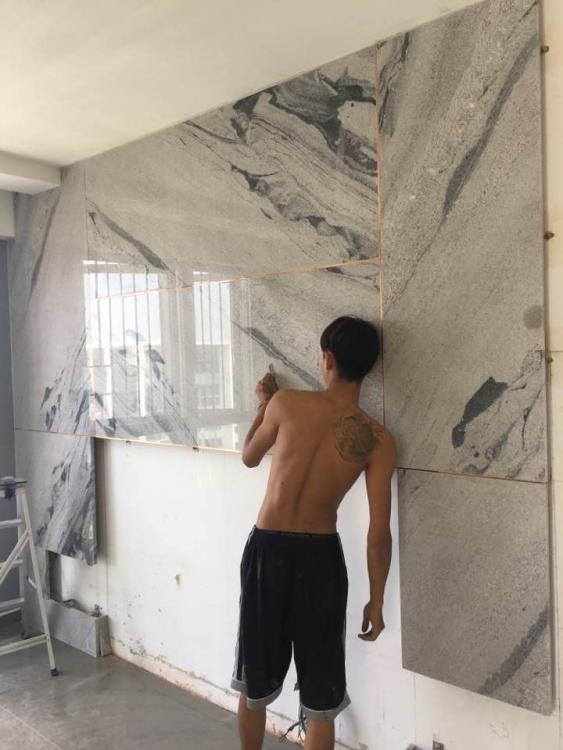
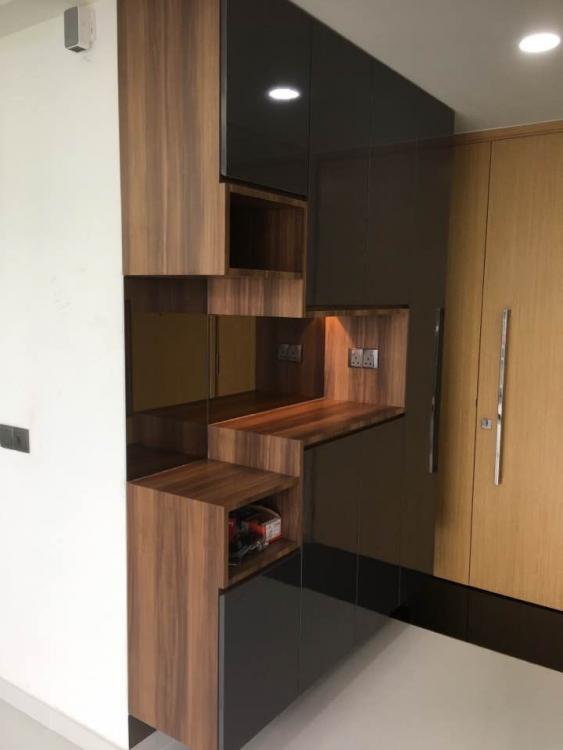
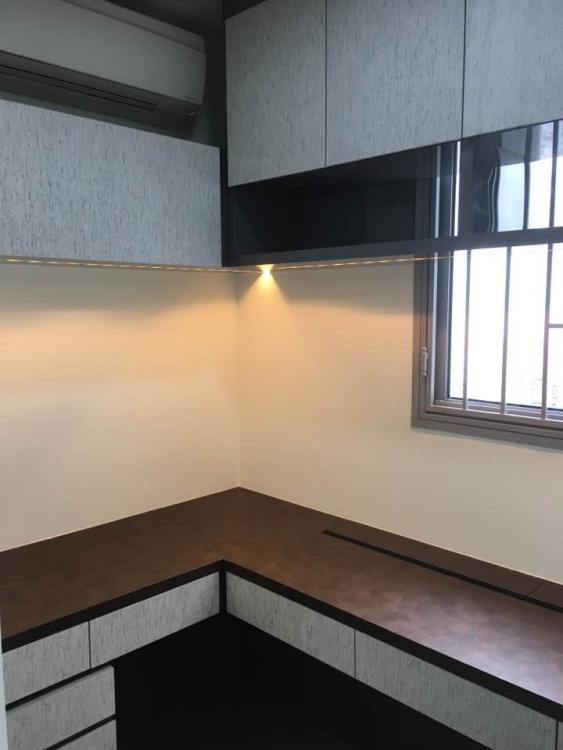
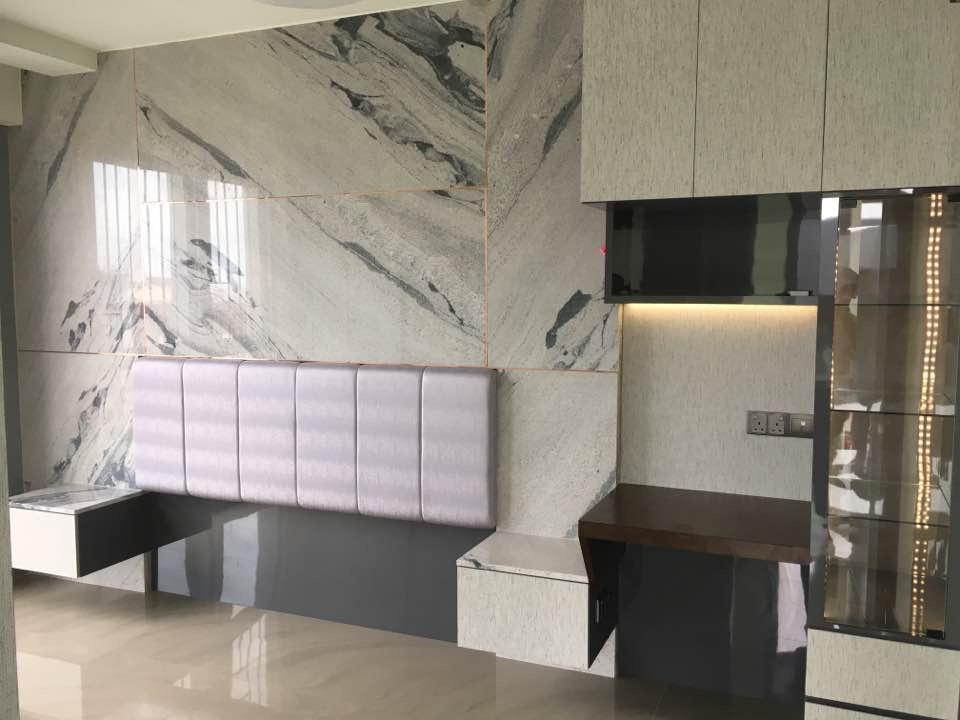
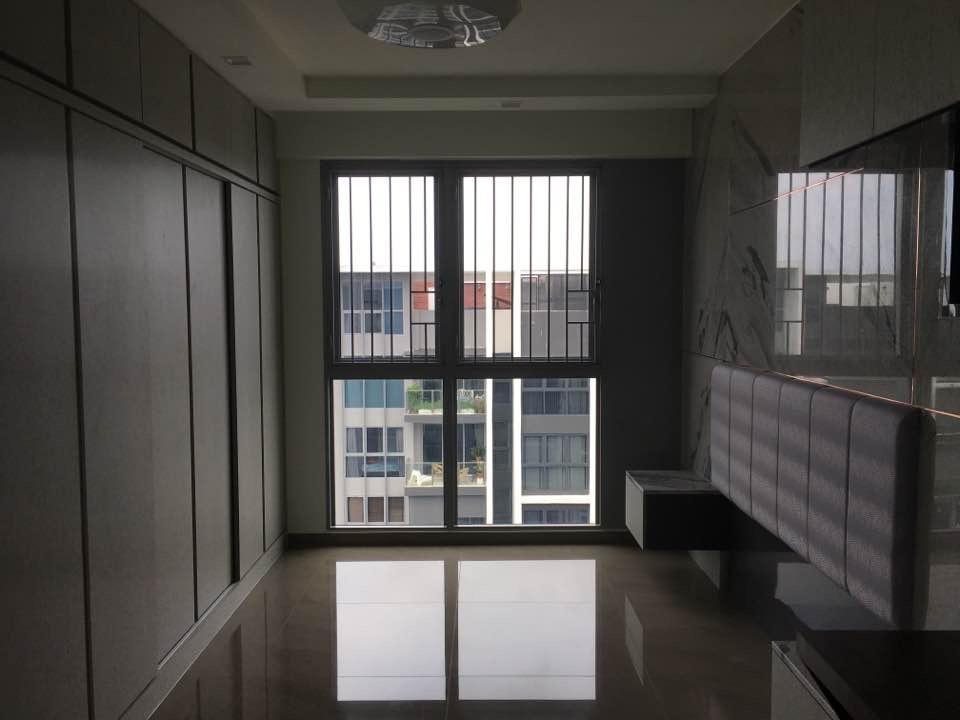
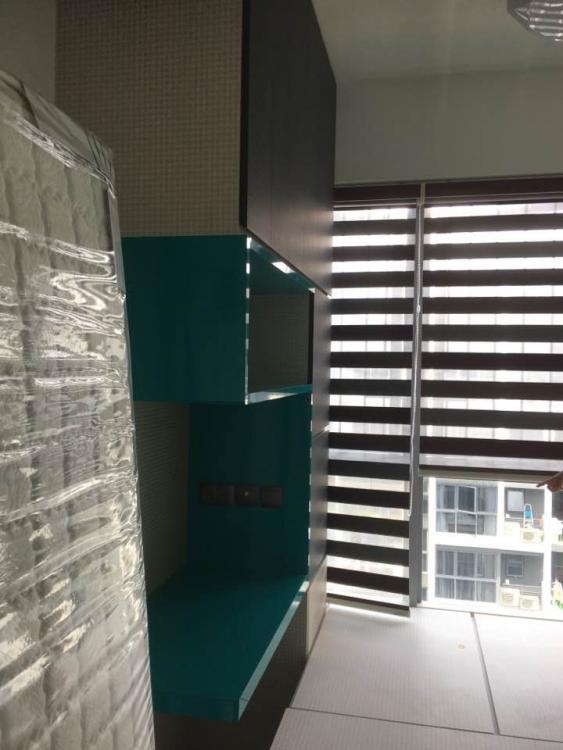
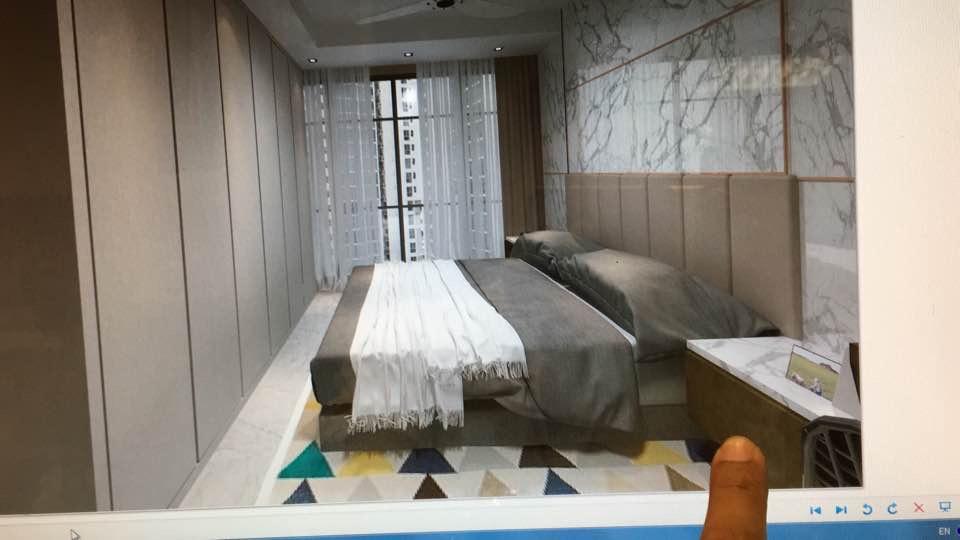
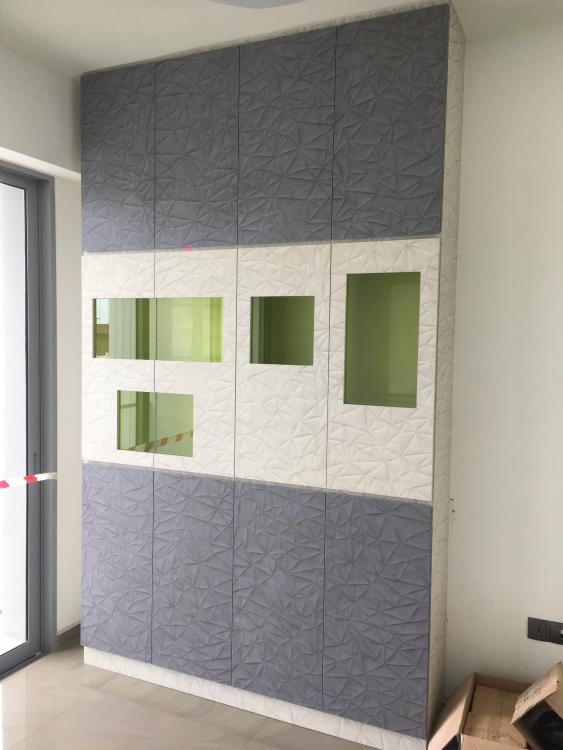
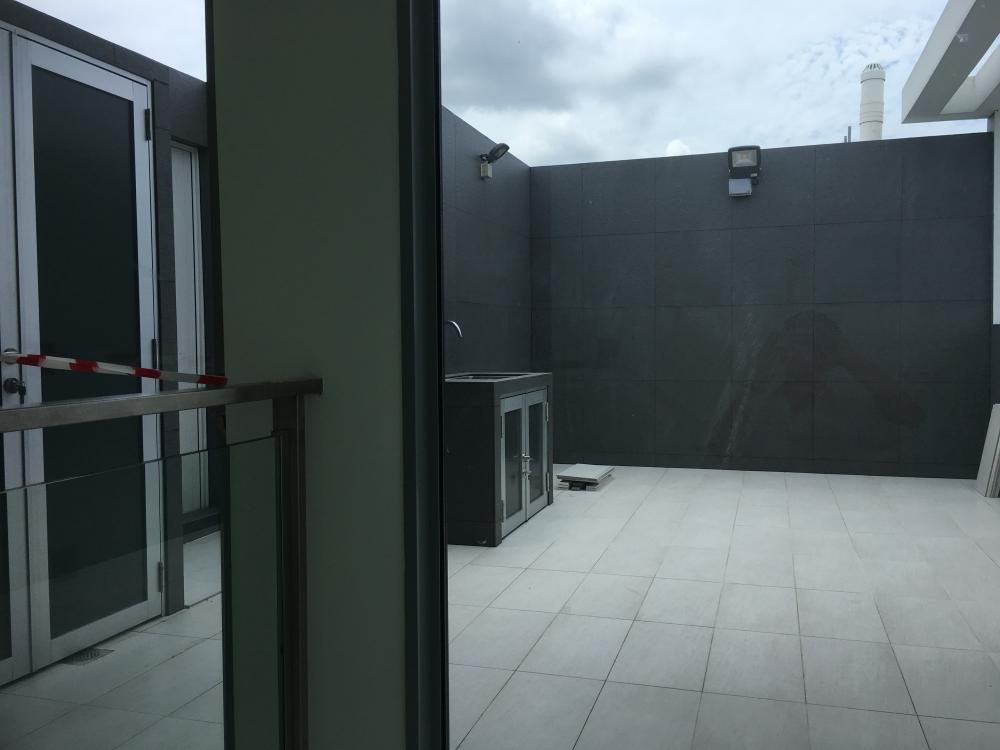
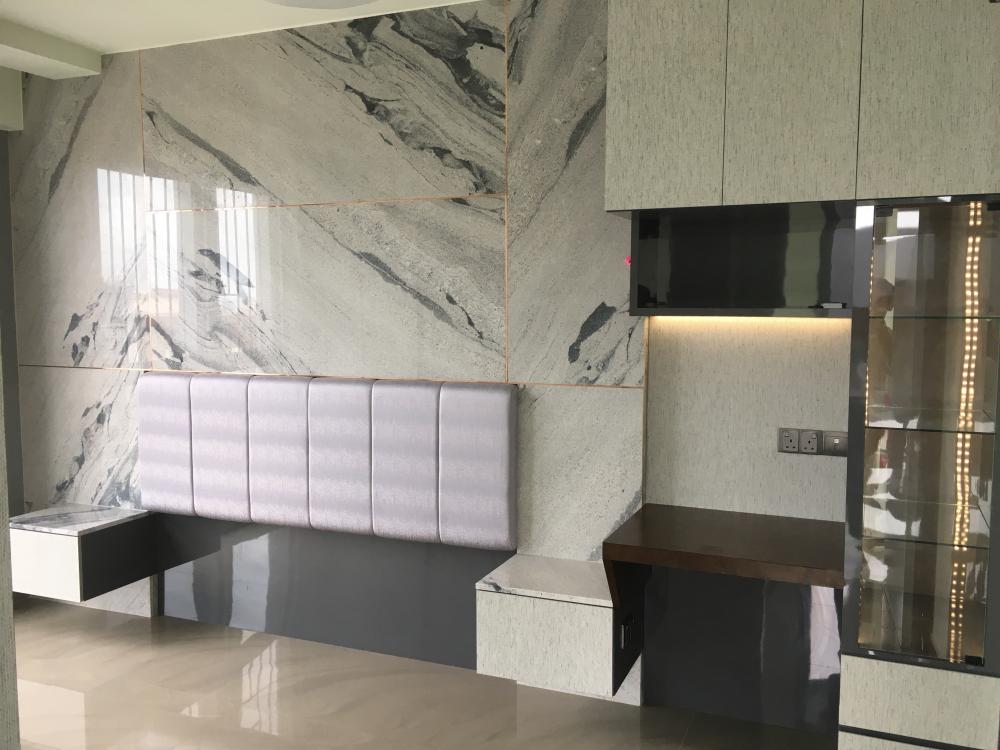
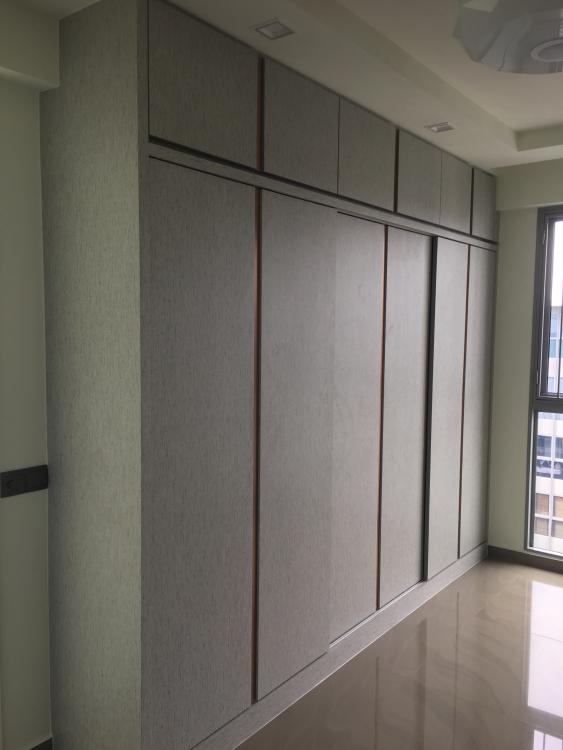
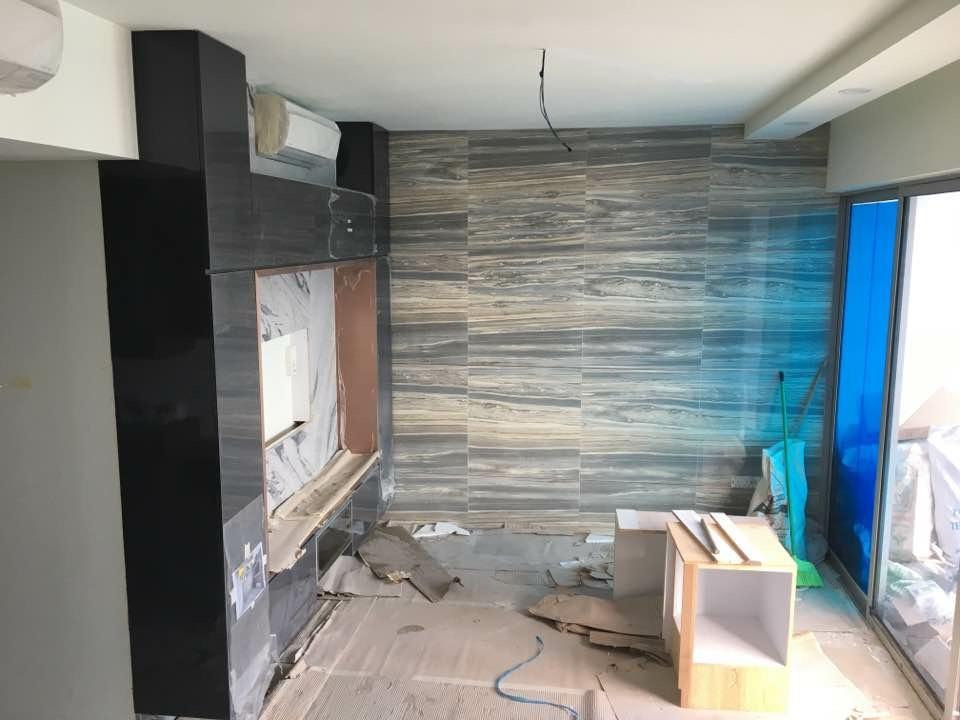
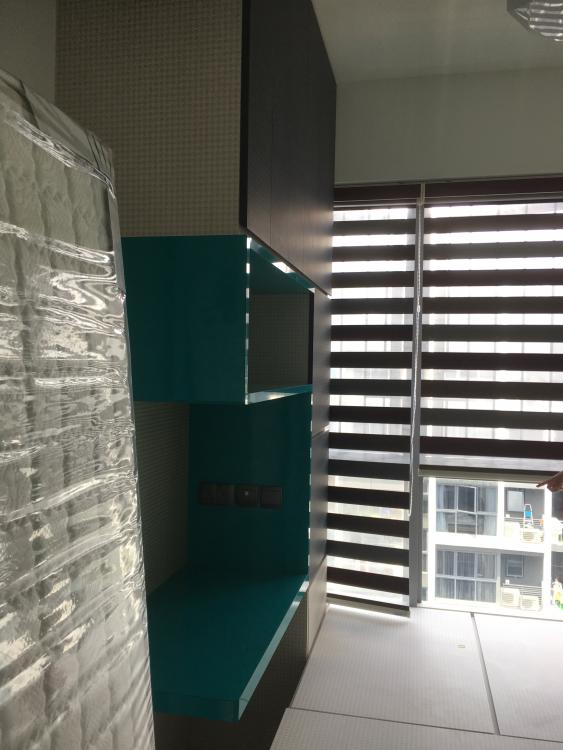
  1. Renovating a condo at Bartley Ridge, it's a returned customer who bought a penthouse unit, designing to completion takes half a year to plan, granite and Colour selection taking quite awhile to decide, the end result is satisfactory, will up date once all are in place.
  2. Yes, I have worked with Wayne before on a smart home project. Although he is considered new but his dedication is worth commendation.
This leaderboard is set to Singapore/GMT+08:00
Account

Navigation

Search

Search

Configure browser push notifications

Chrome (Android)
  1. Tap the lock icon next to the address bar.
  2. Tap Permissions → Notifications.
  3. Adjust your preference.
Chrome (Desktop)
  1. Click the padlock icon in the address bar.
  2. Select Site settings.
  3. Find Notifications and adjust your preference.