


Leaderboard
-
sforshor
Members1Points719Posts -
JohnHomeStylist
Members1Points19Posts -
Clarence Lye
Members1Points285Posts -
RyanYTH
Members1Points378Posts



Popular Content
Showing content with the highest reputation on 09/05/17 in all areas
-
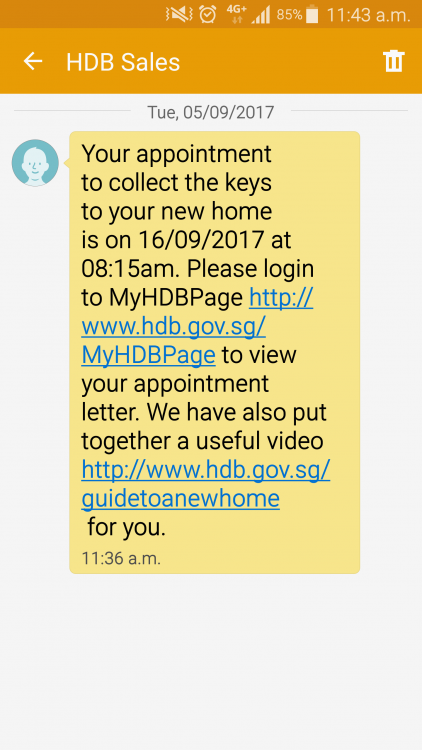
1609 (go buy 4D) hahaha... congrats rayan!!! finally you have received the notification from HDB!! from mid Sep onwards, your renovation can start in full swing!1 point
-
1 point
-
congrats! soon you can start all the reno works and it would be even more exciting!1 point
-
The message ive been waiting for so long finally arrives!!
 1 point
-
1 pointHelloo... Gonna get my keys soon next month and now just starting to worry about Reno. Very wonderful information and ideas here!1 point
-
1 pointIf you are ok with ceiling fan and if you don't live in harsh climate than it is suggested to don't install air con. Air con. is not good for health and it results in various health issues.1 point
-
I just got my LED lighting all ready before my Reno starts. Tao Bao is a good investment, but, if you buy from the "wrong " store, you will not get the Watts you want. I tested every LED I bought. Strips, Down lights and even Hanging lights. I will create a Blog as the Reno on going, to share the good and the bad merchants and agents I had encounter.1 point

This leaderboard is set to Singapore/GMT+08:00