


Leaderboard
-
Butterflious
Members1Points29Posts -
Songz
Members1Points1305Posts -
Tubo
Members1Points19Posts



Popular Content
Showing content with the highest reputation on 10/07/17 in all areas
-
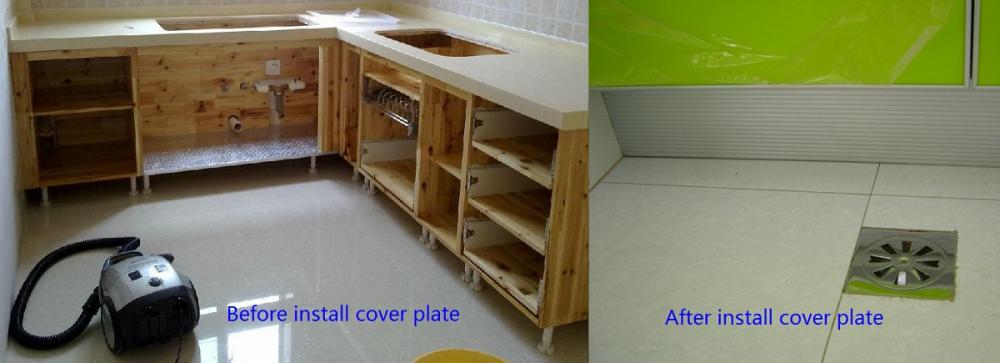
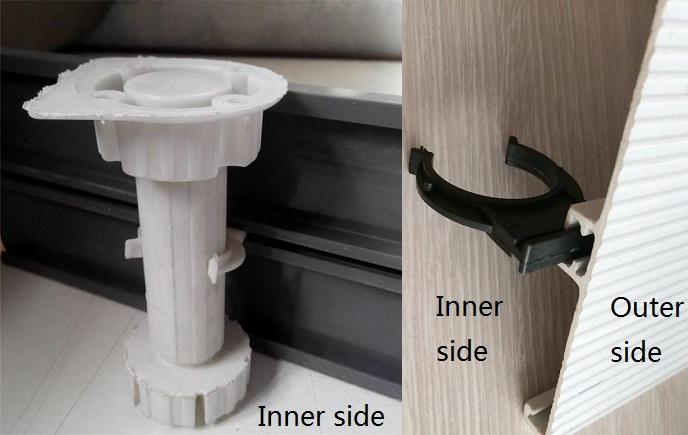
Obviously, the cabinet is not sitting on the floor. During installation, the plastic leg is attached to the bottom of cabinet. Leg stand on the floor and cabinet is sitting on the leg. For the working principle. attach the leg to the bottom of cabinet with screw. There is a cover clip and attach the cover clip to the leg. The leg is adjustable from 50mm to 100mm. Each leg can be load 30kg. All the legs are taking load and cover is not. Both leg and cover comes with plastic or aluminium. There is also another way: the cover is attaching to the bottom of cabinet.
 1 point
-
1 point
-
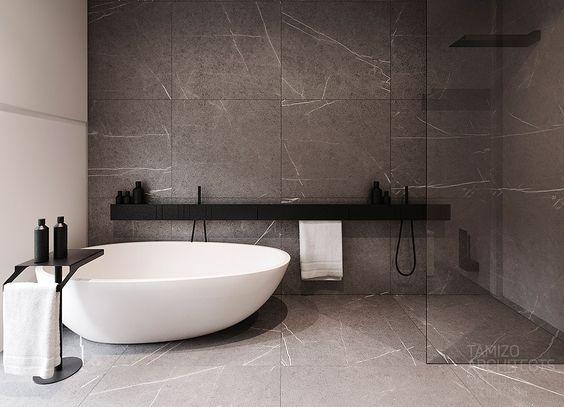
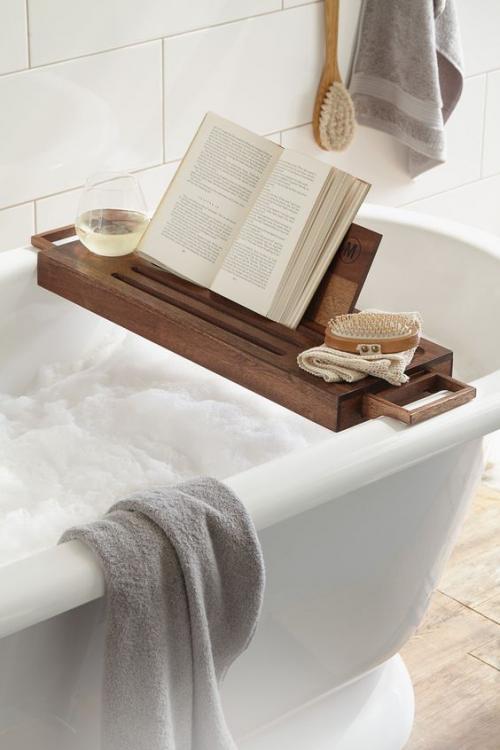
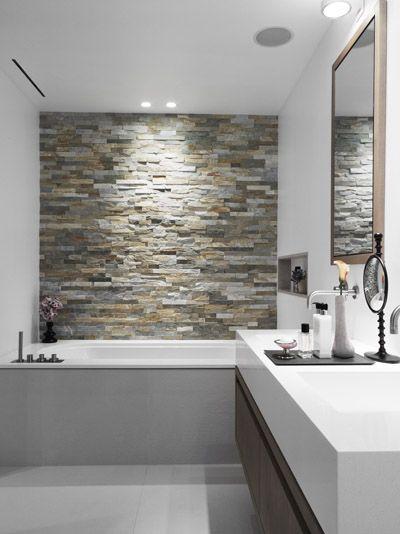
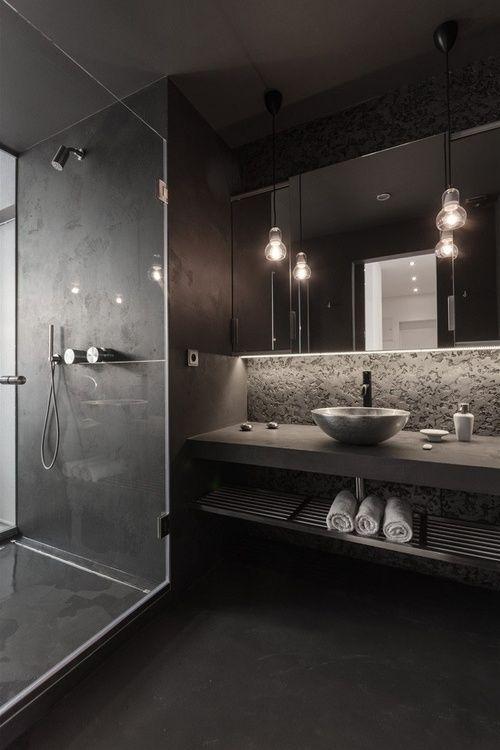
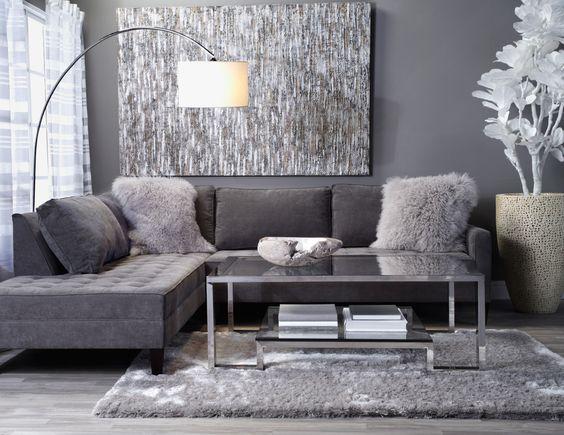
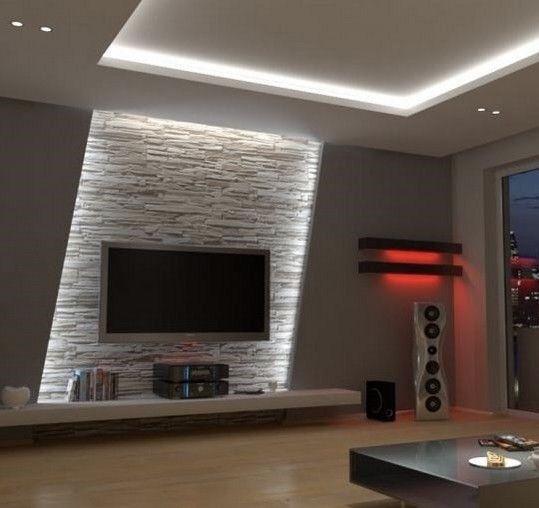
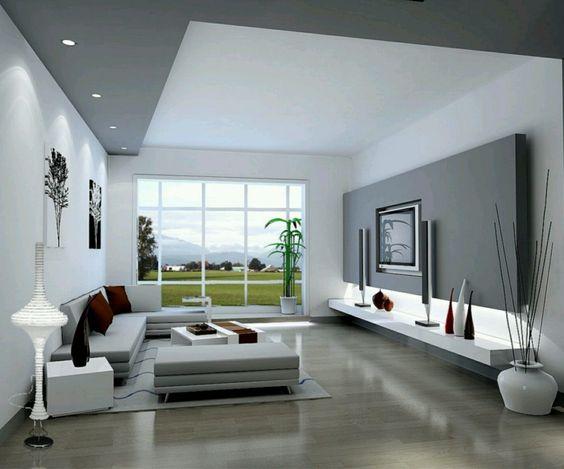
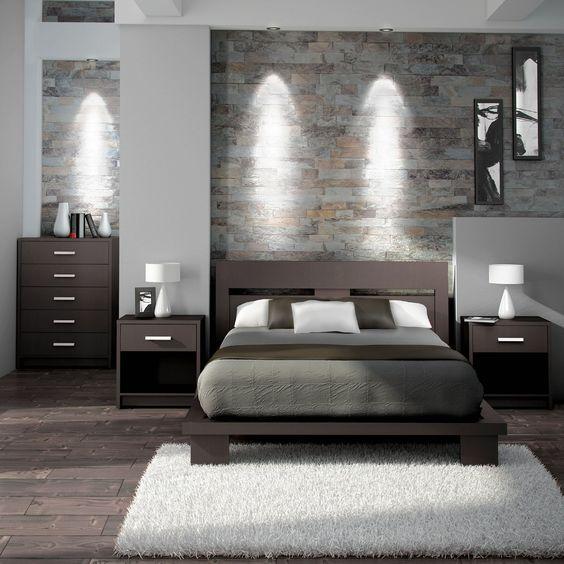
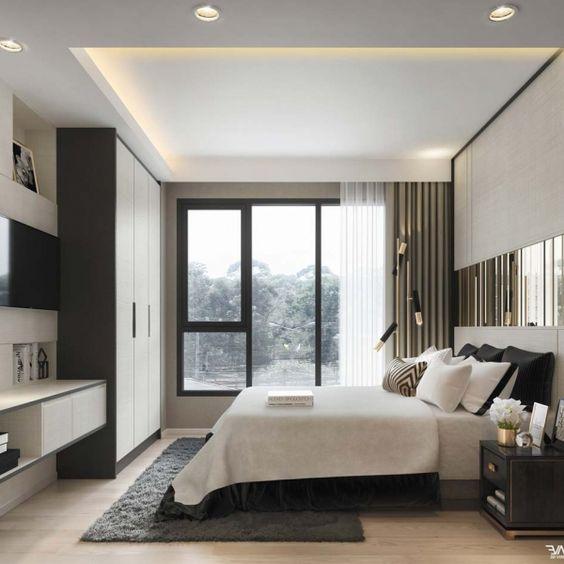
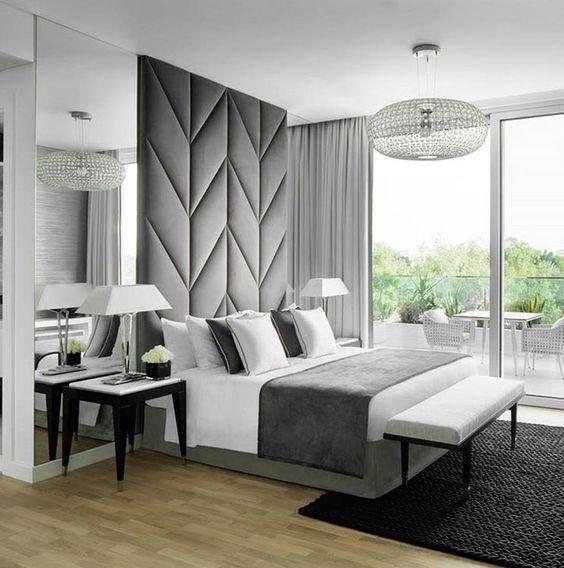
1 pointMood boards 1) Master Bath We want a bathtub so bad cause we love soaking in hot water after a long day! With scented candles burning and a glass of wine, listening to relaxing music, ah~~ 2) Master Bedroom It's not difficult to tell by now, my preference for colors are grey, white, black, very unusual for a woman. Thus, our 'dark side'. lol. We prefer to have basic colors for our home and furnish with some touch of colors to brighten up the space. We are also not a fan of wood. We prefer modern, luxurious, stone feel. I really wanted this plush feature wall for our MBR but we bought our bed too early and we can not change the designer-bedframe =( 3) Living Room
 1 point
This leaderboard is set to Singapore/GMT+08:00