


Leaderboard
-
mmoh
Members1Points755Posts
Popular Content
Showing content with the highest reputation on 05/24/18 in all areas
-
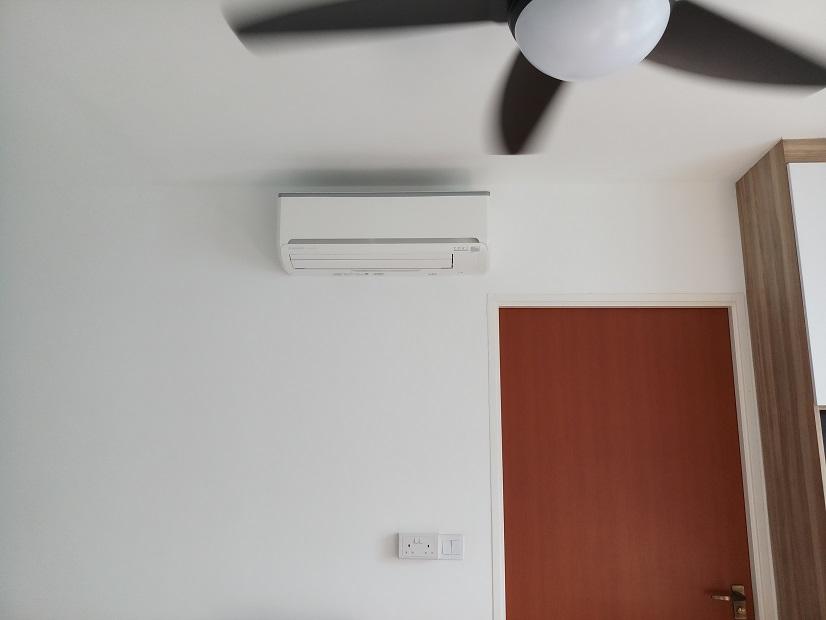
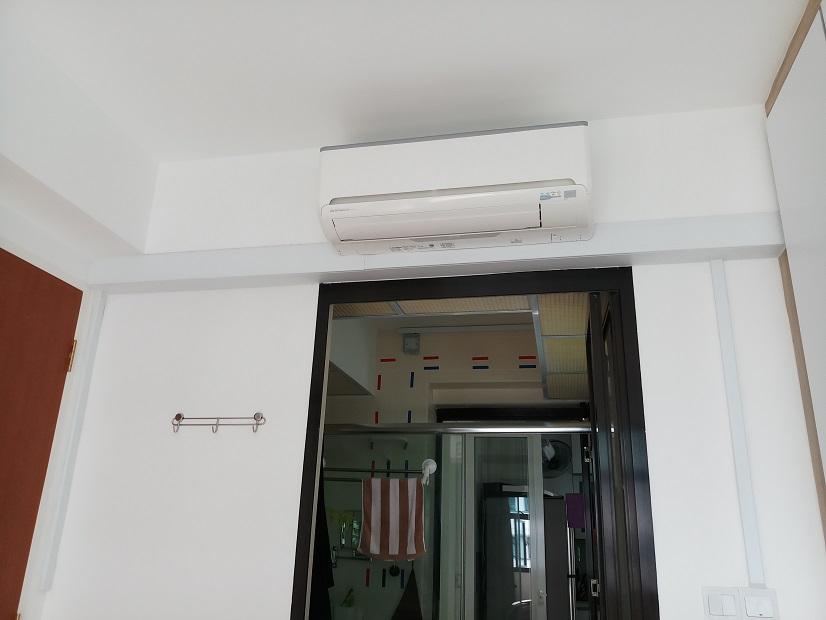
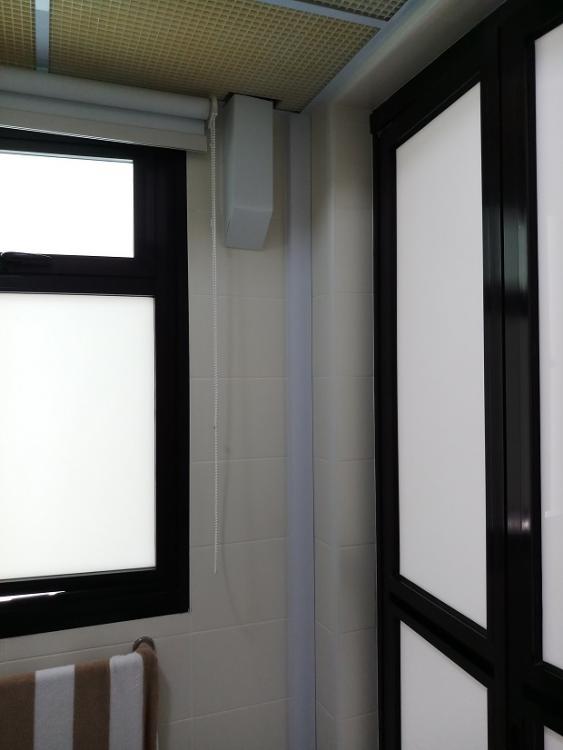
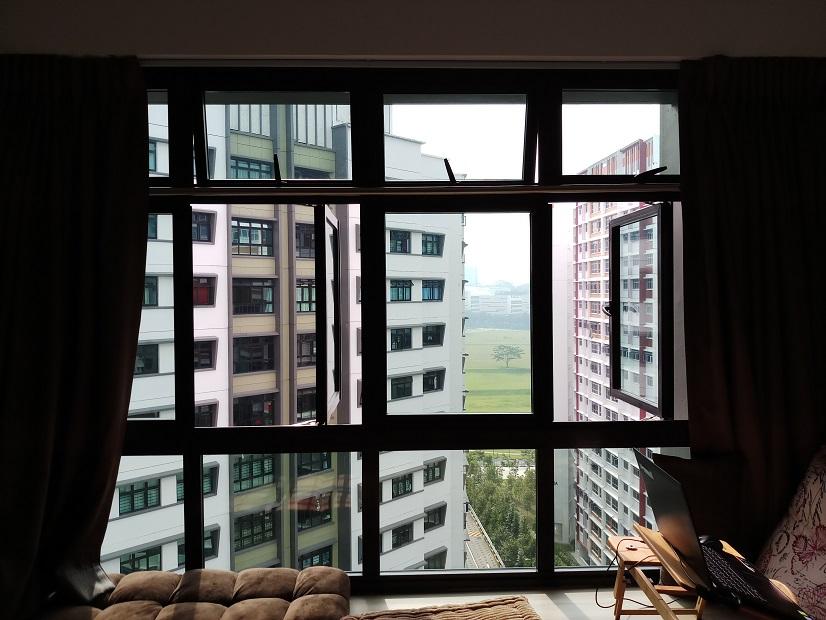
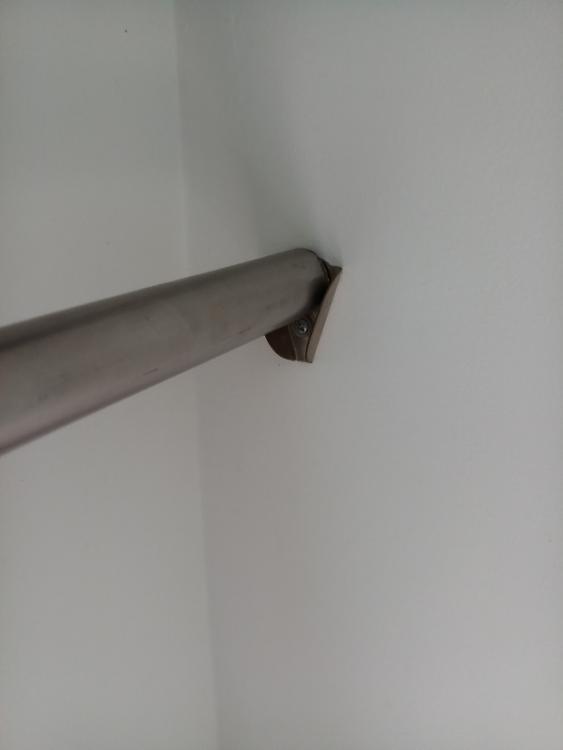
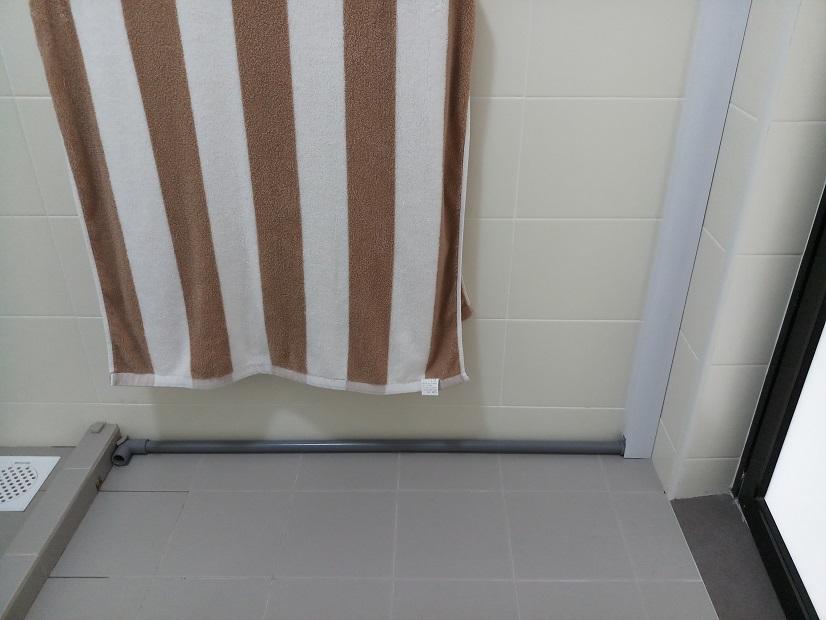
1 pointI remember someone asking about aircon piping? And I have someone asking me about the laundry rack which I had removed. So here are the pics: Very clean view in the living room. Contractor drill a hole on the bottom right corner for the piping. View in bedroom. Bathroom piping to drain water. I install aircon after reno done so the piping outlet gotta be at the dry side of the bathroom. If you have done aircon installation while reno, this can be avoided. view of my laundry pole, can see? zoom in to the V bracket which holds the pole. So basically I just hang my laundry here cos morning sun shines thru the living & bedroom windows.
 1 point
This leaderboard is set to Singapore/GMT+08:00