


Leaderboard
-
greenbunny
Members2Points30Posts -
mmoh
Members1Points755Posts

Popular Content
Showing content with the highest reputation on 06/28/18 in all areas
-
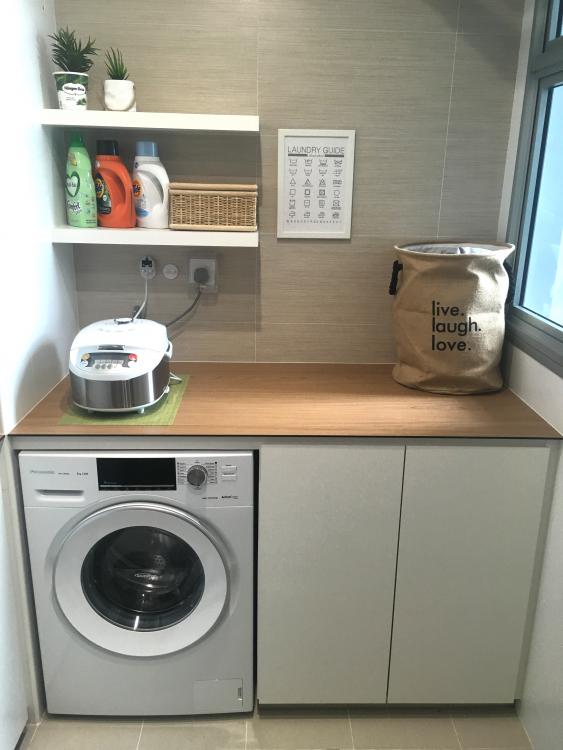
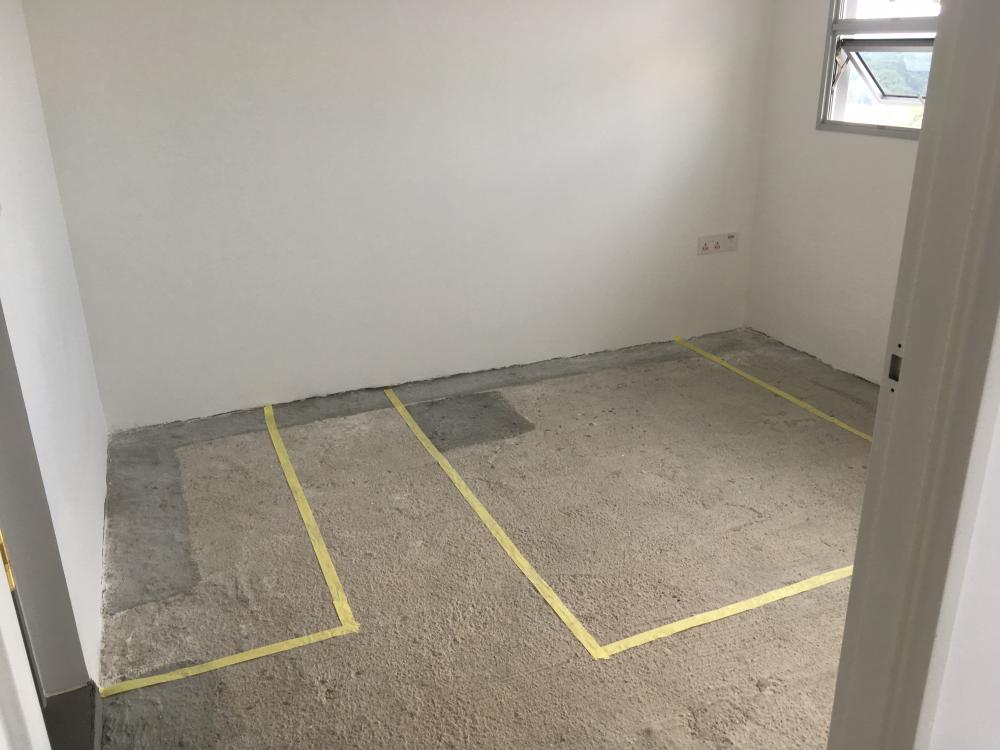
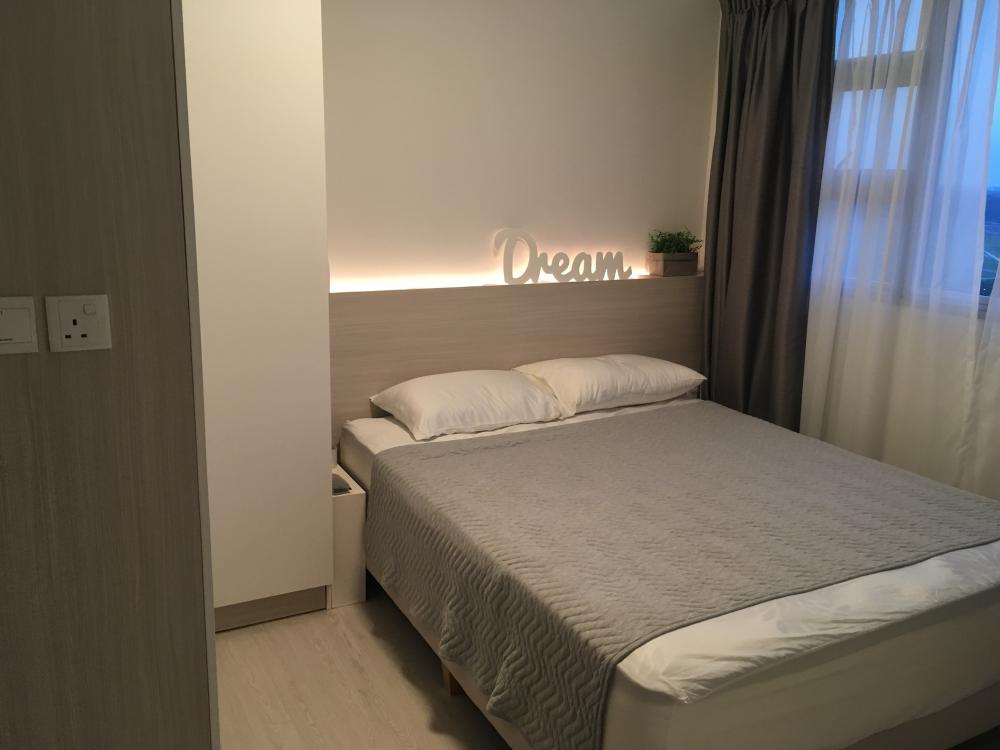
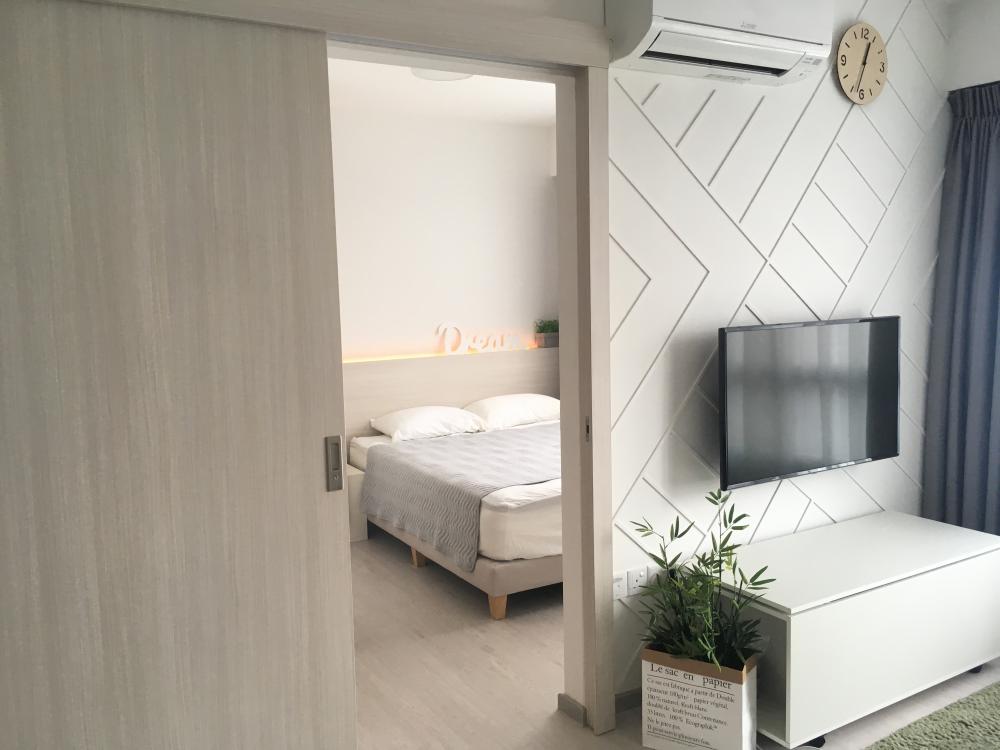
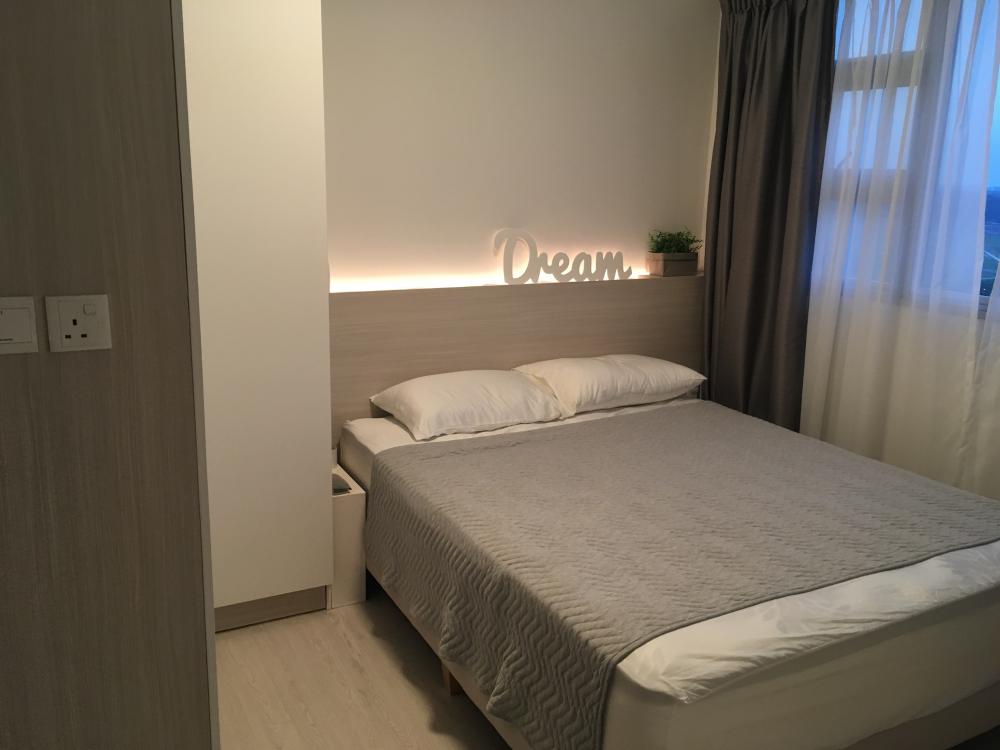
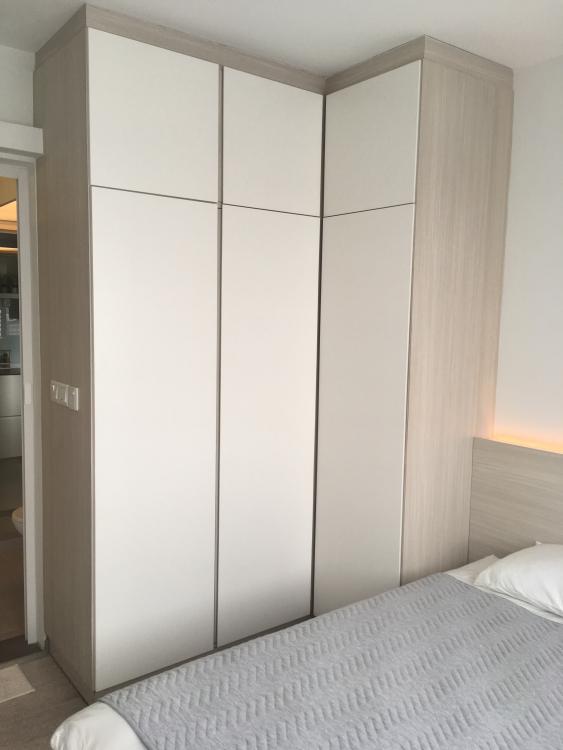
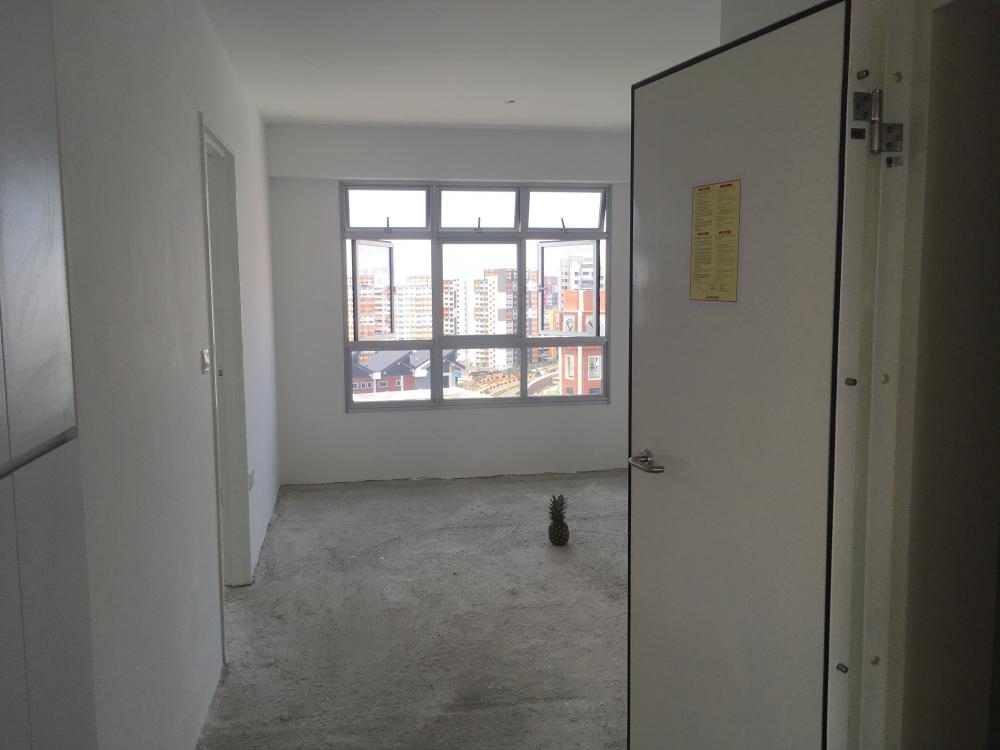
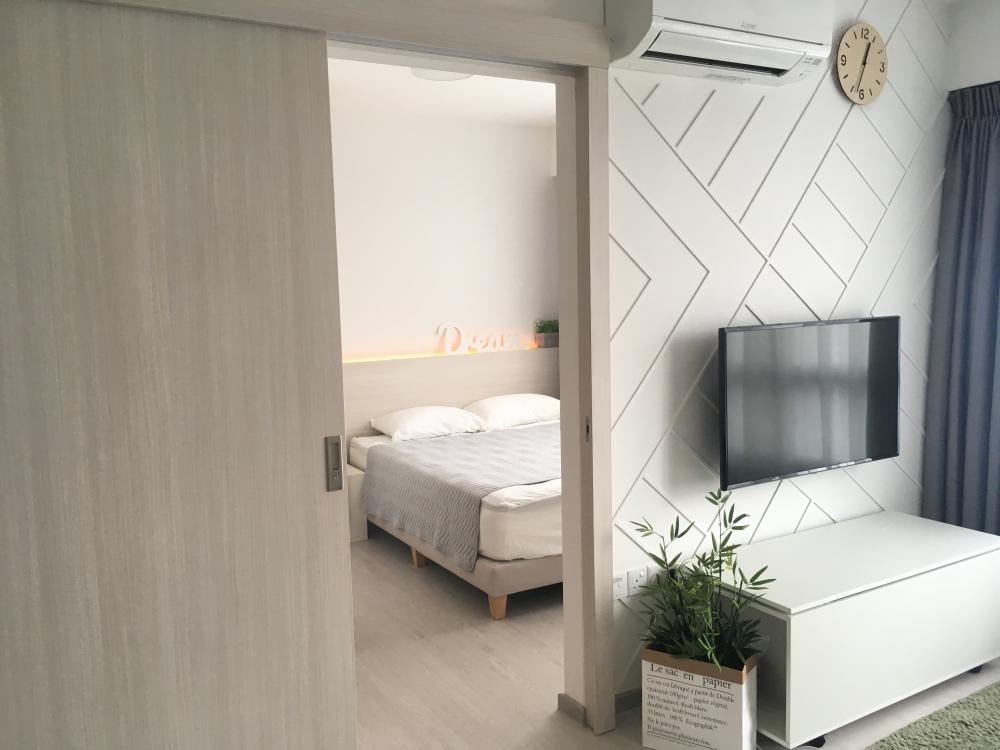
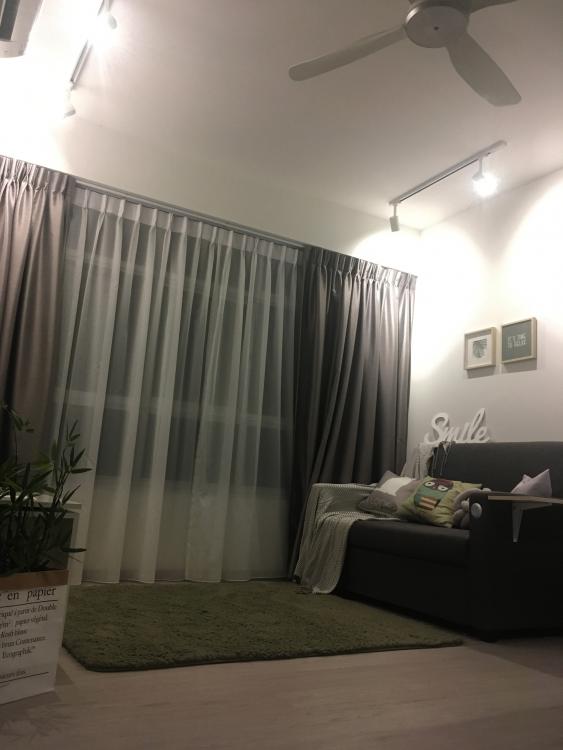
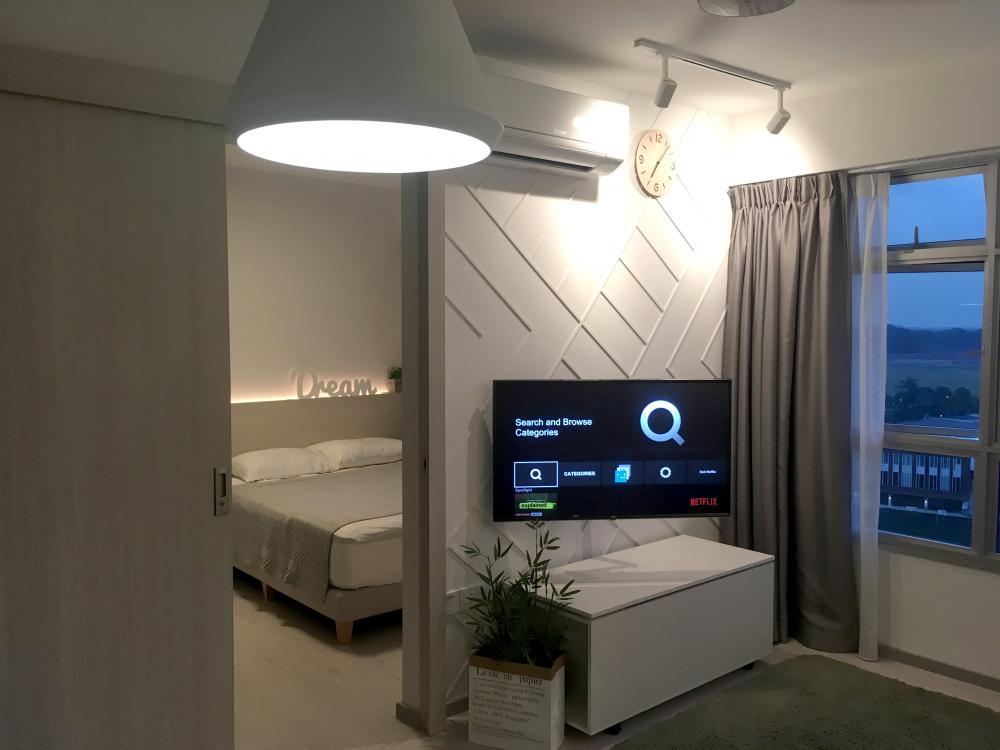
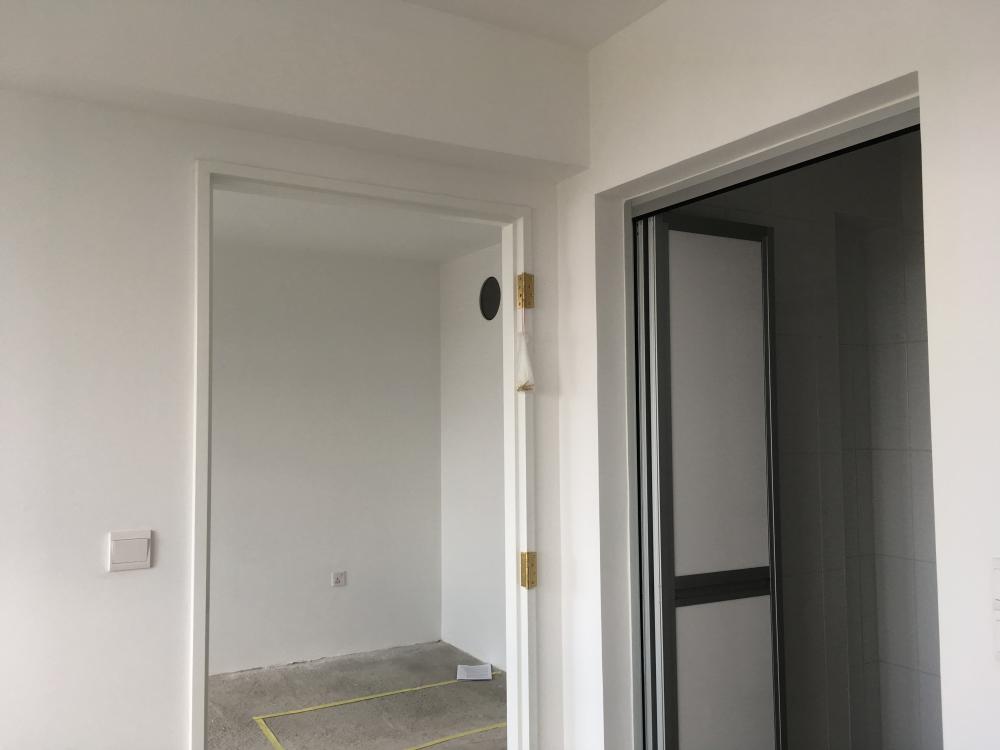
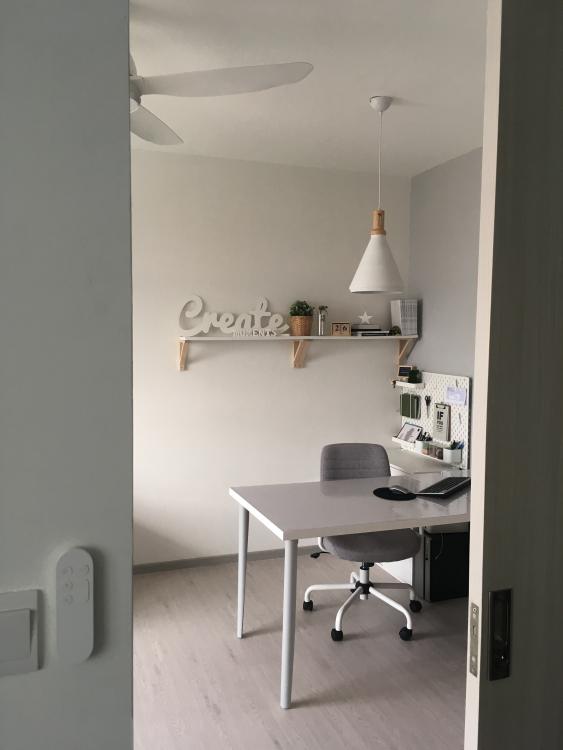
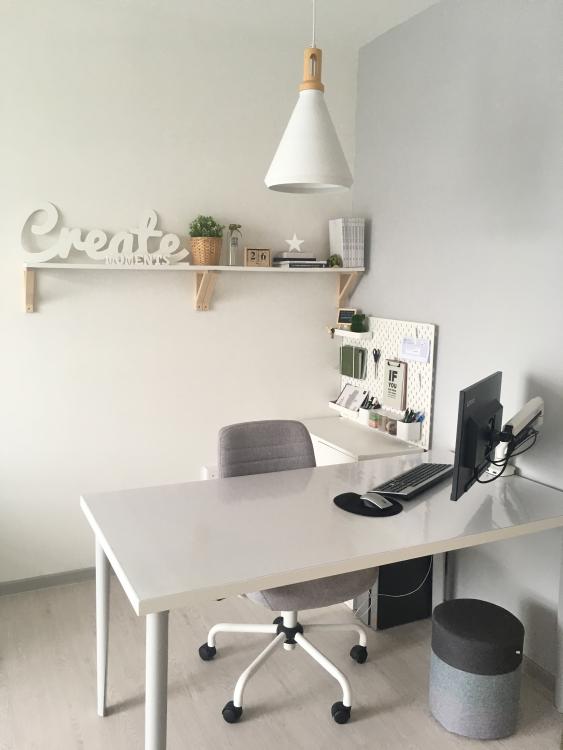
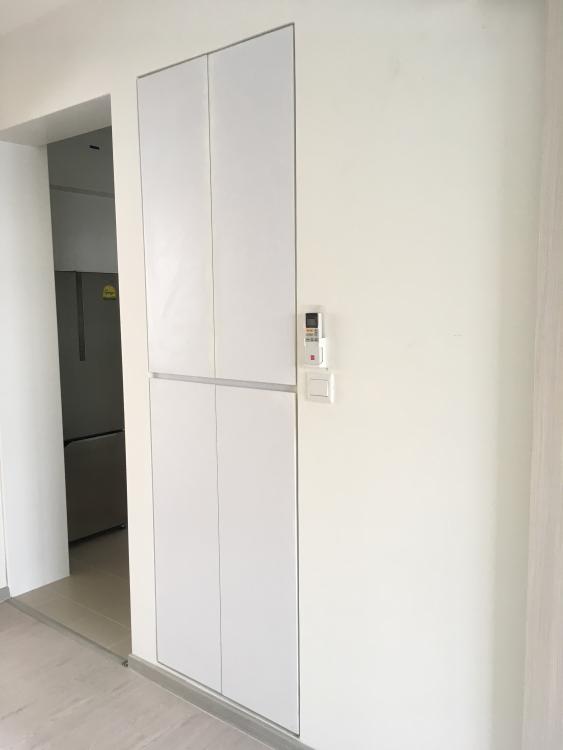
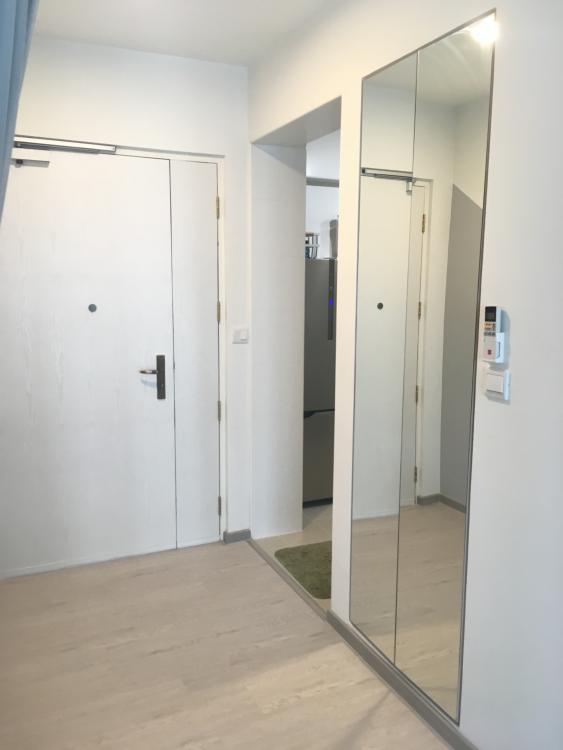
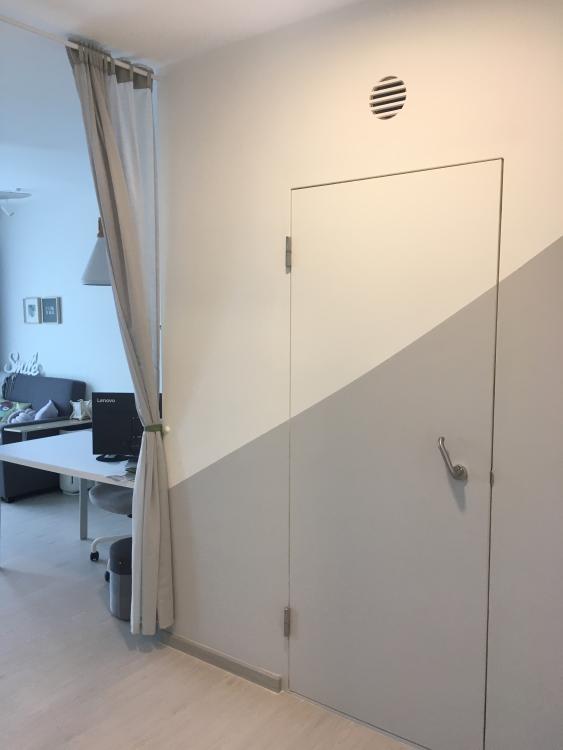
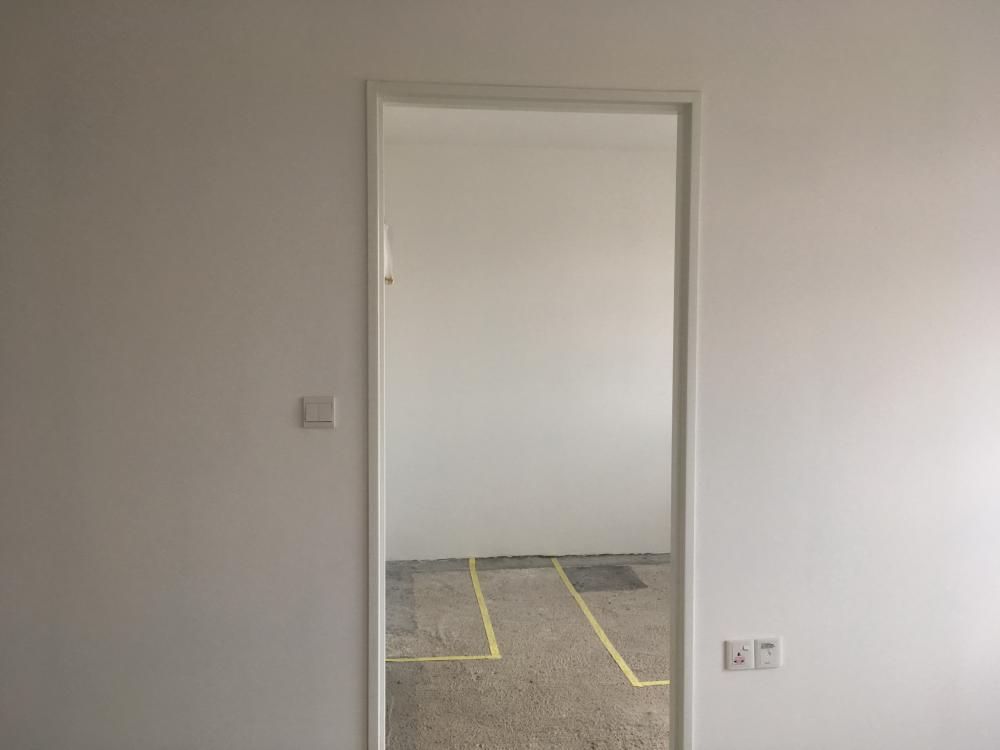
2 pointsAlright folks.. Here are my pictures of my simple house. The theme is more like Nordic Minimalist. Feel free to correct me if u think it is another theme instead =) Kitchen: Before Kitchen: After Mini Laundry Area Bedroom: Before Bedroom: After Living Room: Before Living Room: After Work-Dining Area: Before Work-Dining Area: After Foyer: Before Foyer: After
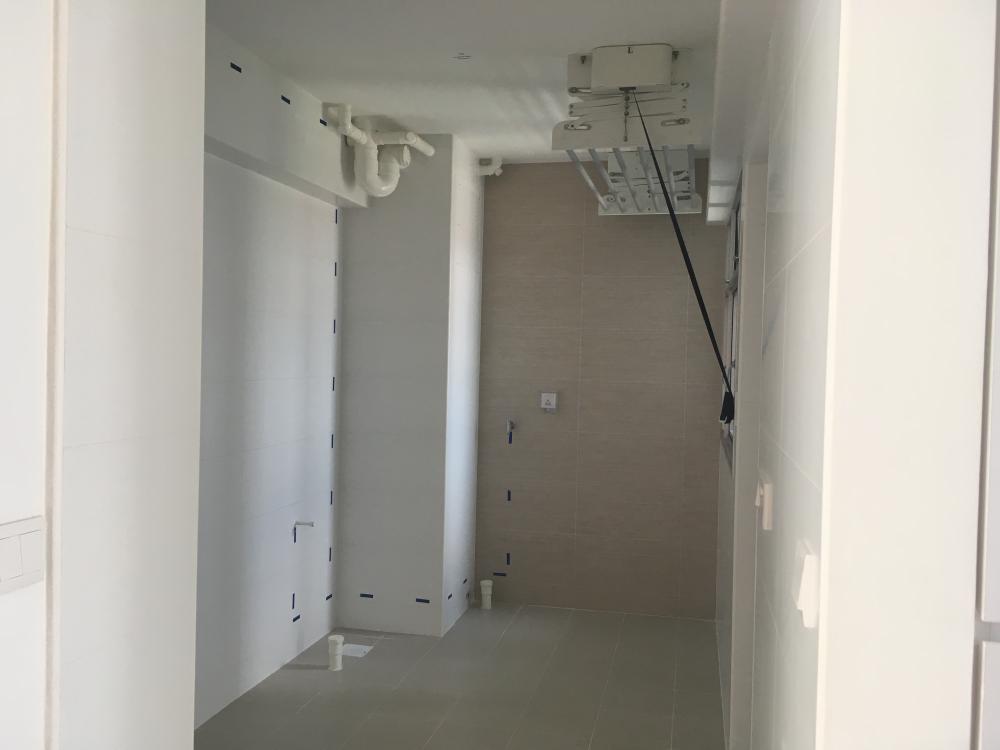
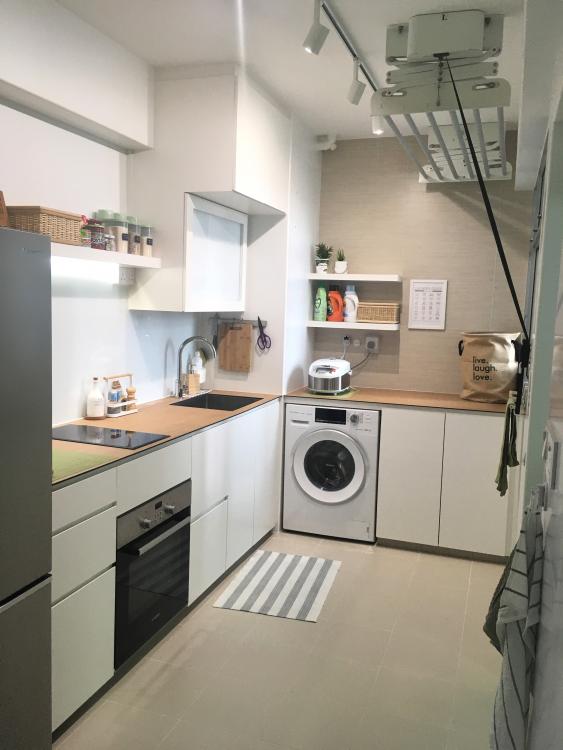
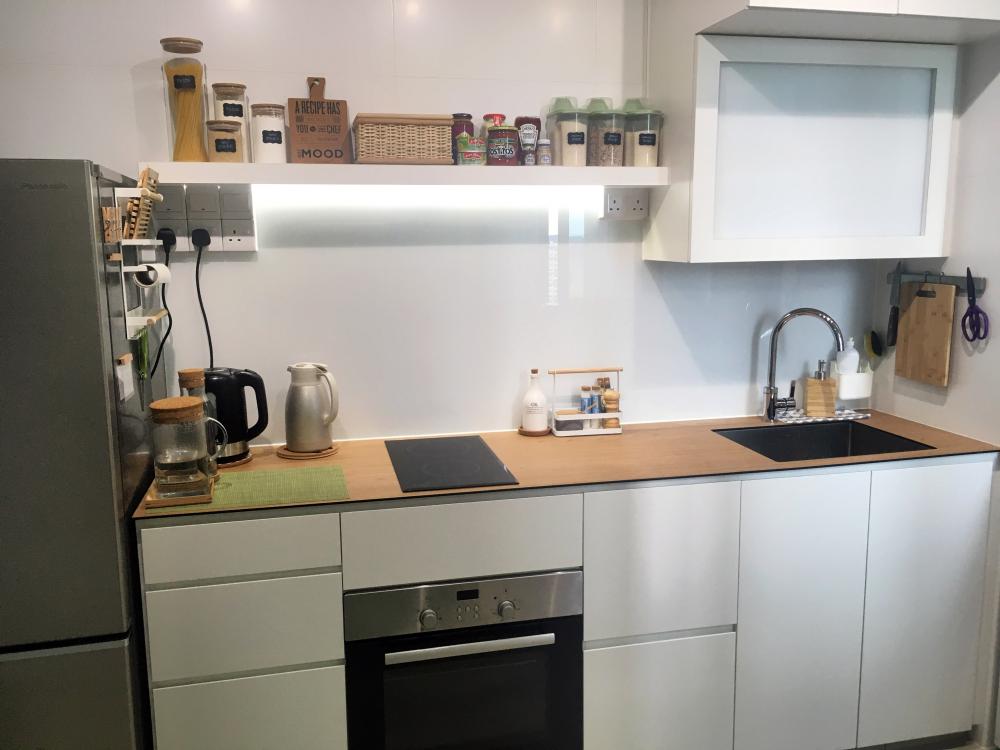
 2 points
-
1 pointreally stupid design from the HDB designer. who would want to have a dining area facing the toilet bowl... -_- if the door need to face living room dining area, at least change it to basin still not that bad. guess gonna close the bathroom door most of the time liao, which does not help on the ventilation.1 point
This leaderboard is set to Singapore/GMT+08:00