


Leaderboard
-
jem
Members2Points93Posts -
Tiler Seng
Verified Merchant1Points1702Posts -
Jos
Members1Points69Posts



Popular Content
Showing content with the highest reputation on 01/26/19 in all areas
-
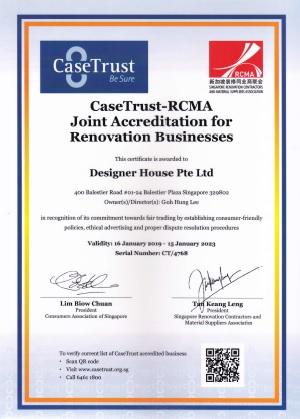
Today we have received 2 x certificate for our company: we have been receiving this from renotalk from 2017, you may view our done up photos and customer's Review there Very important year for us, we have finally received Casetrust certificate for Designer House Pte Ltd, once again, it proven our ability and standard, and of cause a trusted partner with our home owner We thank you for your support my dear friends, please choose us again for your next home project!

 1 point
-
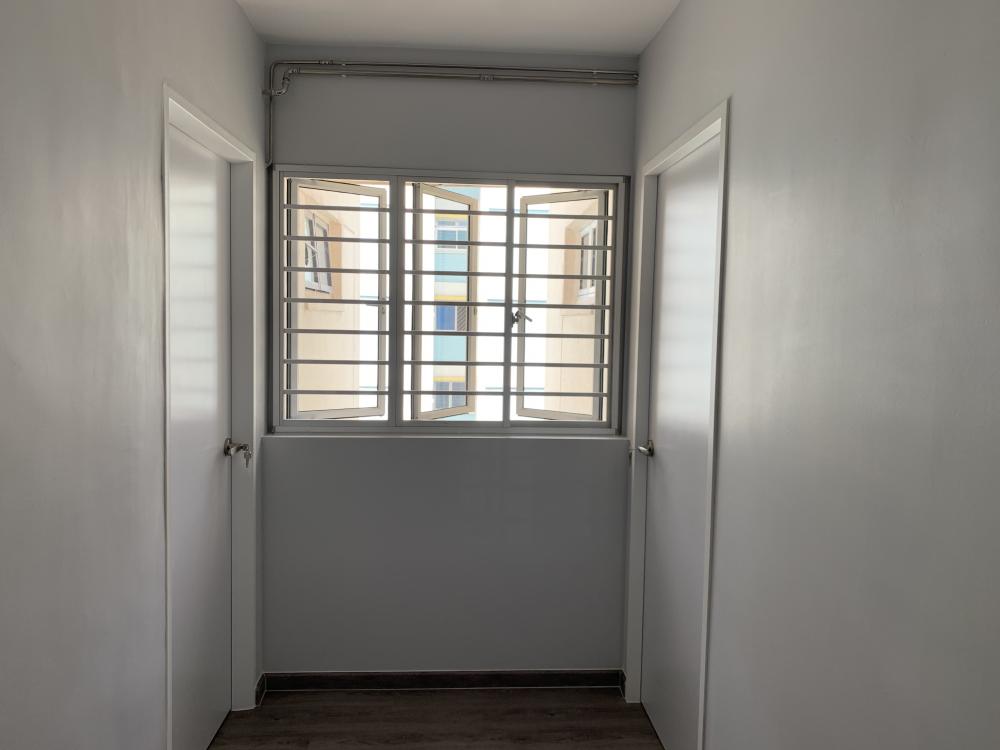
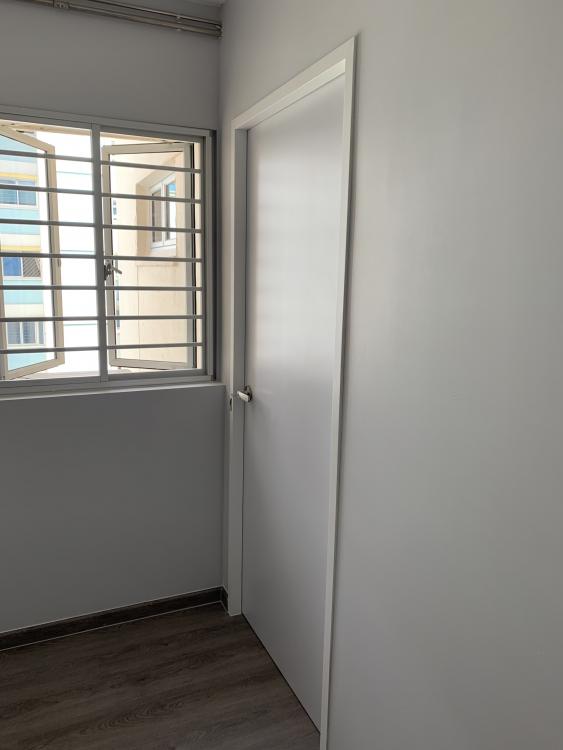
1 pointDid flim wrapping for the door frames! No need to change door frame! Super nice!
 1 point
-
1 point
-
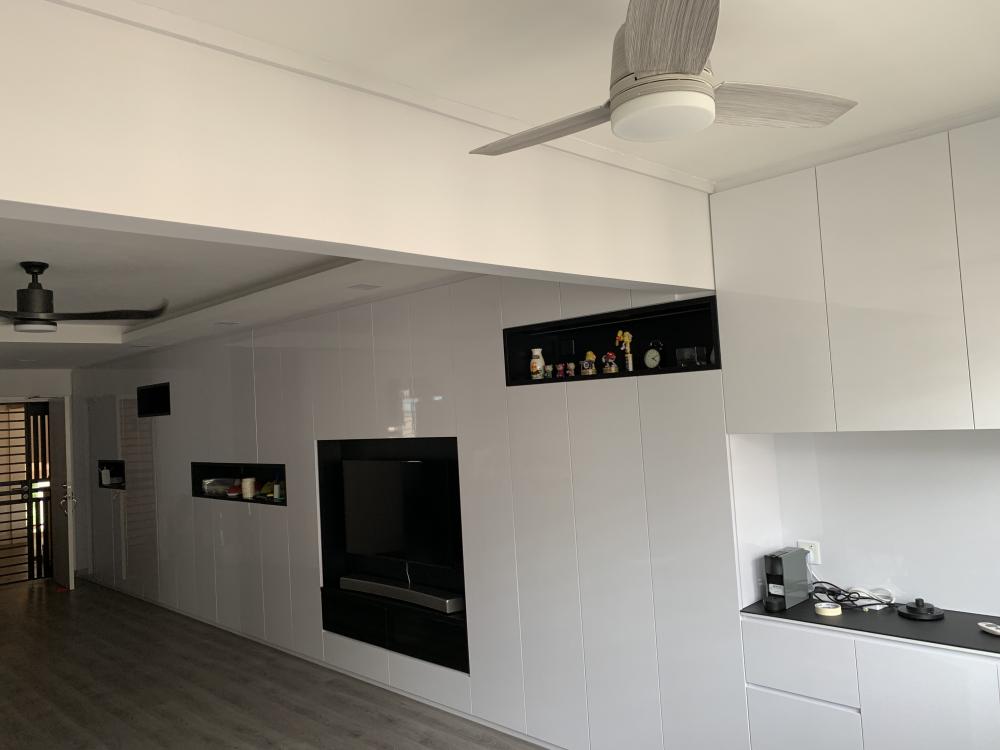
1 pointFinally we open up the house with the pineapple rolling, we got the contractor up to the house to take some measurement and discuss some of the design. awaiting for the revise quotation.1 point
This leaderboard is set to Singapore/GMT+08:00