


Leaderboard
-
russellnoah52
Members1Points16Posts -
Lydia18
Members1Points44Posts


Popular Content
Showing content with the highest reputation on 07/11/19 in all areas
-
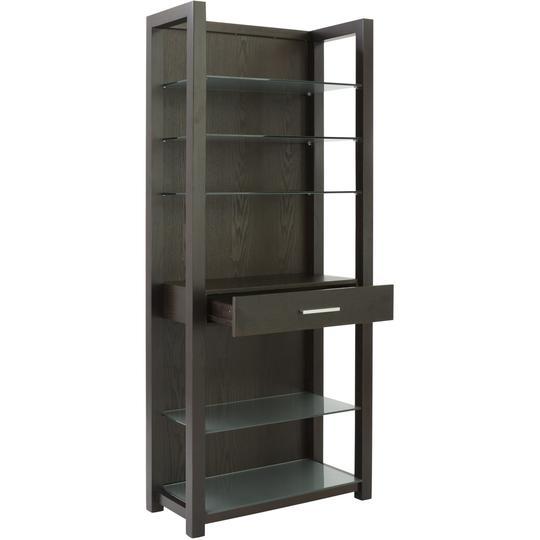
1 pointI always prefer hidden storage spaces such as revolving wall (backside of which is made for storage), hidden Drawers fixed inside the seating sofas. Here I have shared the storage cabinet which will store most of things in your kitchen. Likewise this there are so many more designs which you can implemented in your own way. So here is the site, if you wanna get any idea.
 1 point
-
1 pointA quick rundown of a checklist when you are renovating your kitchen. Hope this helps: https://www.stoneamperor.com.sg/the-definitive-kitchen-guide-2018/1 point
This leaderboard is set to Singapore/GMT+08:00