


Leaderboard

Popular Content
Showing content with the highest reputation on 03/27/20 in all areas
-
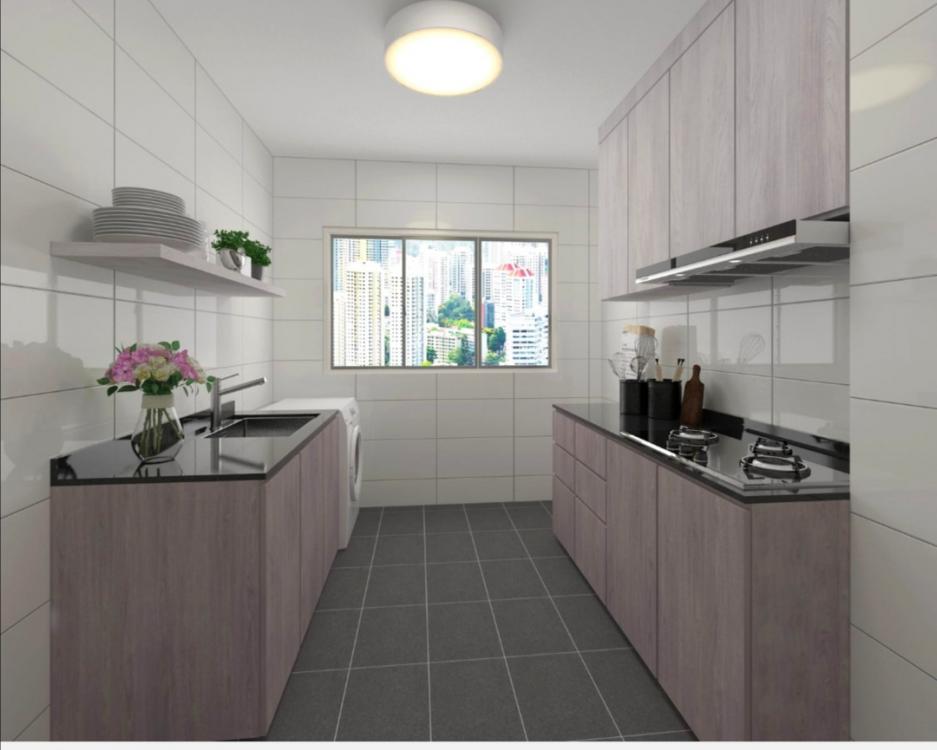
1 point3D drawing of my kitchen. Looks bigger than actual. Won't b seeing it take shape any time soon. Workers r stuck in Malaysia.
 1 point
-
it's not about better. it's about how much power you need for your house. for example, a 32A induction cooker would draw 7.36KVA of power (at max). so if the house has a single phase 100A 230V supply, the maximum available power is 23KVA which would mean there is only 15.64KVA available for other appliances like aircon, water heater, etc. But for a house with 3 phase 60A 400V supply, the appliances with heavy loading can be spread evenly across the 3 phases, eg: induction cooker is on brown phase, water heater on black phase, ducted aircon on grey phase. with a total available power of 41KVA, there's also slightly more room for installation of appliances which need higher current draw.1 point
This leaderboard is set to Singapore/GMT+08:00