



Jade Chan
Members
-
Joined
-
Last visited
Everything posted by Jade Chan
-
-
Jade Chan replied to jammo89's topic in Renovation Contractors, Interior Designers & Suppliers ReviewsHihi.. Can pm me the contractor's contact
-
Jade Chan replied to Strawberry1's topic in Renovation Contractors, Interior Designers & Suppliers Reviewshi, what is the name of this bad id?
-
Jade Chan replied to supreme90's topic in Renovation Contractors, Interior Designers & Suppliers ReviewsHi, How much total cost you do for this kitchen? can you share the id contact number openly. as you no need pm one by one.
-
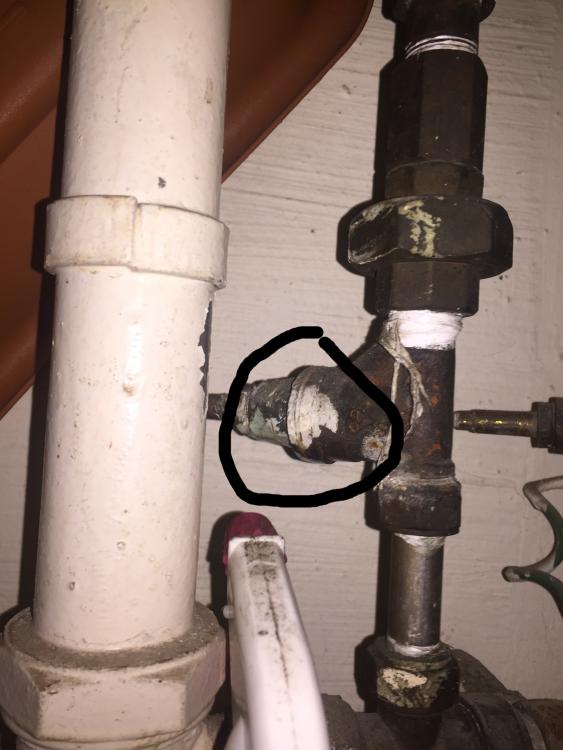
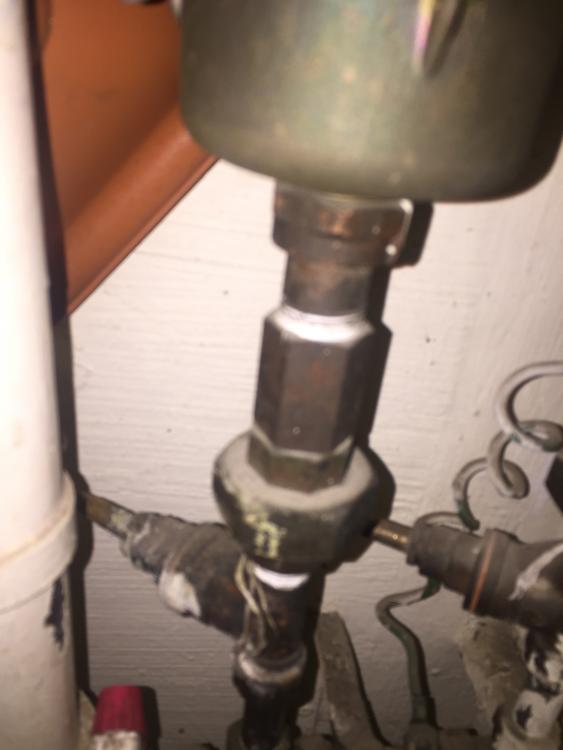
Hi to all, please refer the picture outside the meter my house the pipe leak below meter the one I circle. Who should I look for to fix water leak hdb or sg group or I my self need to find plumber to fix this?
-
how much all total?
-
Please give me the contractor contact no.tks,