


Leaderboard
-
trcd
Members1Points170Posts -
Ks Toh
Members1Points841Posts -
blackainmamba
Members1Points82Posts

Popular Content
Showing content with the highest reputation on 08/01/16 in all areas
-
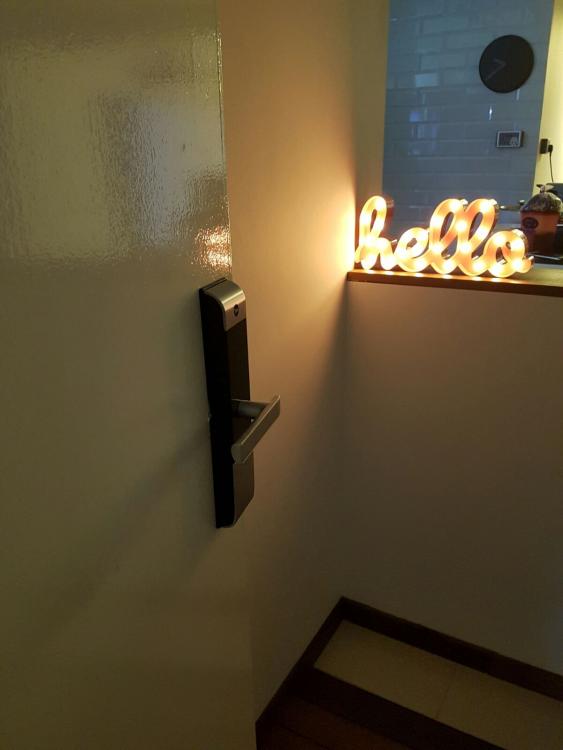
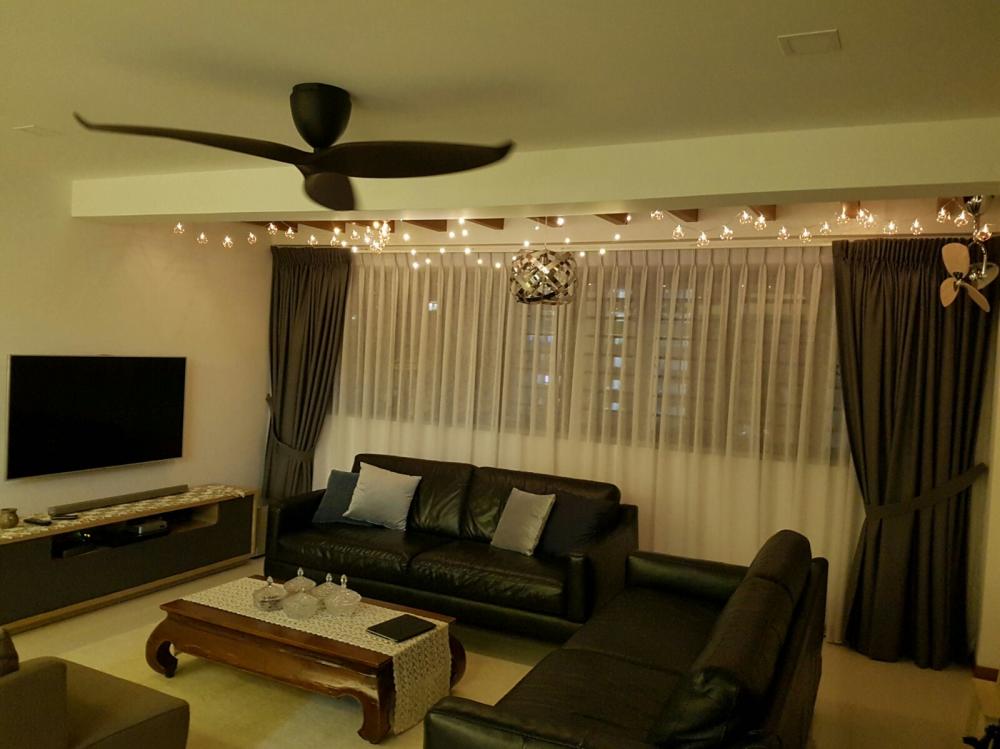
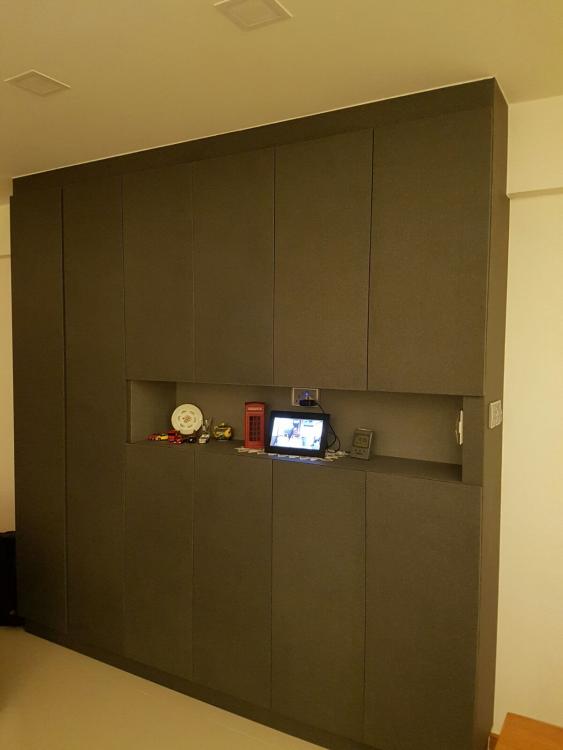
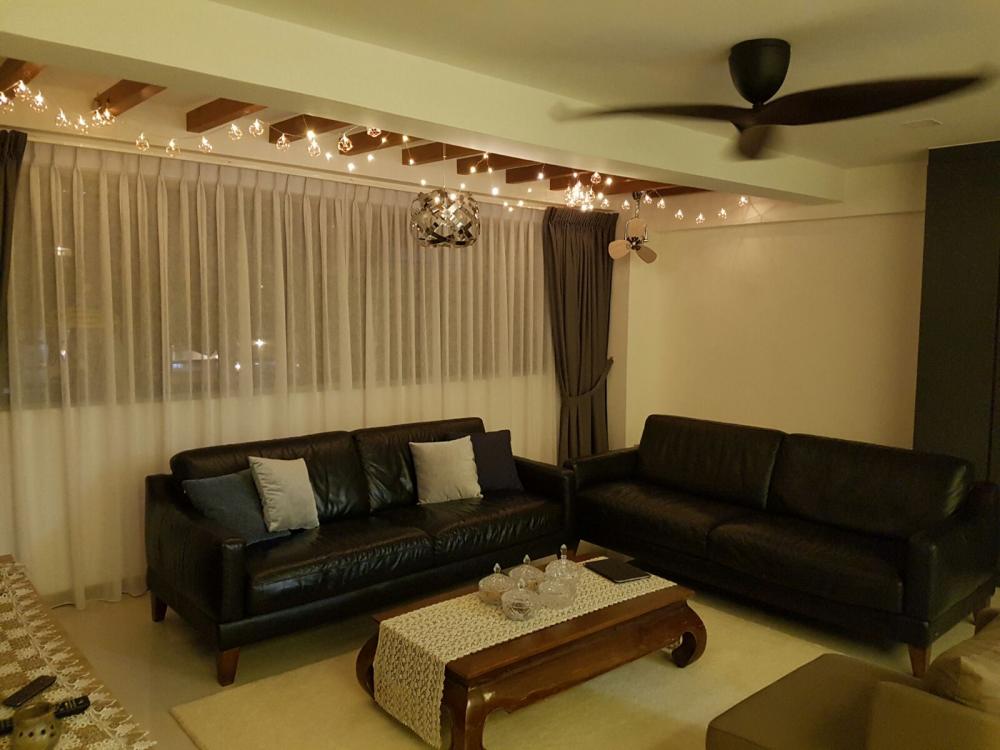
1 pointOkies this is super long overdue... here are my house pics after live-in... real life condition.. The entrance... love the hello.. Our living room view from the front door with the hari raya fairy lights hung on the beams.. from this pic you can see the two fans placement.. the small one and big one.. this is quite enough for whole of my livingroom to be cooled down when guests come over. Another view of living room from the dining room side... My shoe cabinet area.. And dining room... Will update kitchen and other rooms later...
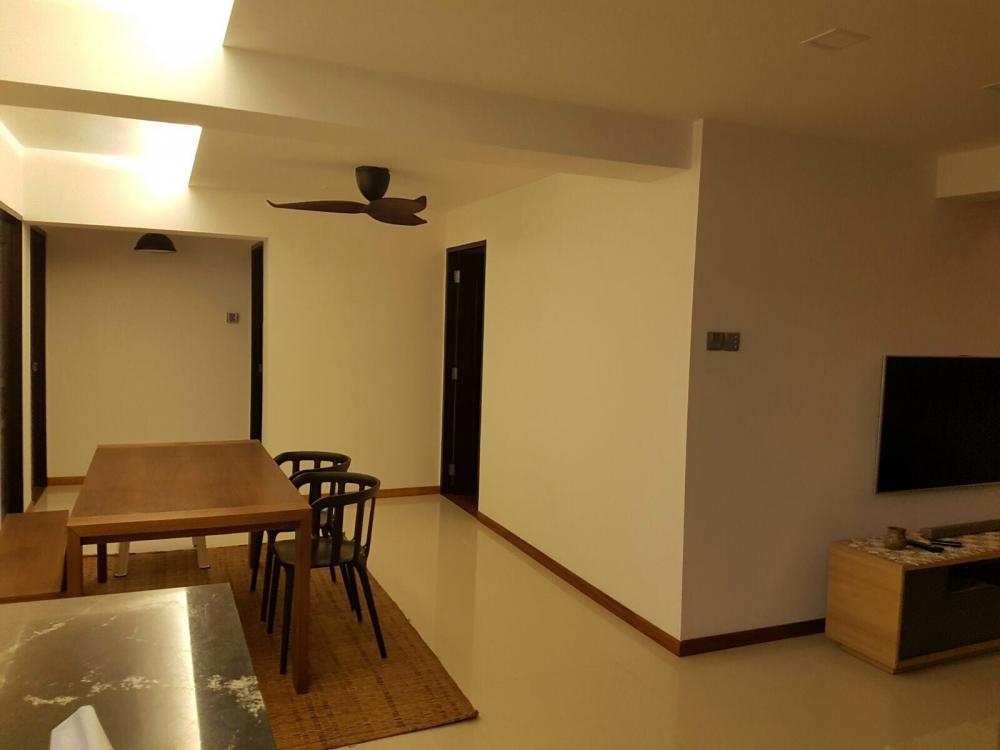 1 point
-
1 pointHow the air con trunking is run in the master bedroom. There will be some obstruction where the bed is, but mostly hidden from view! Kitchen, after all the frantic moments....
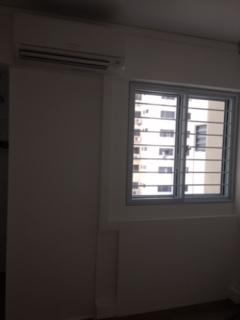
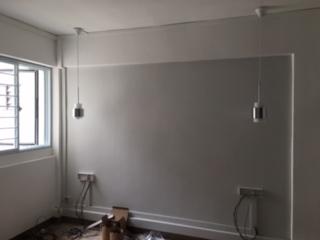
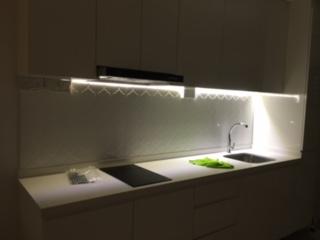 1 point
-
This kind of things I think nobody can prove true or not. It's up to the individual. If you don't believe, don't bother about it. If you believe, you should follow. Or if you are like me, which is basically no idea whether to believe or not, just follow what my contractor tells me. As long as you start renovations before the month (for 2016, it should be 3 to 31 August 2016), it should be fine. So, before 3rd August 2016, just take a hammer and whack away a few tiles, and you are good to go anytime after that.1 point
This leaderboard is set to Singapore/GMT+08:00