Skip to content
View in the app

A better way to browse. Learn more.

RenoTalk.com ™

A full-screen app on your home screen with push notifications, badges and more.

To install this app on iOS and iPadOS
  1. Tap the Share icon in Safari
  2. Scroll the menu and tap Add to Home Screen.
  3. Tap Add in the top-right corner.
To install this app on Android
  1. Tap the 3-dot menu (⋮) in the top-right corner of the browser.
  2. Tap Add to Home screen or Install app.
  3. Confirm by tapping Install.

Leaderboard

Popular Content

Showing content with the highest reputation on 05/15/18 in all areas

  1. 2 points
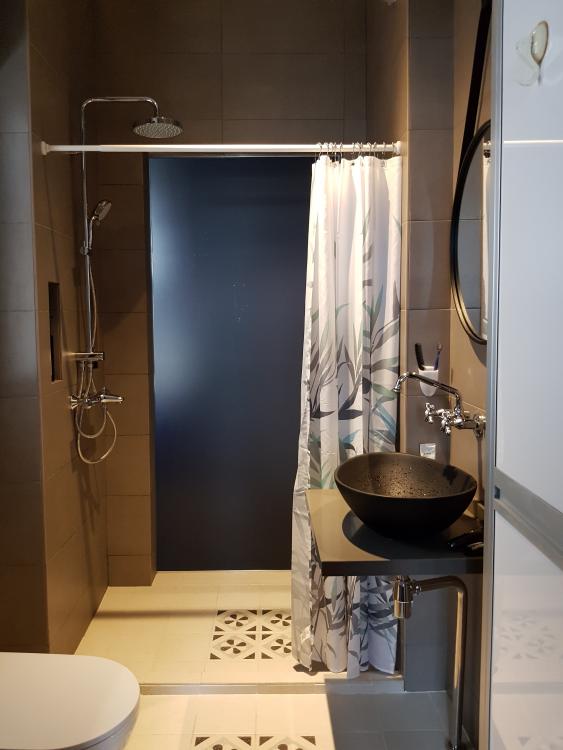
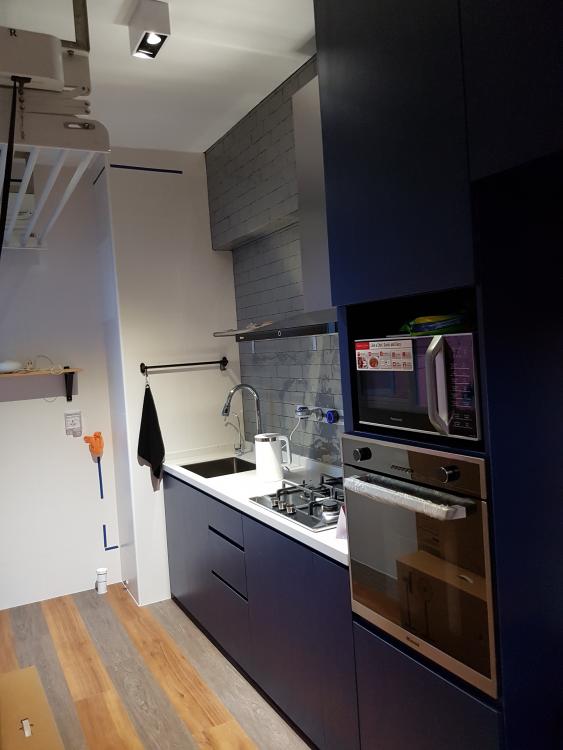
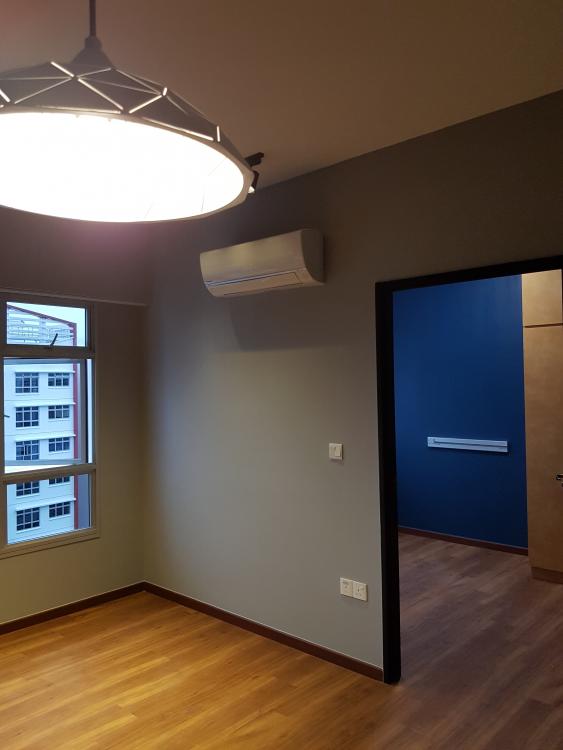
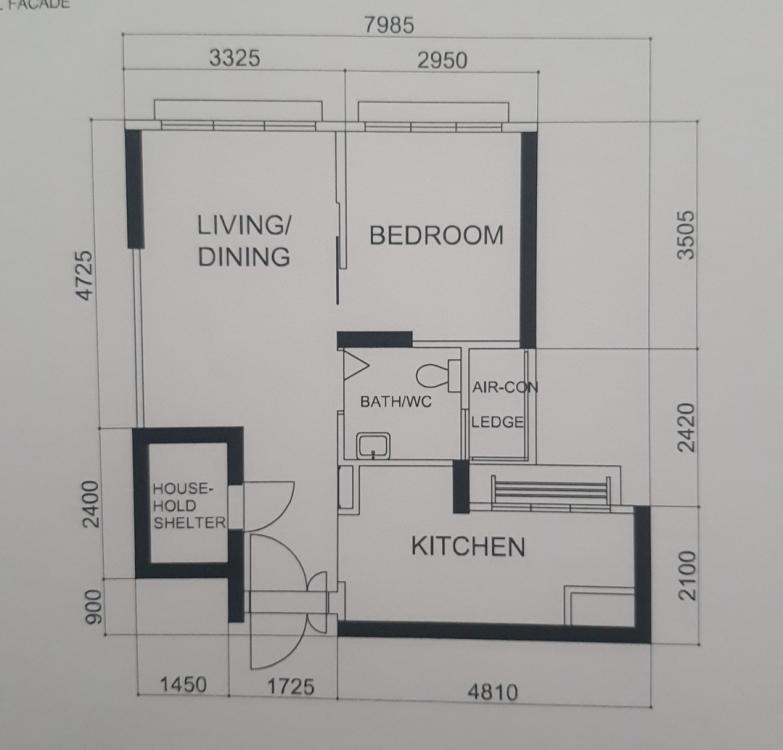
    Finally my reno was completed and I would like to share with you guys what I have done to my place. Simple furnishing in dark earthly tone. 1. Living and bed room without furniture yet. 2. Furniture starts coming in.. 3. Re-tiled bathrooom (can't stand the original HDB white tiles...) 4. Kitchen with subway tiles
  2. 1 point
    Nice! I presume there are 2 doors to the bathroom? What hv u done to the shower side wall? Is the tv height abit high if u r sitting at the sofa? How much is ur total reno cost? Eubig must have cost alot.
This leaderboard is set to Singapore/GMT+08:00
Account

Navigation

Search

Search

Configure browser push notifications

Chrome (Android)
  1. Tap the lock icon next to the address bar.
  2. Tap Permissions → Notifications.
  3. Adjust your preference.
Chrome (Desktop)
  1. Click the padlock icon in the address bar.
  2. Select Site settings.
  3. Find Notifications and adjust your preference.