Leaderboard
-
KFC1189
Members1Points209Posts -
mmoh
Members1Points755Posts -
Sunflowerling
Members1Points11Posts

Popular Content
Showing content with the highest reputation on 01/29/19 in all areas
-
All reviews and photos look fake. Not trustworthy at all. Buyer beware!1 point
-
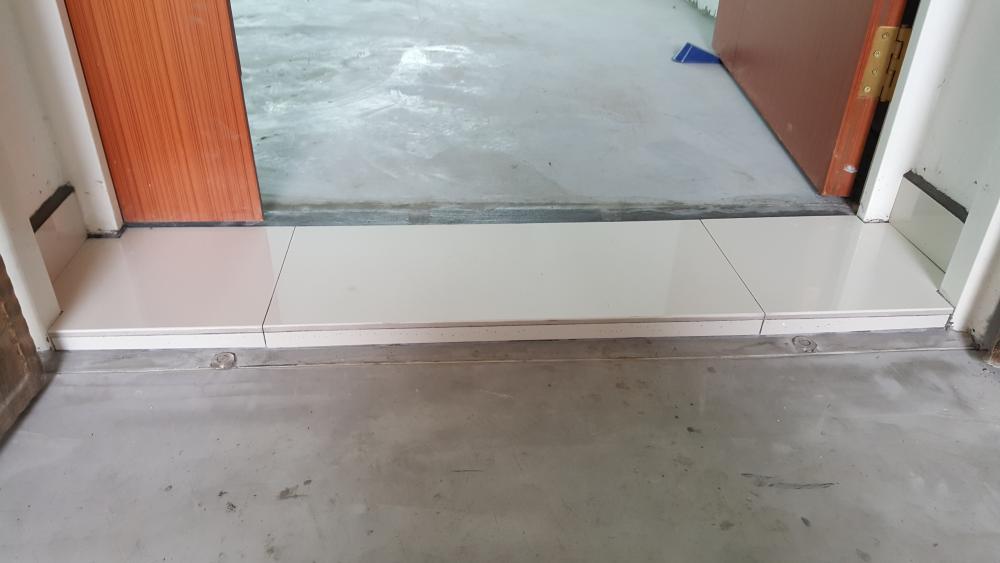
1 point1 pointStarting my renov after HDB HIP upgrade. Going to try going direct with all vendor. After months of research, homework, asking for recommendations etc, phew, almost all done. Found and shortlisted direct: - Hacker - Tiler - Tiles (importer, not Balestier retailers) - Painter - Electrical - Plumber (Hmm...) - Carpenter - Window, Doors & Main gate - Curtains More decisions pending: - Kitchen CounterTop, which company Quartz better - Sink (SS or Silgranite), Under or over mount - Kitchen cabinet 2 rows of bottom or 1 side up and bottom and 1 side dry cupboards - Kitchen whether need to have cupboard to hide PVC pipes or leave it raw... so many things to research and decide, almost like endless..... When will i see light......1 pointThis leaderboard is set to Singapore/GMT+08:00