


Leaderboard
-
JOYWALKER
Members1Points64Posts -
Xiaoyang
Members1Points25Posts -
Cranberries
Members1Points50Posts



Popular Content
Showing content with the highest reputation on 08/28/20 in all areas
-
1 point
-
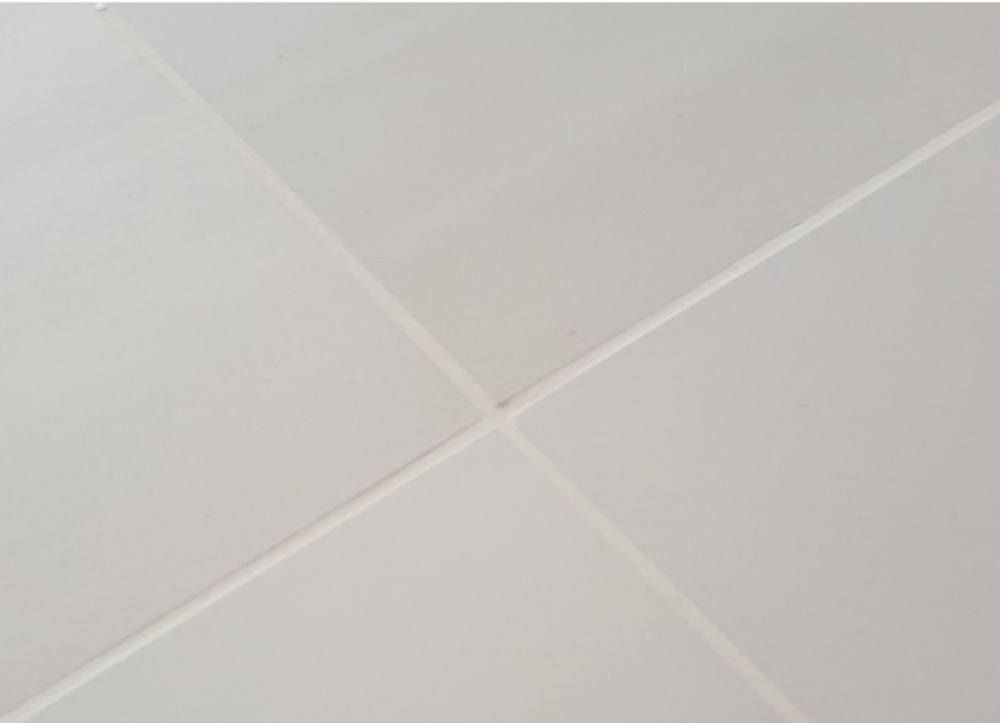
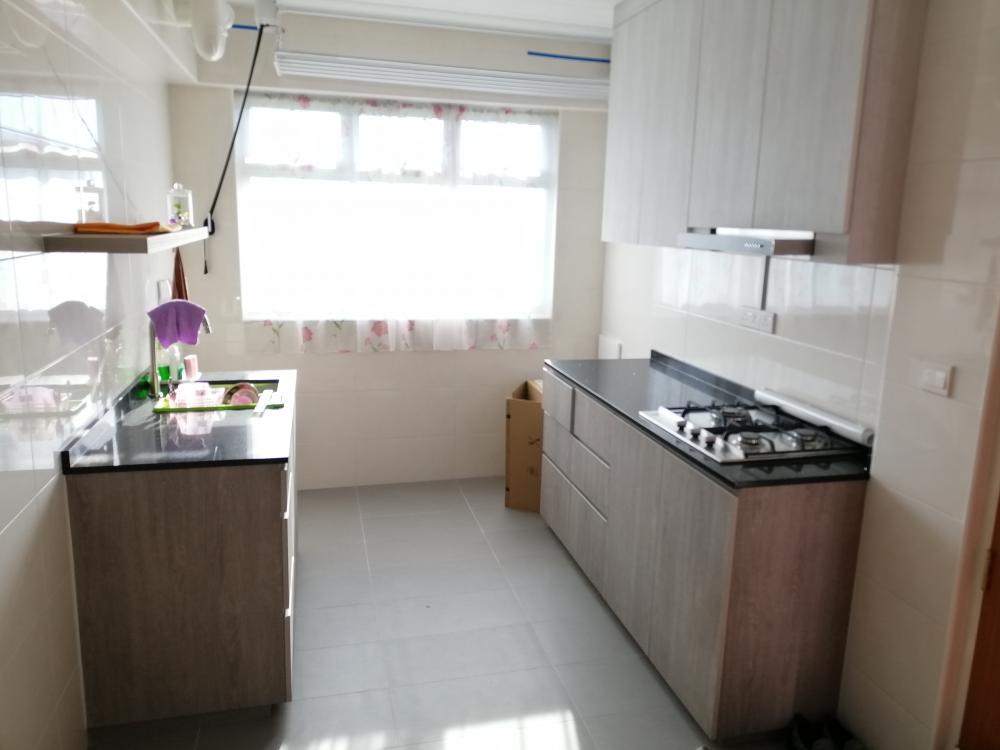
1 pointHello, everyone! ? Recently, I got my floor grout lines shielded. Yes, I have chosen floor tiles vs the now popular vinyl flooring. I prefer tiles but the main headache is that the grout lines will turn dirty in time and that is very unsightly. The first pic is the condition of my parents' floor tiles. Second pic is my newly grout shielded floor. Many years back, I bought detergent for cleaning grout and spent a whole afternoon cleaning my parents' living room. Cannot finish the room and it was real HARD work. Almost broke my back??. Result was splendid but it got dirty within a year and so effort wasted! I am not going to personally grout clean again, not for my own unit either. Frankly speaking, I got no friends or relatives who has done grout shielding. Don't know how effective. But something very certain if I do not shield the grout lines it will definitely turn like the first pic very soon. So I decided to go ahead with the shielding. Suppose to last 5 to 10 years or beyond if you take care not to clean and scrub your floor with harsh and acidic detergent.

 1 point
-
1 point

This leaderboard is set to Singapore/GMT+08:00