


Leaderboard
-
osiris7777
Members1Points96Posts -
bykaraanne
Members1Points1145Posts -
Prideguy
Members1Points65Posts -
lifeissimple
Members1Points111Posts


Popular Content
Showing content with the highest reputation on 01/23/17 in all areas
-
night curtain as in 100% blocking out light. mostly dark colours. u know in hotel they normally have 2 layers, 1 thick one and the other thin (mostly white). thick is the night curtain while thin one is the day curtain.1 point
-
1 point
-
1 point
-
1 point@ Raylowwl & Kingandbin This is how the internal DB box/area look like.
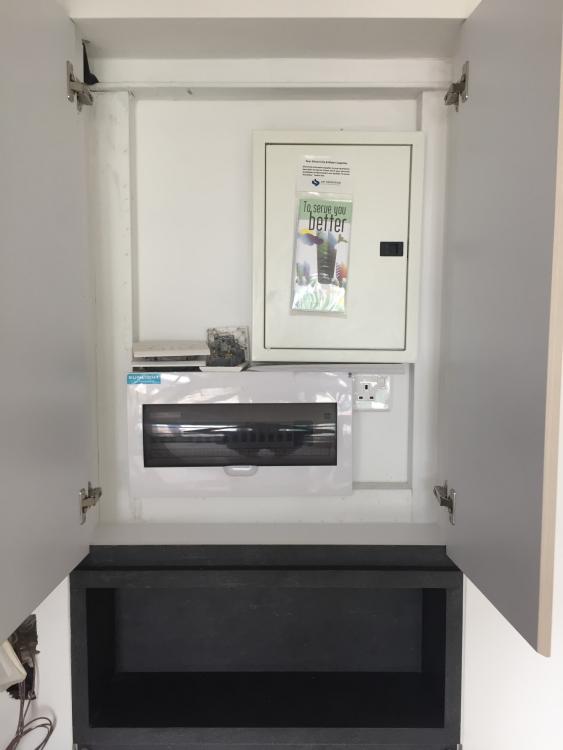
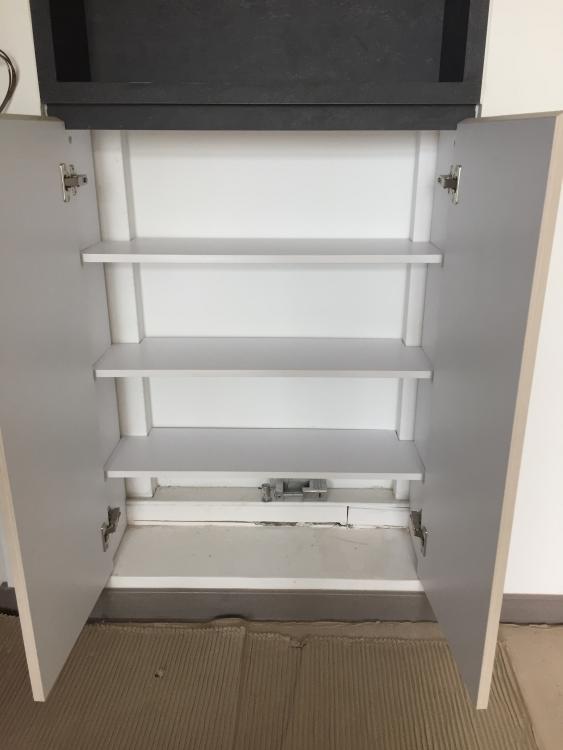
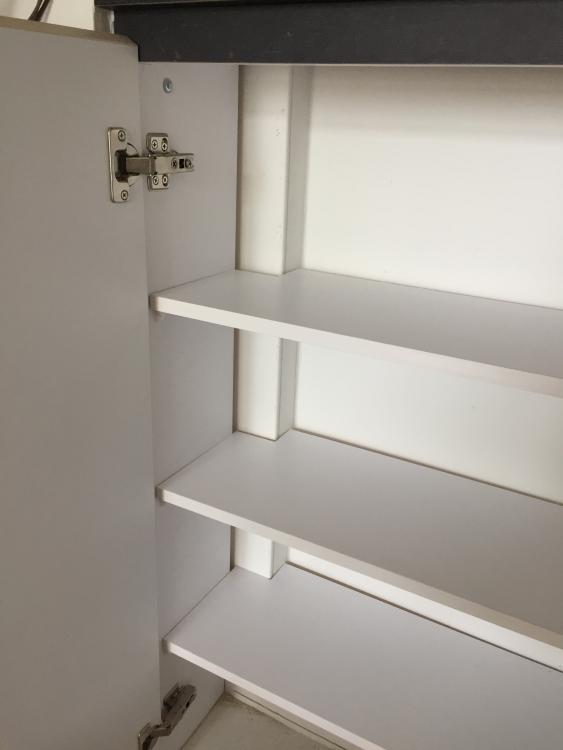
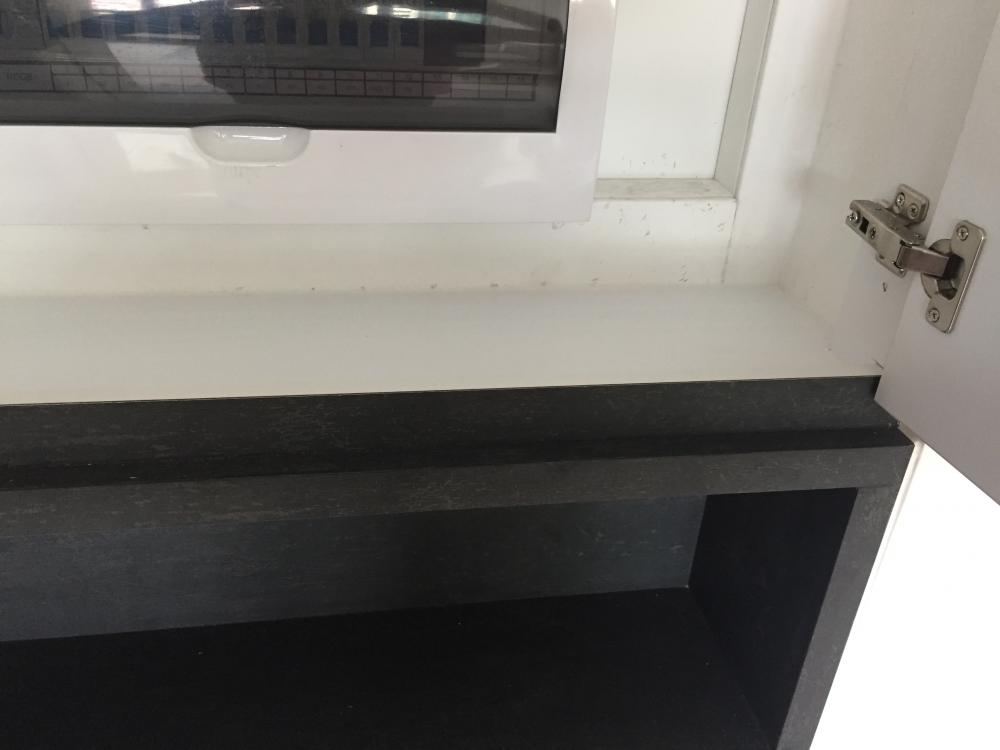 1 point
-
1 pointART: Art is a BIG part of our home! I love abstract paintings and also the regal paintings you see everywhere in London, but sometimes get spooked by them. Heh! See, my Modern Classic taste comes through in art too. My first "bigger" purchase (it really isn't that expensive, but to people who don't enjoy decorating their home with art it might be) was an Iris Grace Painting. If you don't know, she is a SIX year old autistic phenomenal painter. I am already eyeing two more of her paintings -- I might not have enough walls to mount them all. Besides, I need a mixture of artwork. But I really love a lot of her paintings. It came in the mail today. I took a quick shot of it, but it's gorgeous in real life. I can't even. Ahhhhhhh I'm beginning to see a bit of light at the end of the reno tunnel!1 point
This leaderboard is set to Singapore/GMT+08:00